
Ad Manager: Customer List Custom Audience
👀 What’s New?
We’ve introduced the option to create custom audiences by uploading a list of customers for precise targeting of existing customers using ad campaigns.
👷 How It Works:
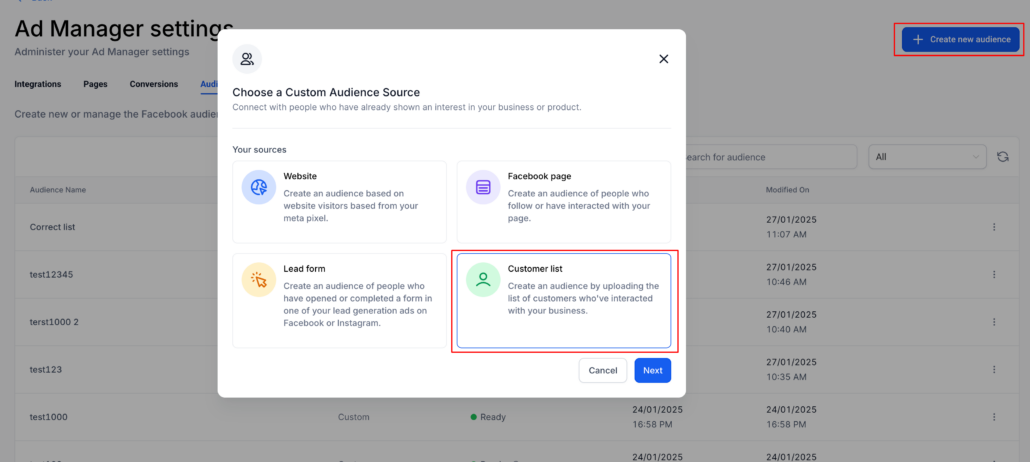
Customer list custom audience can be created from Ad Manager Settings > Audiences tab and during the campaign creation process too. Steps to do so remain the same for both except the initiation screen and are enlisted as follows:
- From the Ad Manager Settings > Audiences tab
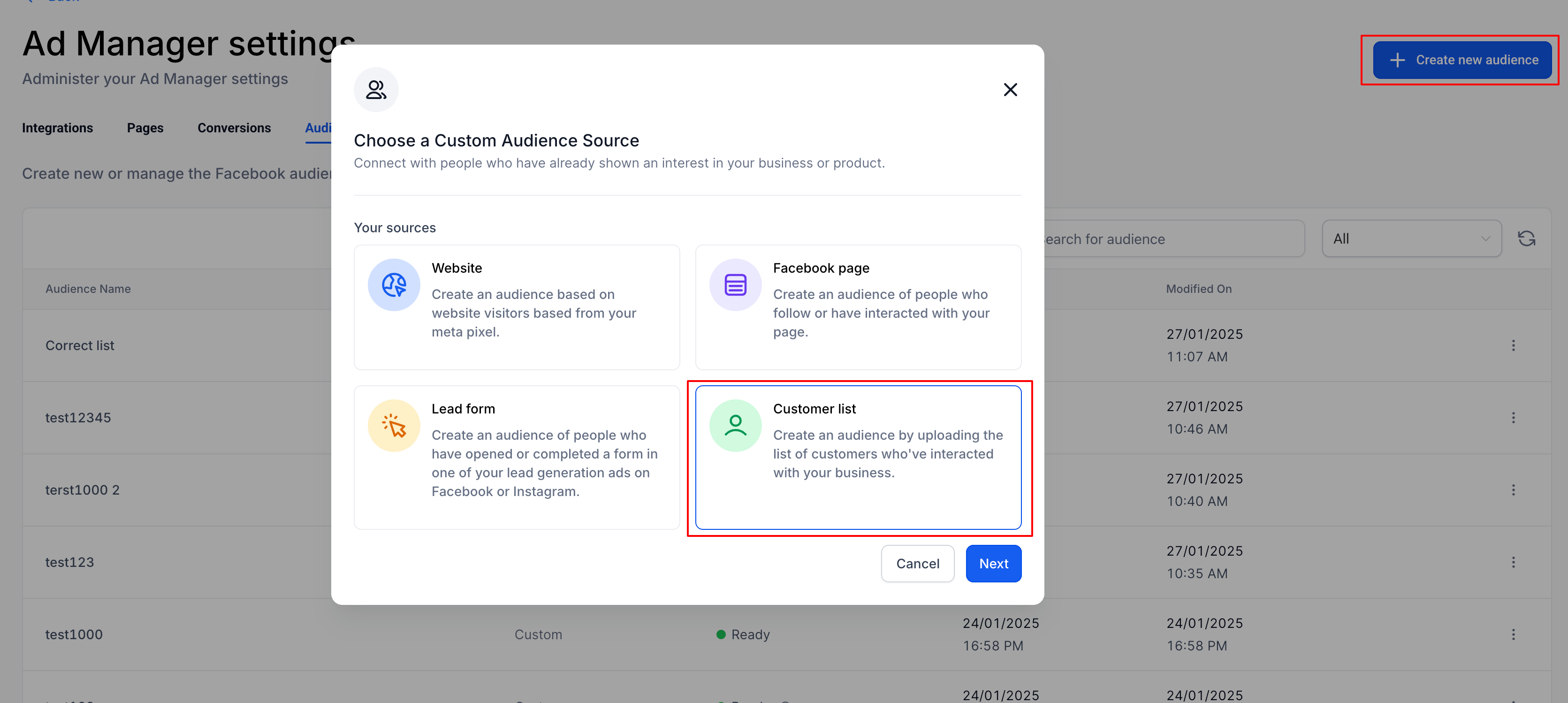
- Click on ‘Create new audience’ button and select Custom Audience
- Select the Customer list option as the source for custom audience
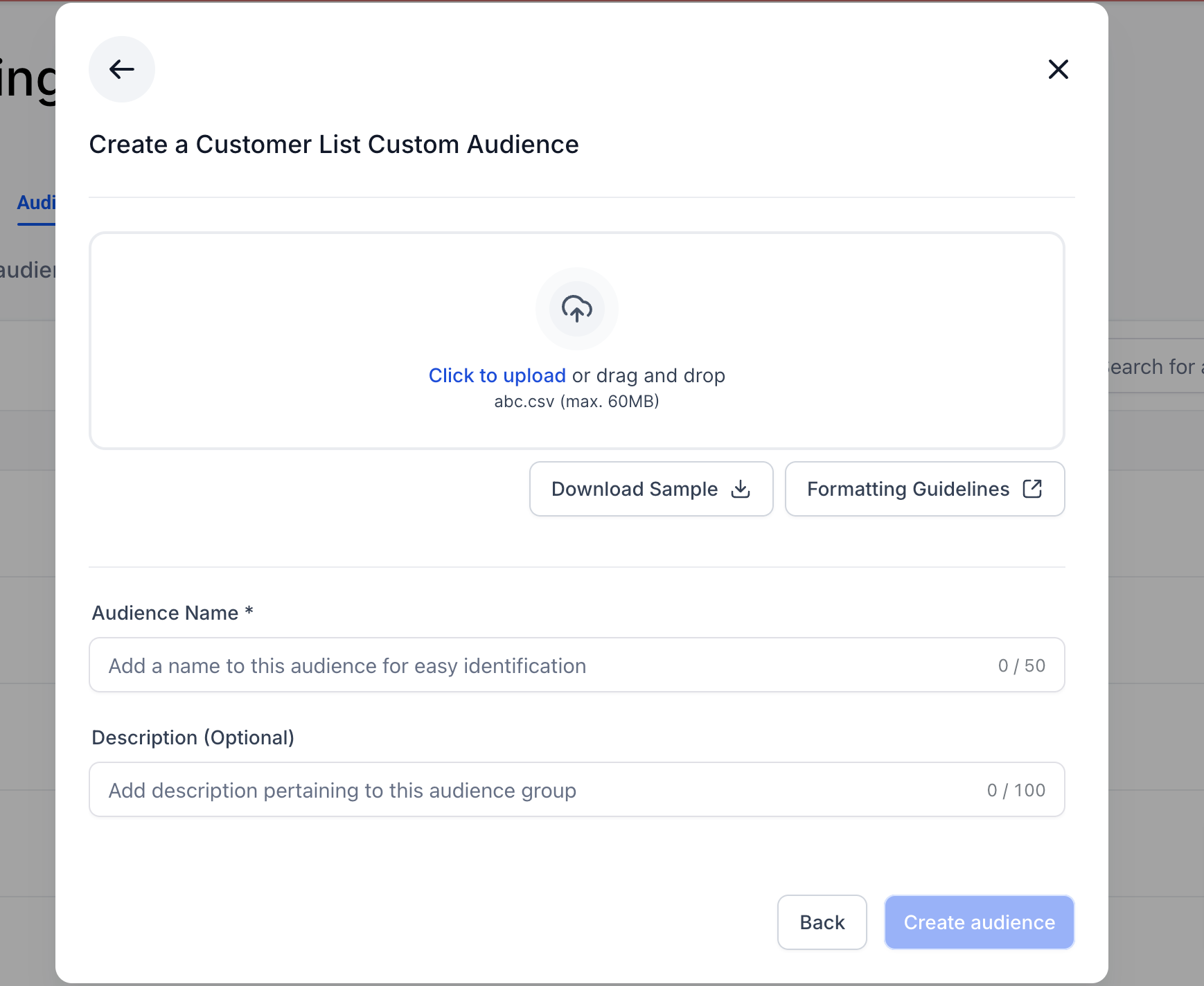
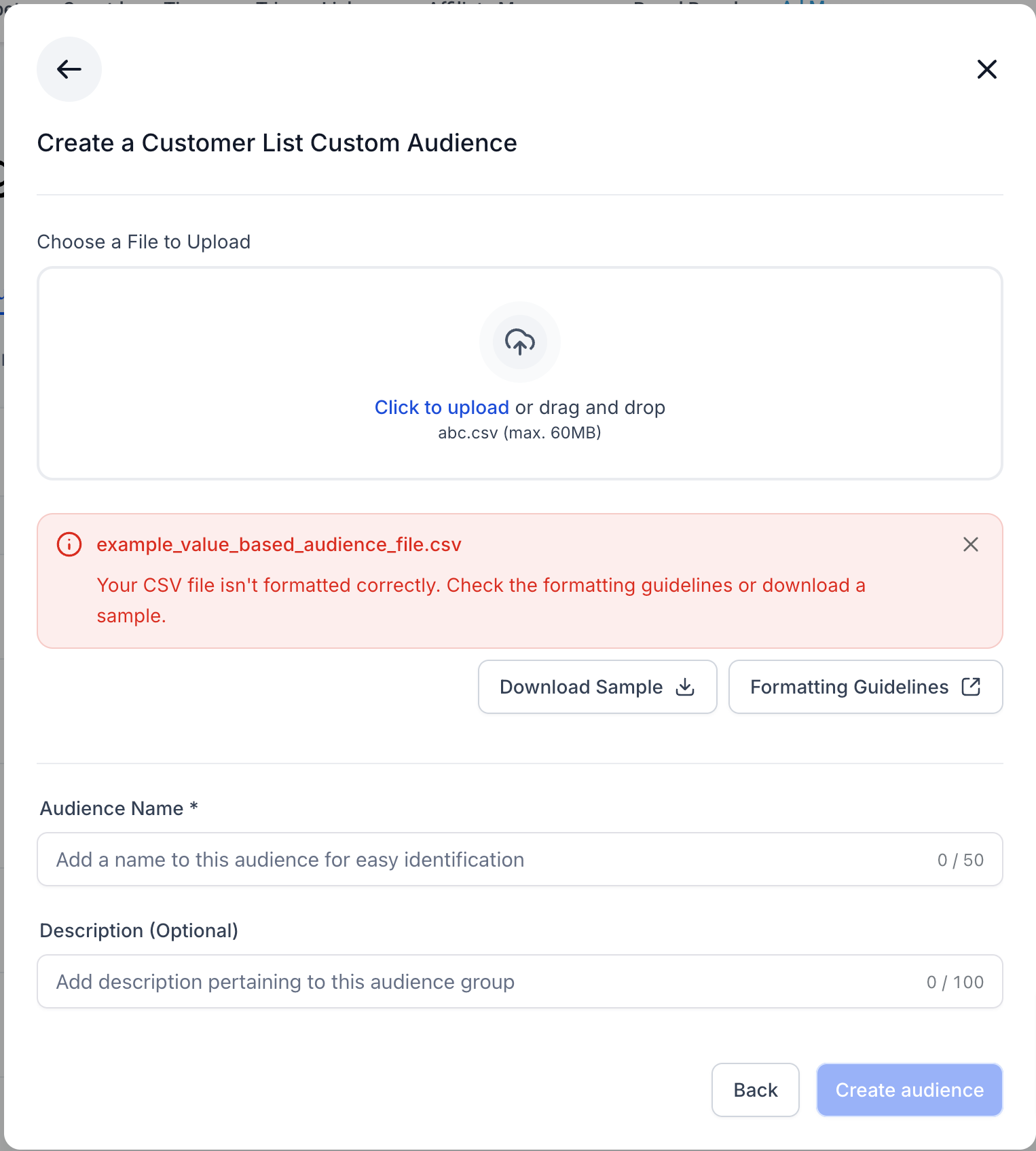
- User can upload the list of customers in the .csv format by adhering to the formatting guidelines and/or using the sample file as reference.
- Enter the Audience name for easy identification and hit ‘Create audience’.
- From the campaign creation flow
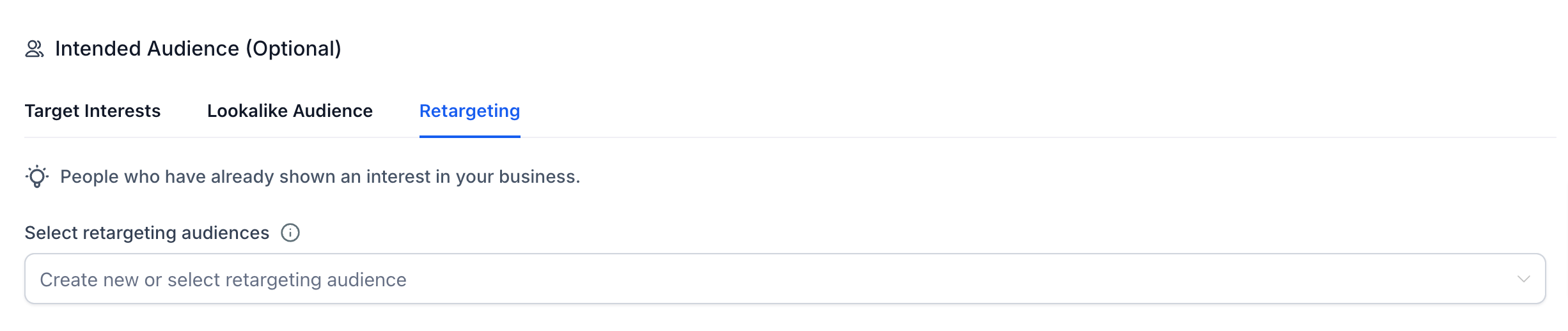
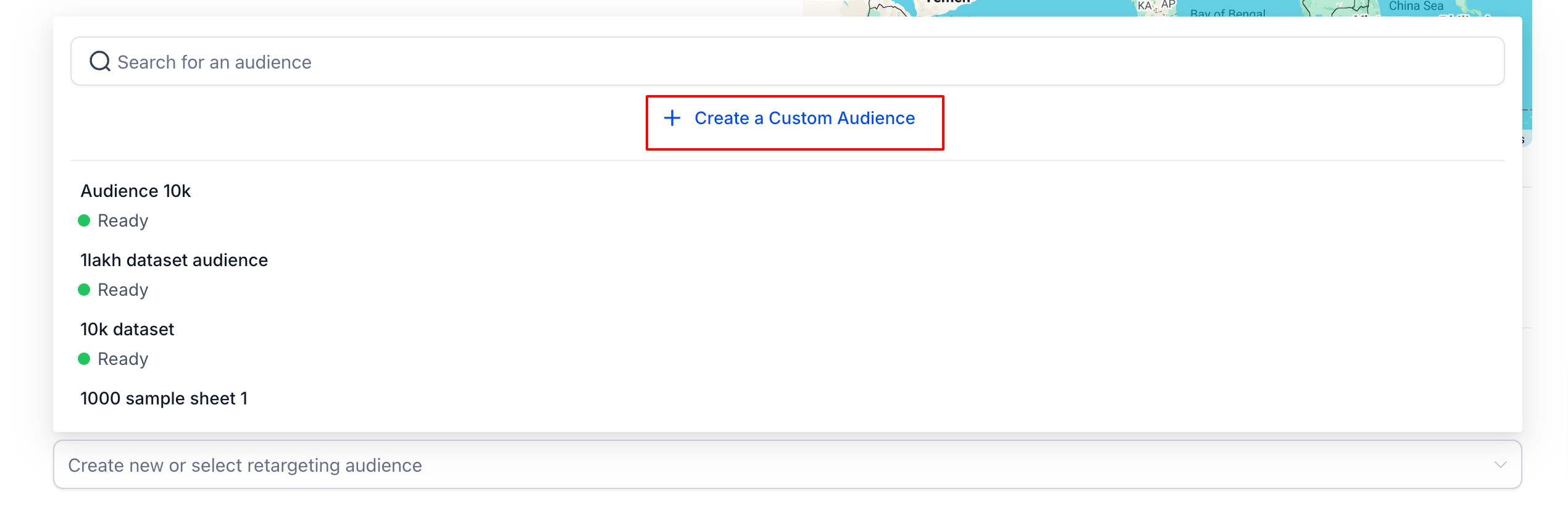
- Under the ‘Intended Audience’ section of creating a campaign, select Retargeting
- User gets an option to create a custom audience, click on it
- Select the Customer list option as the source for custom audience
- User can upload the list of customers in the .csv format by adhering to the formatting guidelines and/or using the sample file as reference.
- Enter the Audience name for easy identification and hit ‘Create audience’.
⏩ What’s Next!
Along with the option to upload a csv customer list file, we will give the user the option to use the Smart List feature of contacts to further ease the customer list custom audience process.
📝Notes:
If the format of the uploaded file isn’t correct or not in accordance with the guidelines, the file upload will fail with an error message.
Before an audience gets created, the user needs to accept the customer list custom audience TOS from Meta. A toast message specifying the same will be shown to those users who haven’t accepted the terms on click of ‘Create Audience’.