Account Dashboards & Reporting: Instant Dashboard Insights
Add powerful analytics right from where the action happens!
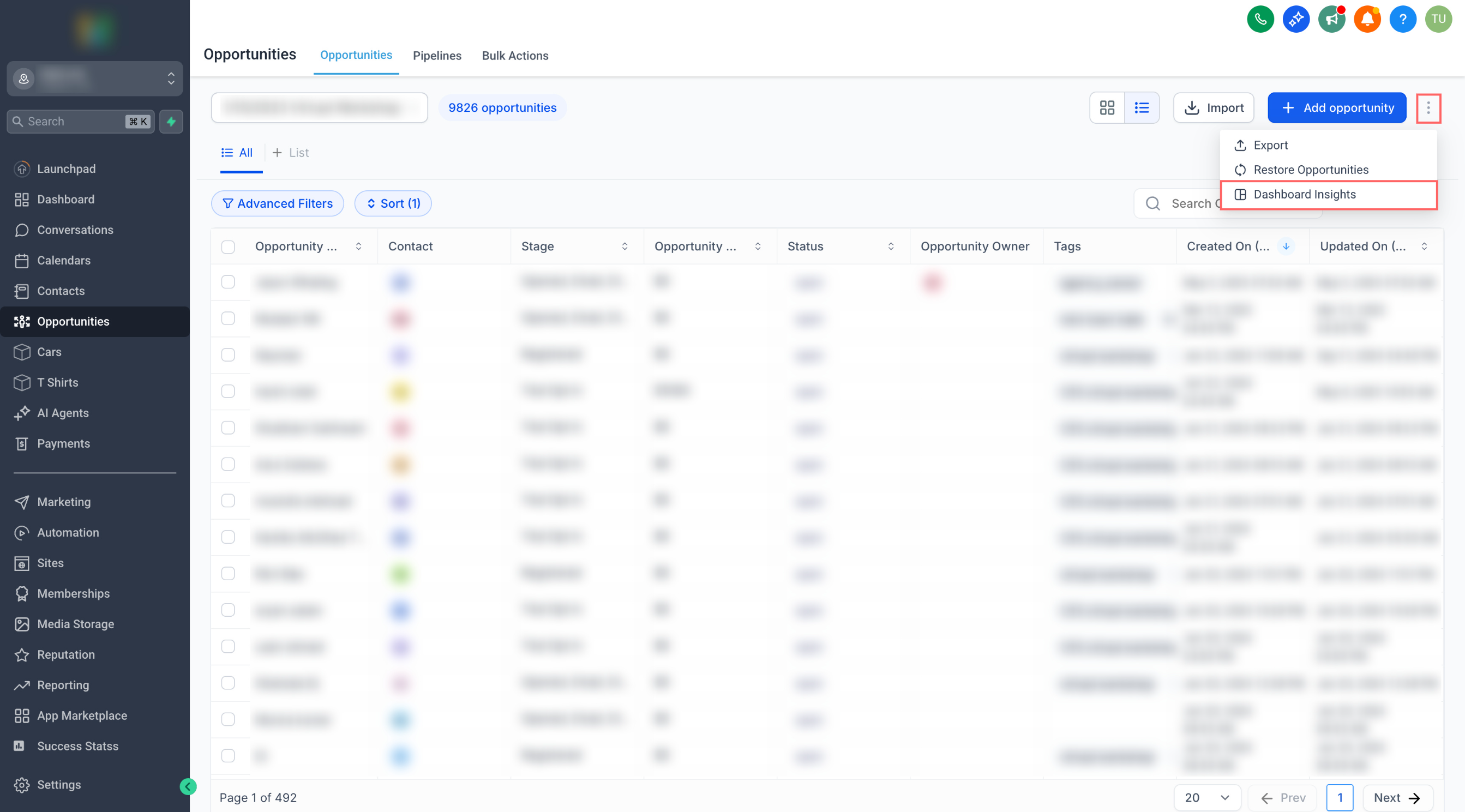
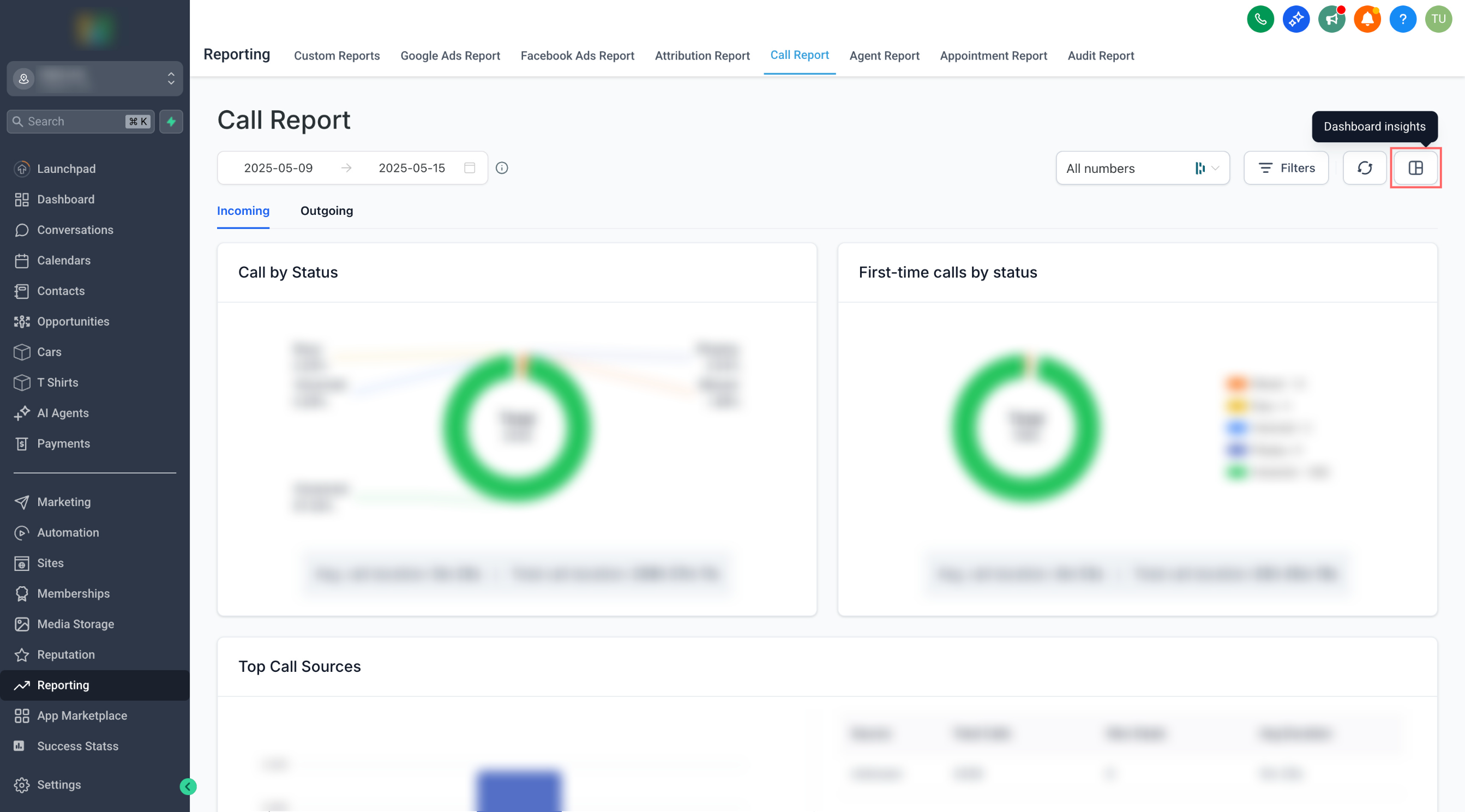
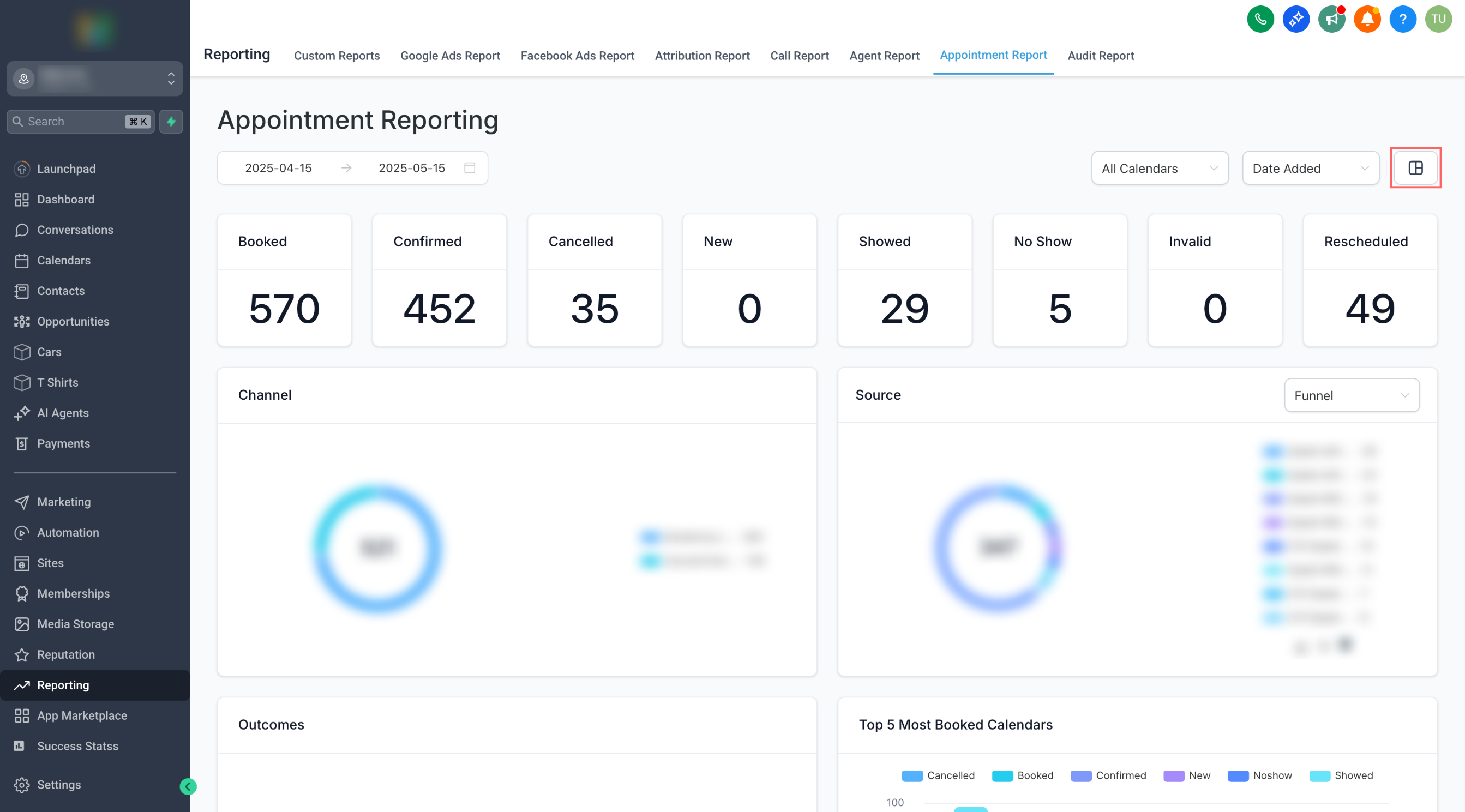
You can now add relevant dashboard widgets directly from key pages like
Opportunities
,
Appointment Reports
, and
Call Reports
— no need to leave the page!
While viewing any of the supported pages:
- Click the
Dashboard Insights
icon.
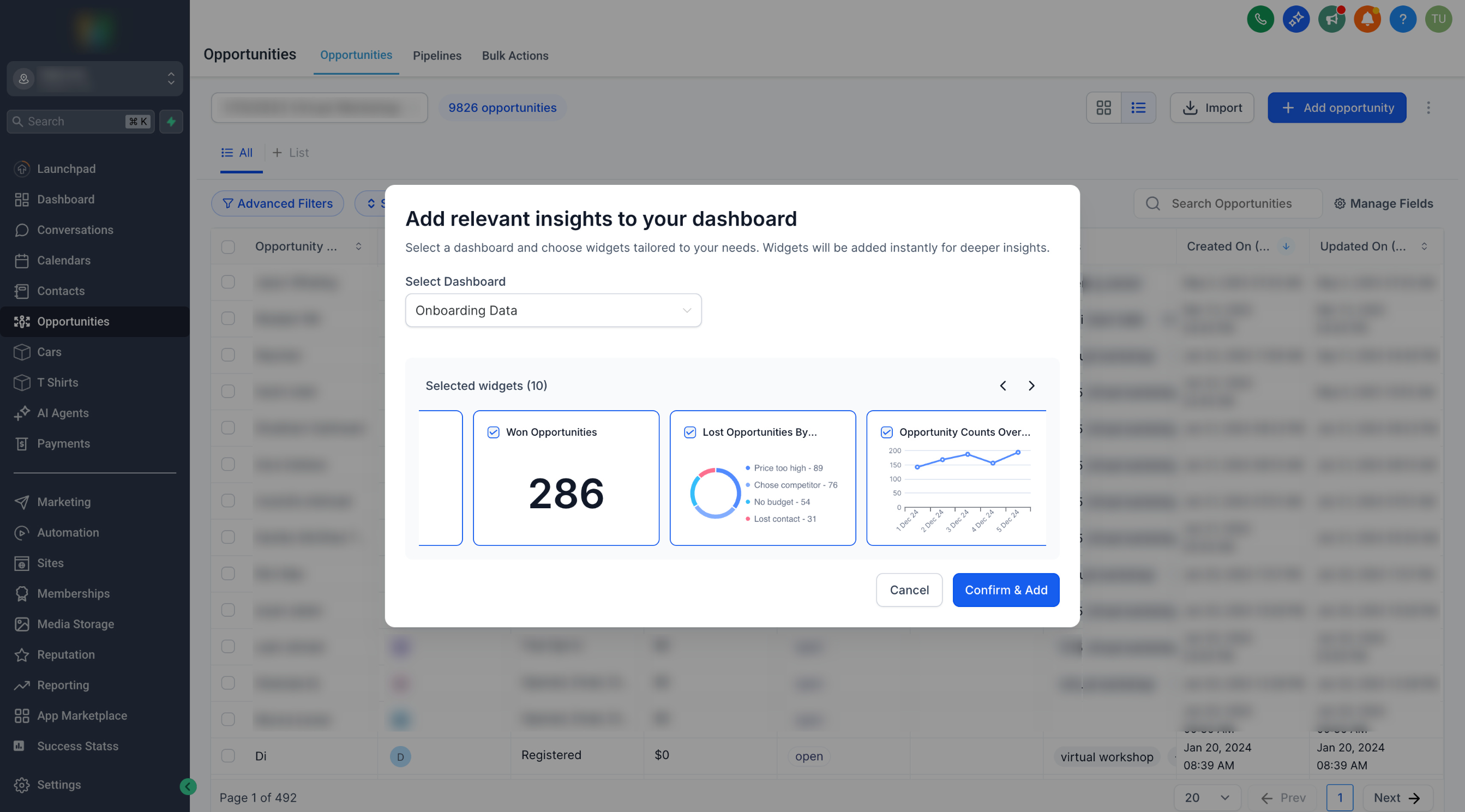
- Choose the dashboard where you want to add widgets.
- Confirm the widgets to add.
- Click
Confirm & Add
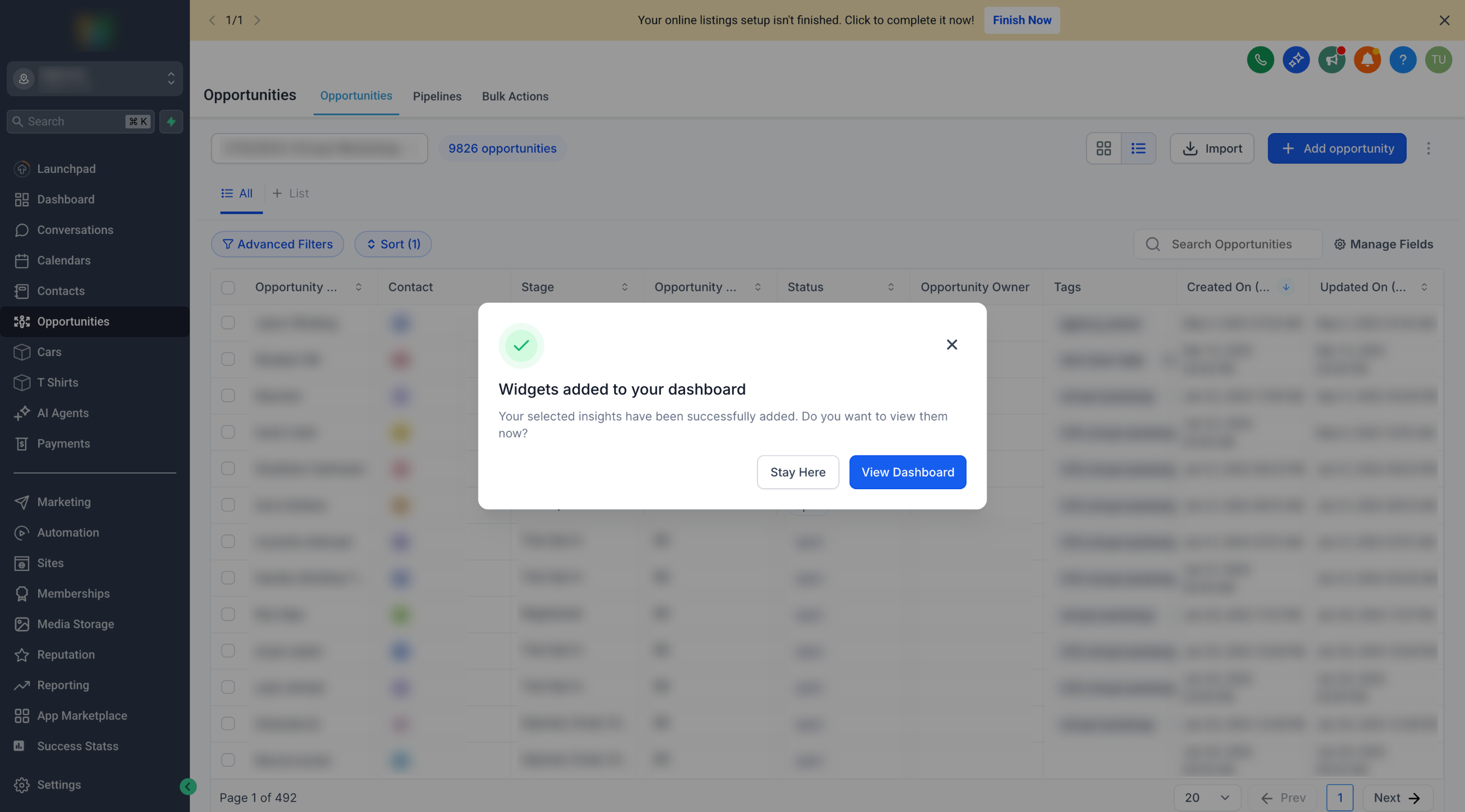
— and you’re done!
- Stay on the page or head over to the dashboard to view the insights.
No more jumping between pages to build dashboards. This feature brings dashboard customisation into the flow of your daily work, helping you track performance with context — right where you need it.
We’re working on expanding this to more areas across the platform!