
Workflows: Rich Text Editor for “Add Notes” action
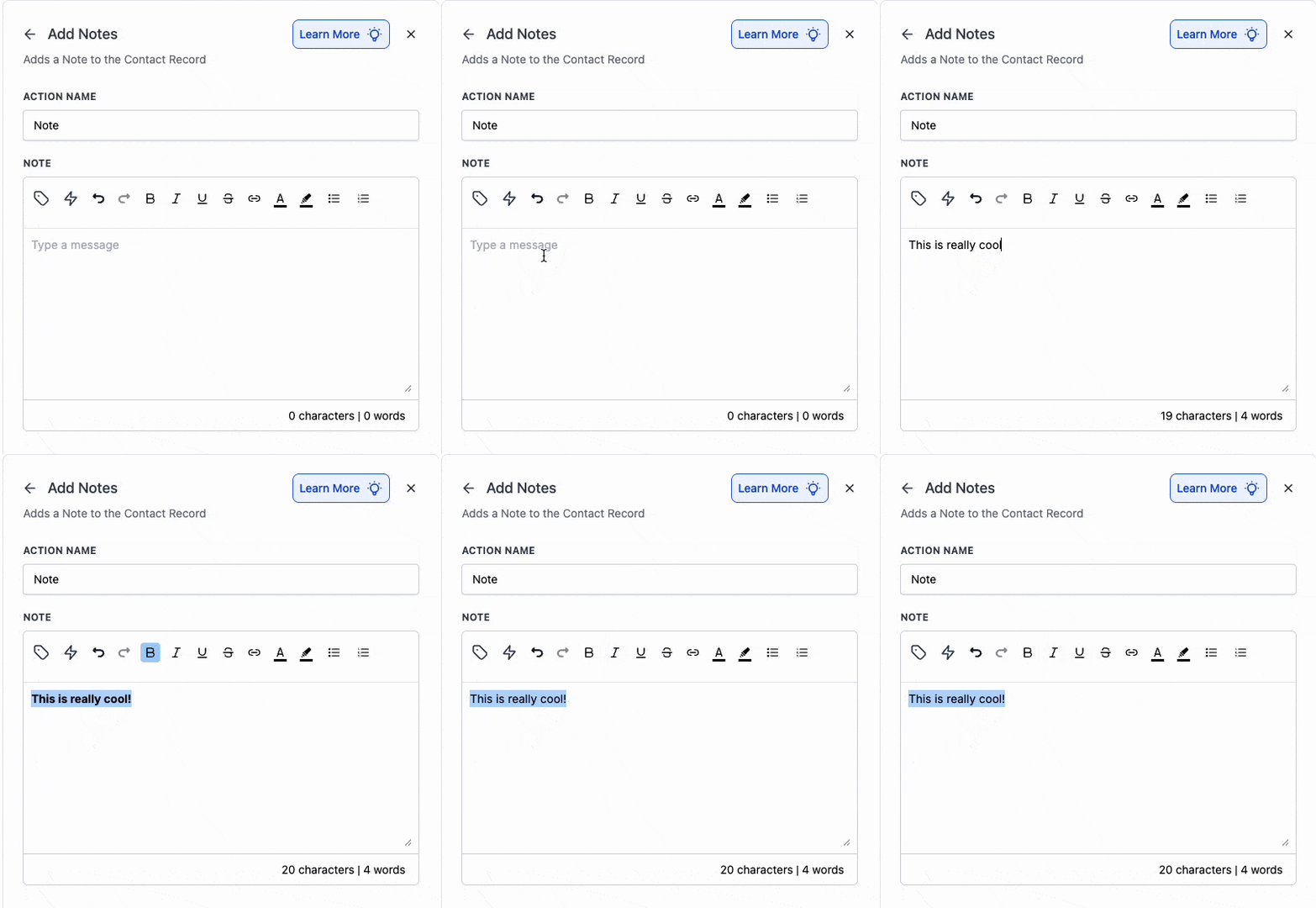
The Add to Notes Action Now Supports Rich Text Editing – you can format your notes with bold, italics, underline, strikethrough, lists, and links, allowing for clearer and more scannable notes.
- Open the Add to Notes feature.
- Type your message and use the toolbar to apply formatting (bold/italic/underline/strikethrough, bullets/numbering, links).
- Save – your formatted note will be stored and visible wherever notes are displayed.
Teams can highlight important details, create checklists for follow-ups, and link supporting documents, making notes more easily scannable.
