
Workflow Updates: Enhanced “Opportunity Changed” Trigger
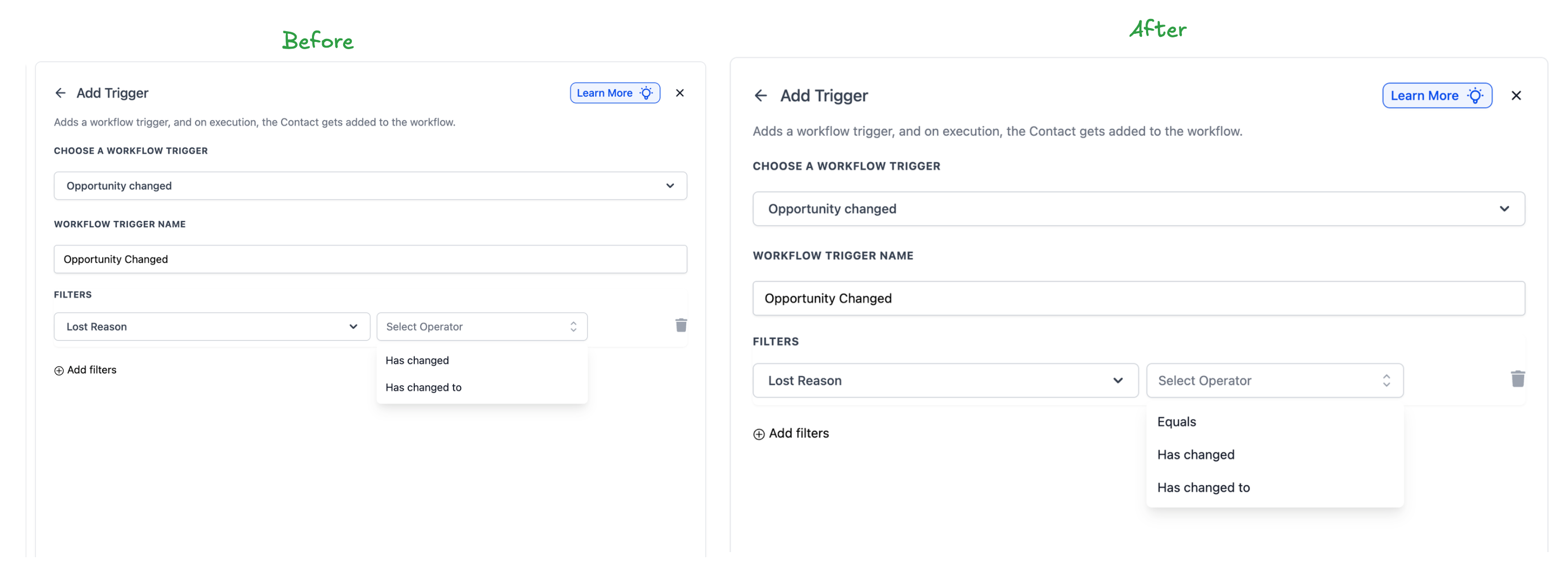
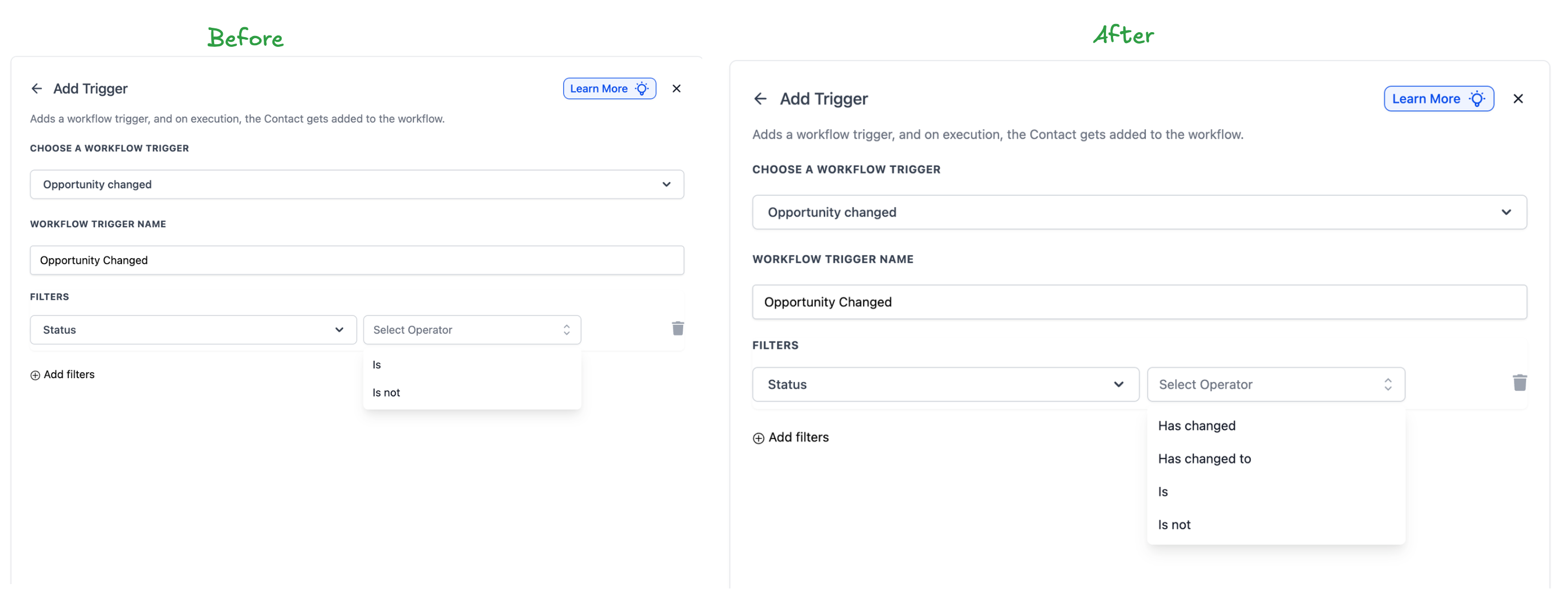
The Opportunity Changed trigger now supports event-based operators. Previously, this trigger functioned as a filter, activating for any change in opportunities that matched specific field values. With the introduction of the Has Changed and Has Changed To operators, you can now initiate workflows only when a specific field actually changes.
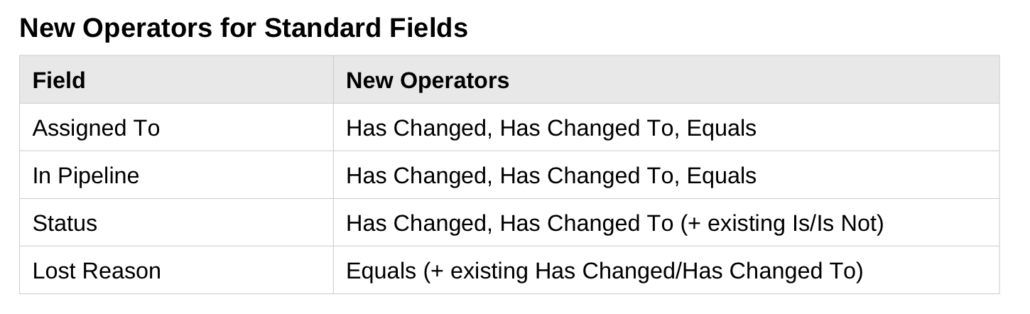
New Operators for Standard Fields
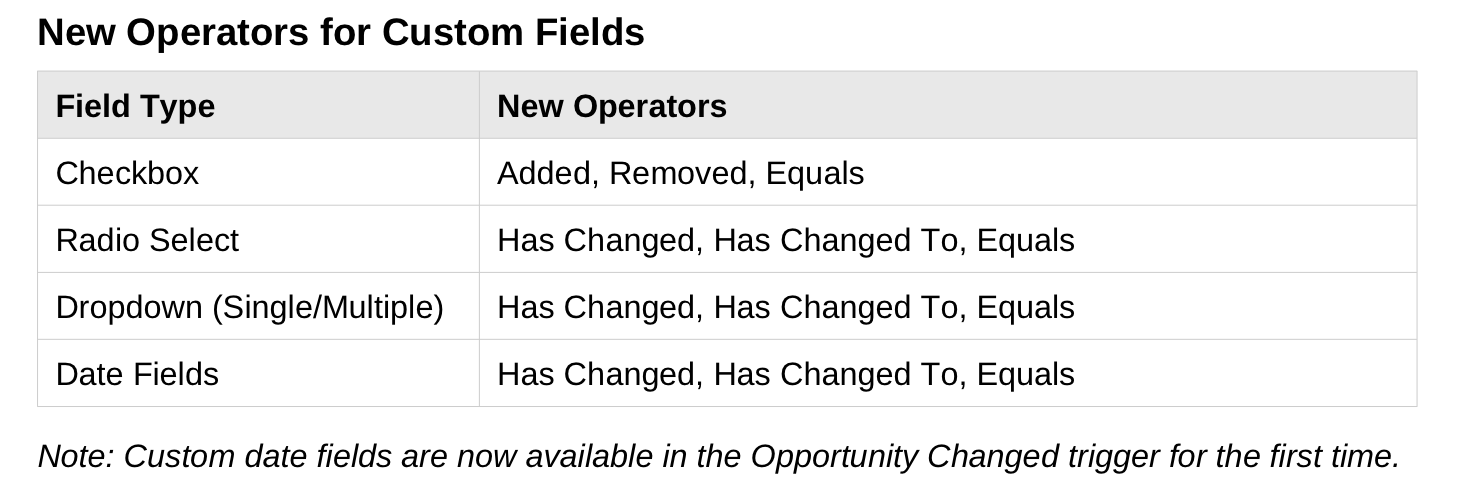
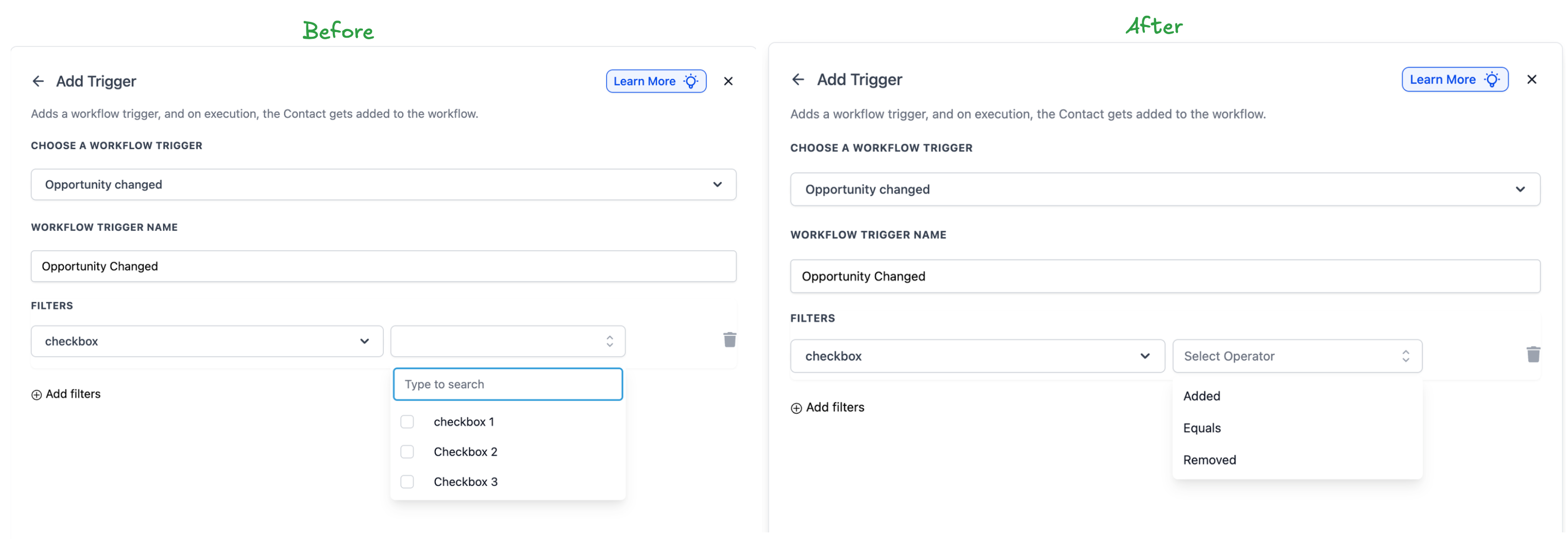
New Operators for Custom Fields
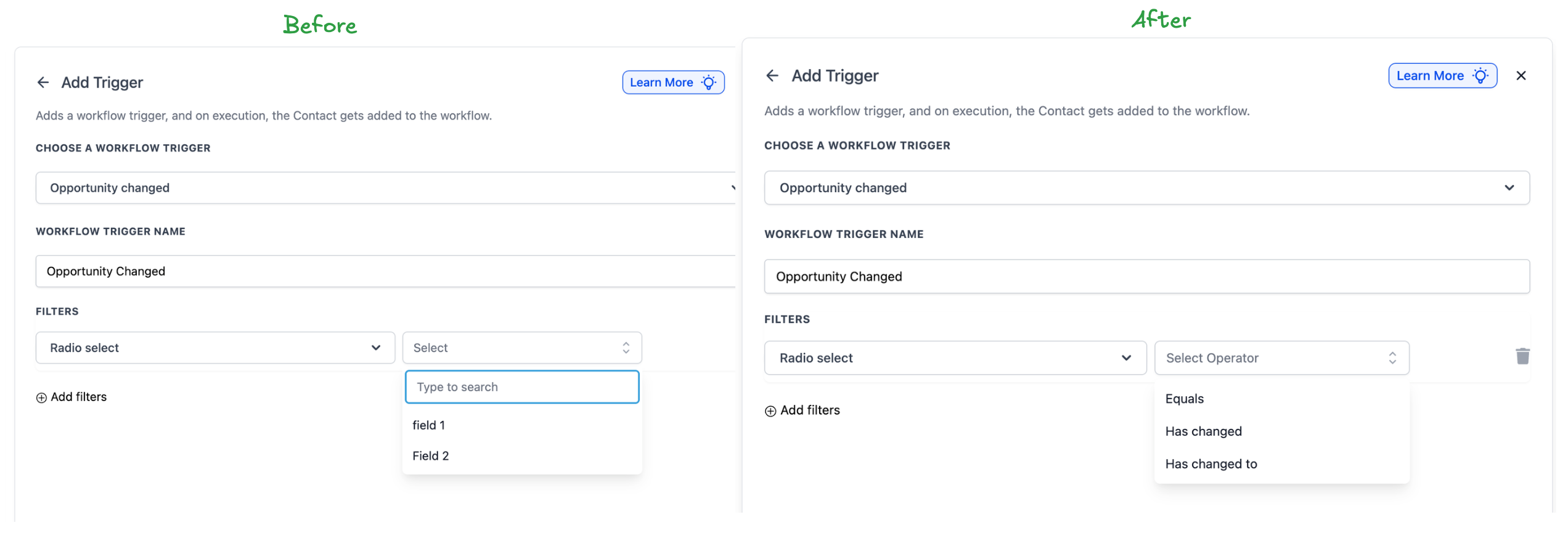
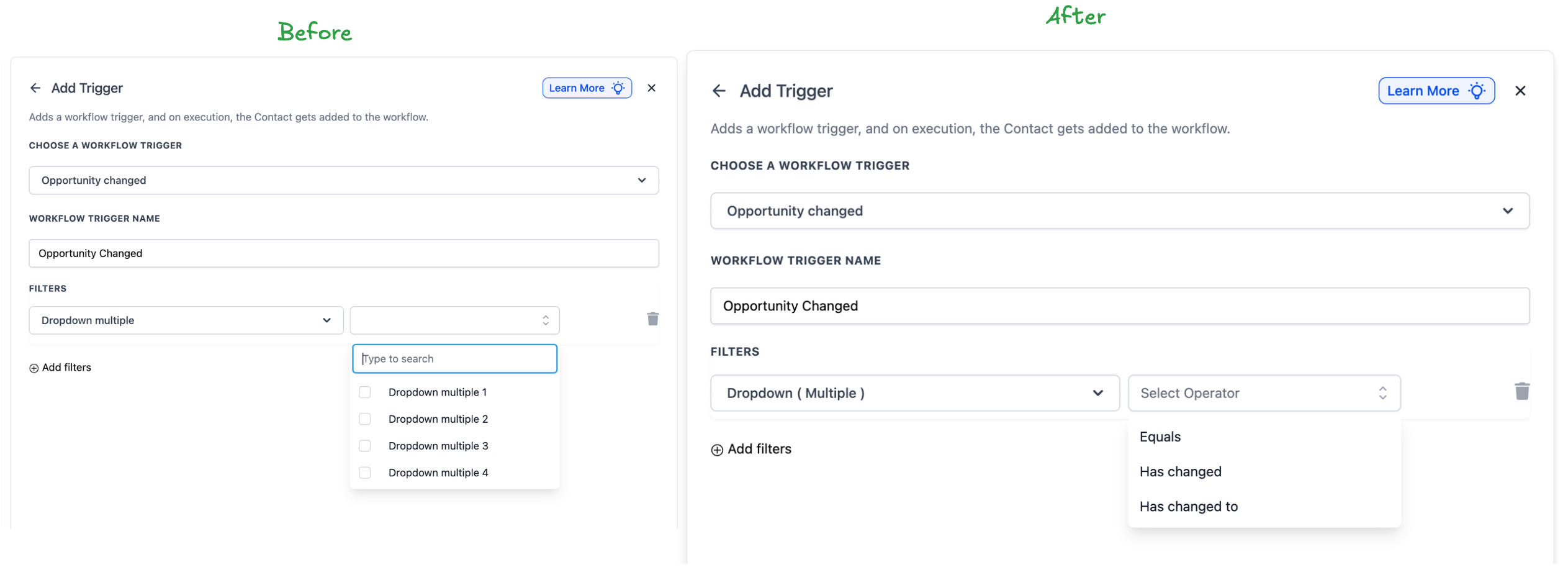
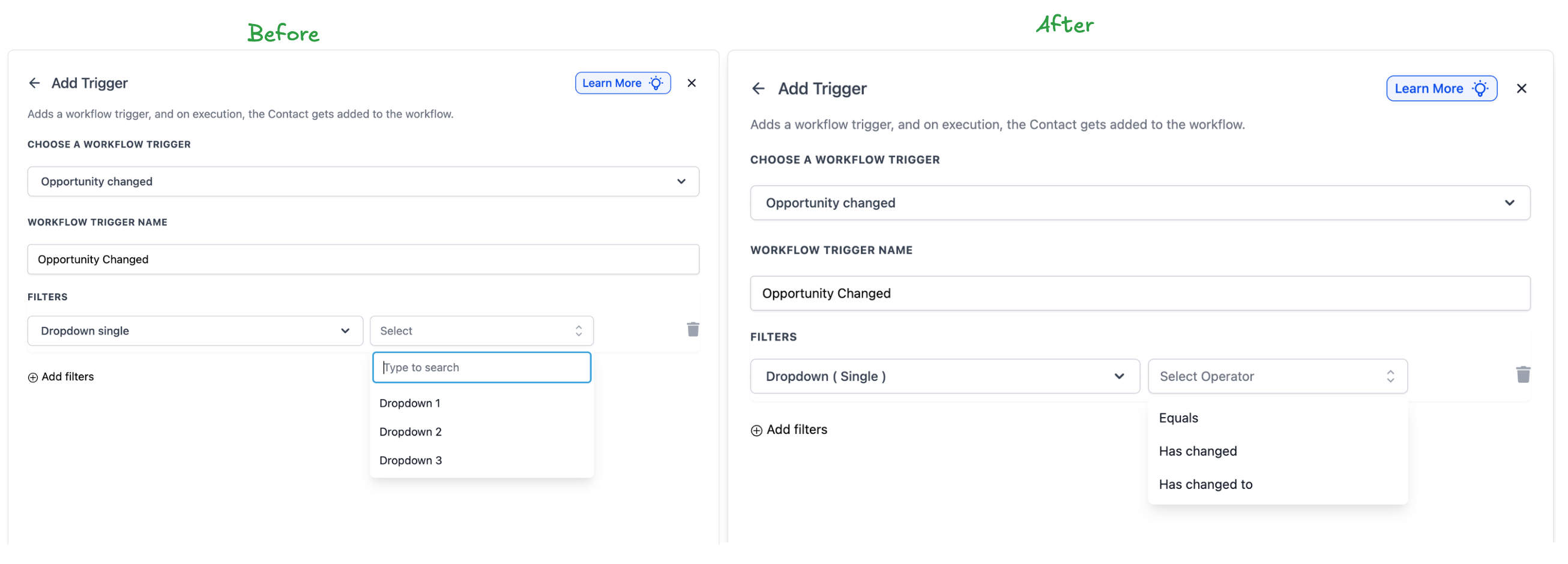
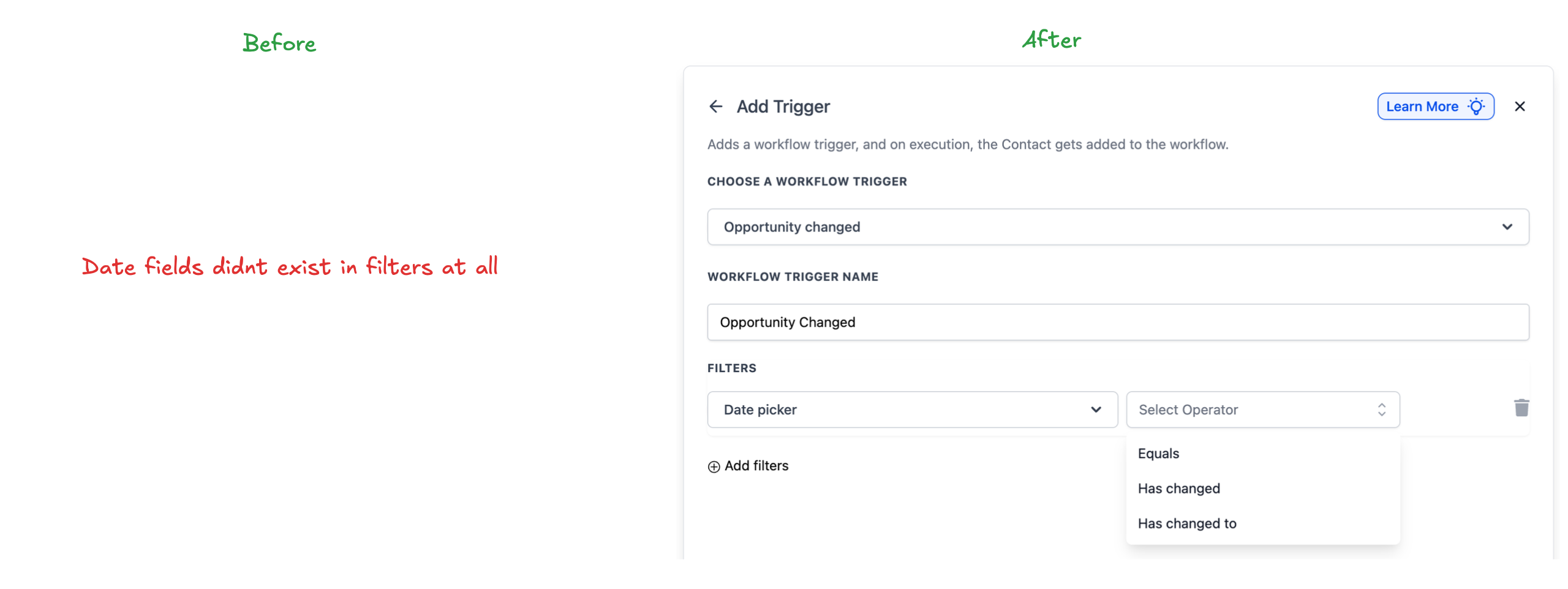
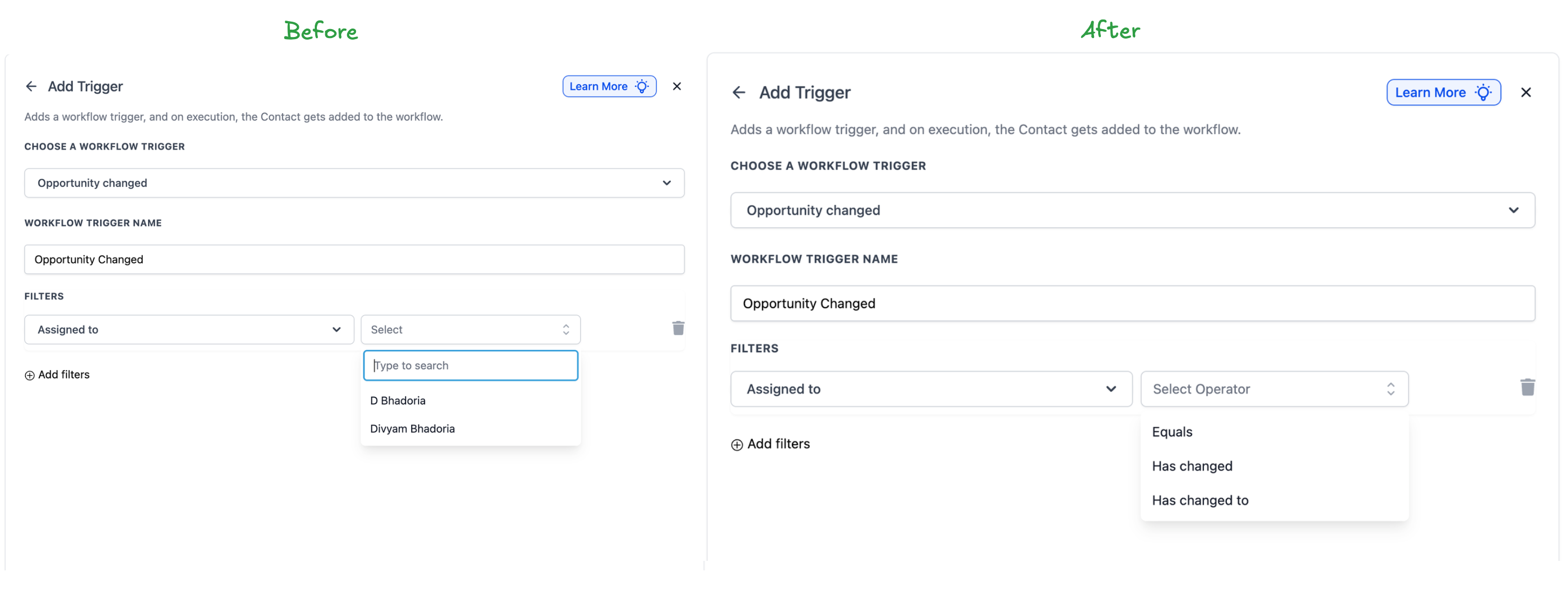
Previously, if you set a trigger with “Assigned To = John,” it would activate on every update to John’s opportunities—such as notes, lead value, and tags—resulting in unintended triggers. With the new Has Changed To option, you can ensure the trigger activates only when the Assigned To field changes specifically to a designated user, disregarding all other updates.
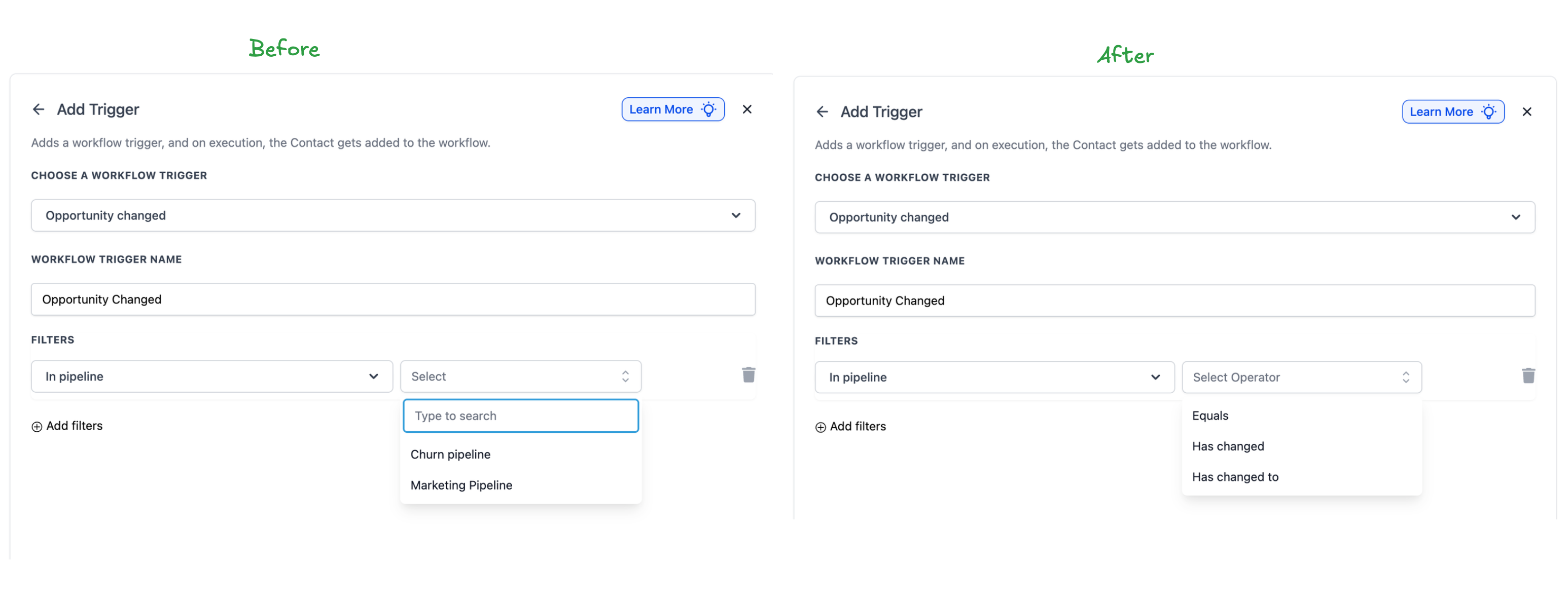
To add or edit an Opportunity Changed trigger, simply select your field (standard or custom), then choose from the new operators. Existing workflows will default to “Equals” behaviour, ensuring everything functions smoothly.
