
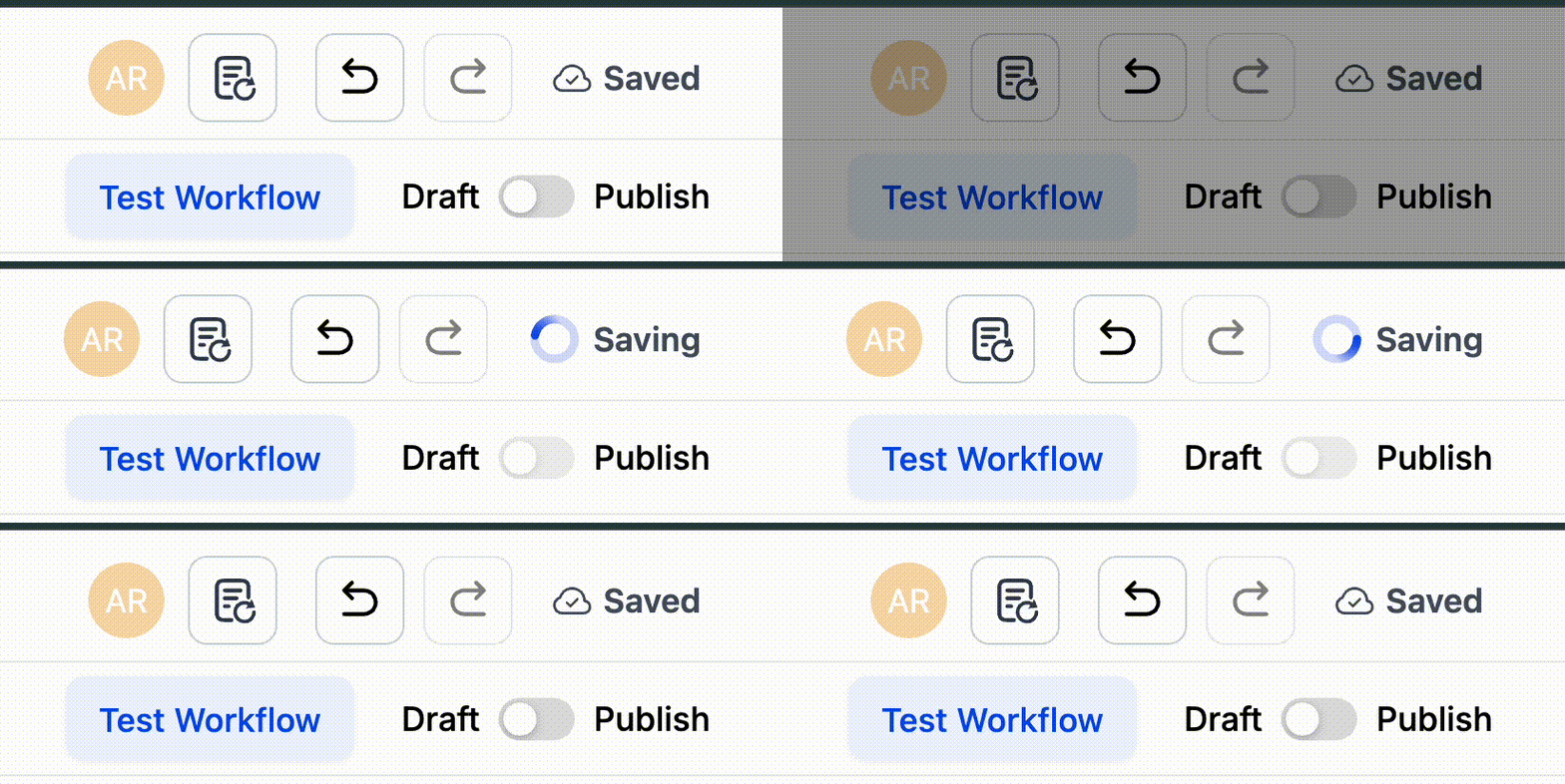
Workflow Builder: Auto Save Changes
Introducing Auto Save in the Workflow Builder – the simplest way to build faster, smarter, and with total peace of mind.
No more losing progress or remembering to hit Save every few steps. With Auto Save enabled, your edits are continuously saved in the background while you design and refine your workflows, allowing you to concentrate on the logic instead of the clicks.
Currently in Labs Beta, this enhancement brings both reliability and speed to your workflow editing experience.
Auto Save continuously saves canvas edits to your draft; nothing goes live until you choose to Publish.
- After enabling Auto Save in
Labs
, open a workflow. A pop-up will appear where you can select
Enable Auto Save Now
or
Continue with Manual Save
.
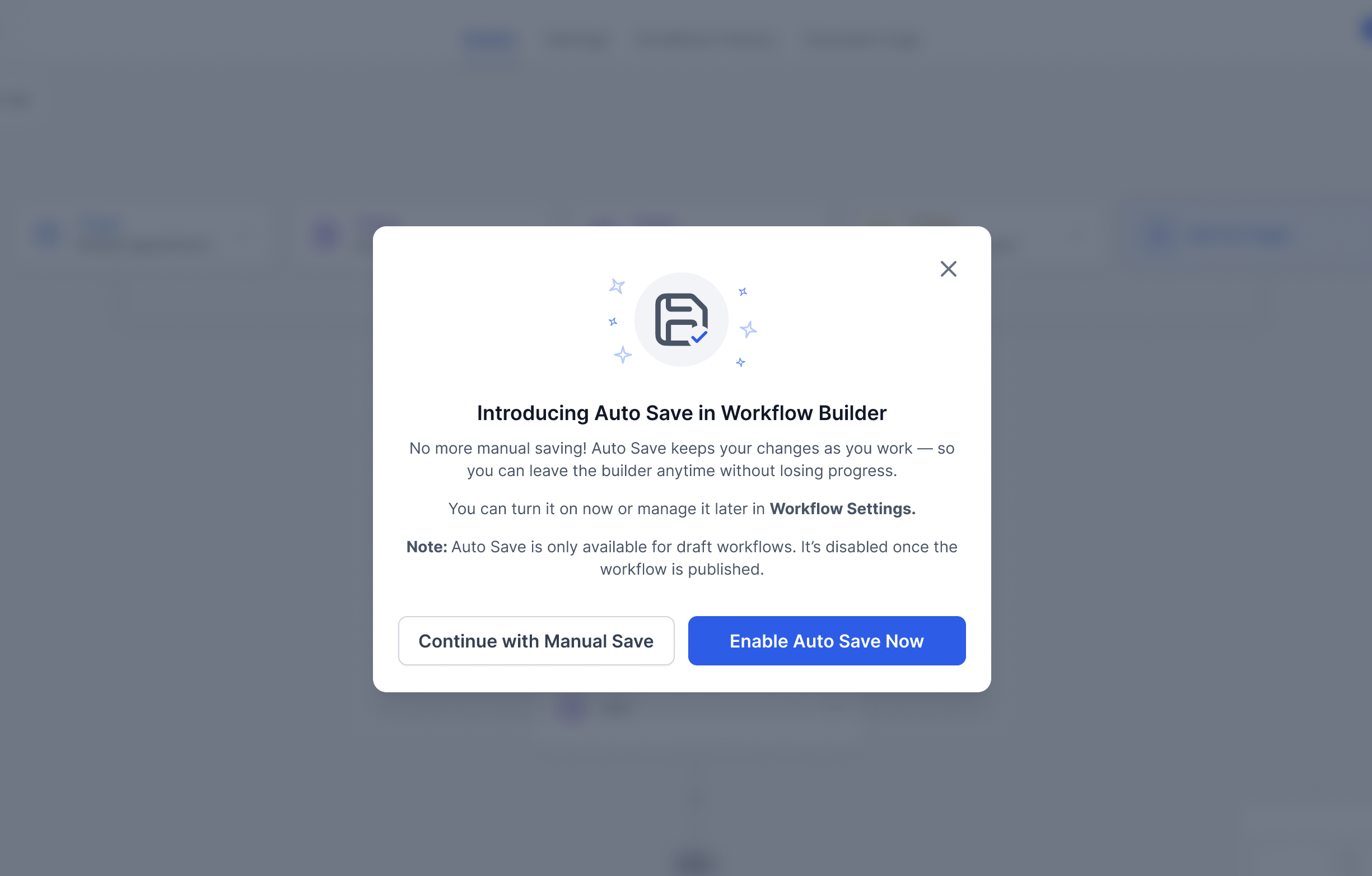
- Alternatively, go to
Global Workflow Settings → Auto Save
and toggle it On.

Once enabled, simply build as usual – your edits will save automatically.
When your draft is complete, click Publish to make it live.
This feature eliminates the risk of lost work and speeds up iteration, enabling you to focus on workflow logic rather than saving changes at every step.
Labs Beta
.
Settings → Labs
, search for the feature name, and enable it using the toggle.