
Voice Dictation in AI Builder & Assistant
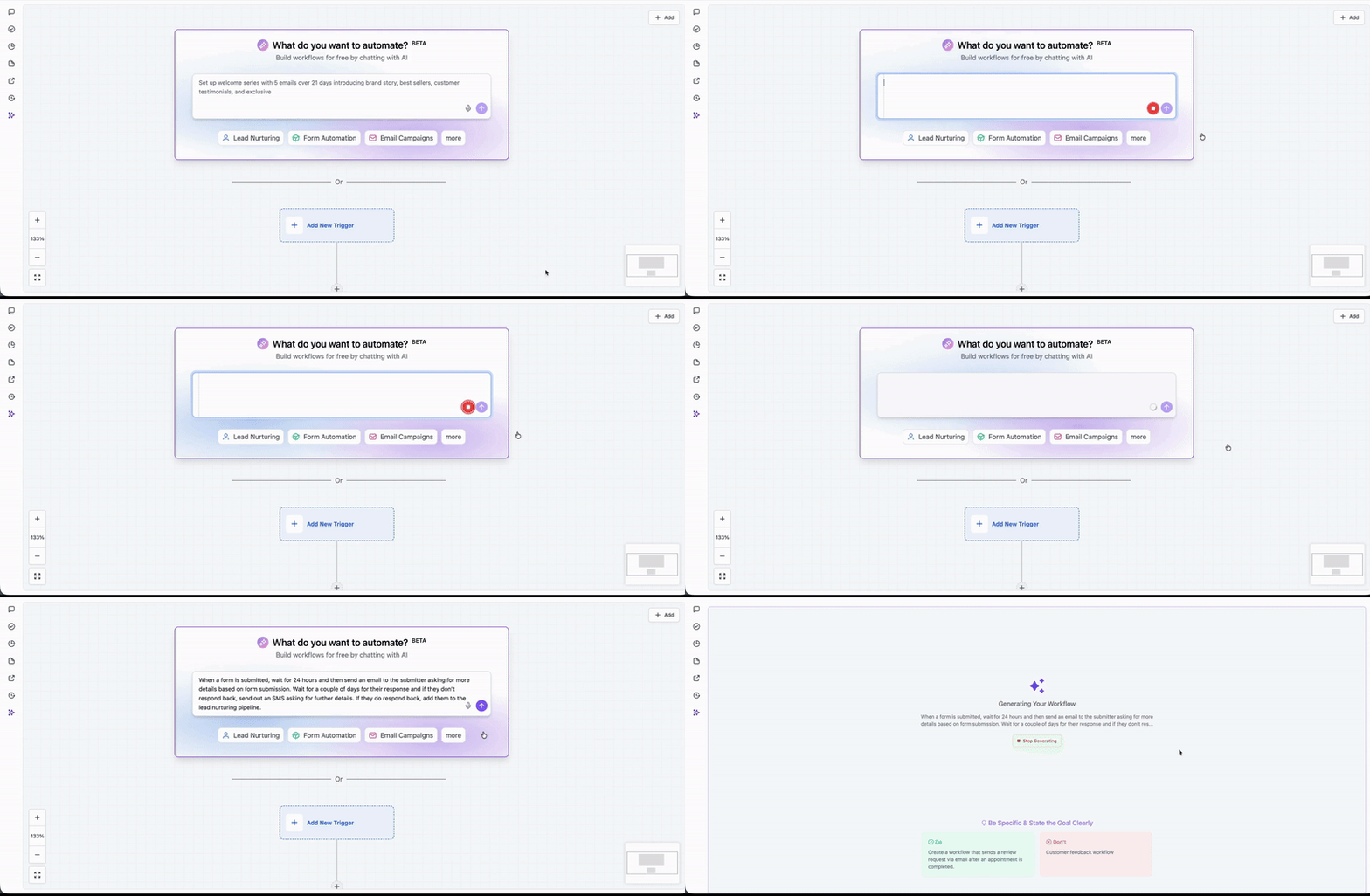
AI Builder & Assistant now supports voice input, allowing you to create workflows simply by speaking your requirements aloud or asking any questions without the need to type.
- **Voice-to-Workflow Creation** – Click the microphone icon and describe your workflow in a natural manner. AI Builder will transcribe your speech and generate the corresponding workflow instantly.
- **Multi-Language Support** – Dictate in any language. Voice recognition functions across all supported languages, enabling you to communicate in your preferred language.
- **Streamlined Workflow Creation** – Move from idea to workflow in seconds, eliminating the need for manual typing or configuration.
- Navigate to the workflow builder; you will see the AI Builder prompt box.
- Click the microphone icon.
- Speak your workflow idea naturally.
- AI Builder will transcribe and generate your workflow.
- Review, refine, and launch.
This feature also works with the AI Assistant.
