Voice AI – Granular Permissions for Agent Access
granular permission controls
for Voice AI Agents, allowing administrators to define
who can view, configure, and manage agents
at a detailed level. Whether you’re onboarding new users or enhancing control over sensitive workflows, these permissions provide flexible access without compromising security.
- Prevents unauthorised or accidental edits to critical AI configurations.
- Allows controlled configuration workflows across different user roles.
- Enables focused access to dashboards for analysis without exposing sensitive settings.
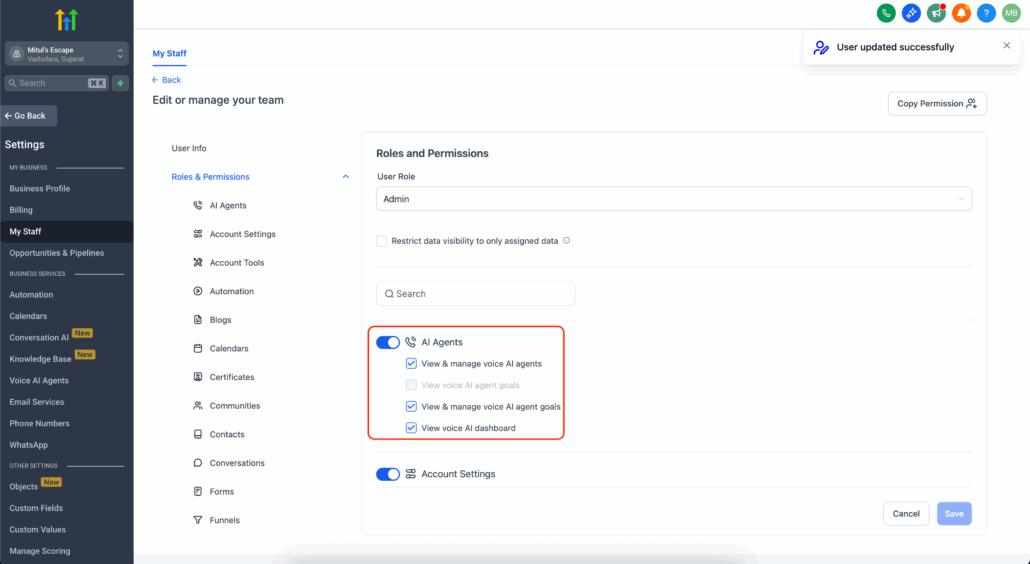
Voice AI permissions are now categorised into four distinct types:

1. View & Manage Voice AI Agents
- Full access to create, edit, and delete agents.
- Assign phone numbers and configure overall settings.
- Automatically enables both “View & Manage Agent Goals” and “View Agent Goals”.
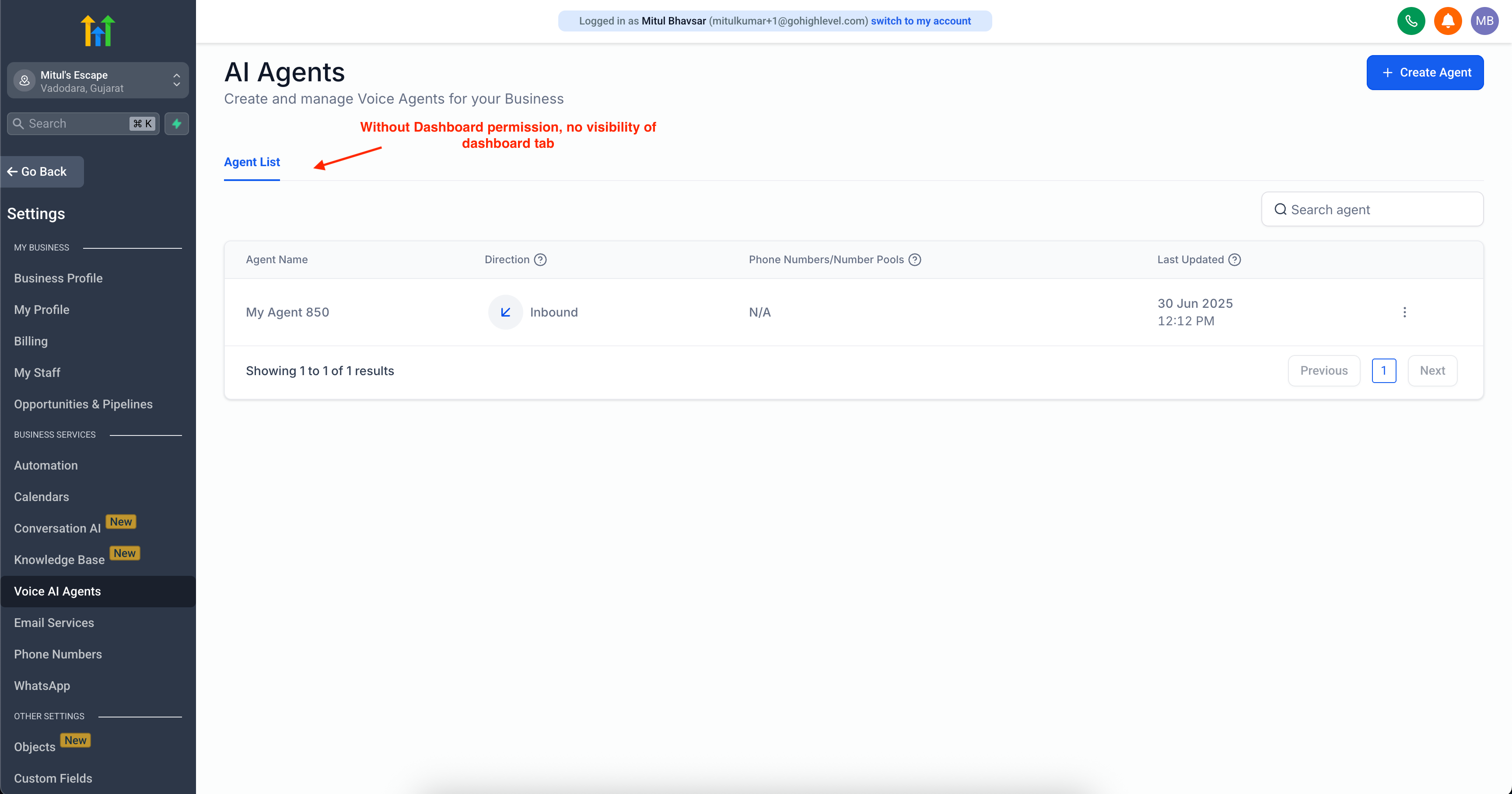
- The entire agent list is hidden.
- Users cannot create or manage agents.
- Goal-related permissions are also disabled.
- Dashboard access is unaffected by this setting.
parent permission
for managing agents. If disabled, users lose all capabilities related to goal management.
2. View & Manage Voice AI Agent Goals
- Full access to configure agent goals, including Knowledge base integrations, Post-call workflows, Custom actions, Data extraction fields, etc.
- Supports both
Basic
and
Advanced
goal modes.
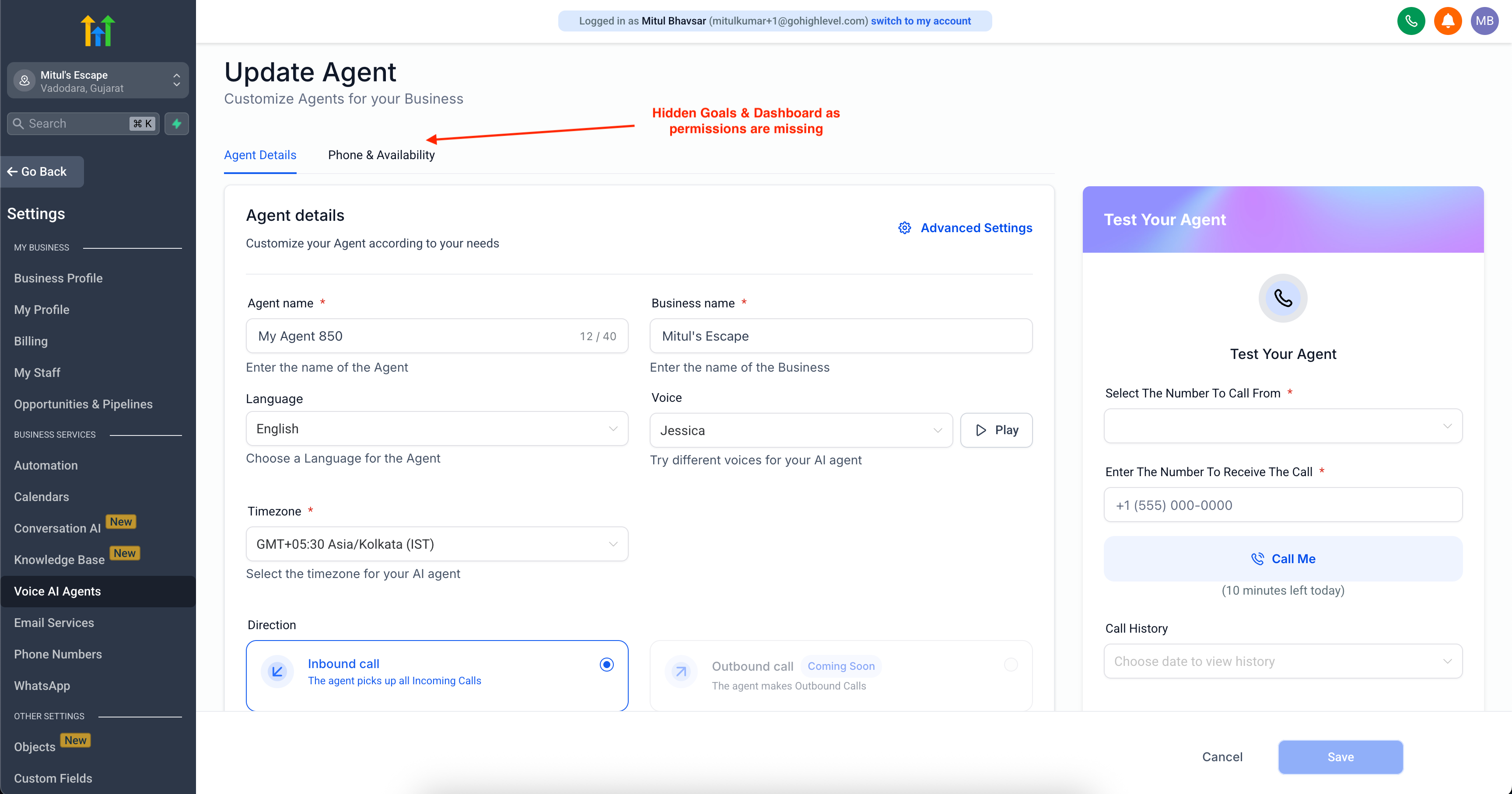
- The Goals tab is hidden during agent edits.
- Users can still set goals during creation but cannot modify them afterwards.
This permission is best suited for team members responsible for AI behaviour and automation logic.
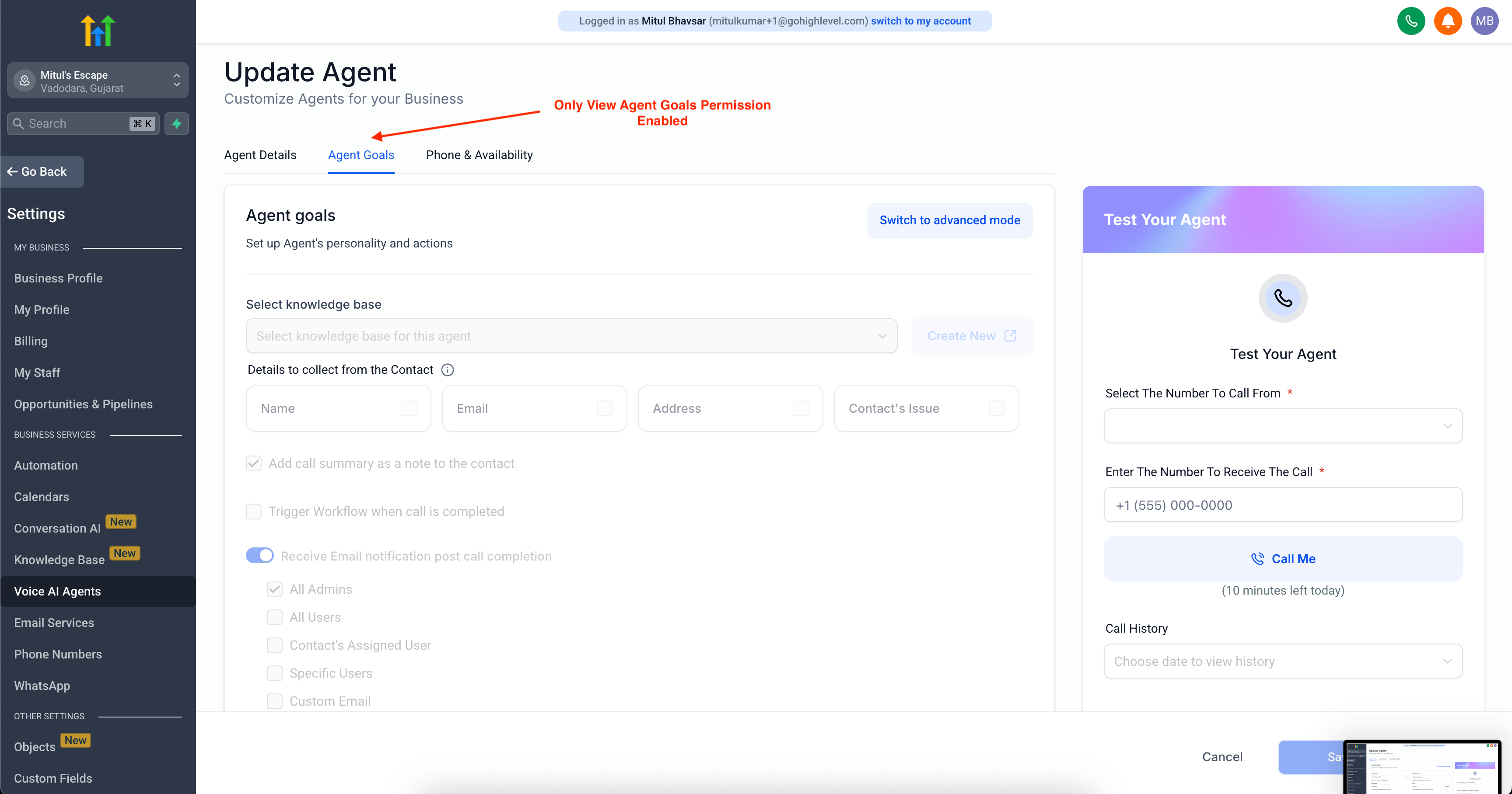
3. View Voice AI Agent Goals (Read-only)
- Read-only access to the Agent Goals tab.
- Ideal for support or training roles that require an understanding of agent logic.
- Goal configuration is completely hidden from view.
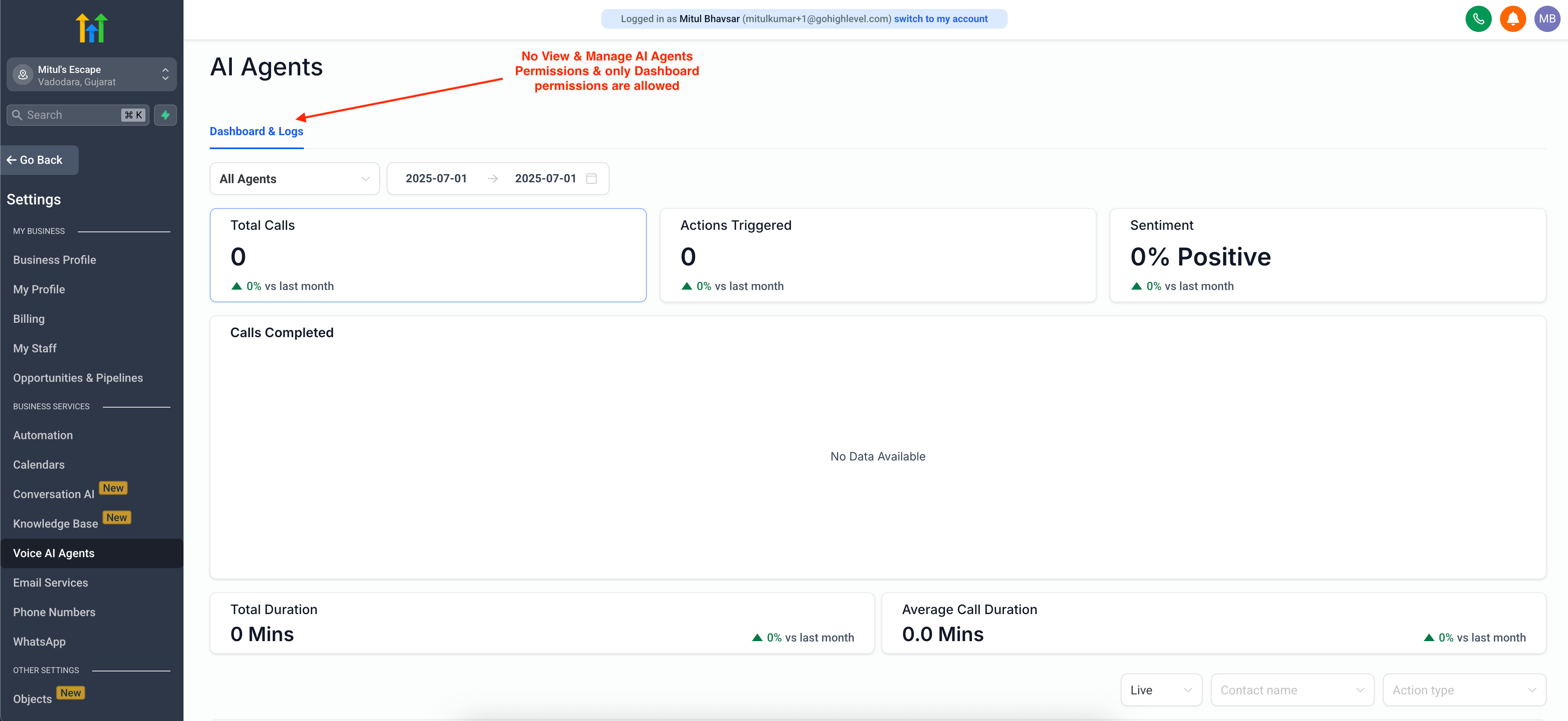
4. View Voice AI Dashboard
- Grants access to Voice AI analytics, transcripts, call recordings, and live/test performance dashboards.
- Dashboard views are hidden globally, including within the agent details screen.
- Prevents exposure of call logs, sensitive data, and performance metrics.
This permission is best for analysts and supervisory leads monitoring call outcomes or reviewing the impact of agents.