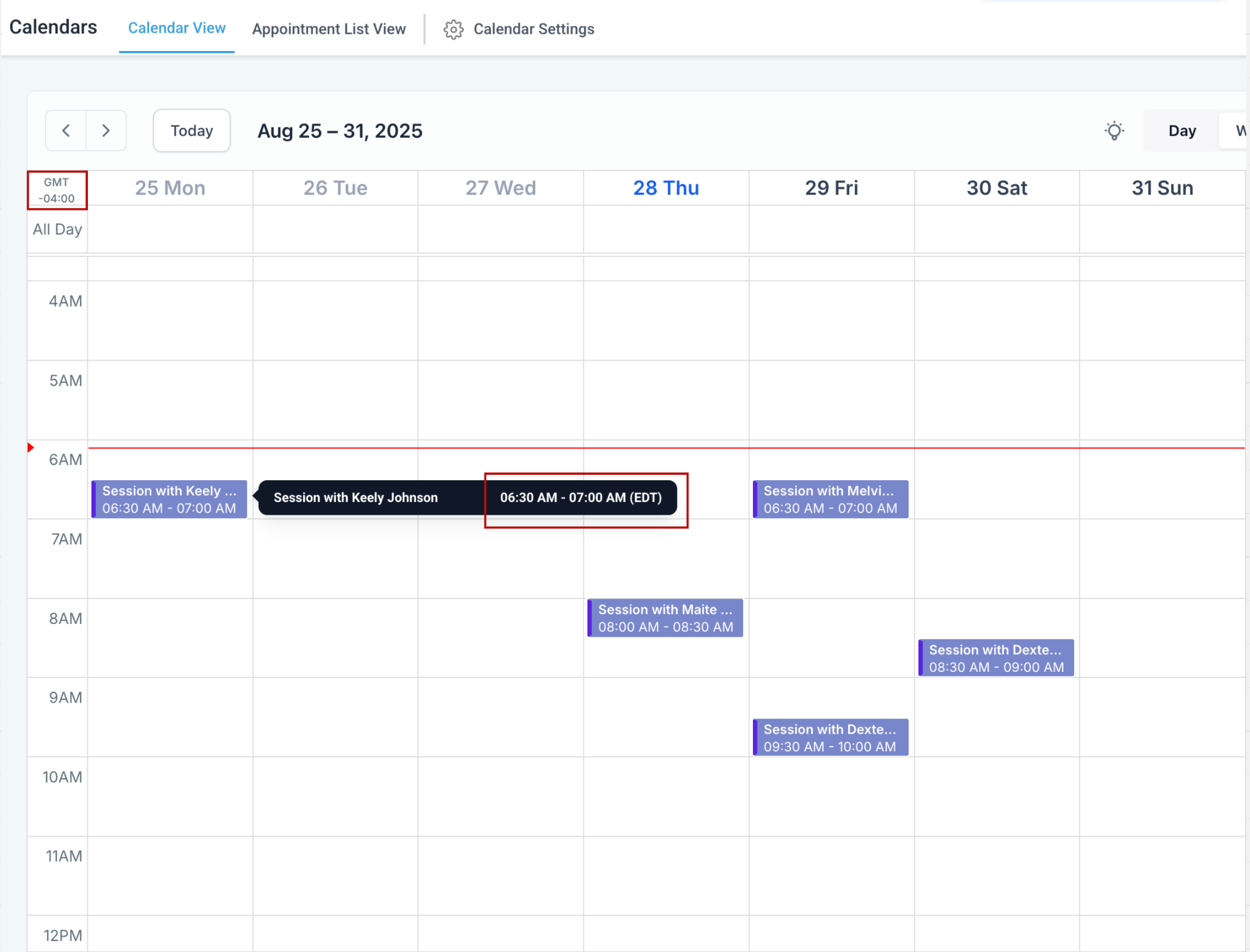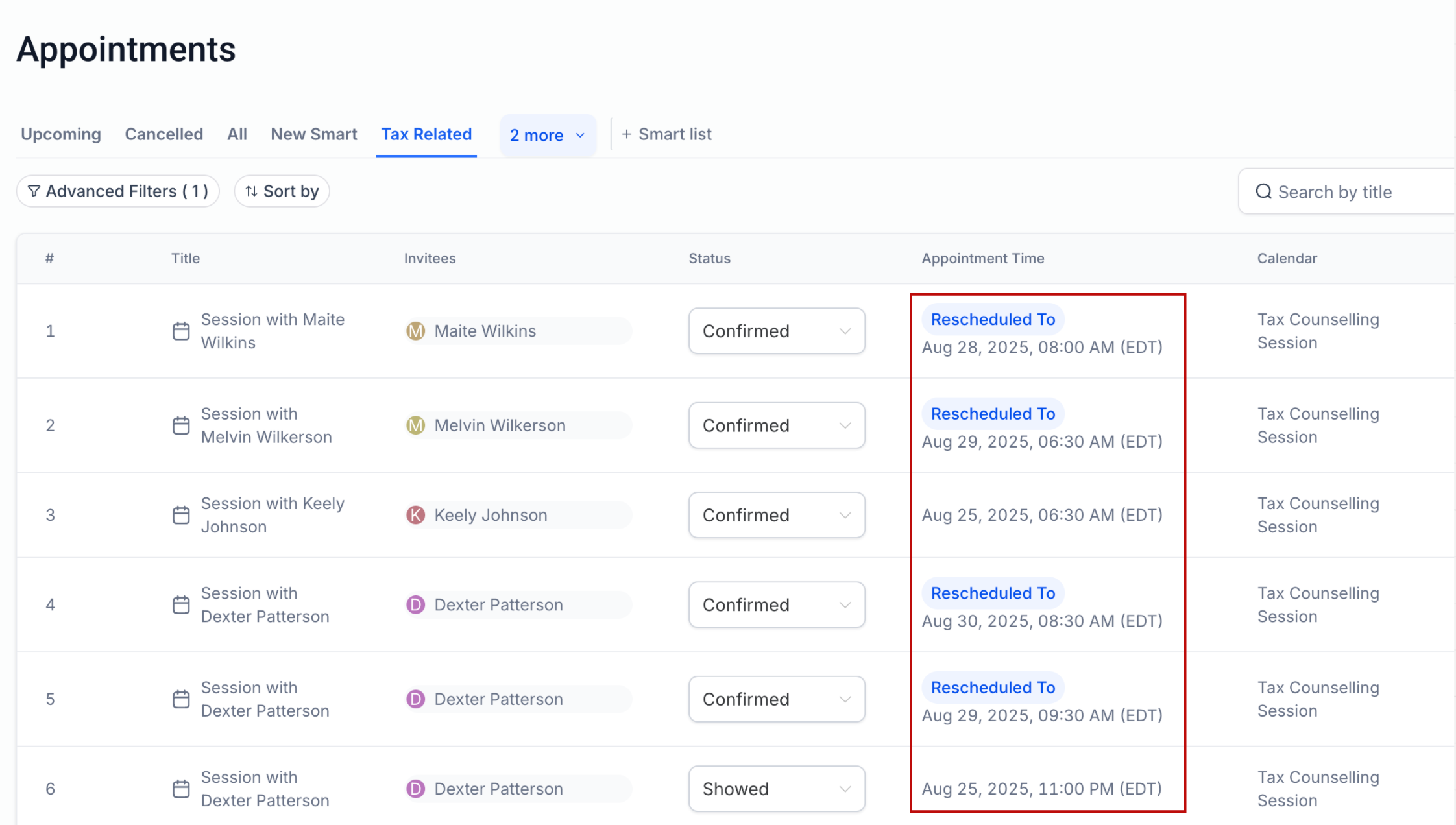
View Appointments in Your Preferred Timezone
choose any timezone
to view your appointments across the platform — including Calendar View, Appointment List, Contacts, and Conversations.
—-
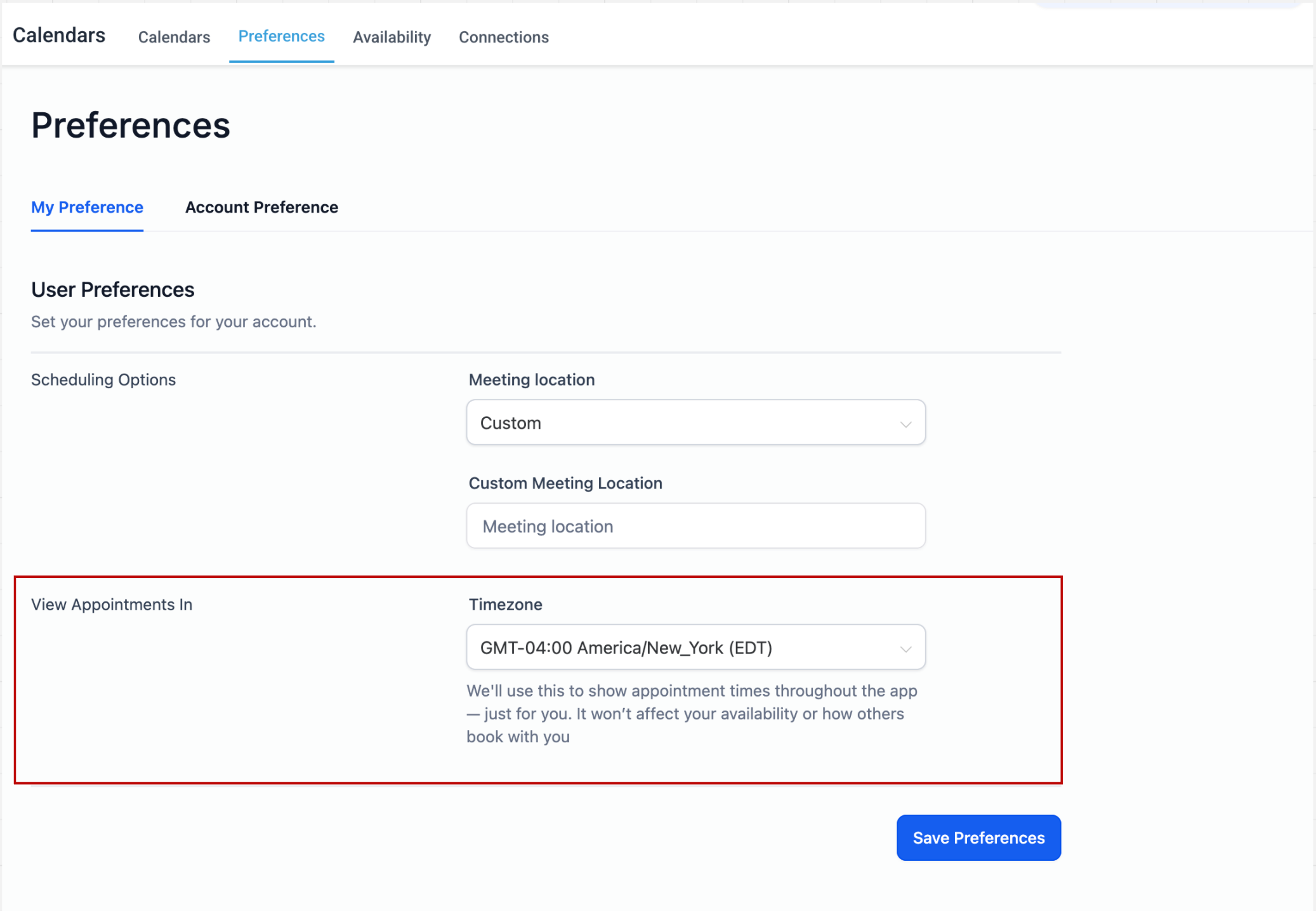
View Appointments Setting
Previously, a Labs flag determined whether appointments were displayed in:
-
User Timezone (if the flag was ON)
-
Business Timezone (if the flag was OFF)
With this release, that Labs flag has been replaced by a new setting.
For backward compatibility:
-
If you had the flag ON, your timezone is now set to User Timezone.
-
If you had the flag OFF, your timezone is now set to the Business Timezone configured in your sub-account.
—-
full control
over how you view appointments — in your local timezone, your client’s timezone, or any timezone you prefer — while preserving your availability settings.
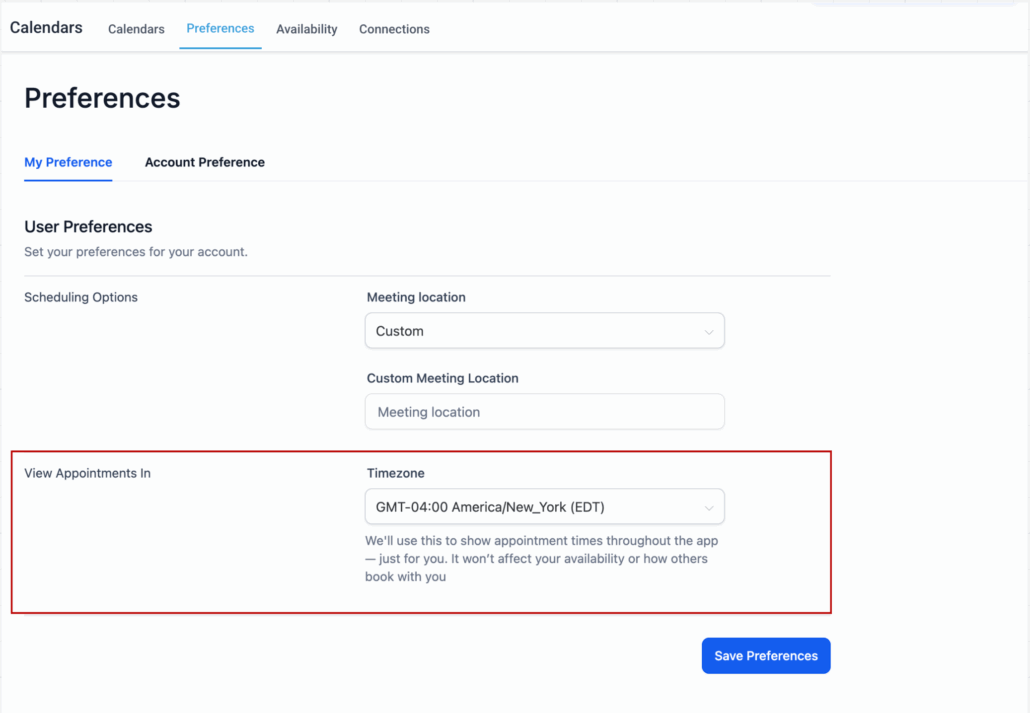
Calendar Settings → Preferences → View Appointments In → Select Timezone → Save Preferences
—-