Universal Section Templates – Funnels, Websites, Webinars, Blogs and E-Commerce Store!
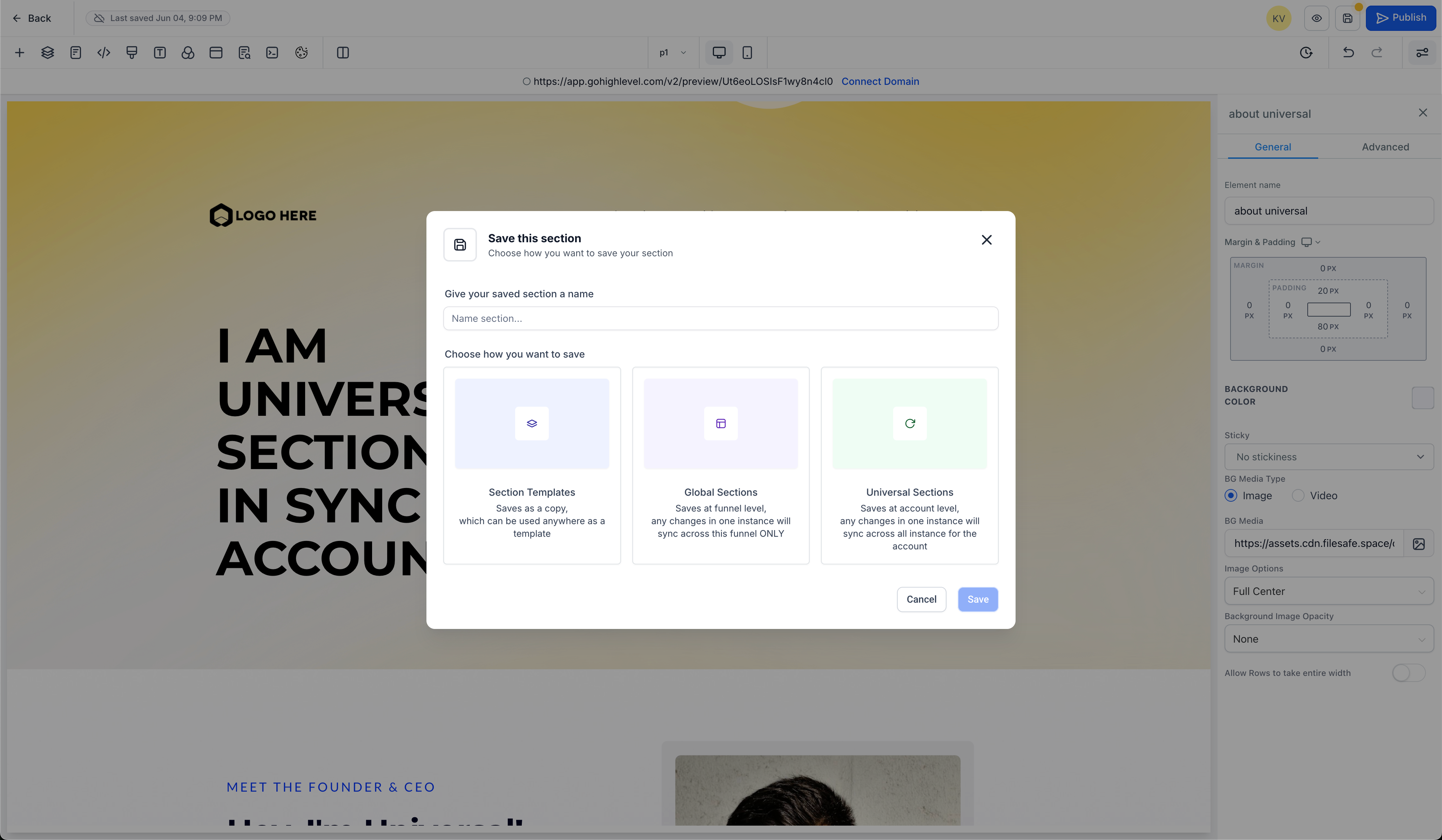
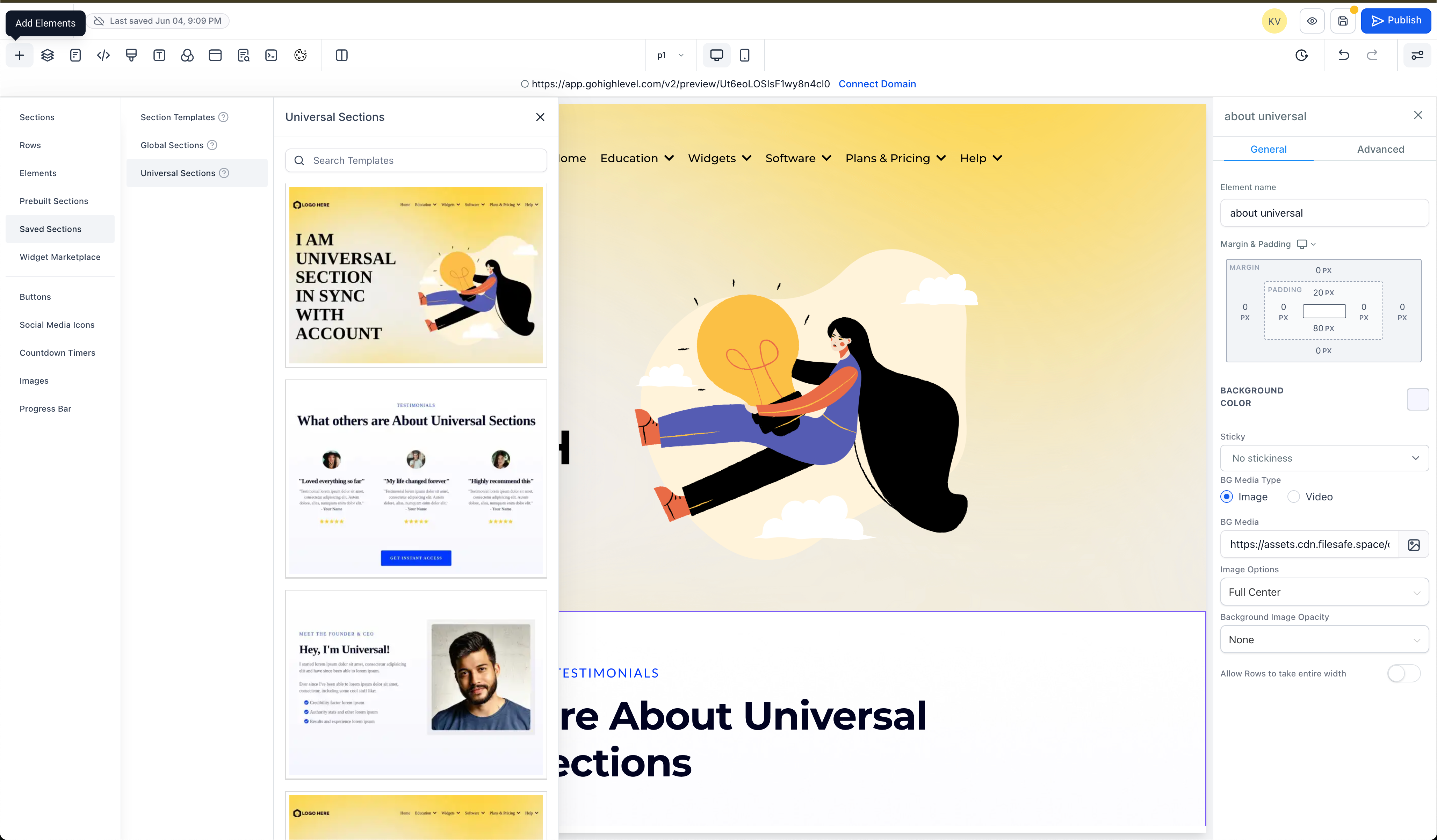
We have completely revamped how Saved Sections operate in Funnels, Websites, Blogs, and E-commerce pages to minimise confusion and clarify how section content is reused. There are now three types of Saved Sections:
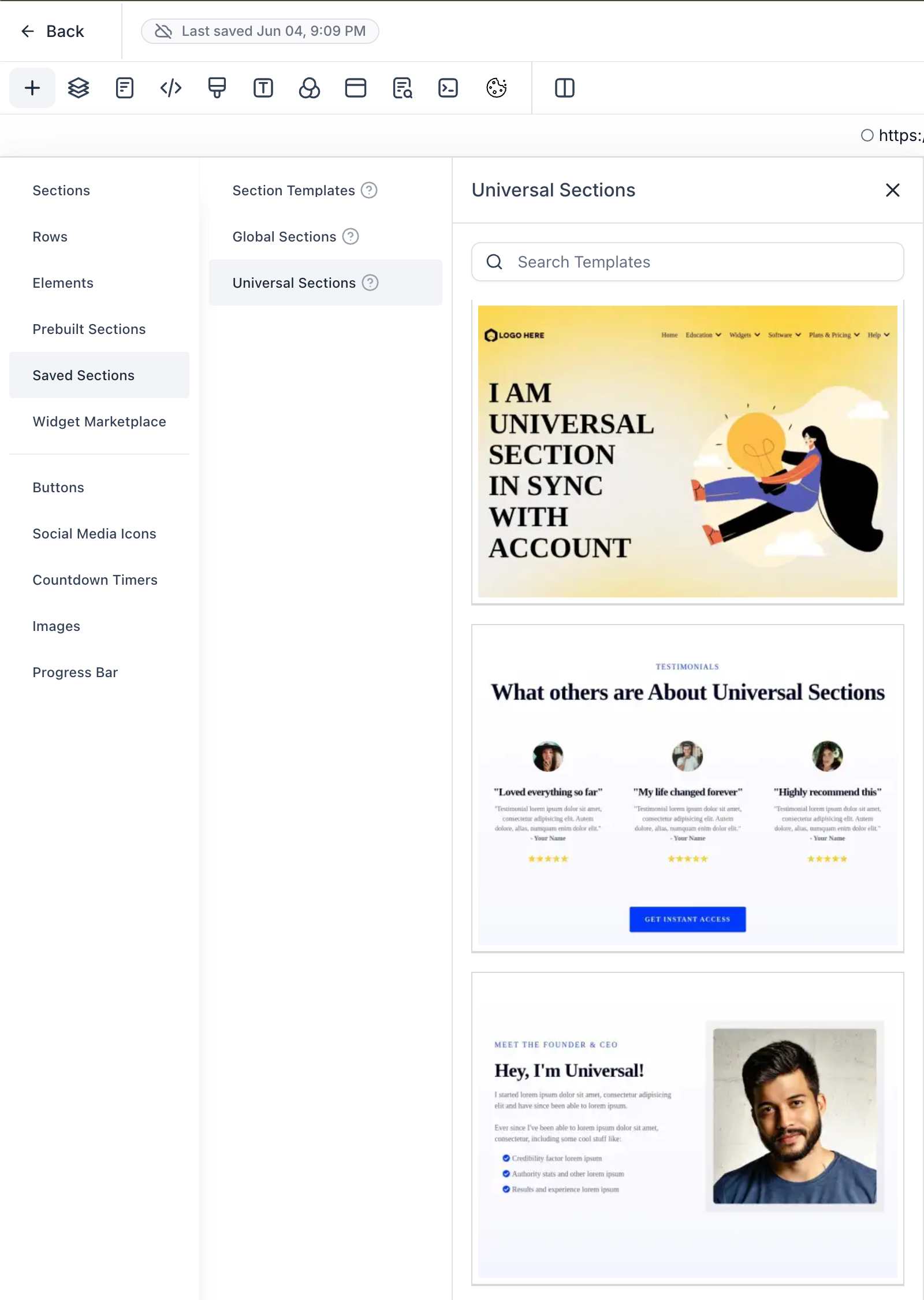
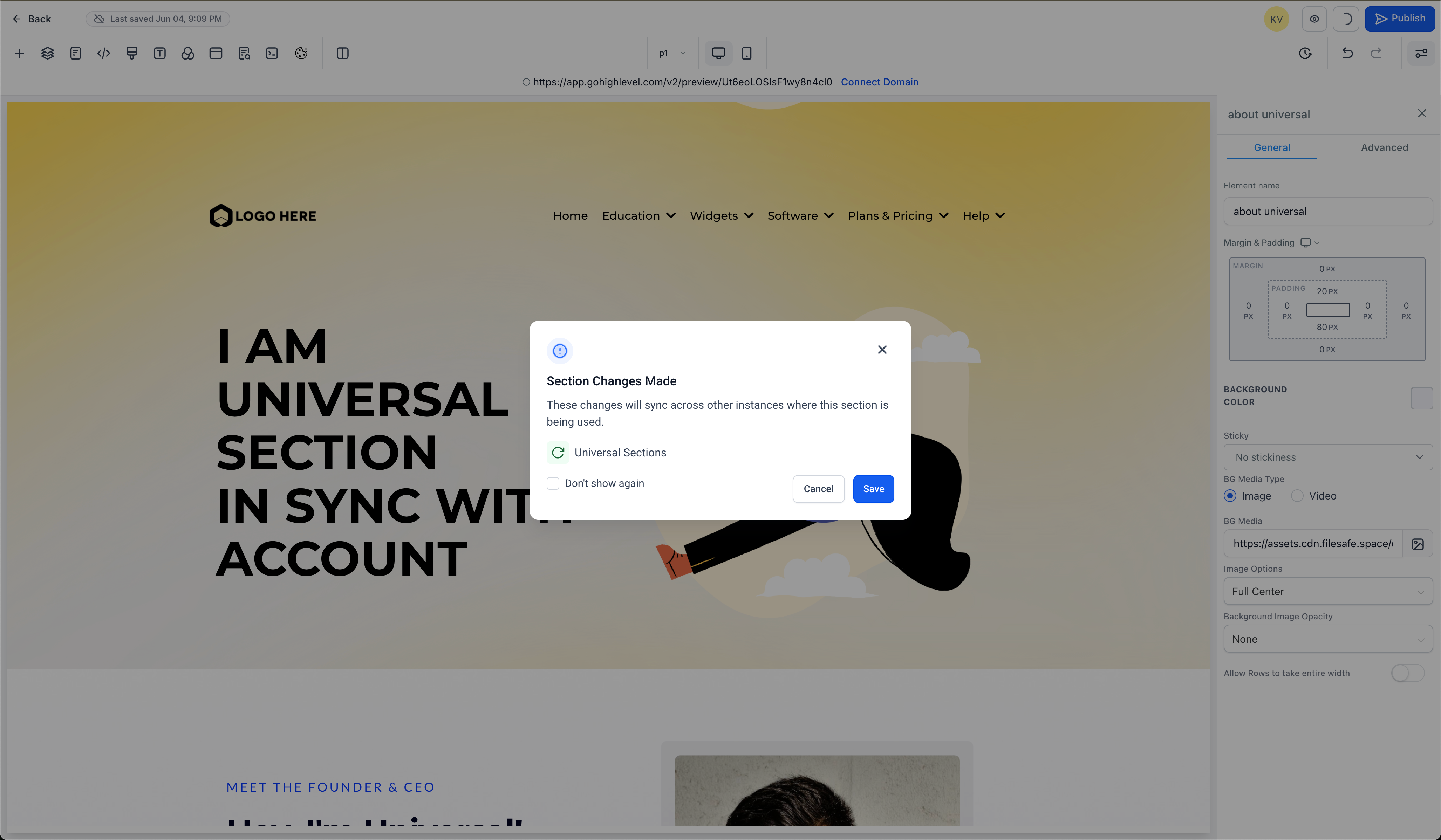
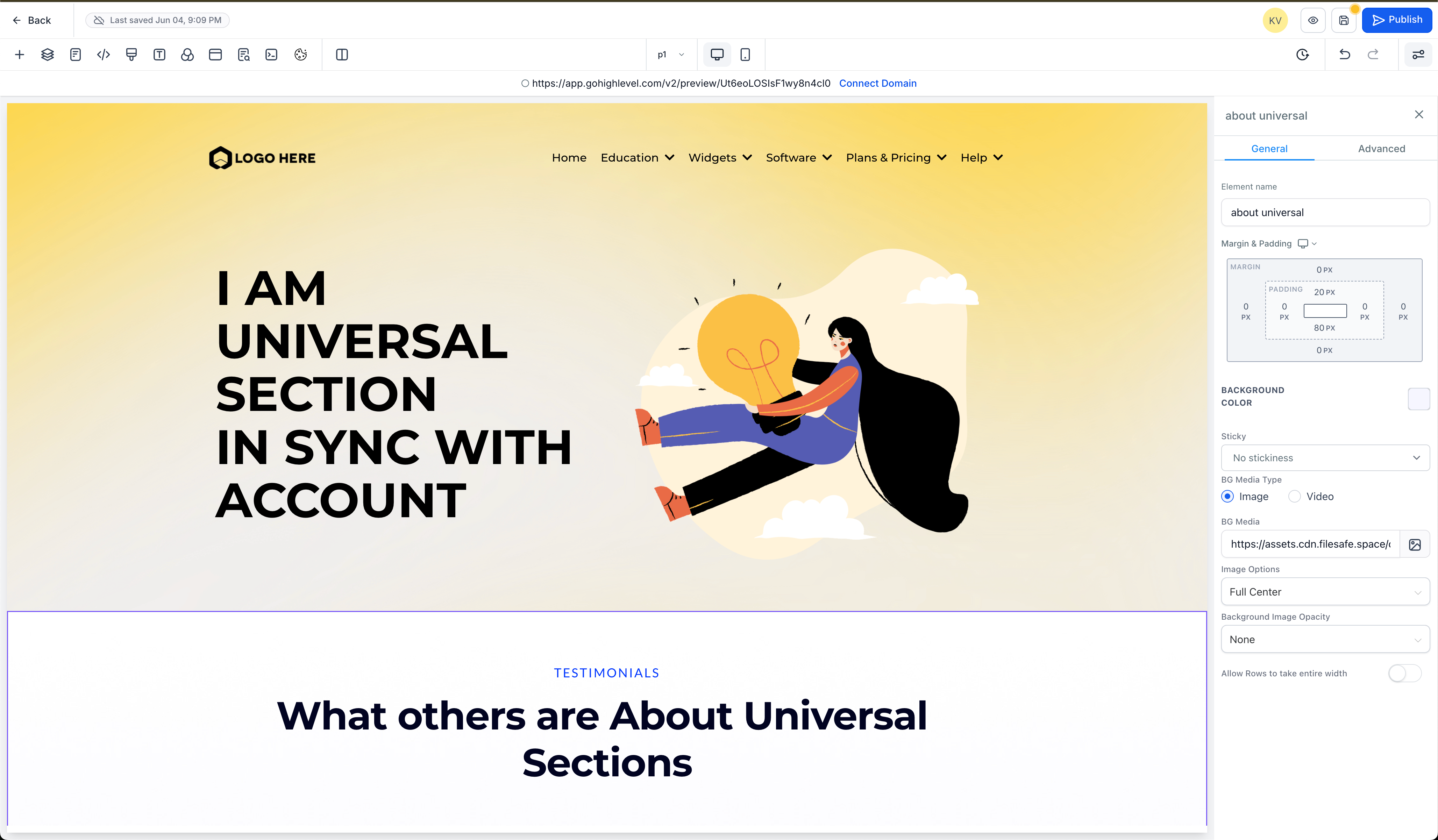
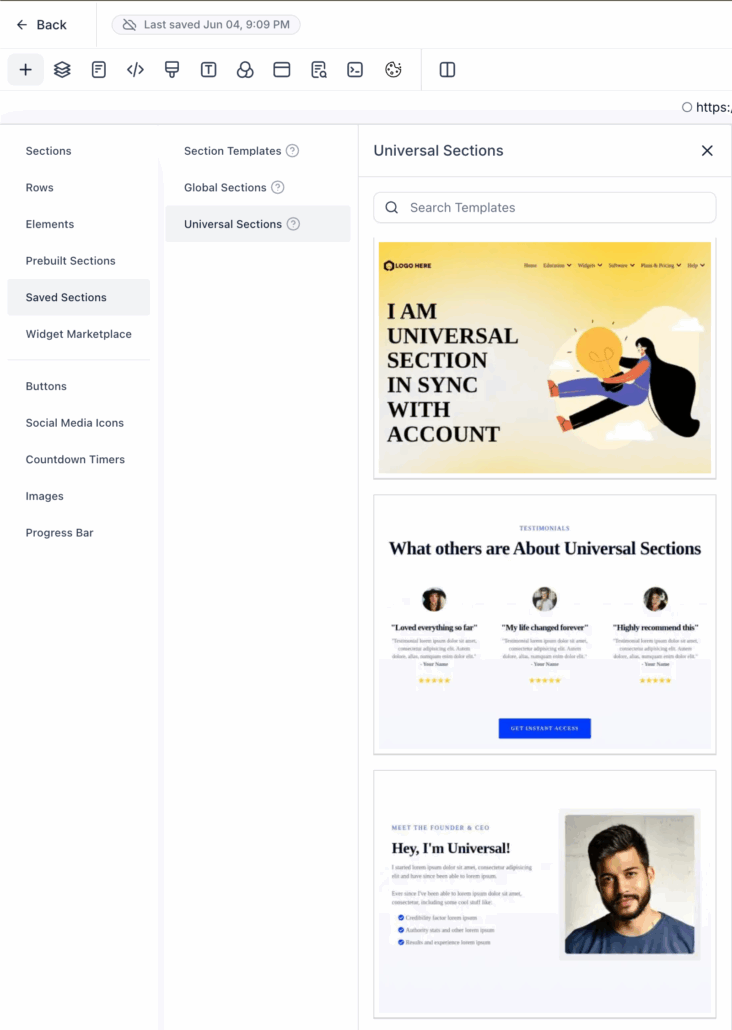
- **Universal Sections** automatically update across every instance in the account, affecting Funnels, Websites, Webinars, Blogs, and the E-Commerce Store.
- **Global Sections** update only within the current funnel or website.
- **Templates** are fixed and reusable; however, edits made do not sync.
This update introduces a new section-saving flow, enhances performance behind the scenes, and implements smarter behaviour during cloning and reuse.
**Key Capabilities and Improvements**
- You will now use a single save modal to choose between Universal, Global, or Template section types. Each type includes a preview thumbnail and a clear visual label.
- **Universal Sections** synchronise updates across all Funnels, Websites, Blogs, and Stores in the account.
- **Global Sections** sync only within the funnel or website where they were created.
- **Templates** are static and reusable. Changes made to one instance do not affect others.
**Cloning and Snapshot Handling**
- Sections included in snapshots or funnel clones automatically receive a new unique ID. This ensures that edits made to the copy do not sync back to the original. Each snapshot follows a clear naming convention: sectionName_snapshot.
**Template Previews Support**
- **Universal** and **Global** section templates now generate automated screenshots, making it easier to browse and visually select saved templates.
**Backend Architecture and Security**
- We have rebuilt the system with dedicated services and controllers to enhance performance and reliability. Syncing and caching are now more efficient. We have also implemented validation checks, smart difference detection between section versions, and new security measures to protect template operations. Only layout JSON is stored—no personal data is included.
- Once saved, you cannot change the type or re-save the same section again.
- **Pro Tip**: Create a clone and then save the clone into a different category.