
Typeform – Actions & Triggers in workflows
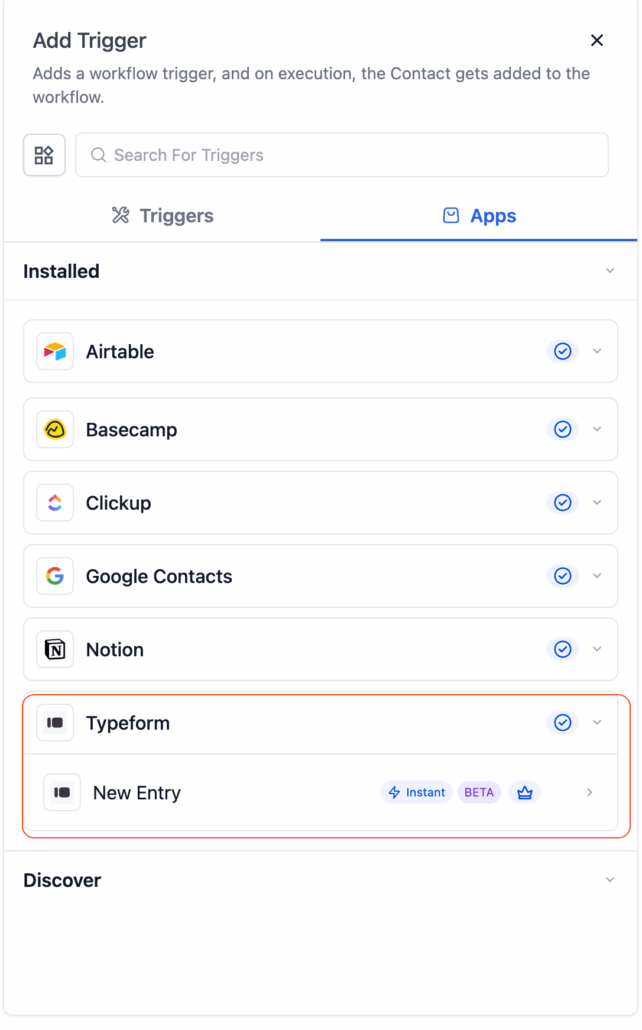
We’ve introduced Typeform actions and an instant trigger to Workflows. You can now initiate automations as soon as a Typeform response is received and manage Typeform forms directly from within Workflows. This enhances lead capture, onboarding, and feedback automation processes.
Trigger (from Typeform → Clixio):
- New Entry (Instant) — Triggers the moment a new Typeform submission is received.
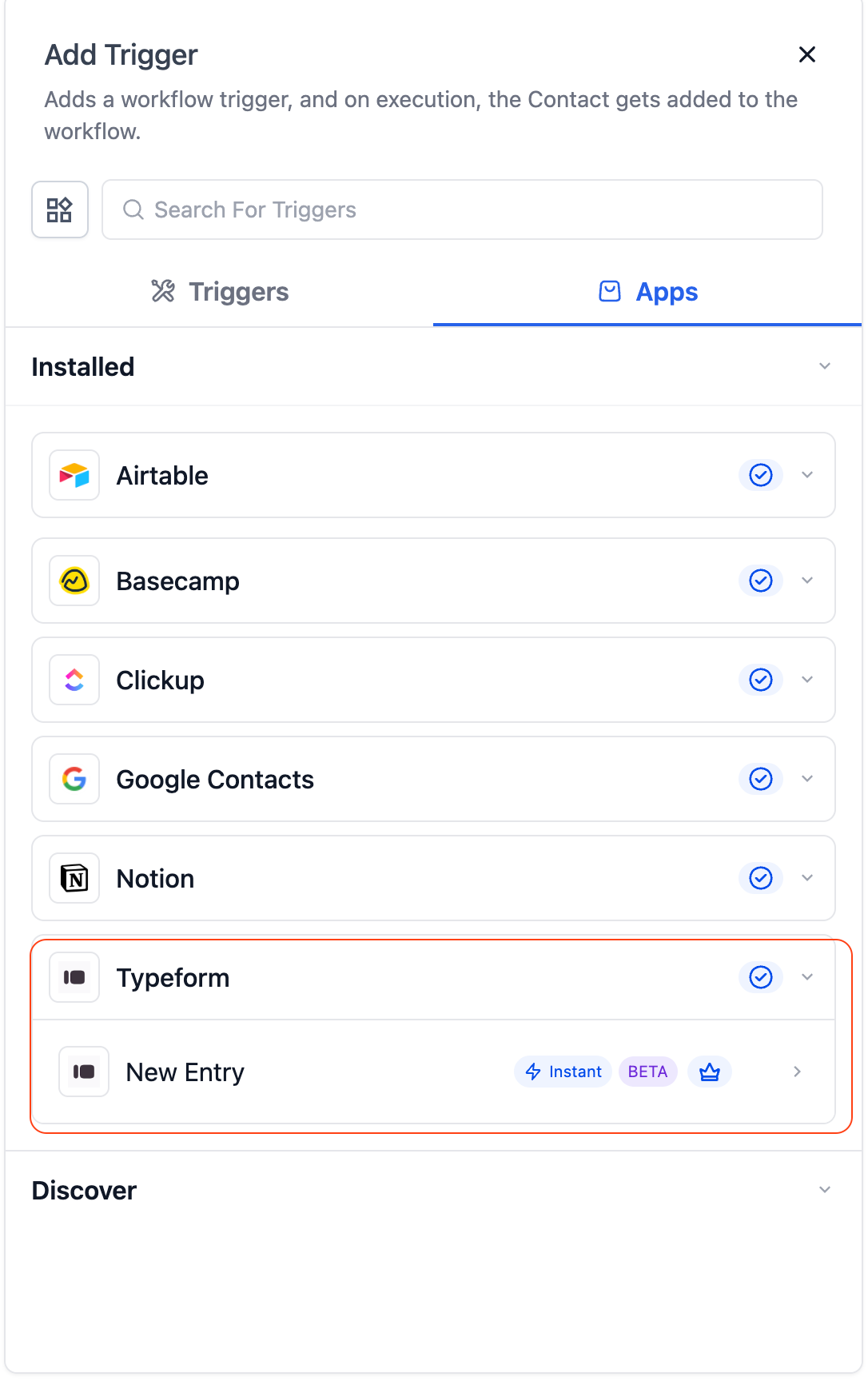
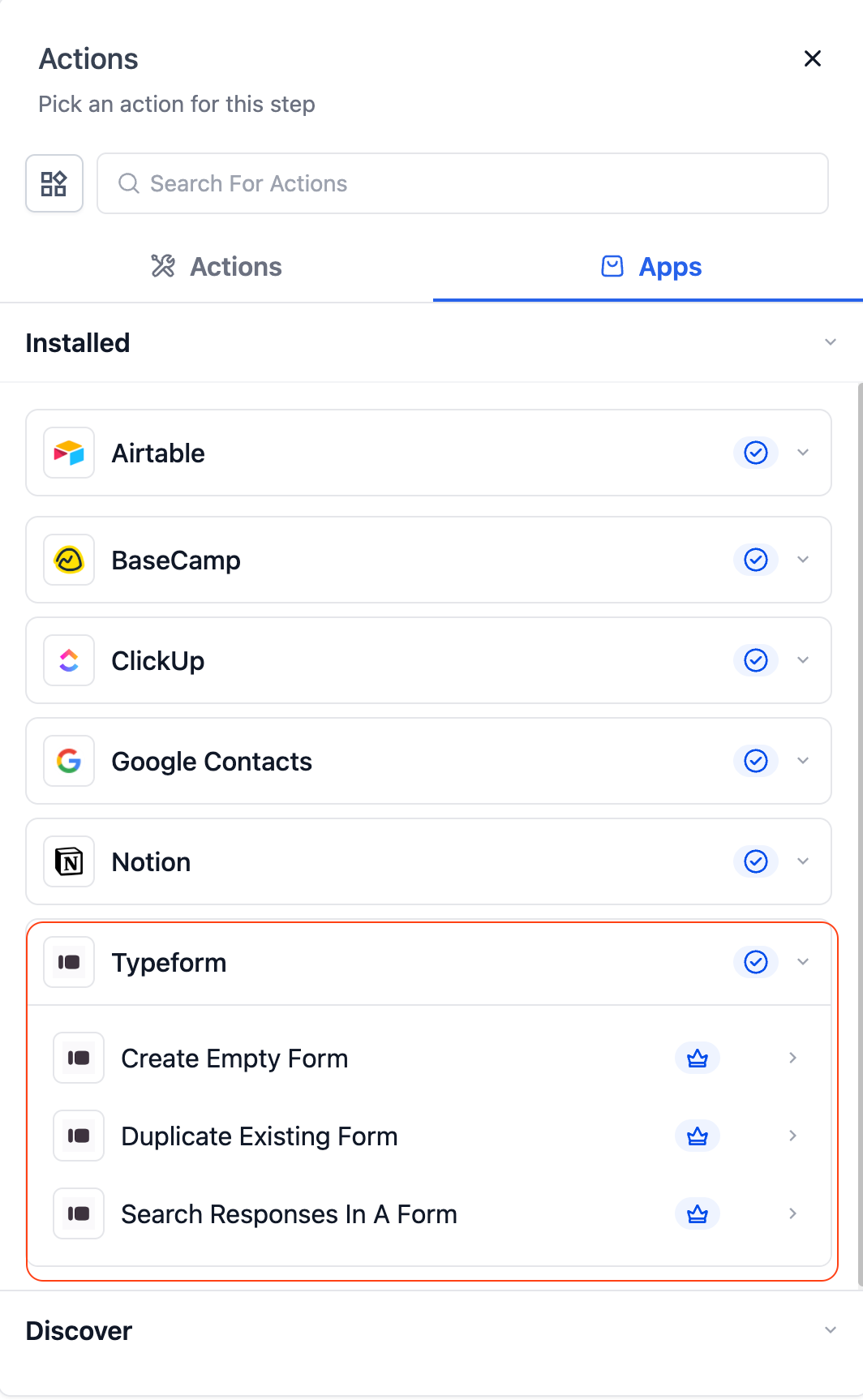
Actions (from Clixio → Typeform):
- Create Empty Form — Instantly create a new blank Typeform.
- Duplicate Existing Form — Copy an existing Typeform along with its structure.
- Search Responses in a Form — Retrieve and review responses from a specific Typeform.
Forms are often the first step in capturing client intent, ranging from lead generation to onboarding surveys. Until now, agencies had to manually bridge responses between Typeform and Clixio or depend on third-party tools.
With this native integration, you can:
- Instantly trigger automations when a form is submitted.
- Automatically create and manage Typeforms directly from workflows.
- Eliminate manual data syncing and expedite lead handling.
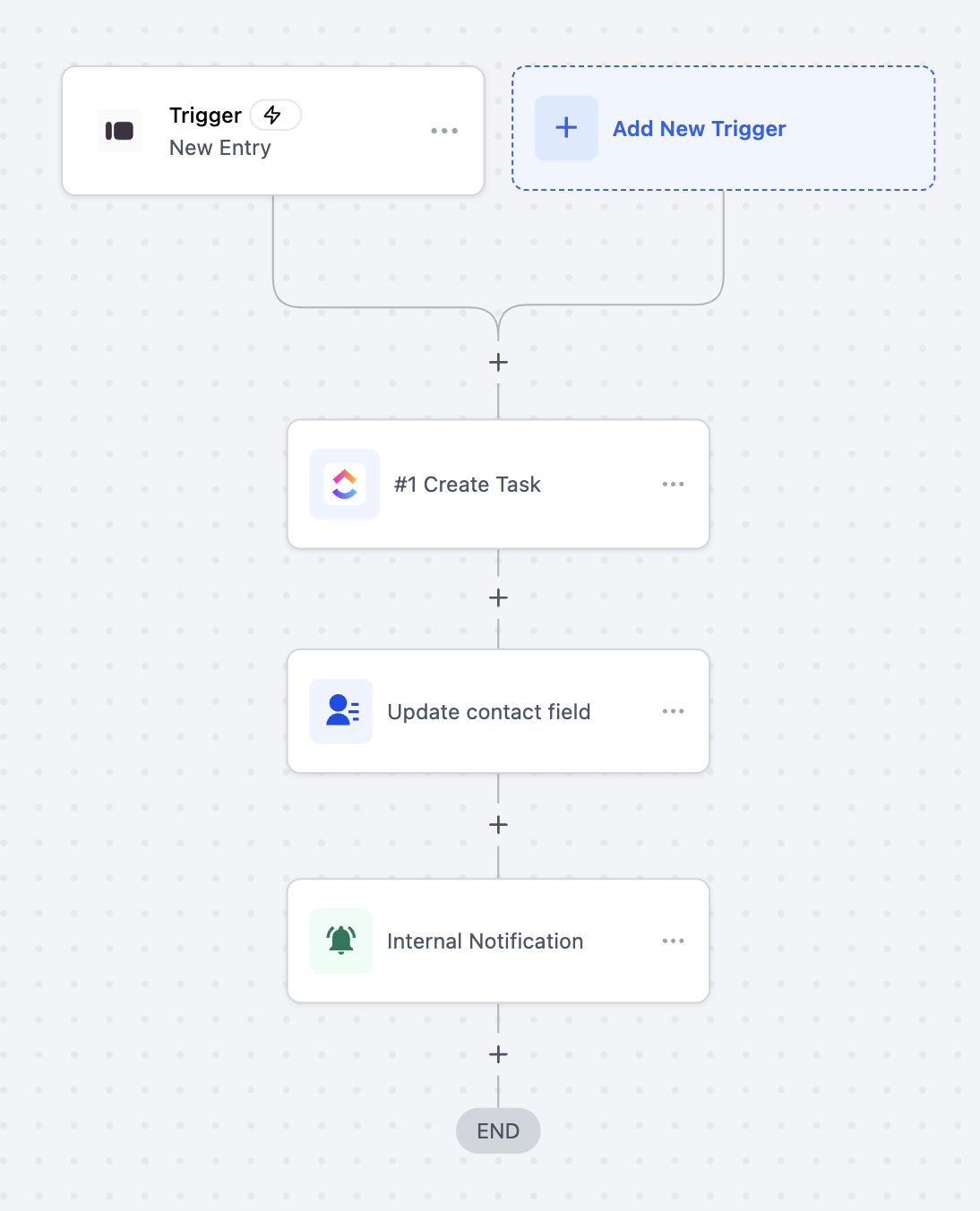
- Lead Capture Automation: When a new Typeform entry is submitted, automatically create or update a contact in Clixio and send a follow-up email.
- Client Onboarding: On form submission, generate a new Typeform for onboarding feedback and notify the team.
- Response Management: Search and fetch form responses for CRM enrichment or reporting automation.
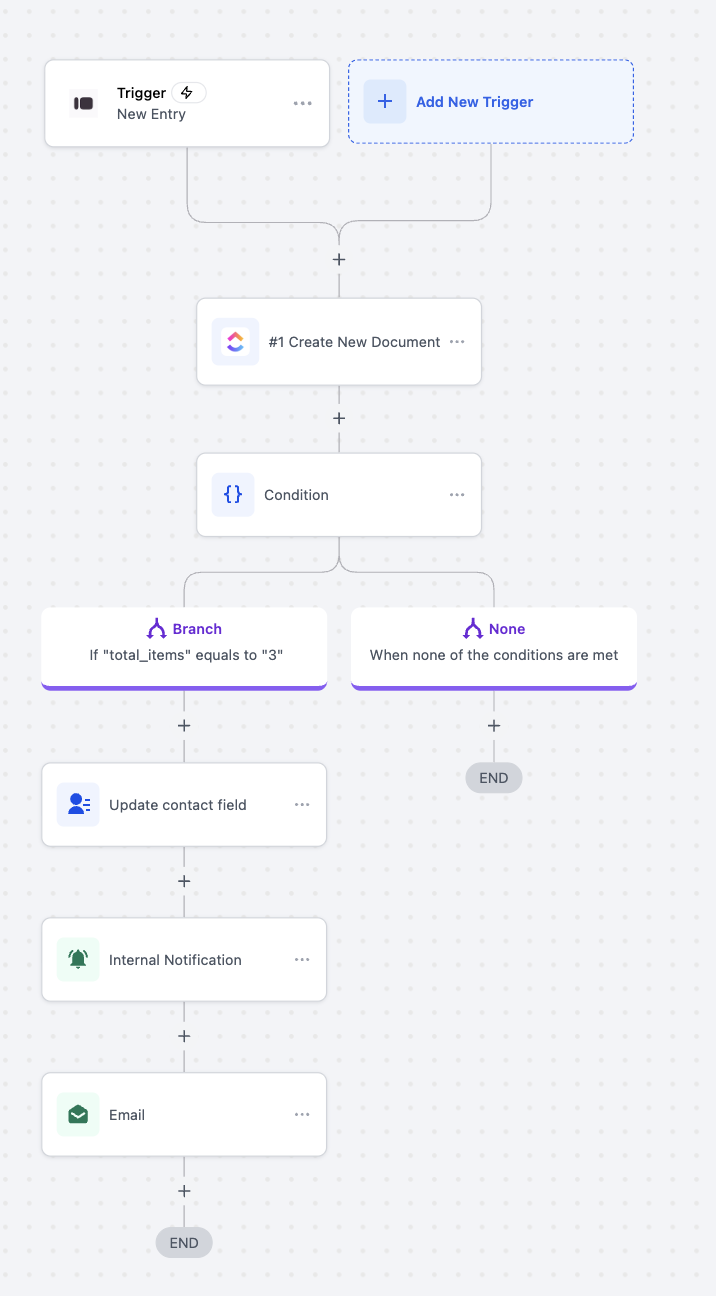
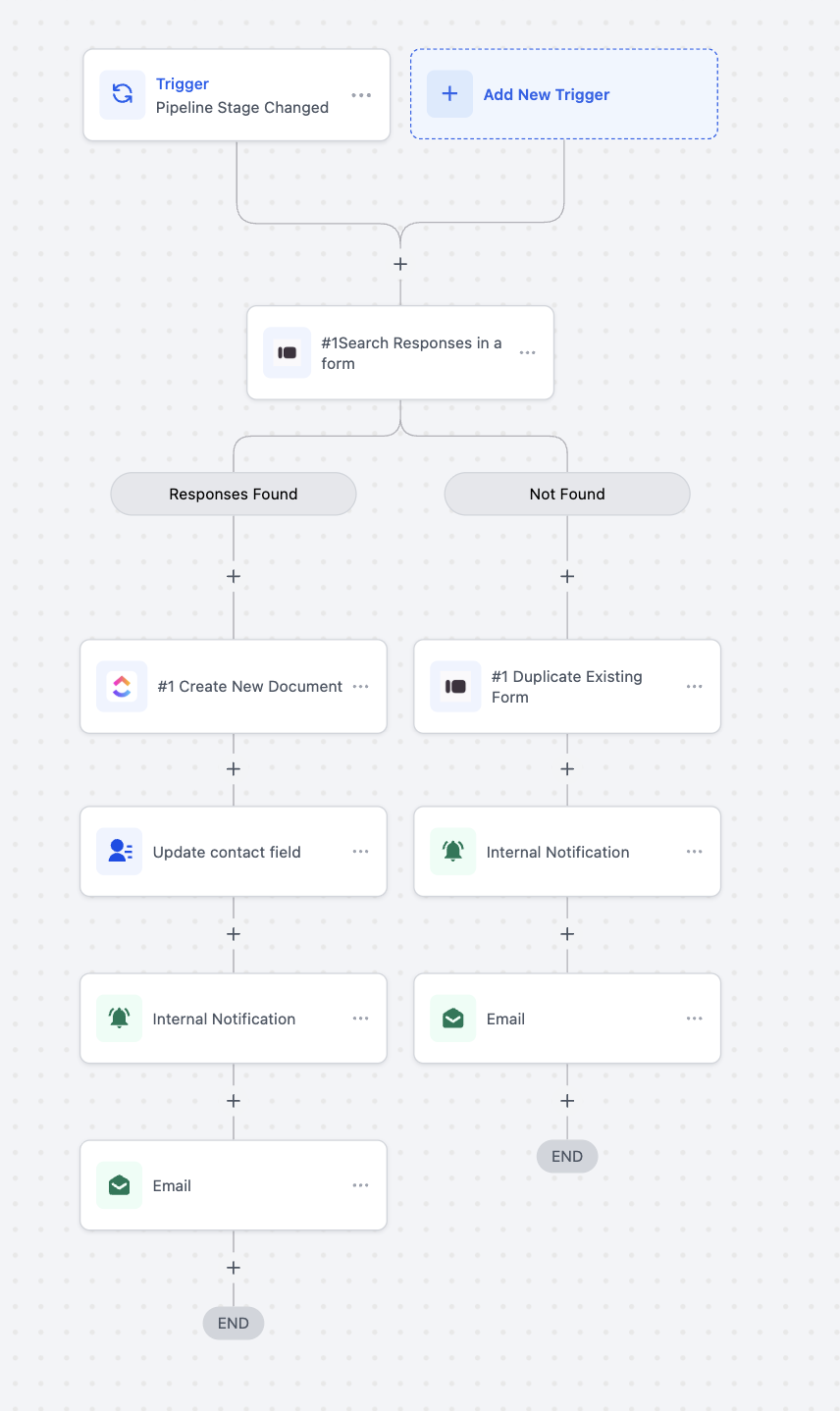
- In Workflows, search for “Typeform.”
- Select a trigger or action → click Connect Now.
- Log in with your Typeform account to authorise access.
- You can also connect through Settings → Integrations → Typeform.
- The New Entry trigger is instant (webhook-based) — responses are captured in real time.
- This feature works with both free and paid Typeform plans.
- Typeform actions are premium and billed per execution.
- Sync Direction: The current release supports one-way sync (Basecamp → Clixio for triggers, Clixio → Basecamp for actions).
