Trigger Descriptions in Workflow Builder
Improved Workflow Triggers
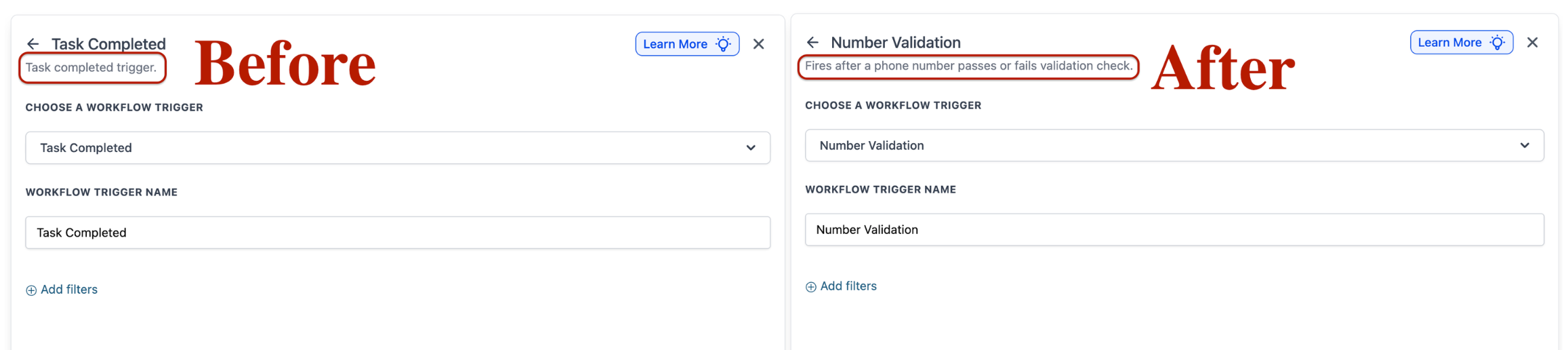
Every workflow trigger now features a built-in, human-readable description that clarifies its function and the circumstances under which it activates. These descriptions are easily accessible within the Workflow Builder when browsing, selecting, or editing triggers.
To begin, open the Workflow Builder and click to add or edit a trigger. Each available trigger now comes with a clear description of what it does, enabling you to confidently select the right trigger without the need to consult external documentation.
The inclusion of trigger descriptions minimises guesswork during workflow setup, streamlining the process for both new and experienced users to quickly identify the appropriate trigger and build automations more efficiently.