Text Customization of different components in E-Commerce Stores
General
and
Advanced
sections, with many fields being non-customisable. Now, all text settings have been consolidated into a single section within the
General
settings called
“Text Customisation”
.
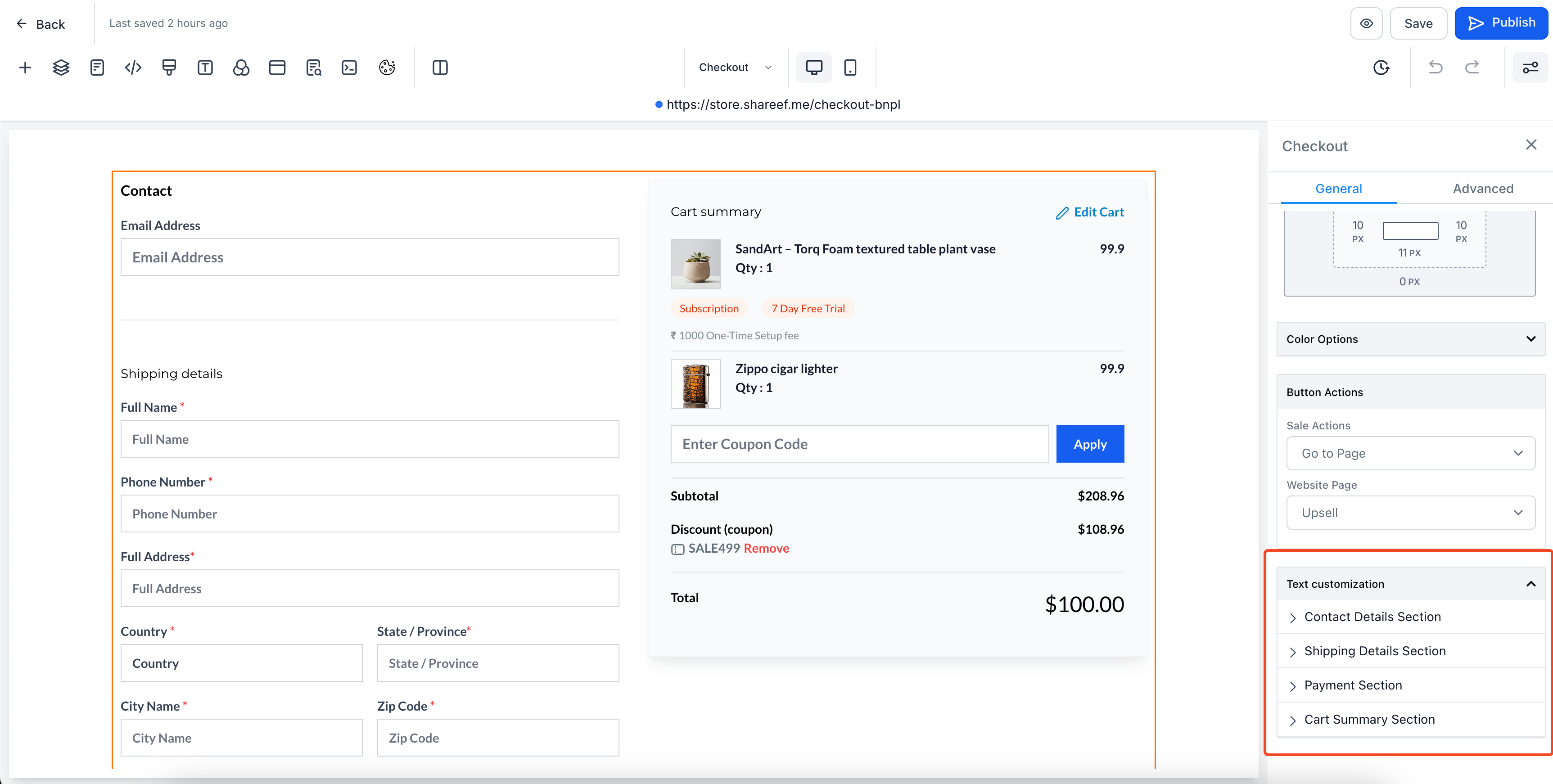
- Open your Store Builder and select the element you’d like to customise (e.g., Product List, Product Detail, Upsell, etc.).
- Go to the
General
section in Settings tab on the right, and scroll down to bottom to access
“Text Customisation”
section.
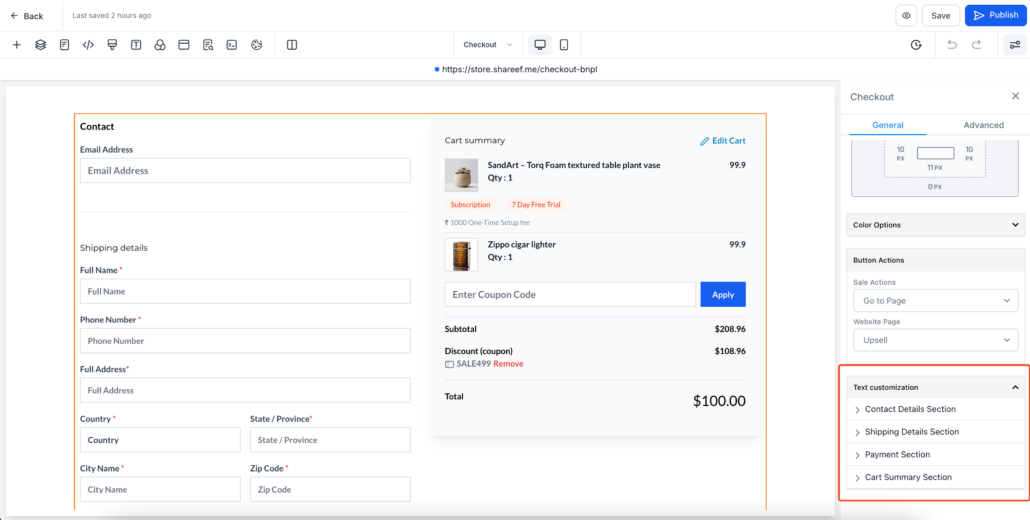
- In the Text Customisation section, you’ll find text options organised into sub-sections for different parts of the component (e.g., Shipping Details, Payment Section).
- Edit the text, labels, or headings within each sub-section as needed.
- Once you’re done, save your changes and click
Publish
!
Text Customisation
section, and the previous options will no longer be available or needed.