📬 Stay Informed When a Meeting is Missing a Location
Introducing Smart Notifications
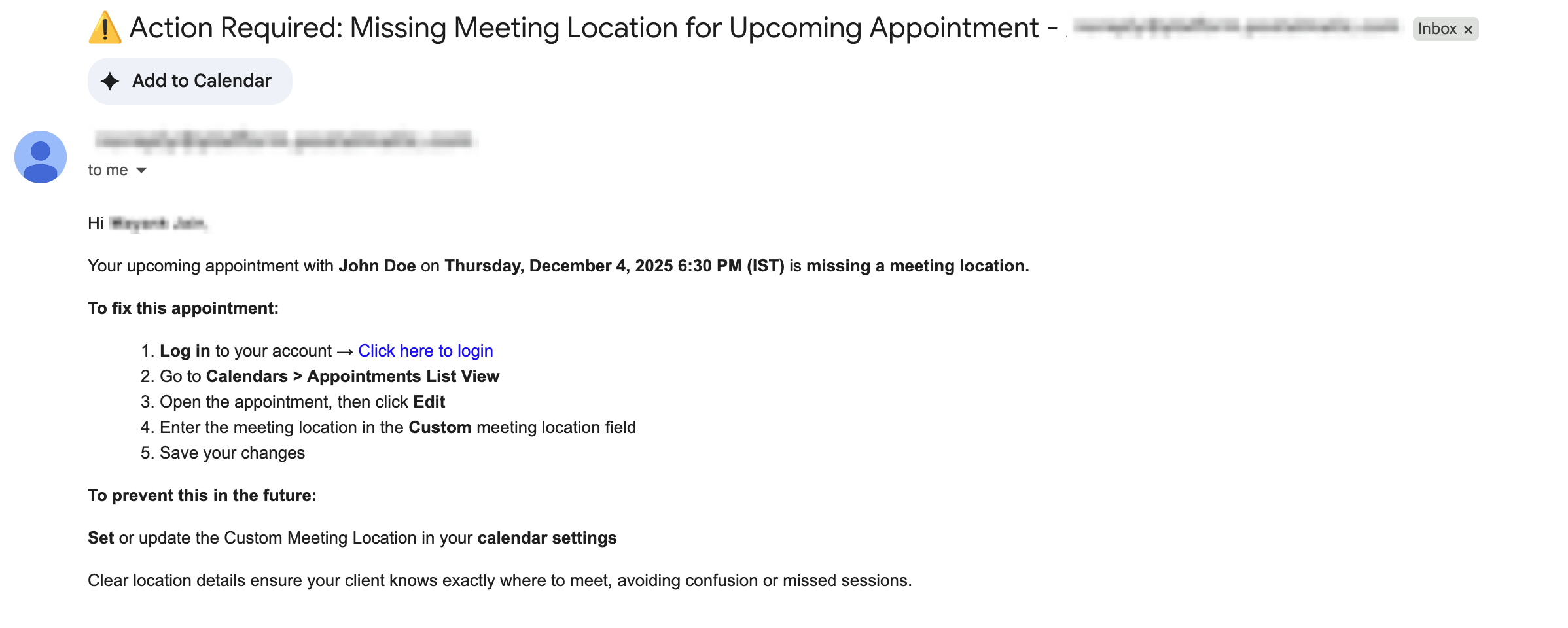
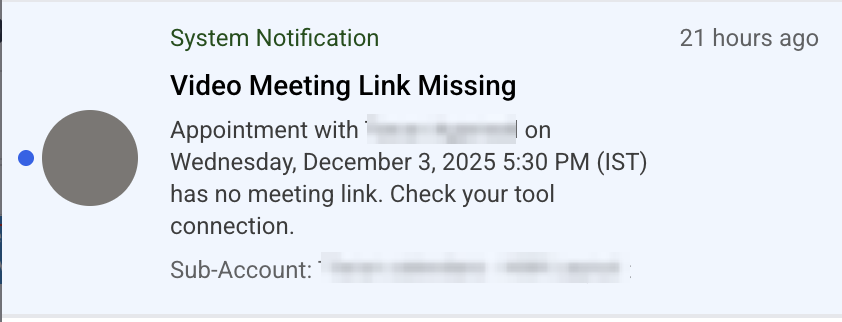
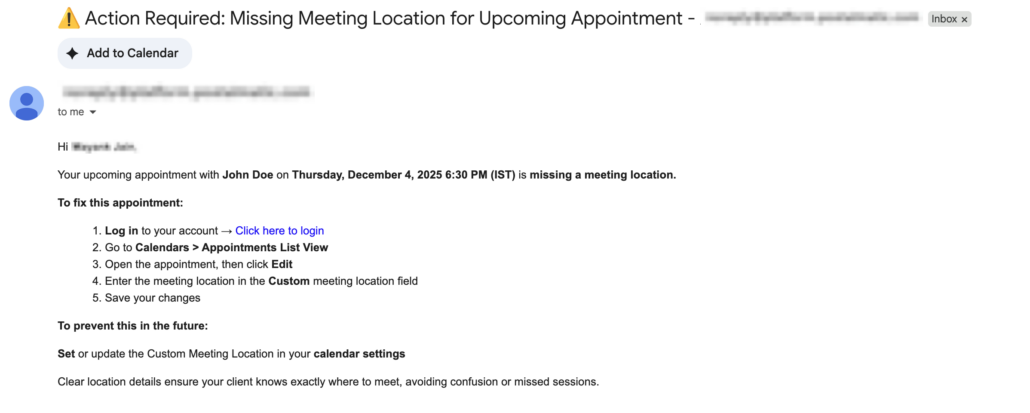
We’ve introduced a clever new alert to help avoid confusion and prevent missed meetings: users can now receive notifications when an appointment is created without a meeting location or link.
Whether due to a failed Zoom/Google Meet/MS Teams integration, an empty custom location field, or a manually created appointment without a set location, this update ensures that assigned users can identify and address the issue in a timely manner.
✅ Smart Notifications for Missing Location or Link
- Whenever an appointment is scheduled without a meeting location, the assigned user can now receive a notification — via email and/or in-app push, depending on their preferences.
✅ Respects Staff Preferences
- Notifications will only be sent if the assigned user has enabled them in their notification settings.
✅ Know Which Meeting Was Impacted
- Users will receive notifications for every meeting scheduled without a location, allowing them to address each appointment accordingly.
✅ Configurable in Notification Settings