
Social Planner Statistic Widgets on Dashboard
⭐ What’s New
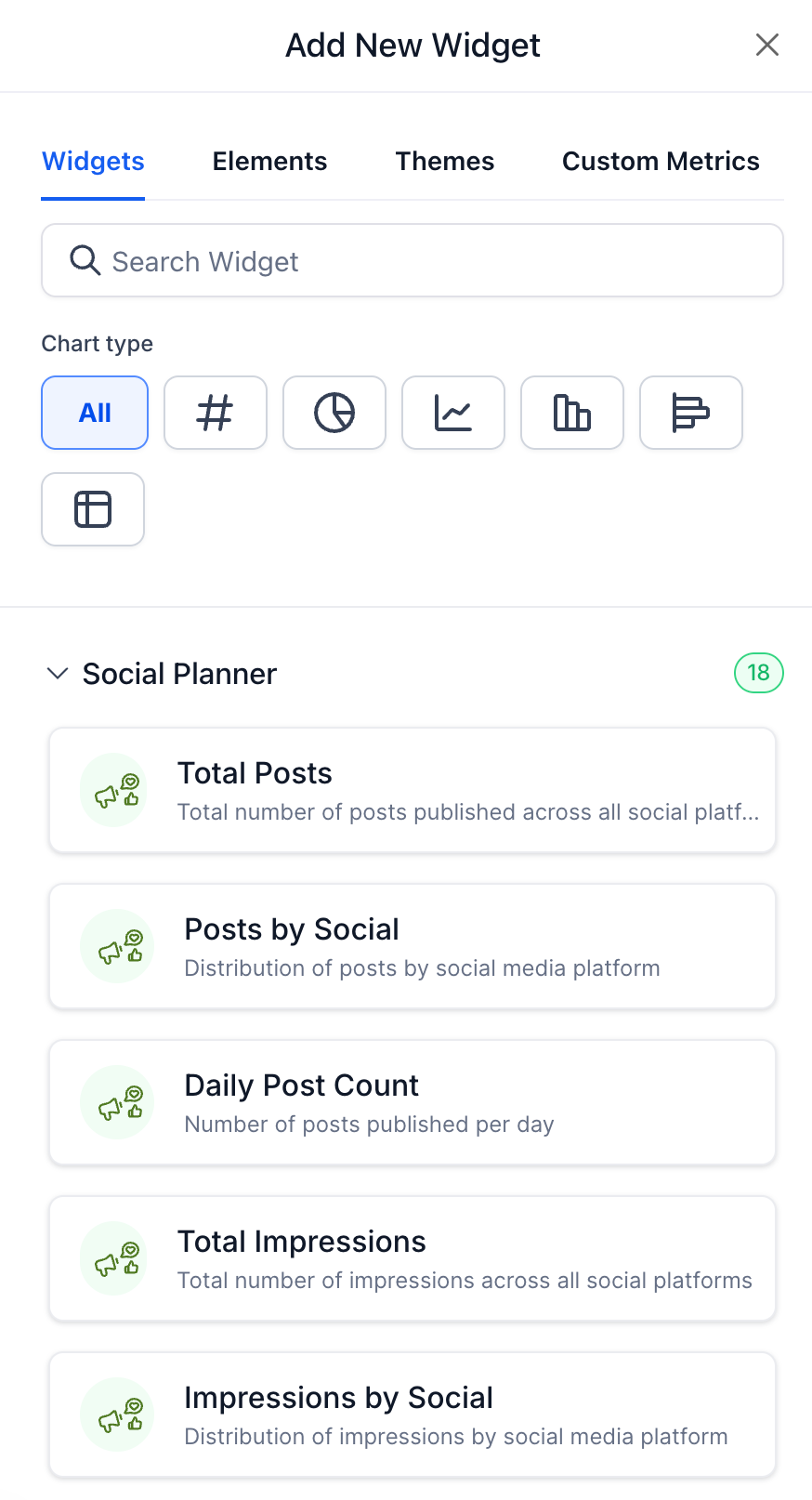
You can now view Social Planner performance directly on the Dashboard using the newly added widgets. These widgets present aggregated social analytics, allowing agencies and sub-accounts to quickly understand the performance of their social content without needing to navigate away from the Dashboard.
🛠️ How It Works
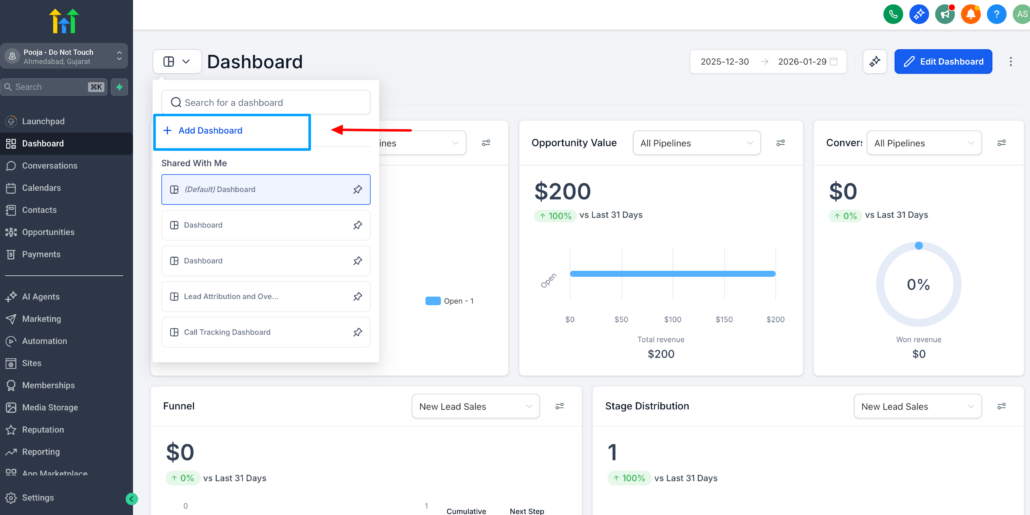
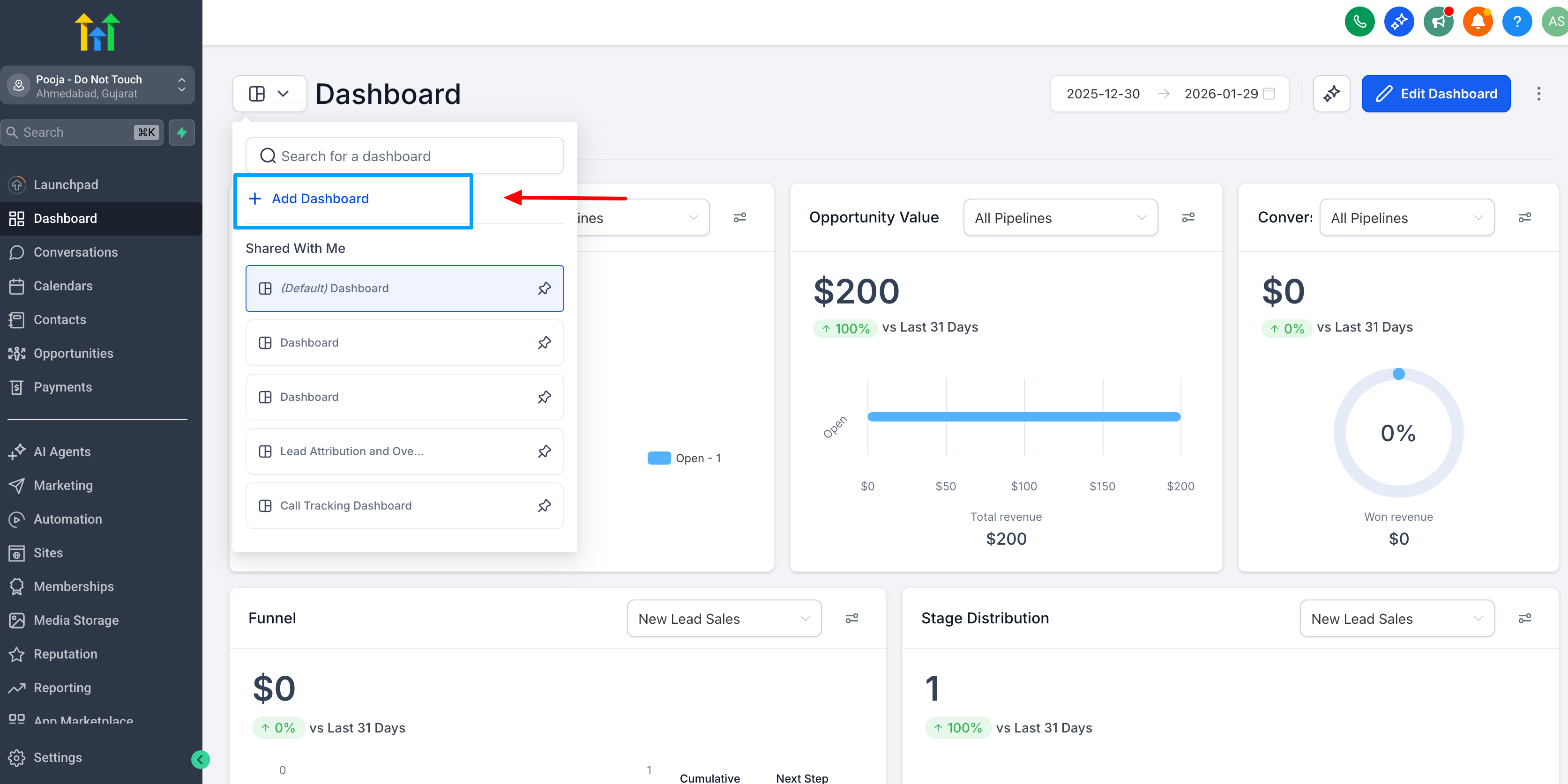
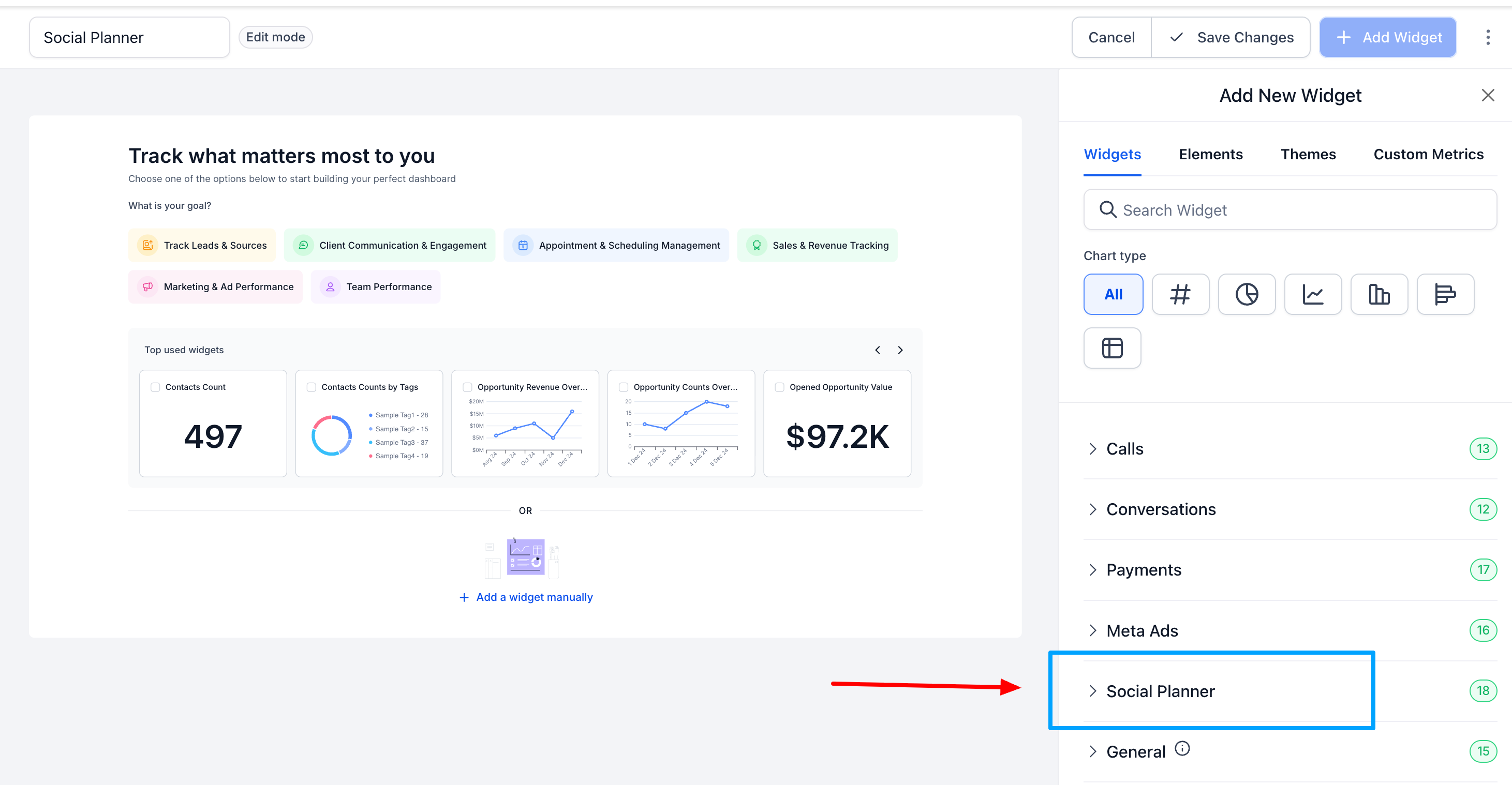
Go to Dashboards >> Add Dashboard >> Social Planner Widgets
1) 📊 Social Planner Dashboard Widgets
New widgets are now available on the Dashboard for Social Planner analytics.
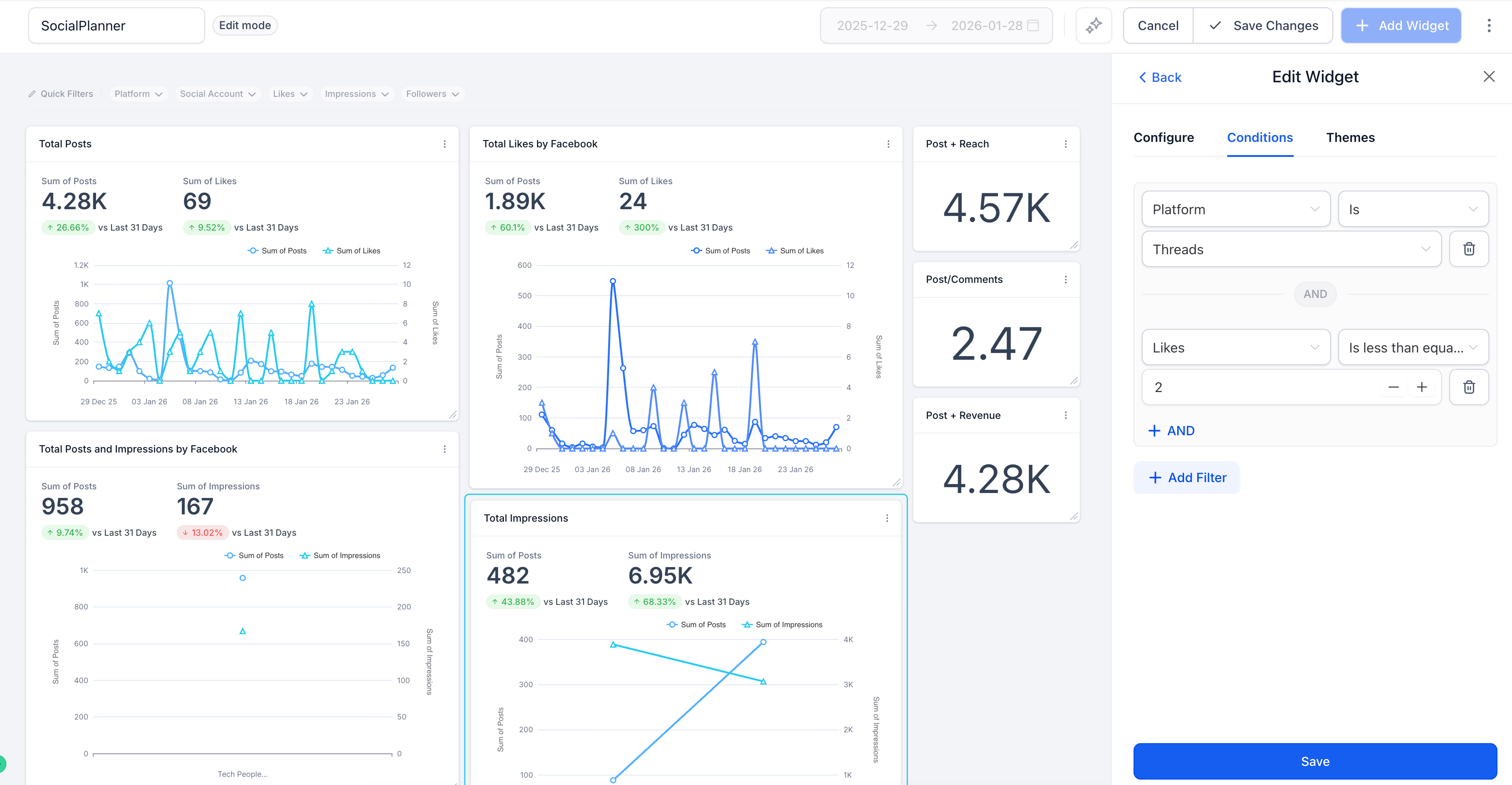
These widgets support aggregated metrics, including:
- Posts
- Likes
- Comments
- Shares
- Impressions
- Reach
- Followers
2) 🔍 Filters & Grouping Options
Users can configure widgets using the following filters:
- Platform
- Social Account
- Date Range
Group data by:
- Date
- Platform
- Social Account
3) ⚙️ Built for Scale & Reuse
Numeric widgets are provided for key social metrics and are fully compatible with:
- Dashboard Widgets
- Custom Reports
- Snapshots
- Templates
💡 Why It Matters
These new Social Planner widgets provide agencies with the following benefits:
- Instant visibility into social performance from the Dashboard
- Monitoring of key metrics without switching contexts or reports
- Access to consistent, unified analytics across Dashboards and Custom Reports
- Seamless scalability of social reporting as new metrics and capabilities are introduced
