
Social Planner – Customizing Posts for Each Social Media Channel with Images/Videos😇
What’s New in Social Planner: Customising Posts for Each Social Media Channel with Images/Videos
We’re excited to introduce a new feature in Social Planner: the ability to customise each post with unique images and videos tailored for different social media channels. This enhancement allows you to personalise the content of each post, ensuring it aligns perfectly with the requirements and aesthetics of each platform.
- Custom Post Content: You can now customise each social media post by adding different images or videos for each channel.
- Flexible Media Options: Tailor your content to each platform by selecting specific images or videos for Facebook, Instagram, Twitter, and more.
- Improved Post Control: Streamline your content creation process by managing post media separately for each social media network.
- Easy-to-Use Interface: Easily upload and assign media for each platform directly in the post creation interface.
How to Customise Posts for Each Channel:
- Go to Marketing > Social Planner.
- Click on the New Post button.
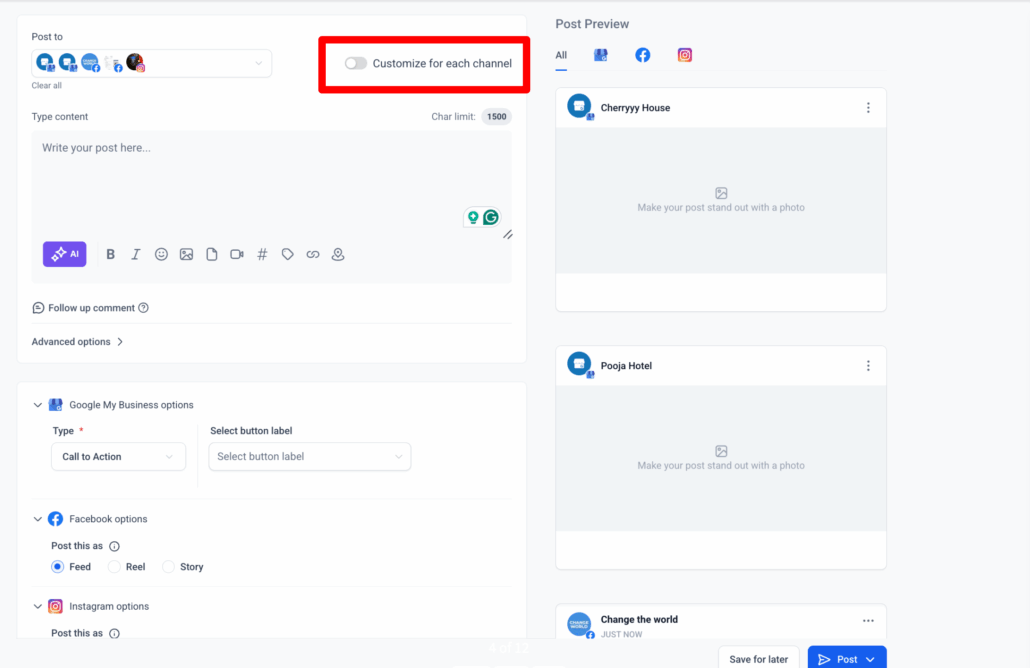
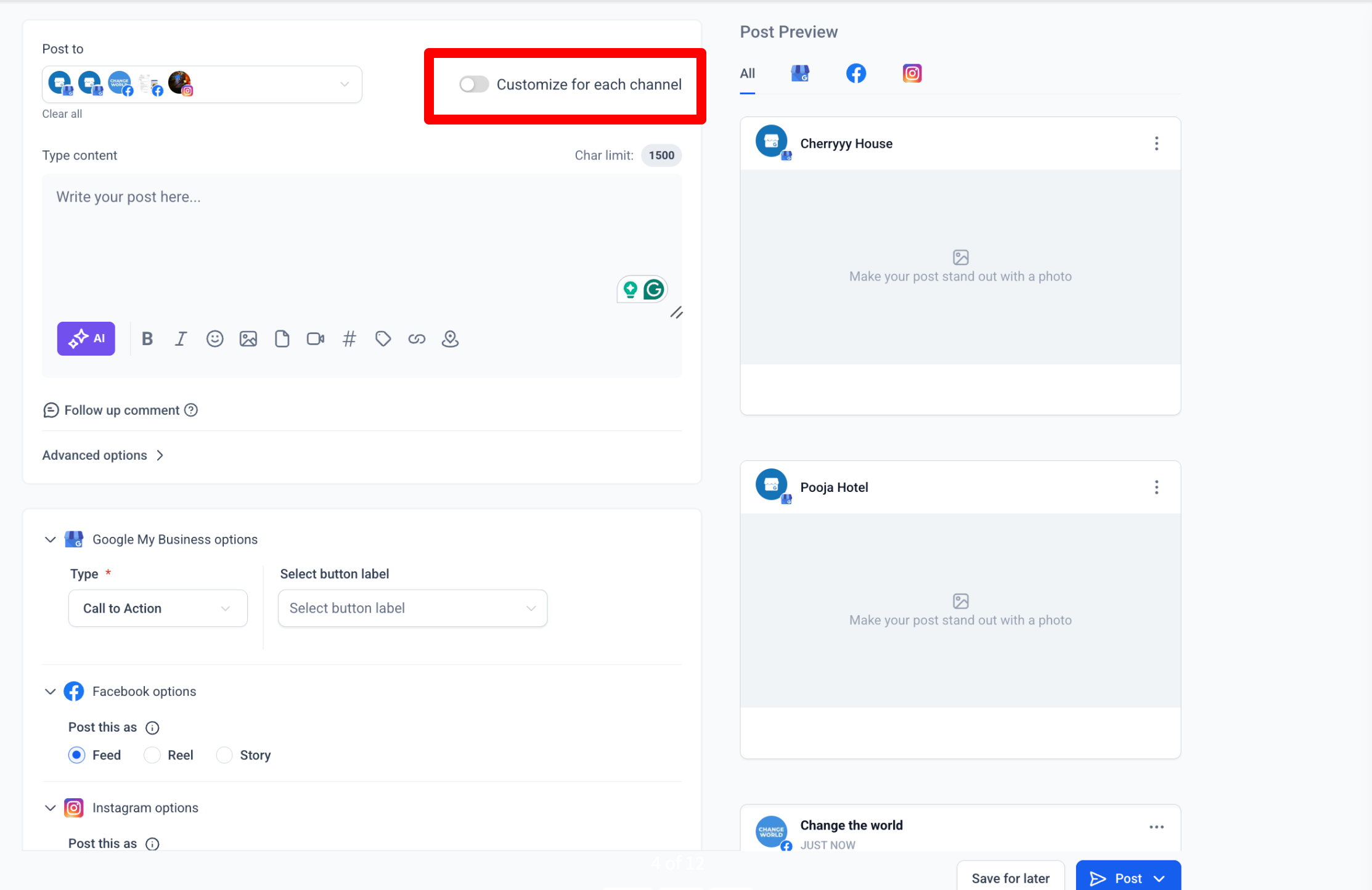
- Add your content as usual, then click on the Customise for Each Channel option.
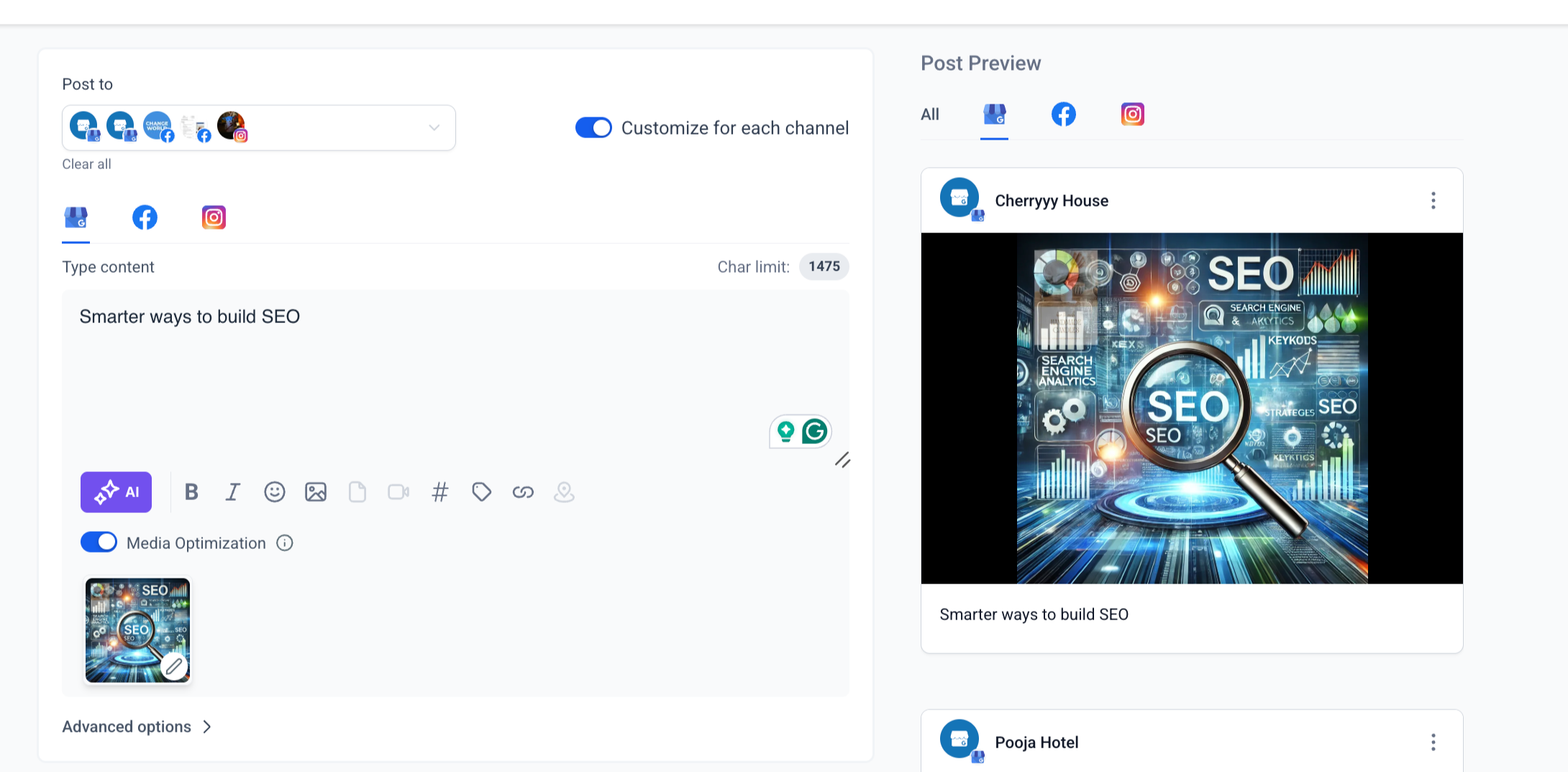
- For each social media channel, you can now upload different images or videos.
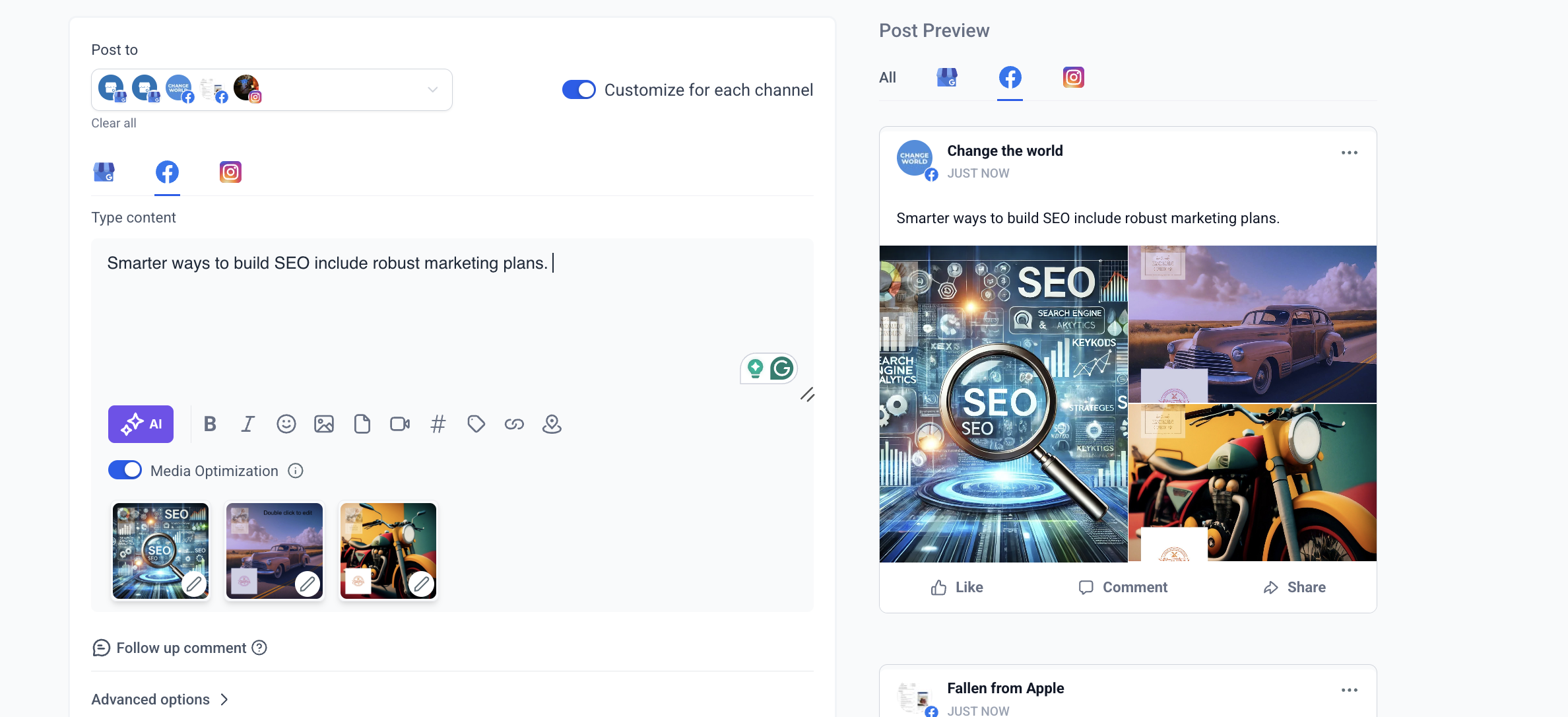
- Select Publish once you’re done customising the posts for each platform.
