🎨 Smarter Visuals with Ask AI: Image Generation & Editing with Ask AI is Now Live!
You can now create and refine images directly through Ask AI. Whether you’re working on social media posts, email creatives or websites, Ask AI will assist you with your visuals.
1. Image Generation with Ask AI
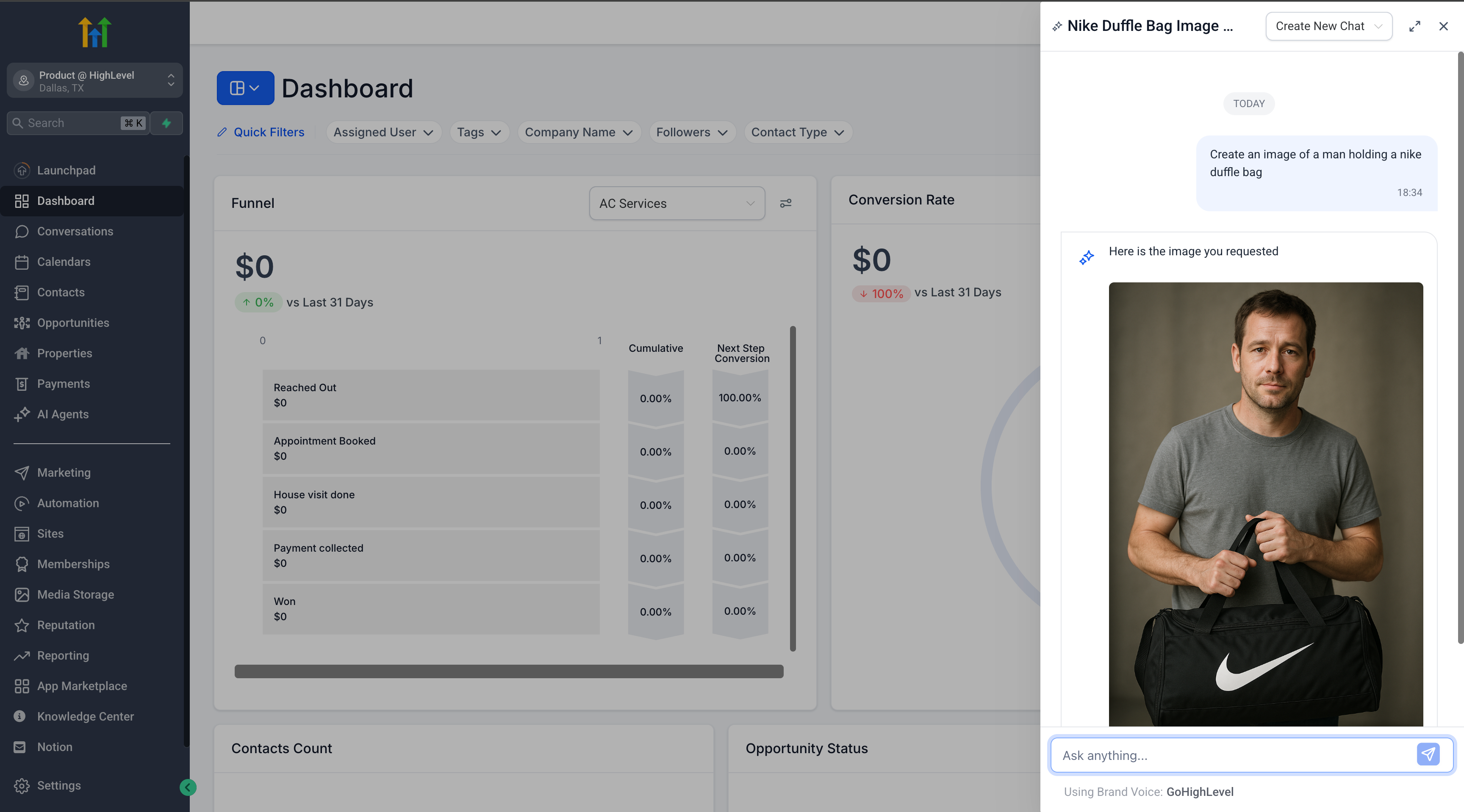
- Type a prompt such as “Generate an image of a beautiful sunset” to receive an image instantly.
- If you desire a specific style, mention it in your prompt (e.g., cartoon, realistic, 3D).
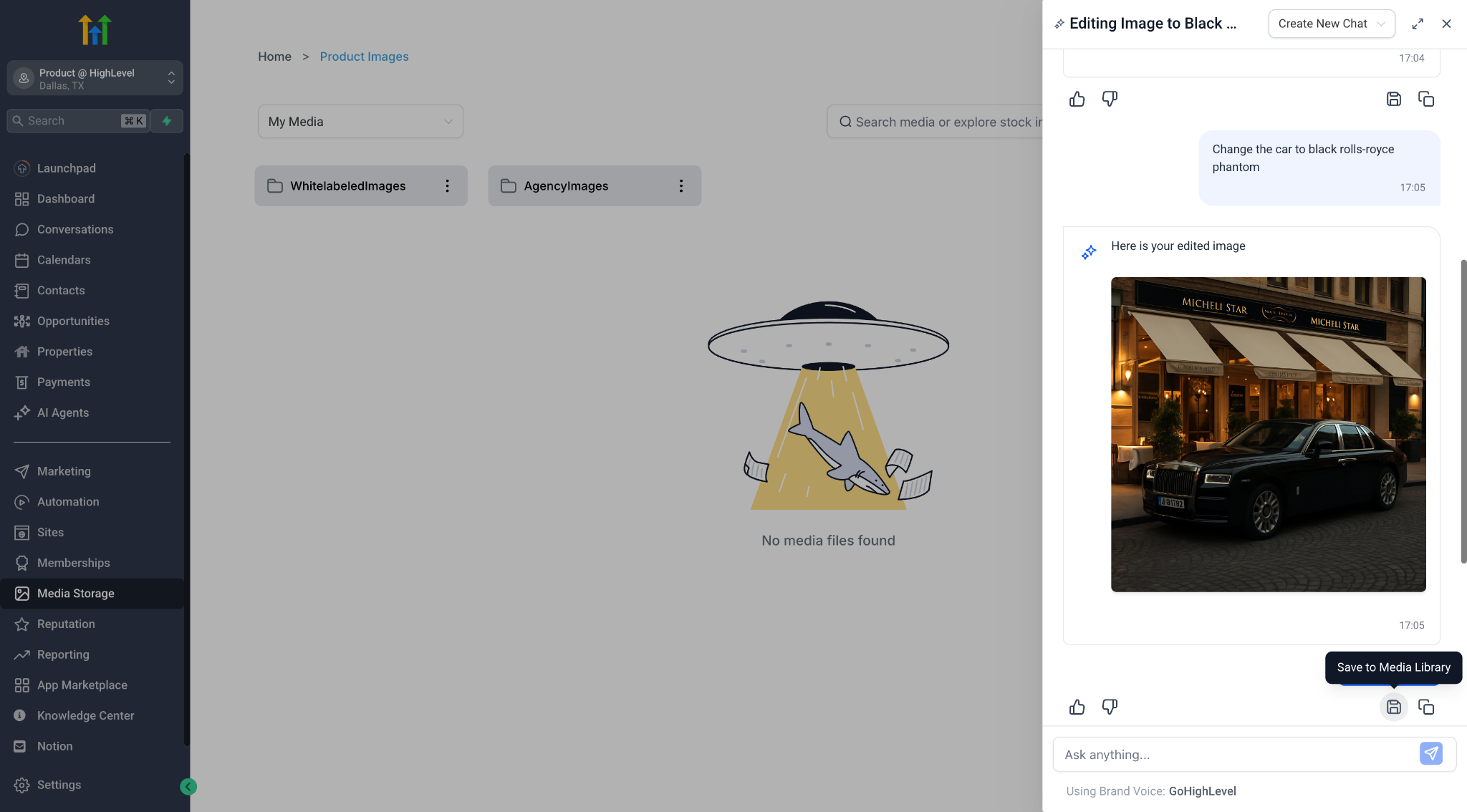
- All generated images are stored in Ask AI sessions by default. Click the ‘save’ button to store them in your Media Library for future use.
2. Advanced Image Editing with Ask AI
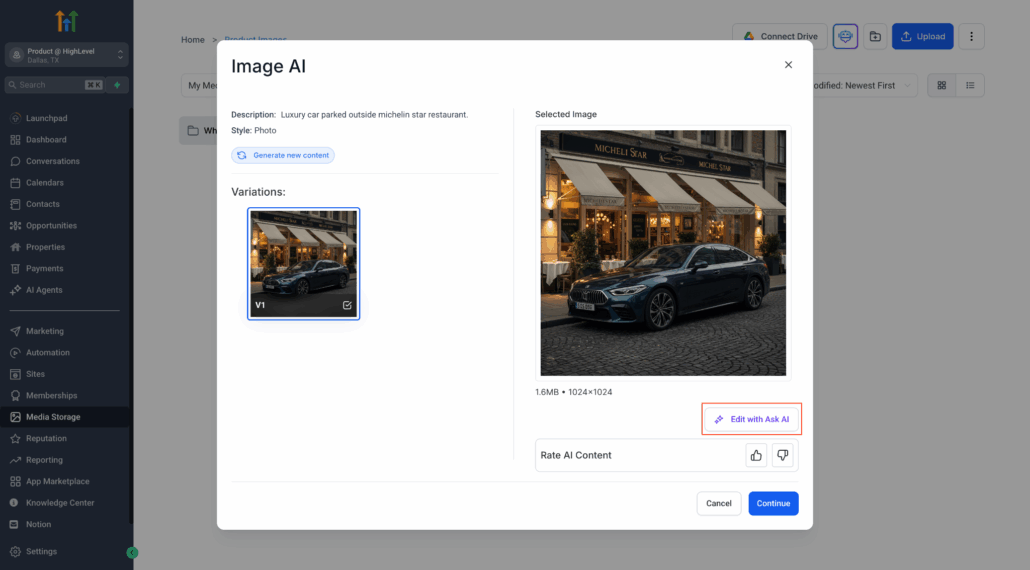
- Edit any image, whether it was generated in Ask AI or via the Content AI modal.
🛠 Two ways to start editing:
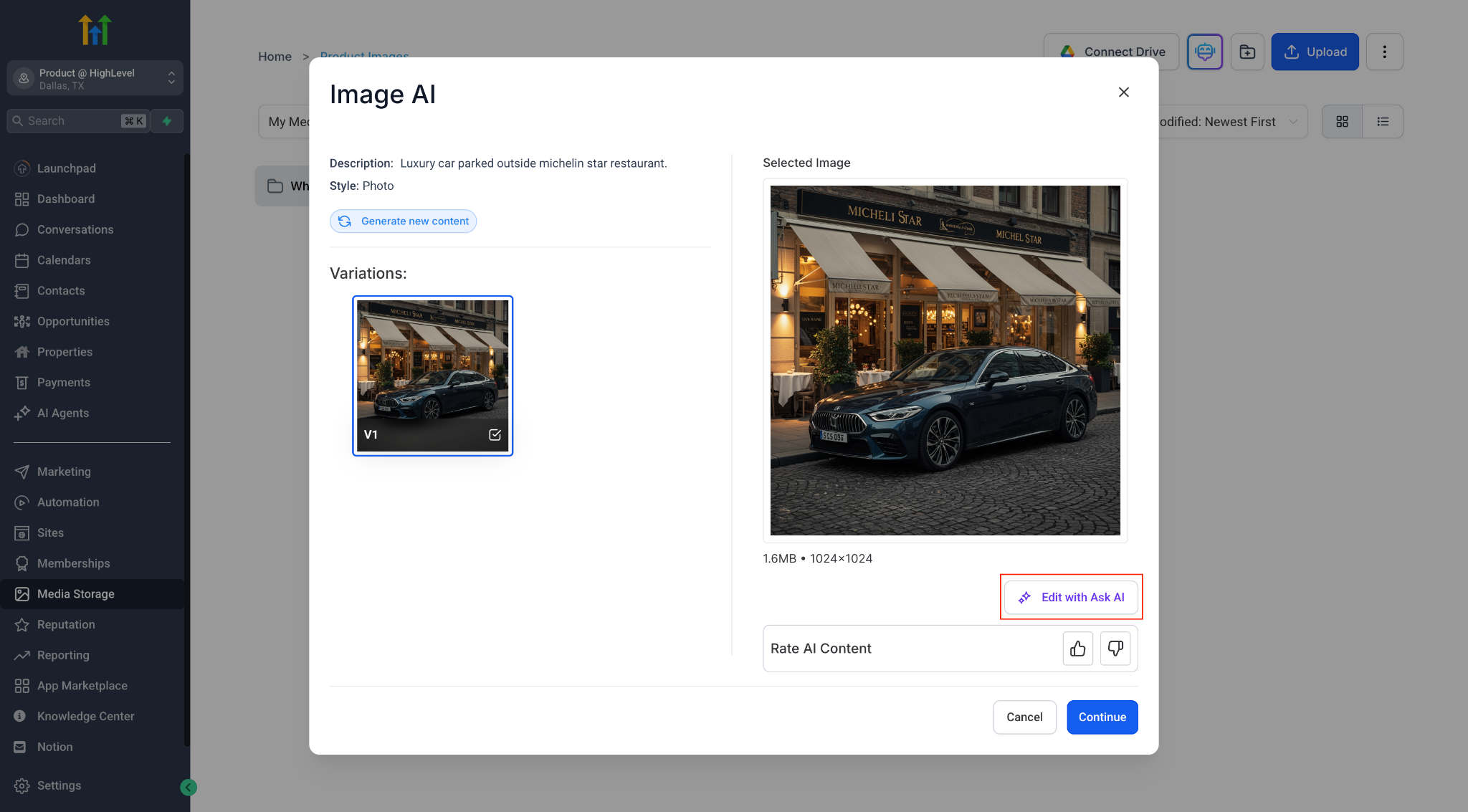
- From the Content AI Image Modal: Click the ✏️ “Edit with Ask AI” icon after selecting an image.
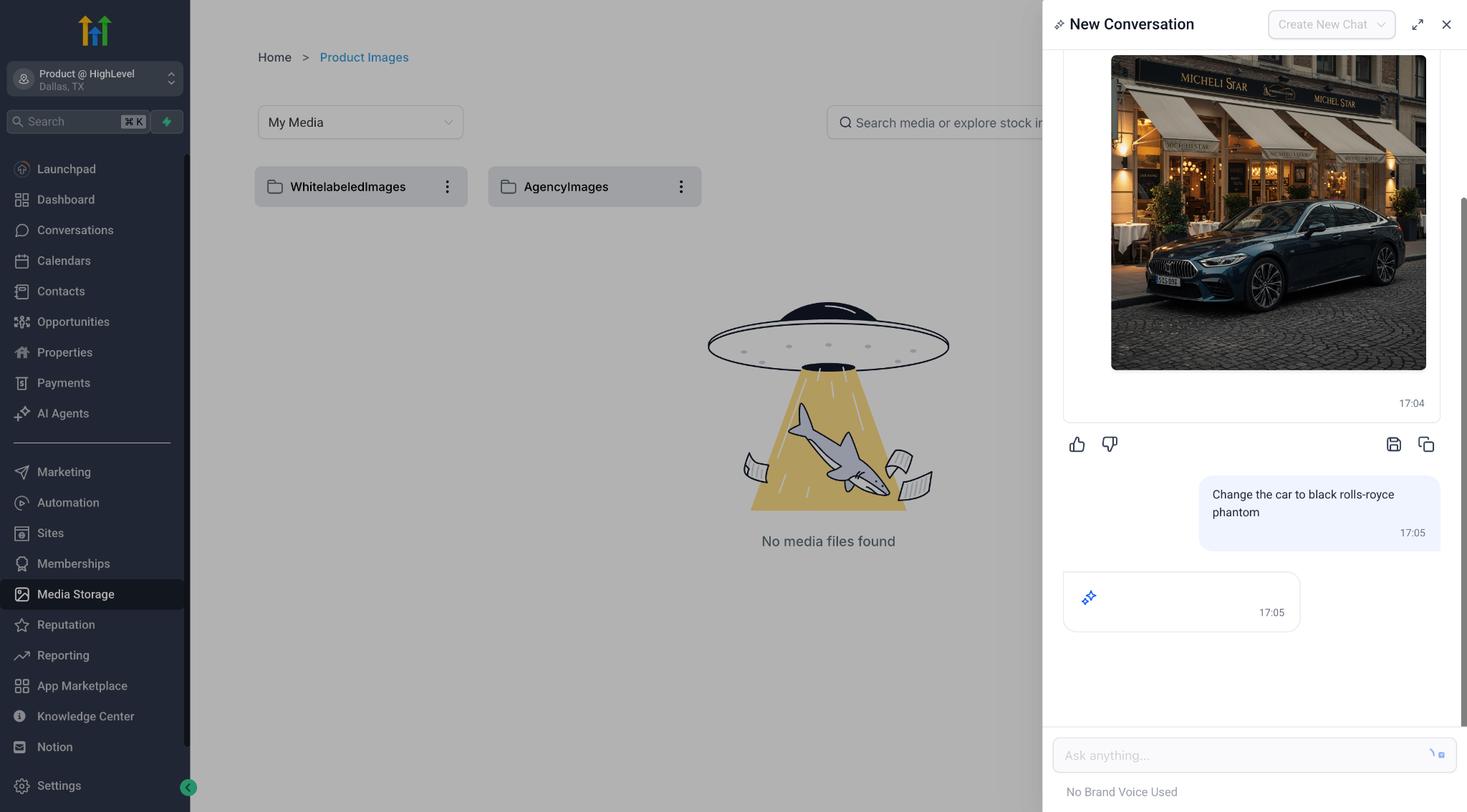
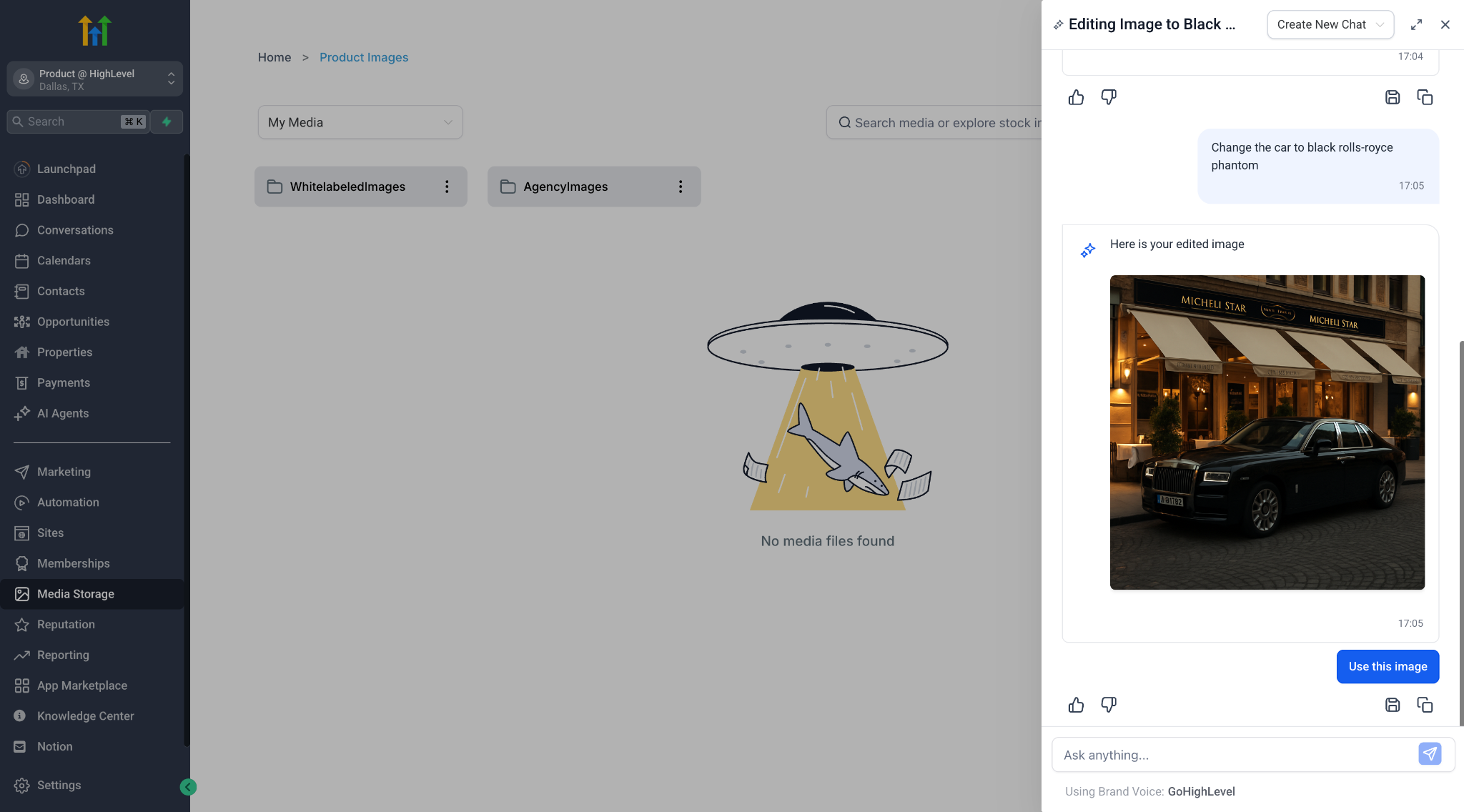
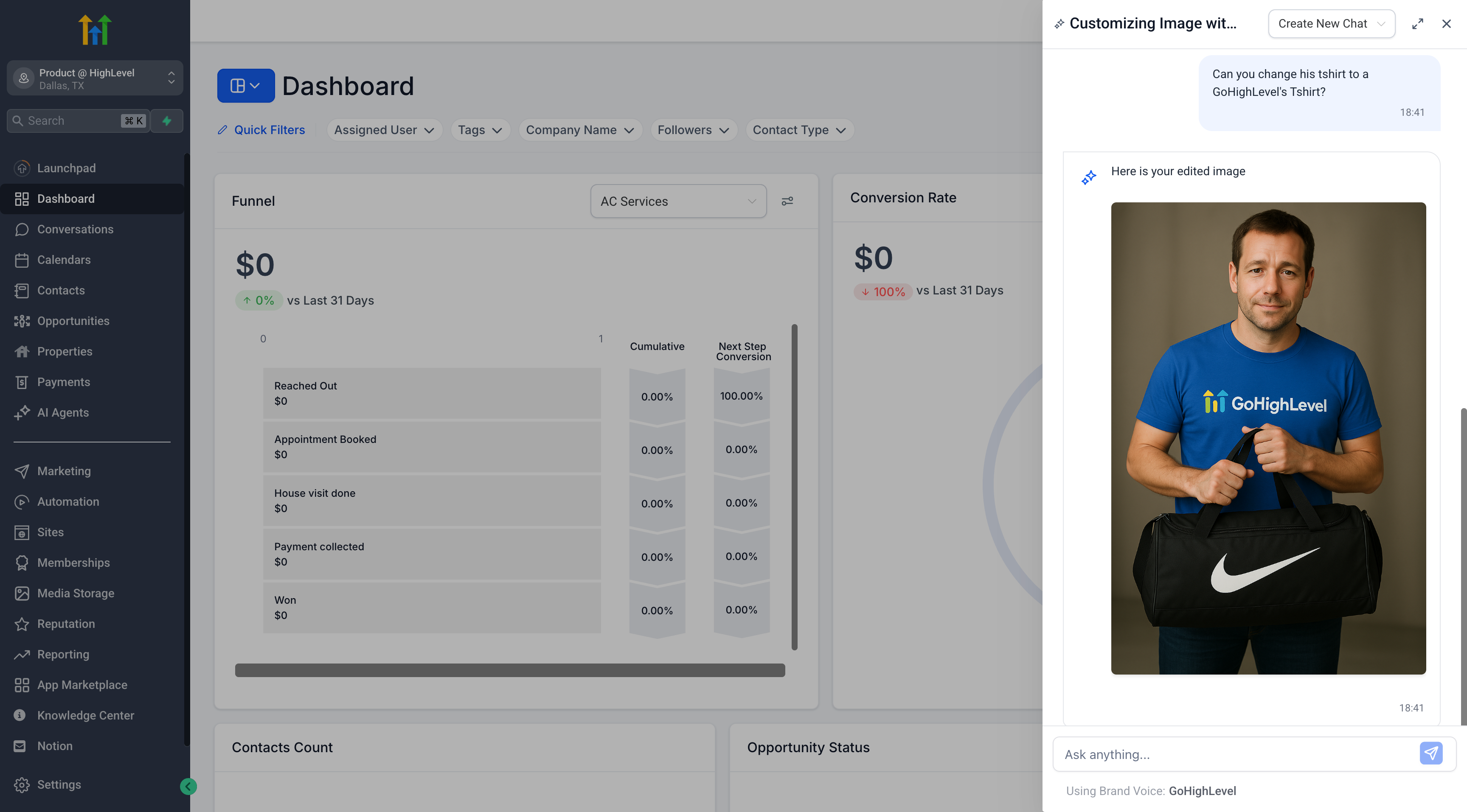
- From Ask AI: Continue your image generation process using natural prompts like “Add greenery” or “Change background.”
- Ask AI automatically identifies whether your intent is to generate or edit an image.
- While editing, Ask AI maintains your session history, allowing for iterative improvements.
- You can keep refining the same image in a conversational flow.
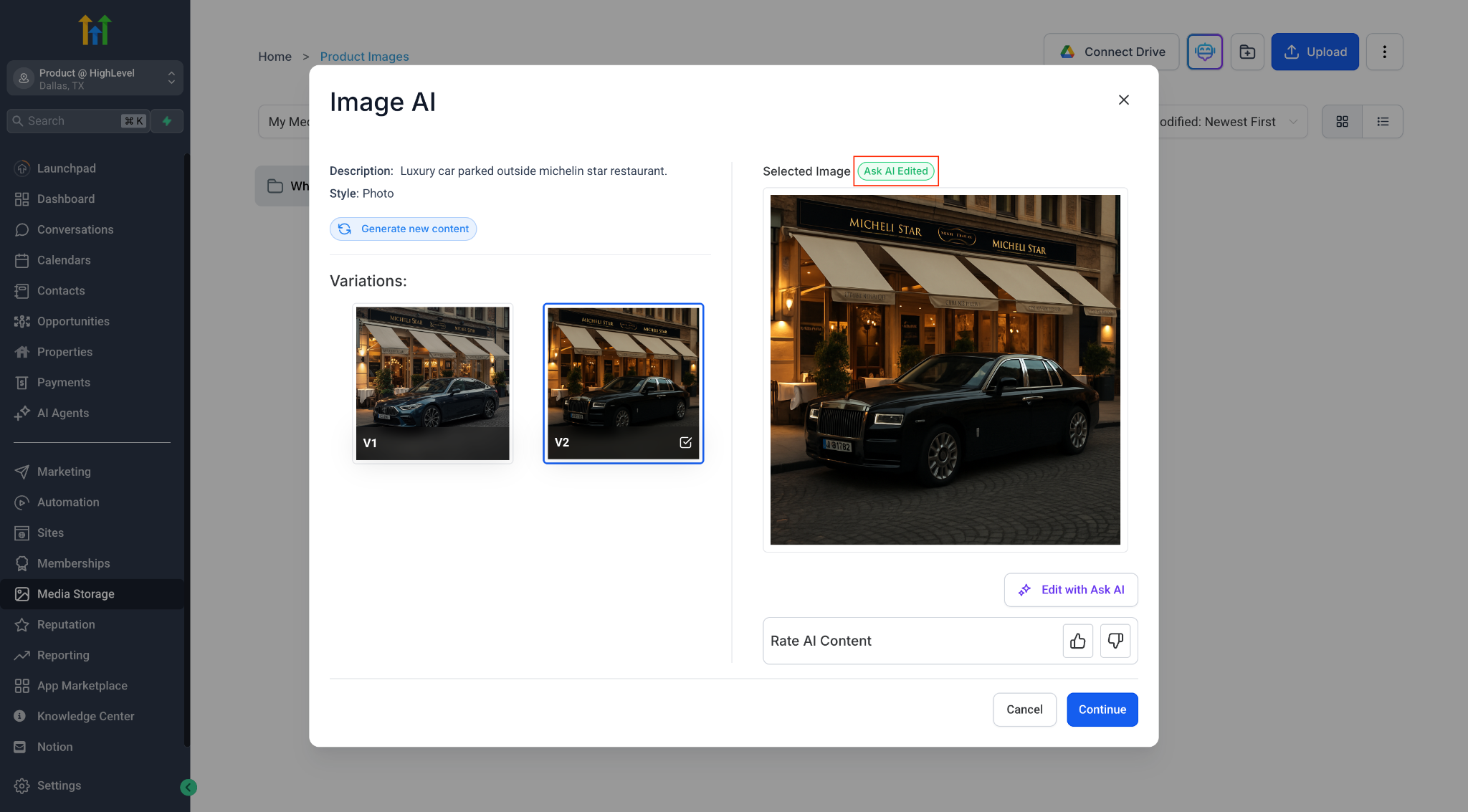
- Click ‘Use’ to send the final edited image back to the Content AI modal, or save it to your Media Library for reuse.
📂 Session-aware editing:
- Edits are linked to the specific image variation you started with.
- Re-entering the editing mode from the same image retrieves your previous Copilot session.
💡
Pro Tip: Edits or generations completed through Ask AI do not appear in the Content AI history (for now). The session is solely recorded in Ask AI history.
- This feature is currently available to accounts with AI Employee access ($97 subscription or Pay Per Use enabled for Content AI).
- Image generation and editing via Ask AI is not billed separately at this time.
⚙️ Key Details & Safeguards
- Guardrails are implemented to block unsafe visual content.
- Ask AI intelligently distinguishes between edit and generate intent.
- Edited or generated images are only saved to the Media Library when you click ‘Save.’
Give it a try and share your feedback!