Selection Micro-Interaction for Featured Product & Collection Elements
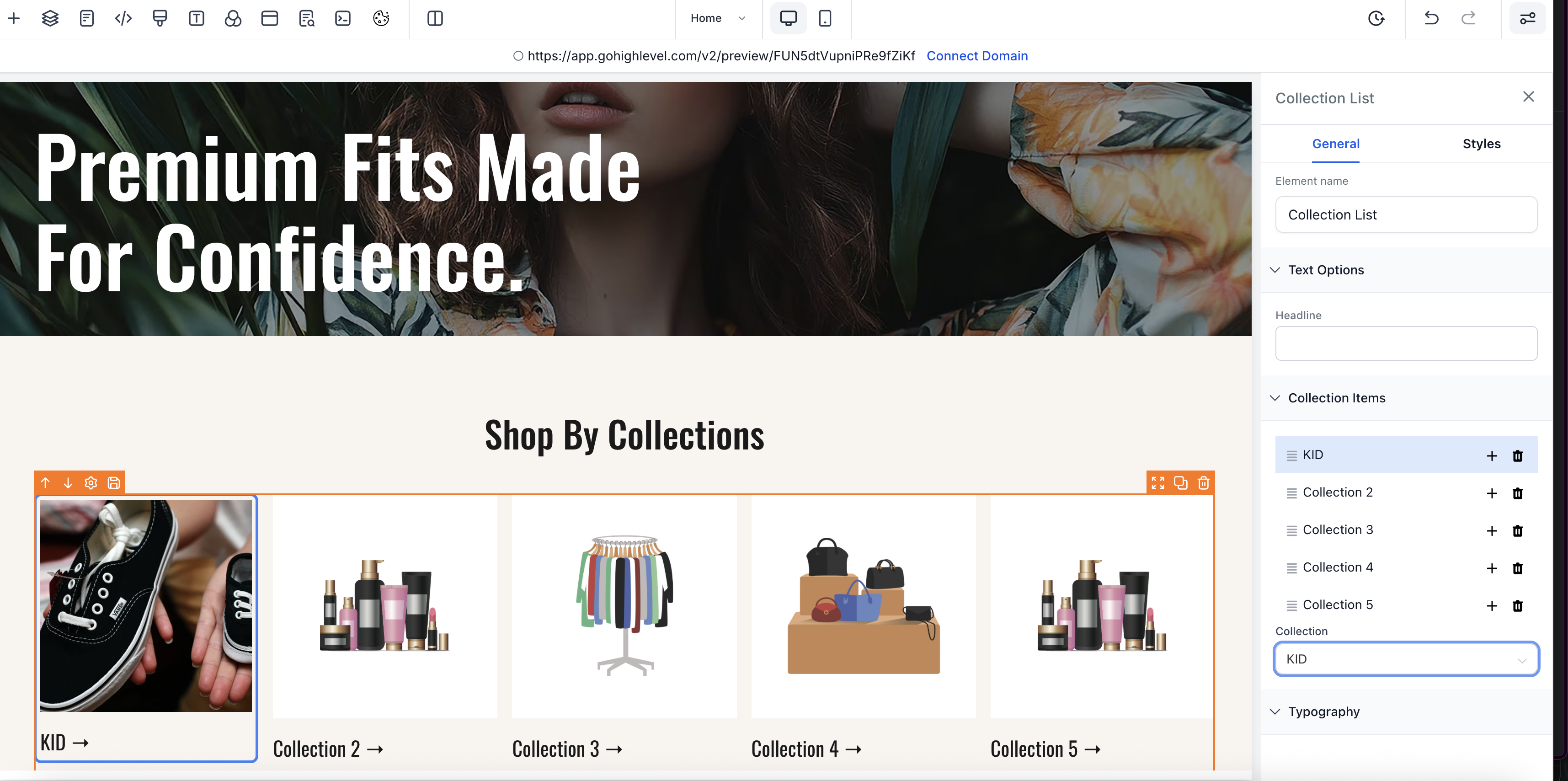
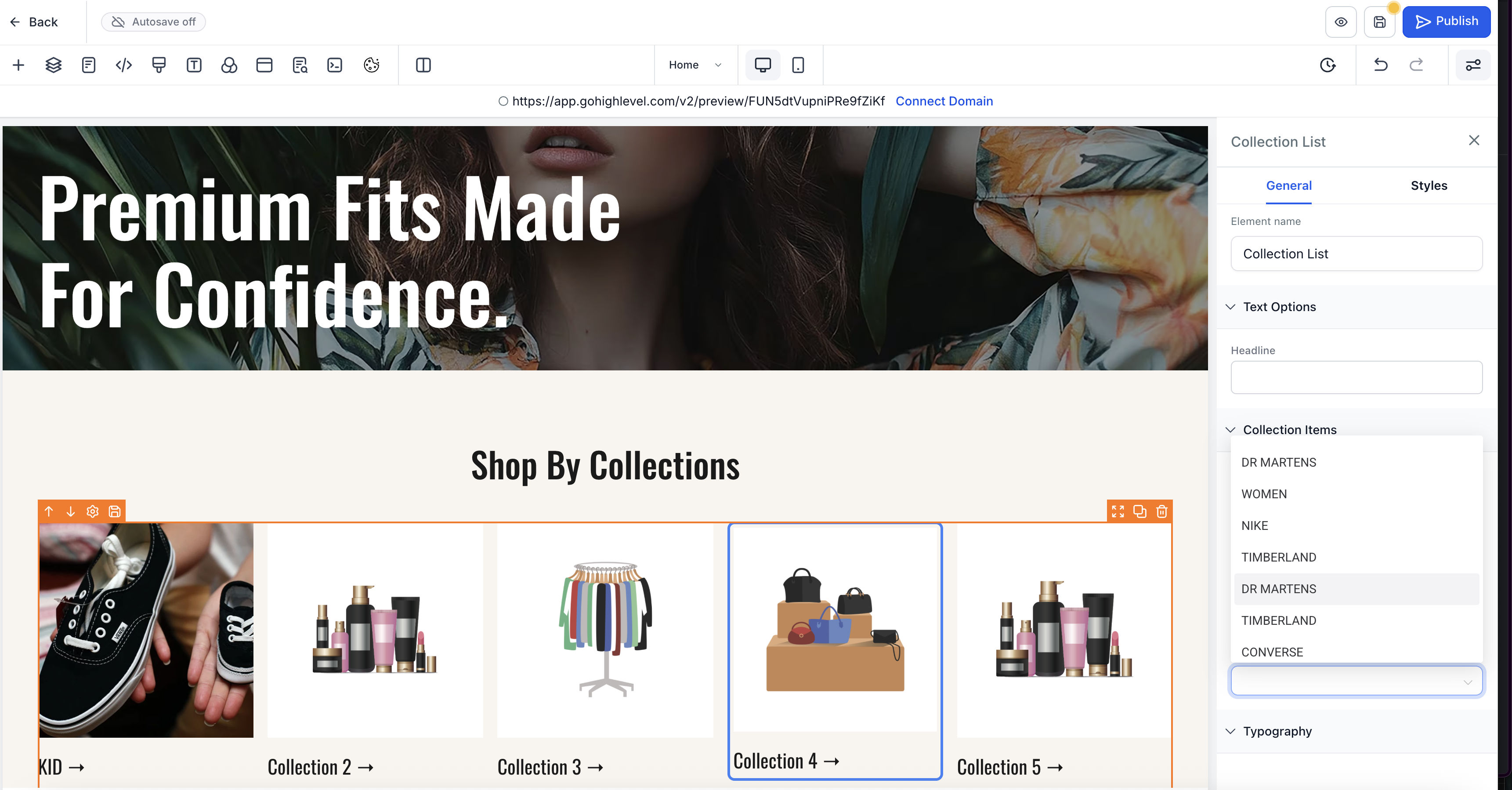
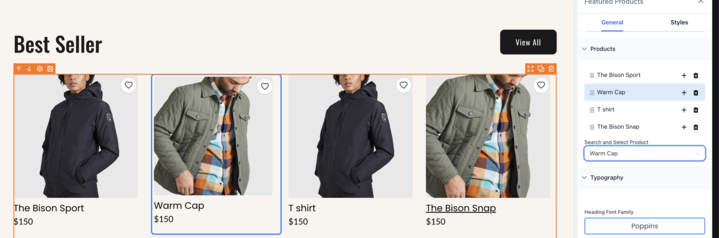
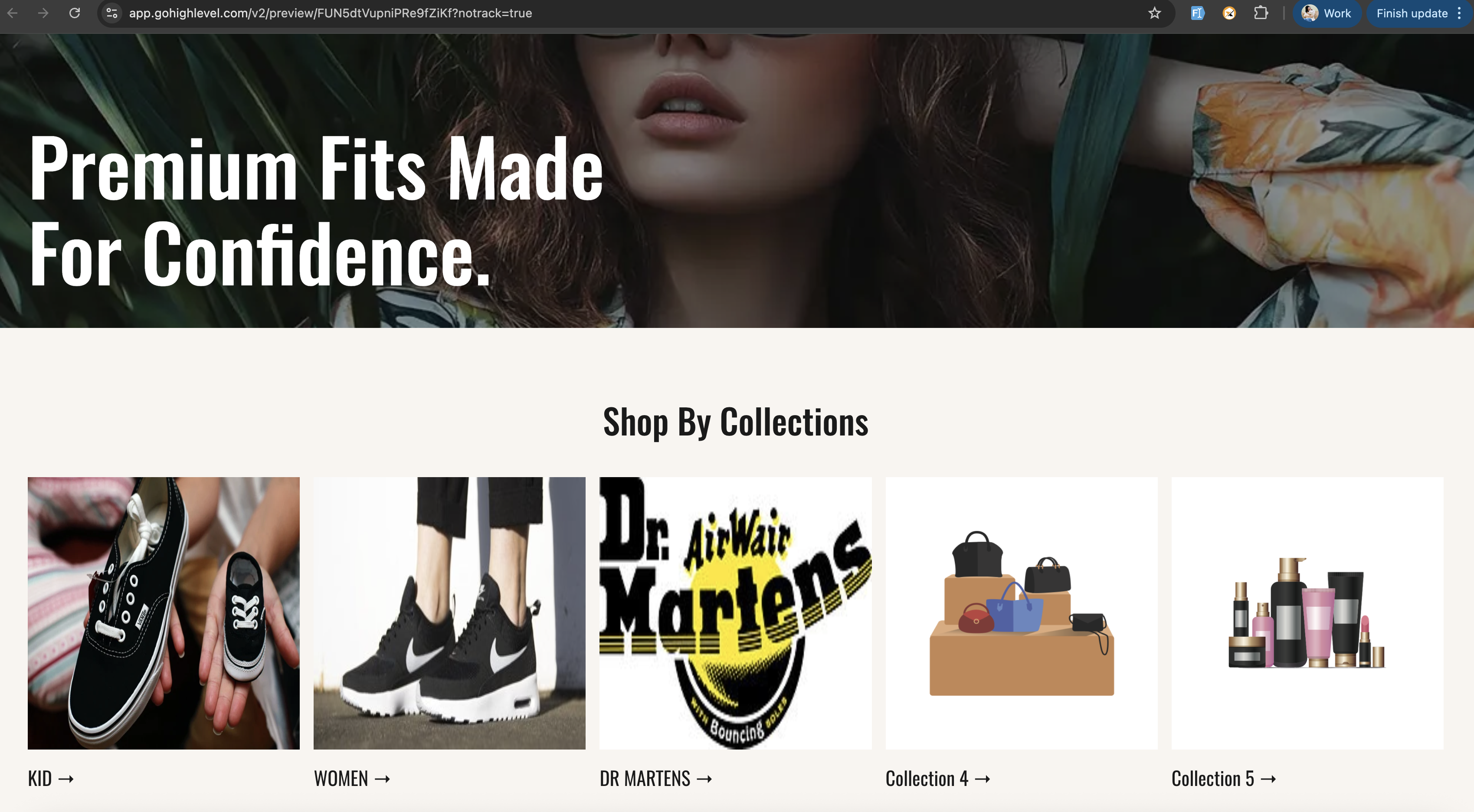
We have enhanced the way users connect and manage products or collections in the builder with new, intuitive micro-interactions on the canvas. This update simplifies selection and configuration directly within the editor—eliminating the need to navigate between menus or side panels.
1. Direct Canvas Selection:
- Users can now double-click items on the canvas to select or configure them directly.
- For unmapped items, the selection drawer automatically opens for quick assignment.
- For already mapped items, the selected product or collection is highlighted for clarity.
2. Two-Way Sync:
Any changes in selection are reflected instantly between the builder canvas and the sidebar drawer.
3. Visual Feedback:
Selected items now display a subtle highlight or border for improved visibility.
4. Selection Rules:
- Item selection applies only to
Featured Product
and
Collections List
store elements.
- For elements not yet mapped, double-clicking opens the dropdown drawer for selection.
- For mapped elements, double-clicking simply highlights the selected item.
- The
selection order
remains consistent even when items are added or removed.