
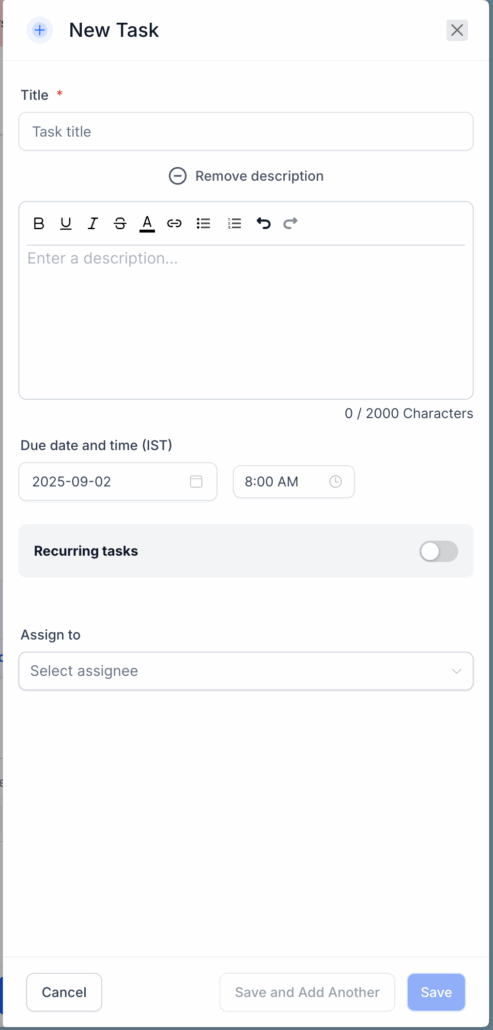
Rich Text for Notes & Task Descriptions
We’re excited to announce that Notes and Task Descriptions now support Rich Text Editing!
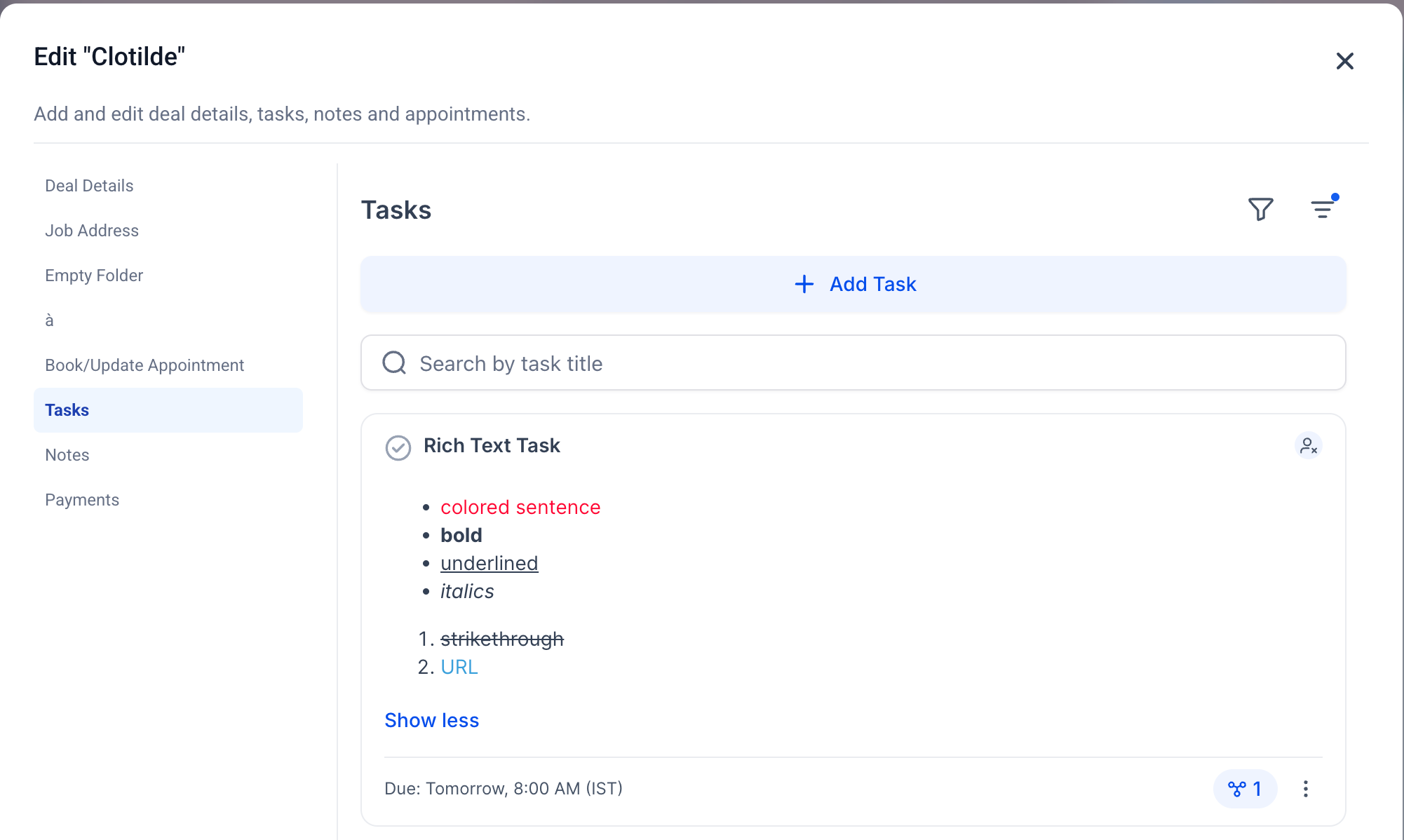
This update allows you to format your notes and tasks with bold, italics, underline, lists, and links—making your documentation clearer, more structured, and easier to consume across the platform.
You can now:
- Format with bold, italics, underline, and strikethrough
- Use bulleted and numbered lists for structure
- Add hyperlinks directly into notes and descriptions
- Utilise undo/redo for easy corrections
- Paste from documents or emails with basic formatting preserved
- Enjoy consistent rendering across Contacts, Opportunities, Companies, and Dashboards
To get started:
- Open any note or task (new or existing).
- In the Description field, you’ll now see a formatting toolbar.
- Type or paste your content and apply formatting as needed.
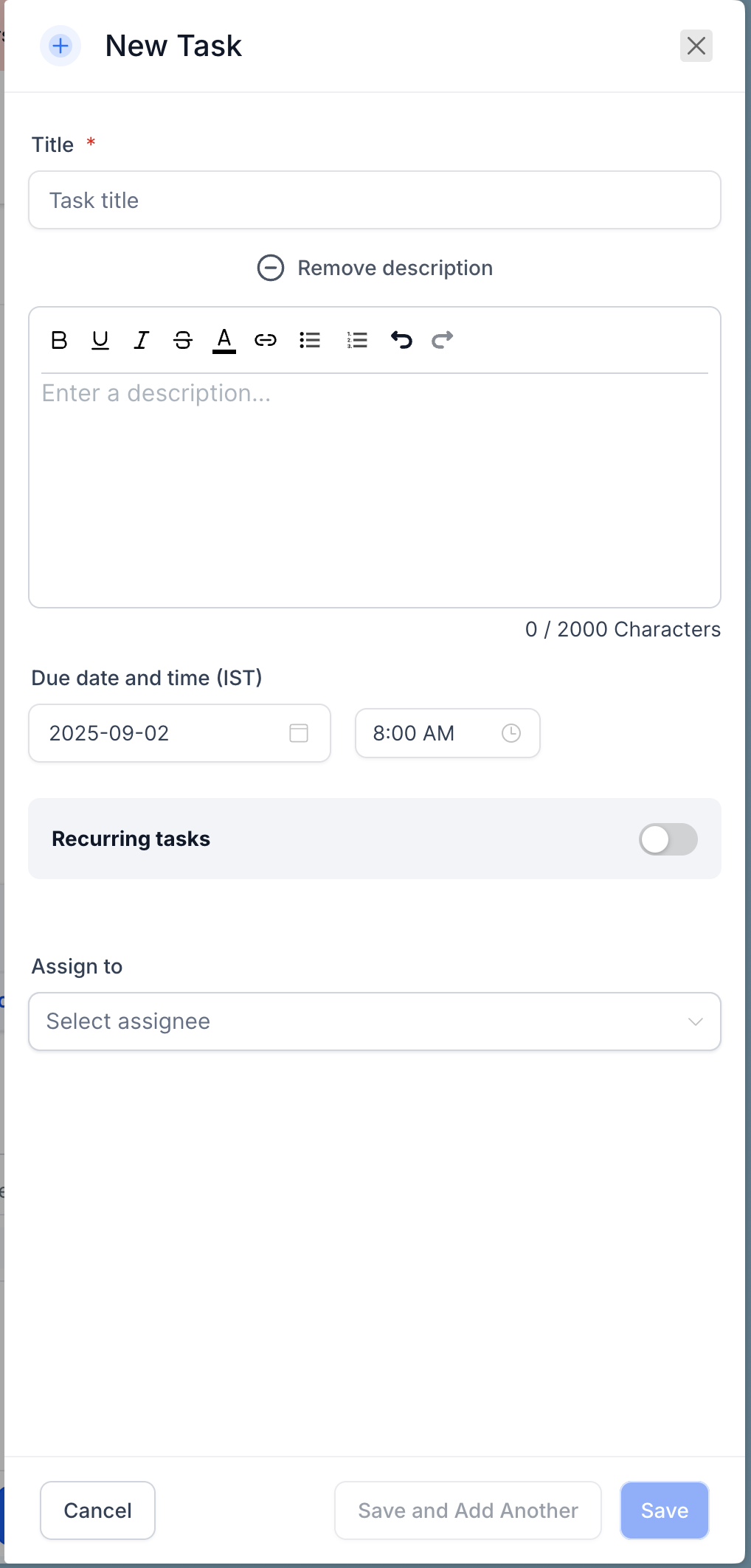
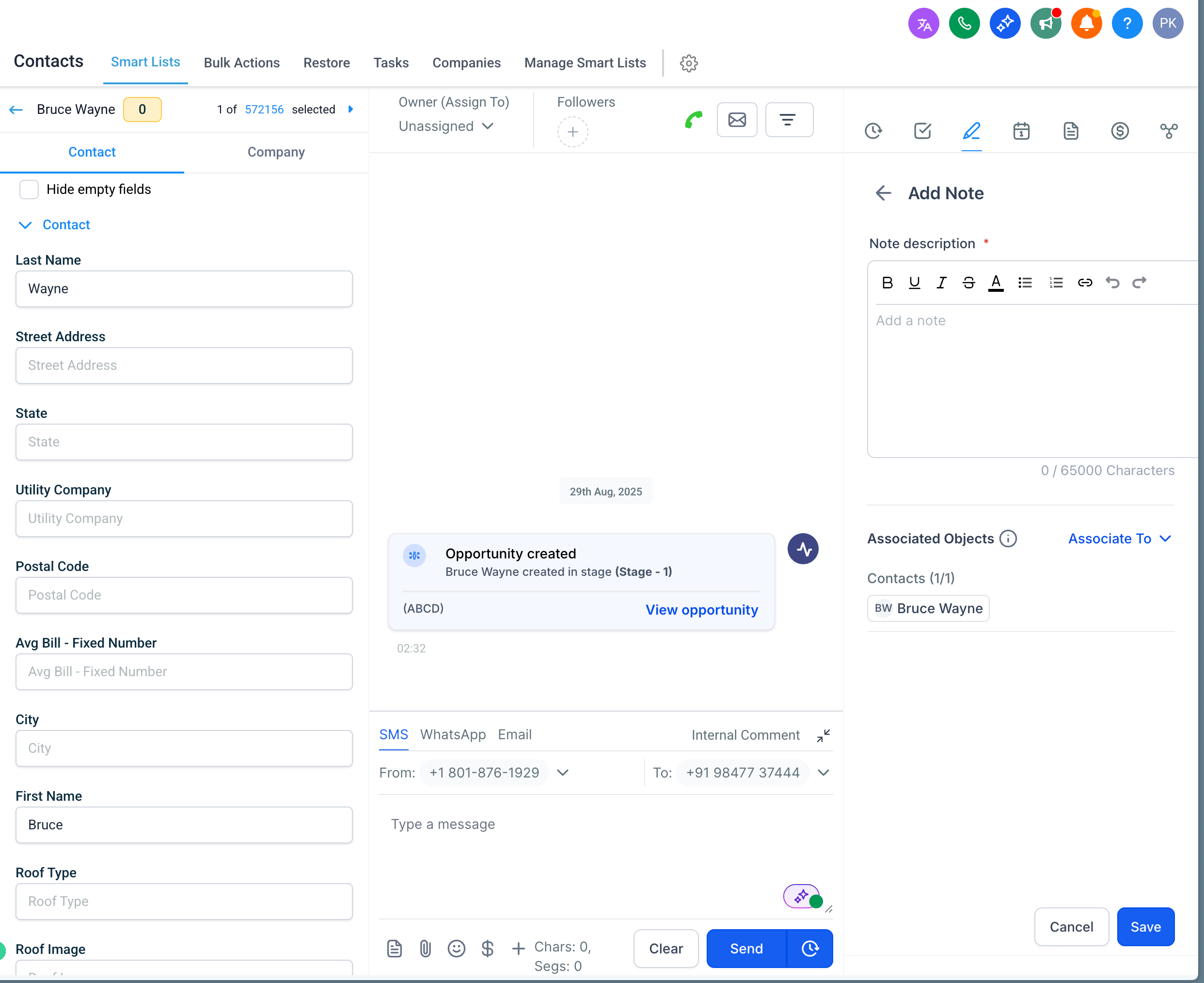
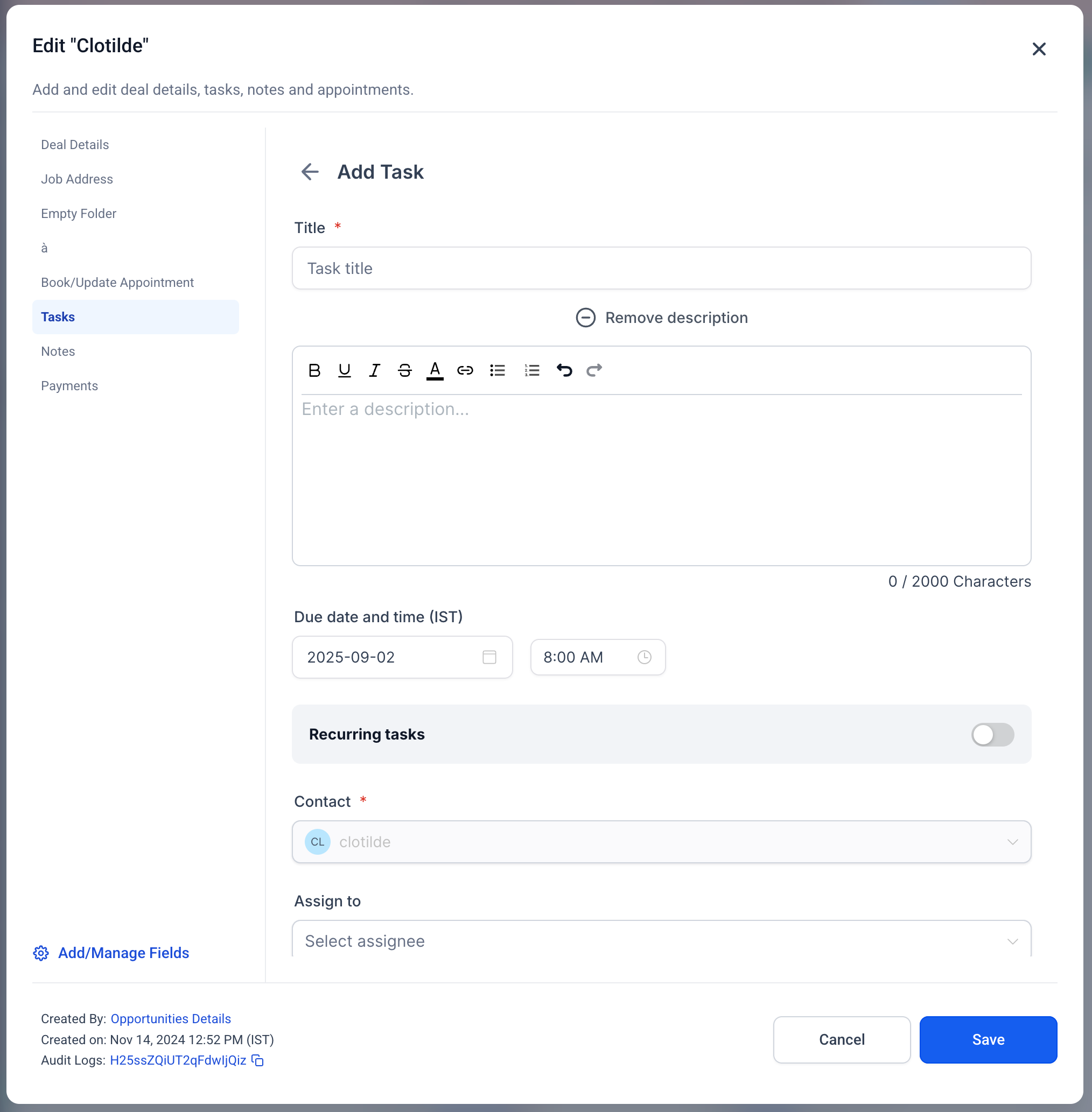
- Save, and your rich text will render consistently everywhere notes and tasks are displayed.
📌 Clarity: Keep your notes structured and easy to read.
🤝 Collaboration: Ensure your team can quickly scan and understand context.
⏱ Efficiency: No need to switch to external tools for formatting—do it directly in-app.
🔗 Context: Add links to supporting documents or resources right inside your tasks.
