
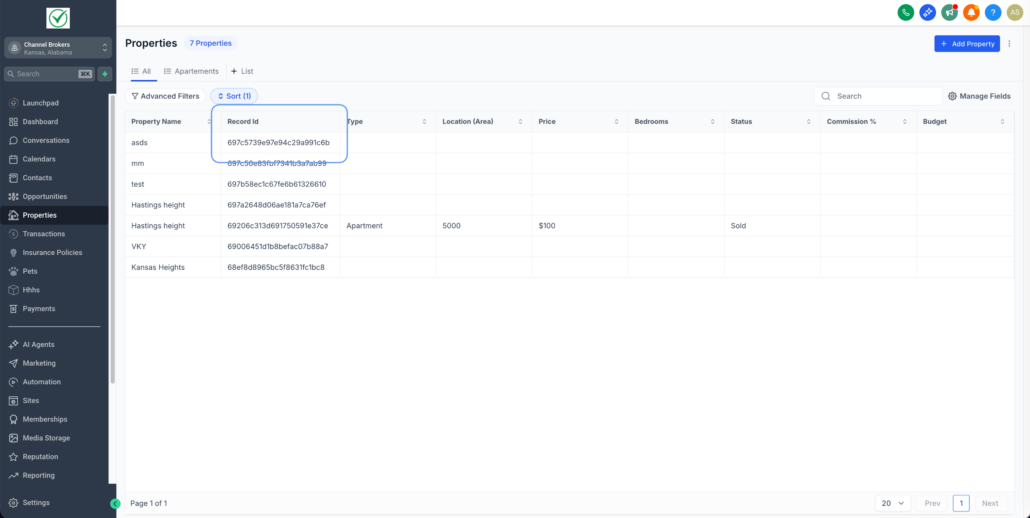
Record IDs – Improved Visibility in Lists & Record Details
We’ve made Record IDs easier to locate, enabling you to quickly reference them for troubleshooting, integrations, and automation testing.
This update is applicable to Custom Objects, Companies, and Tasks.
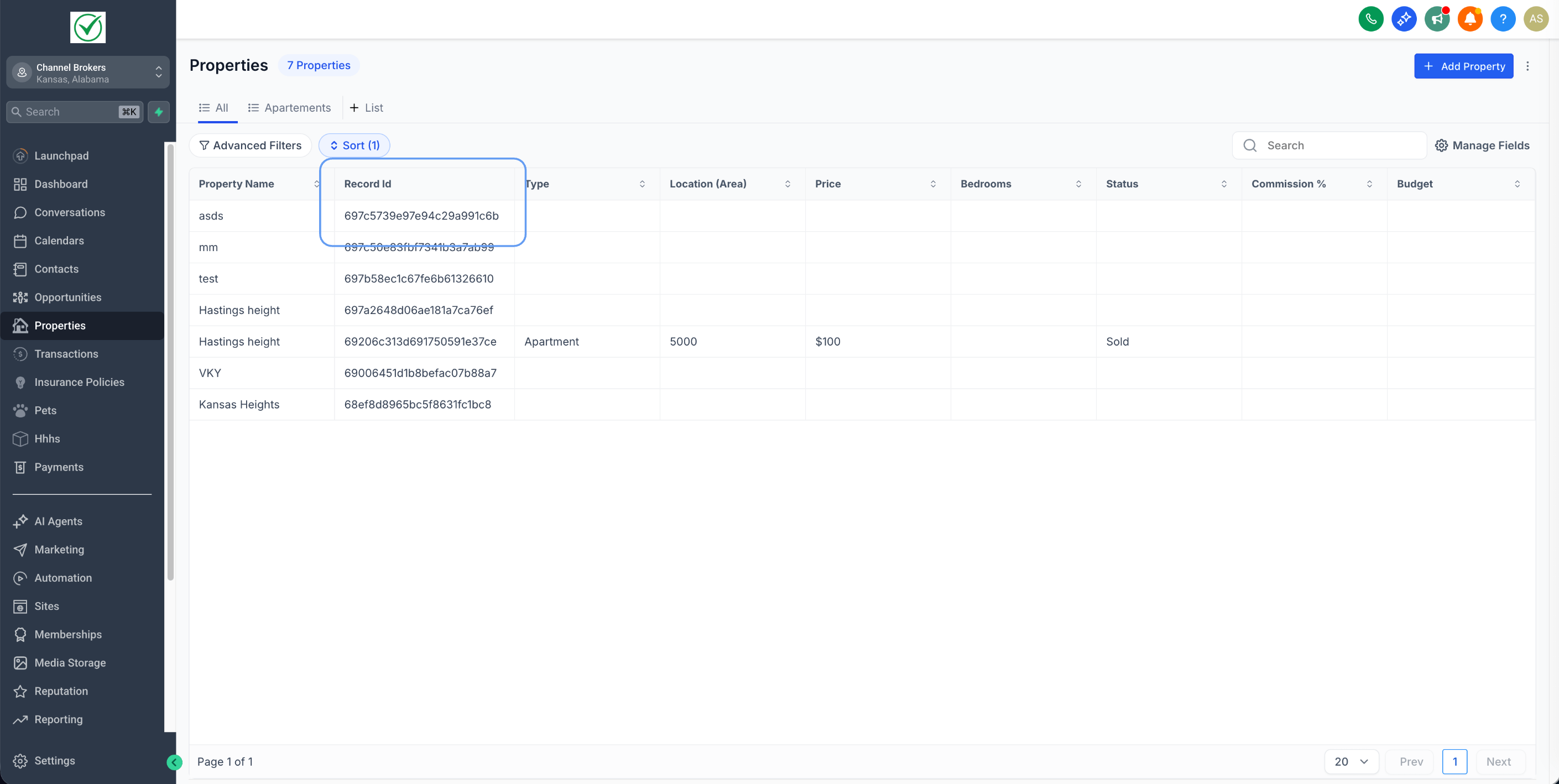
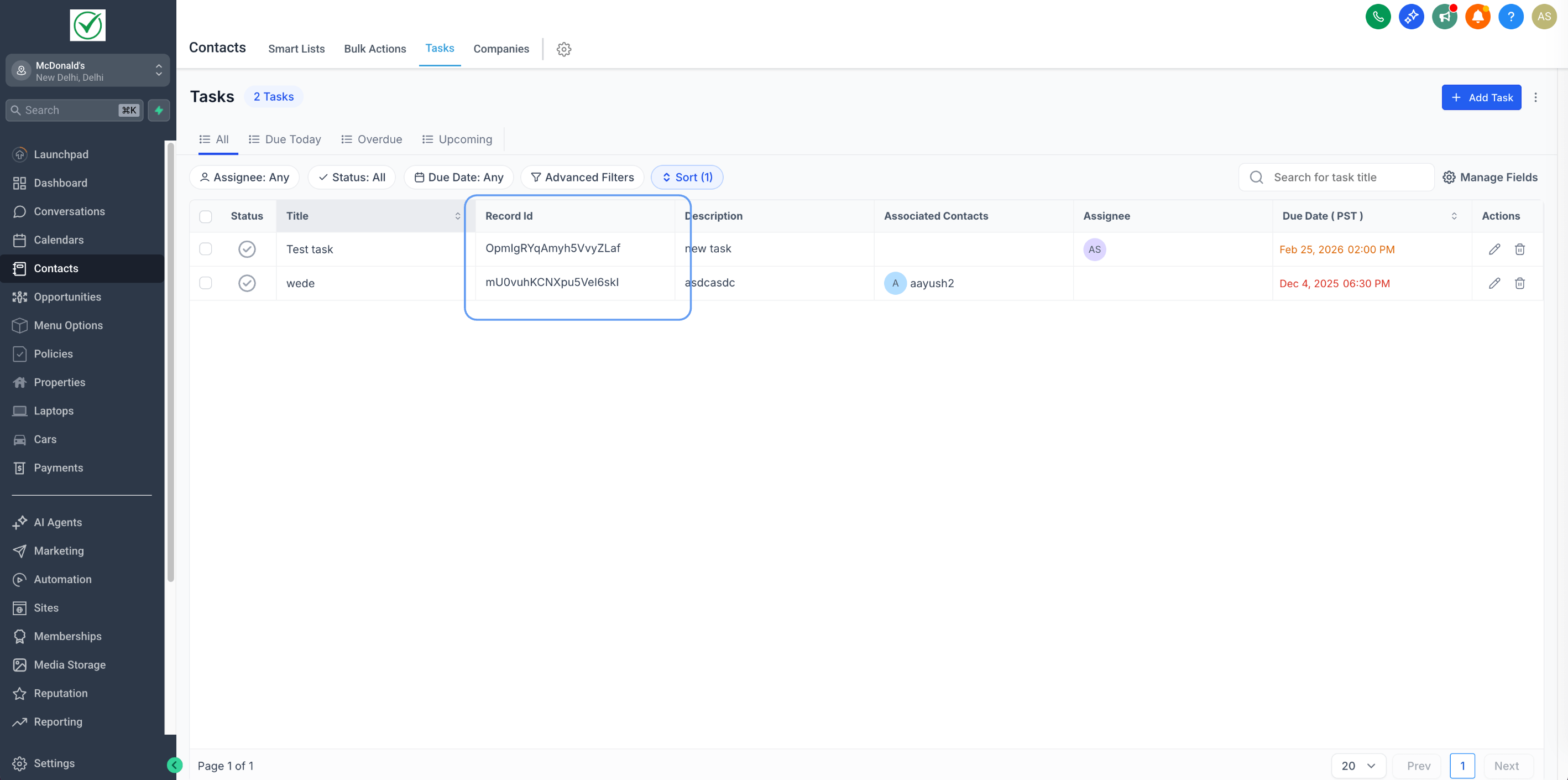
- Go to the List View → click Manage Fields → enable Record ID.
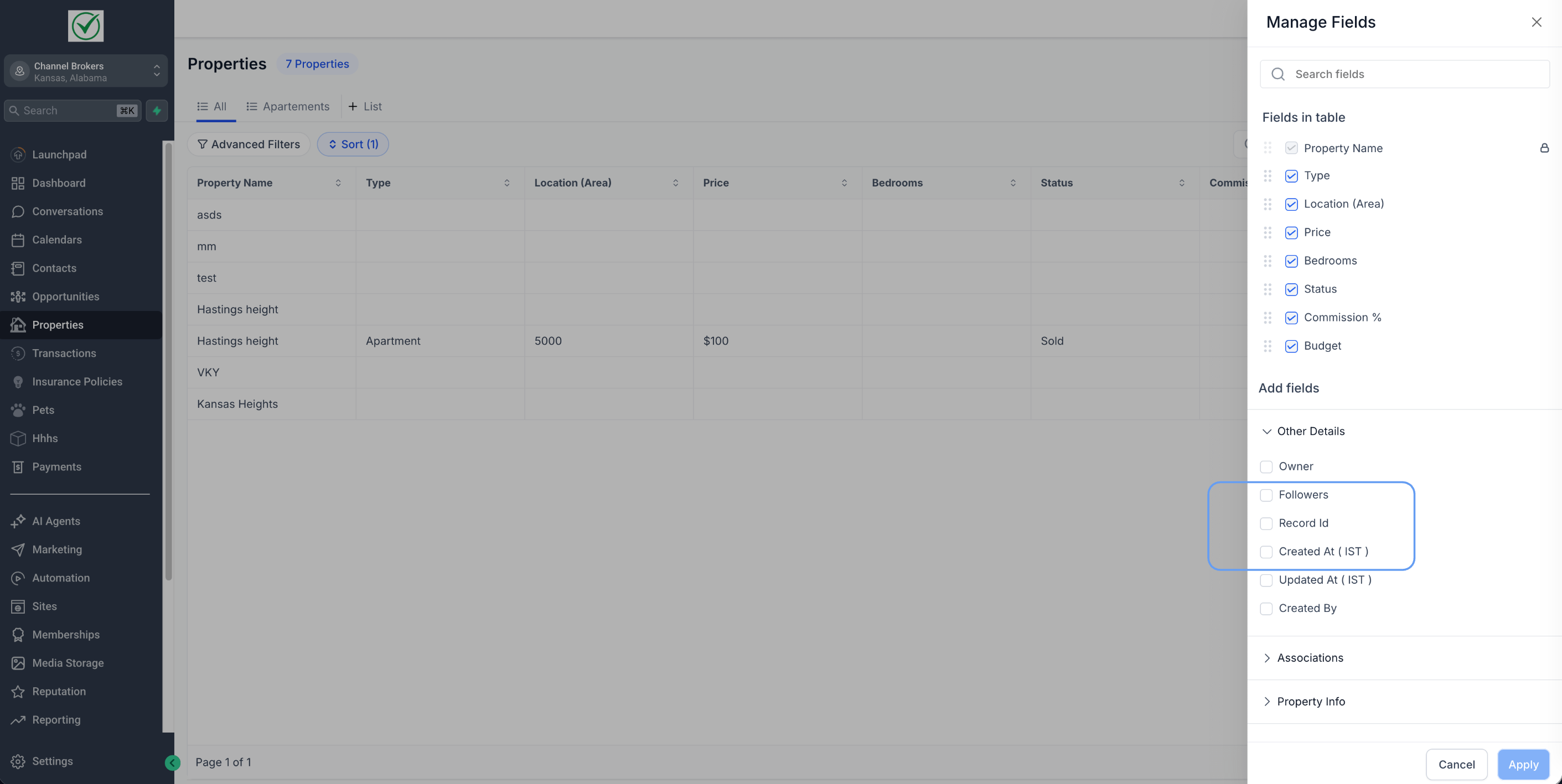
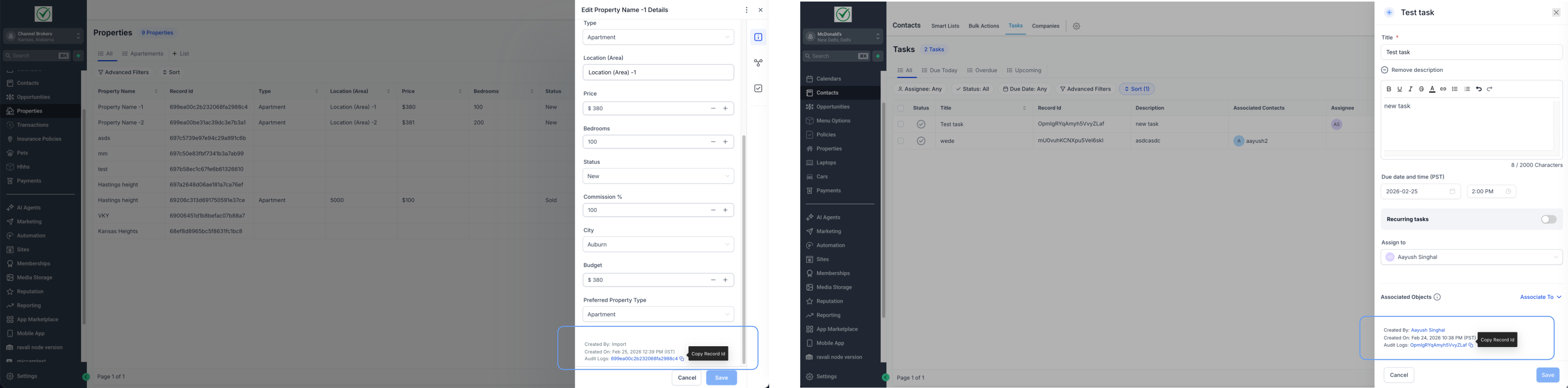
- Open any record → scroll to the footer in the detail panel to view or copy the Record ID.
- Faster debugging for automations and integrations
- Easy copy/reference for API workflows
- Less time spent searching for identifiers during support or QA
