Rating Element for Forms, Surveys & Quizzes!
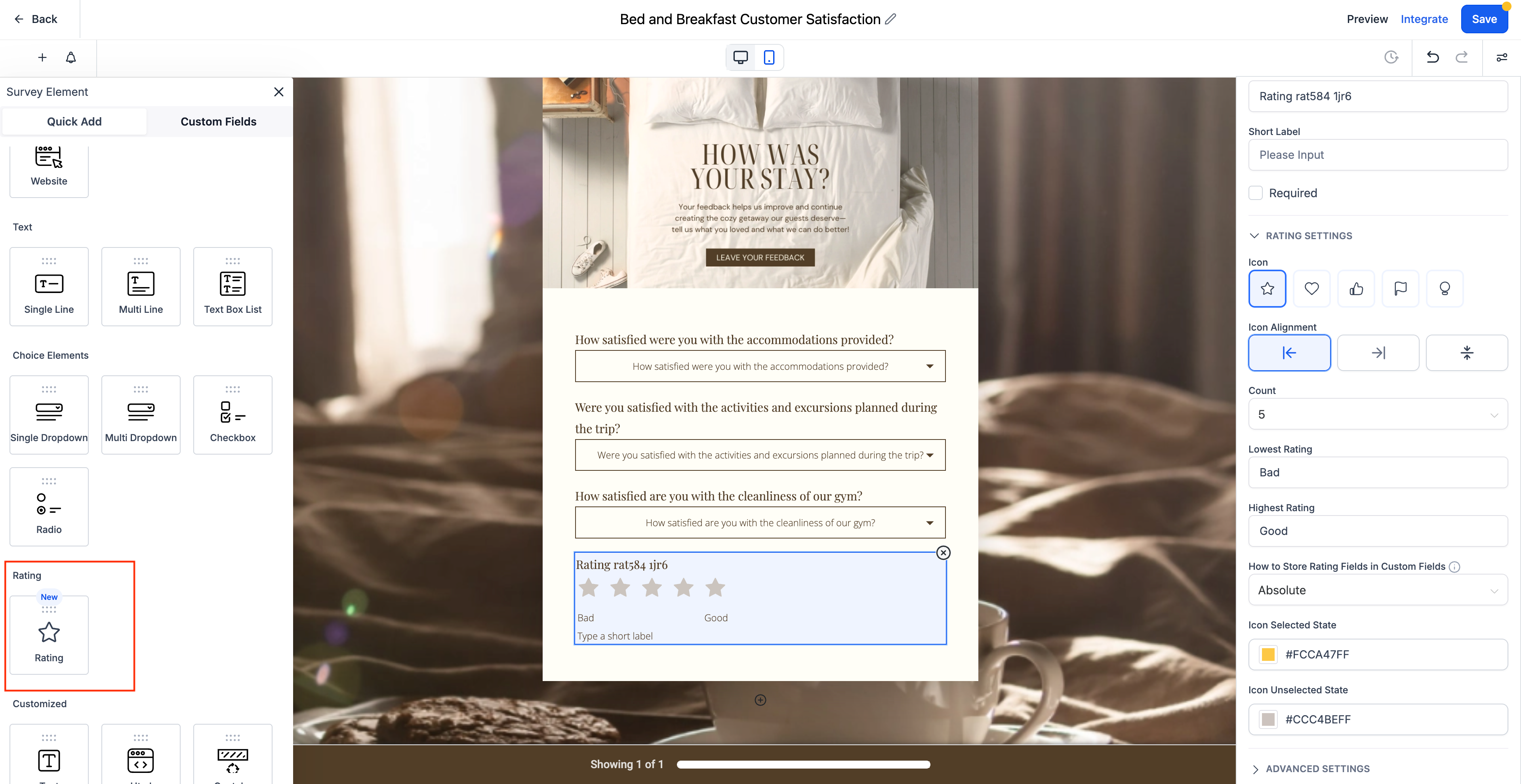
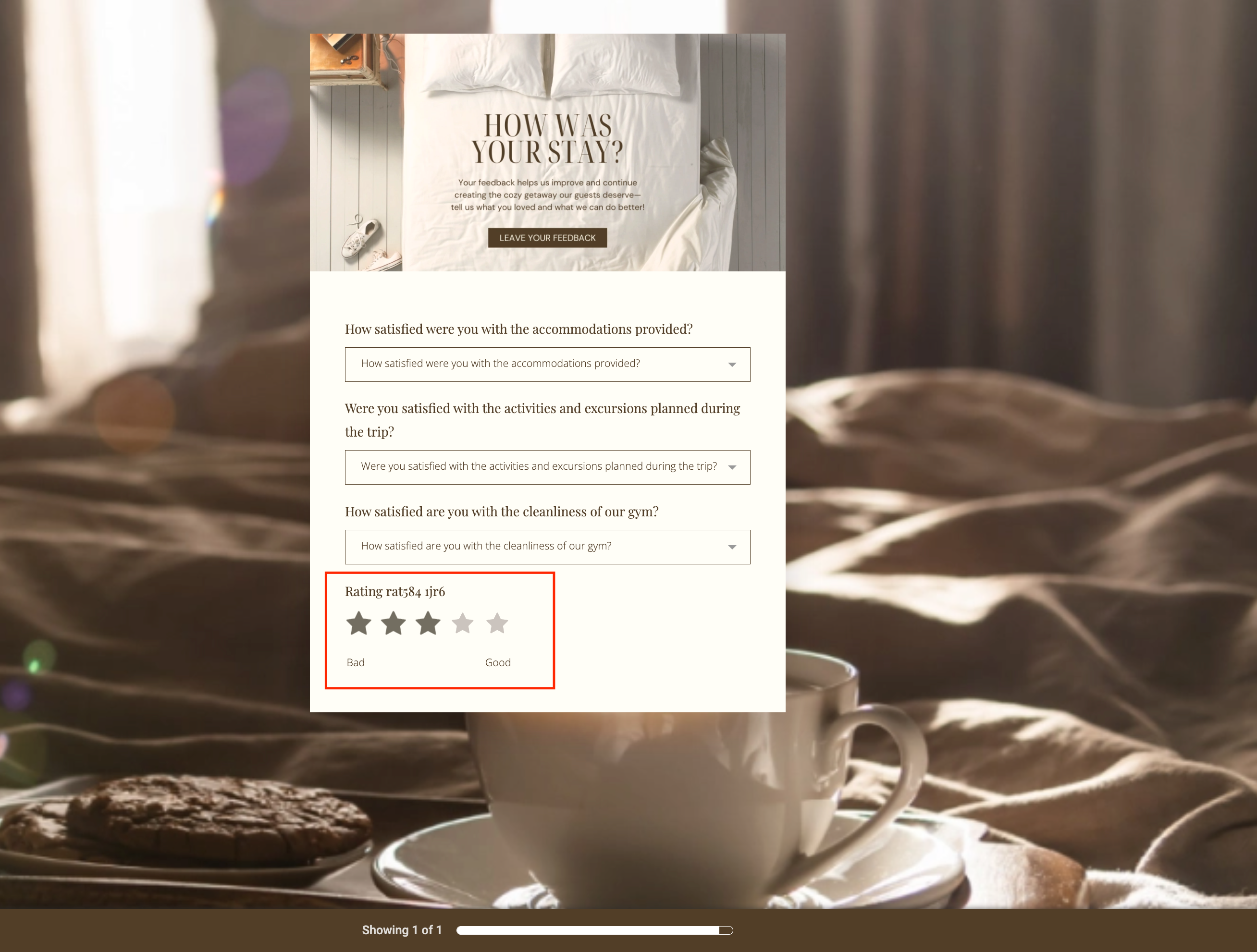
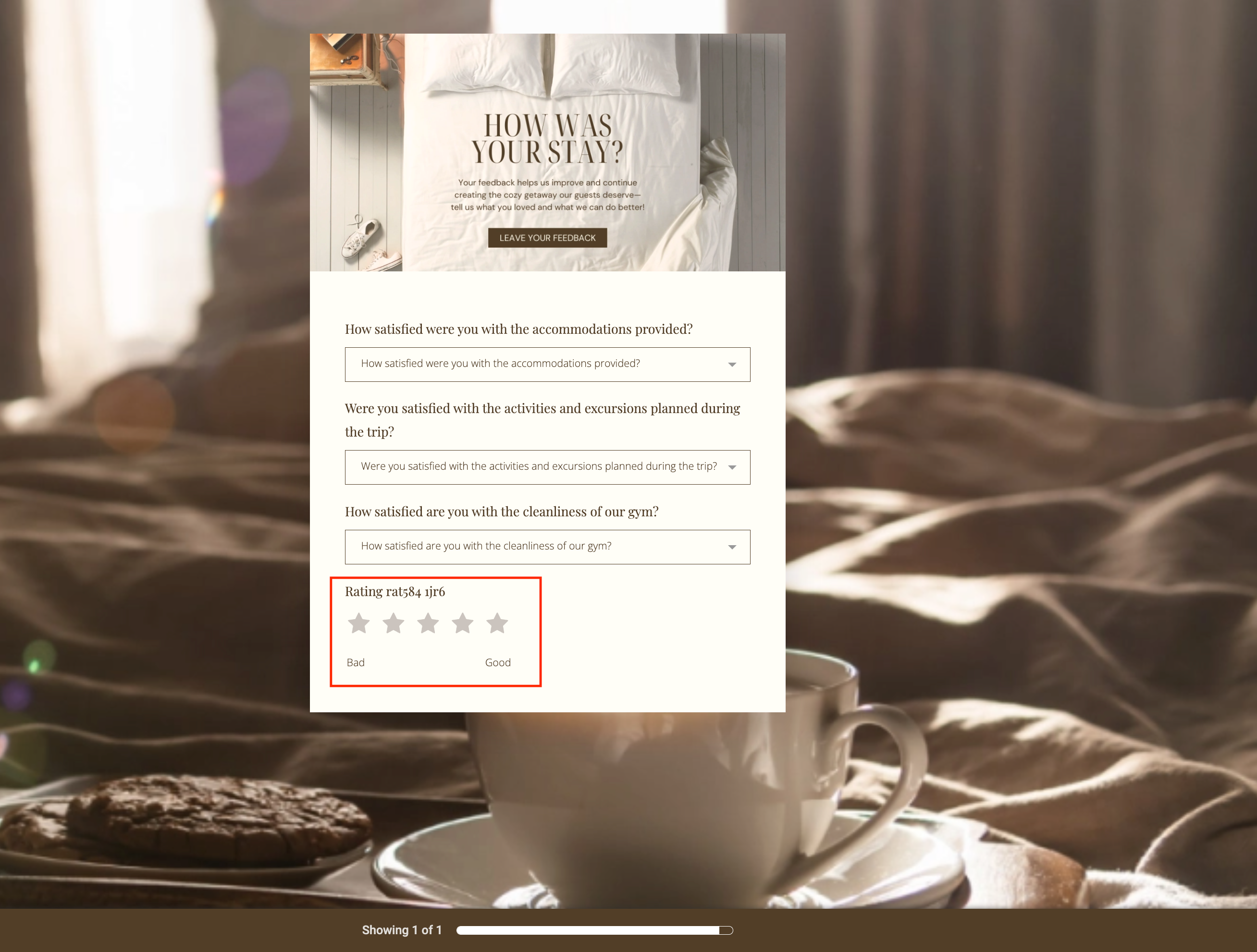
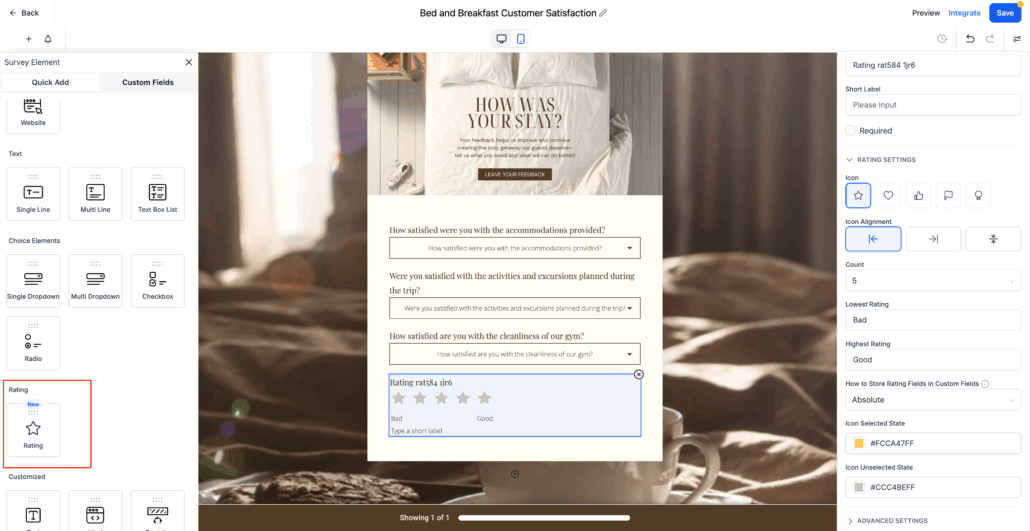
A new Rating Element is now available in Forms, Surveys, and Quizzes. This feature allows users to gather ratings using a visual scale, which enhances feedback collection and engagement.
- Fully functional in Forms, Surveys, and Quizzes.
- Includes options for stars, hearts, thumbs-up, and more.
- Set the number of rating points (e.g., 1–5).
- Add custom labels such as “Poor” to “Excellent.”
Style and Layout Controls
- Choose icon alignment: left, centre, or top.
- Define selected and unselected icon colours.
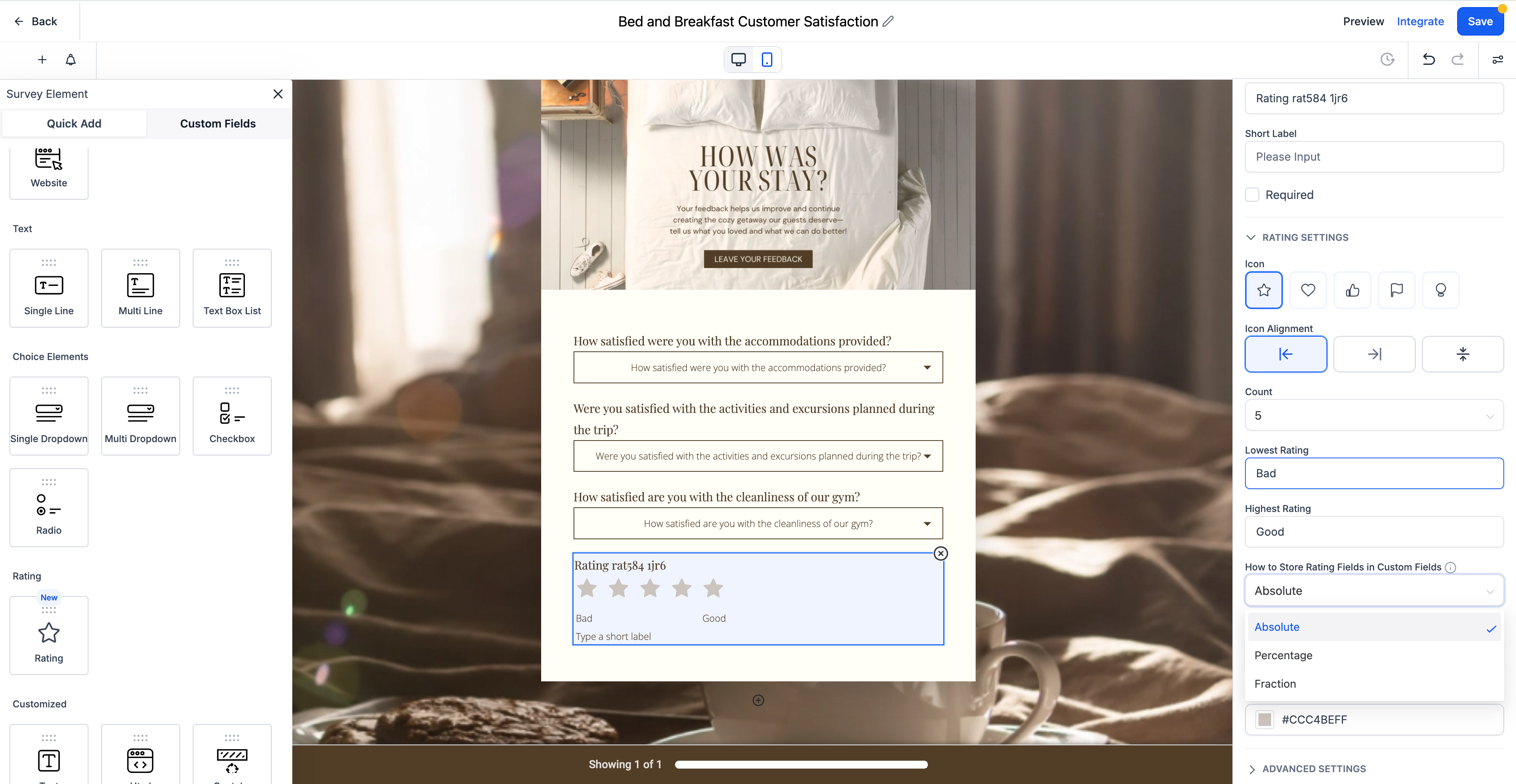
Flexible Output Format (Stored in Custom Fields)
- Absolute Value (e.g., 4).
- Percentage (e.g., 80%).
- Fraction (e.g., 4/5).
- Open any Form, Survey, or Quiz builder.
- Drag the Rating Element into the layout.
- Customise the icon, labels, alignment, and colours.
- Select how the value should be stored: absolute, percentage, or fraction.
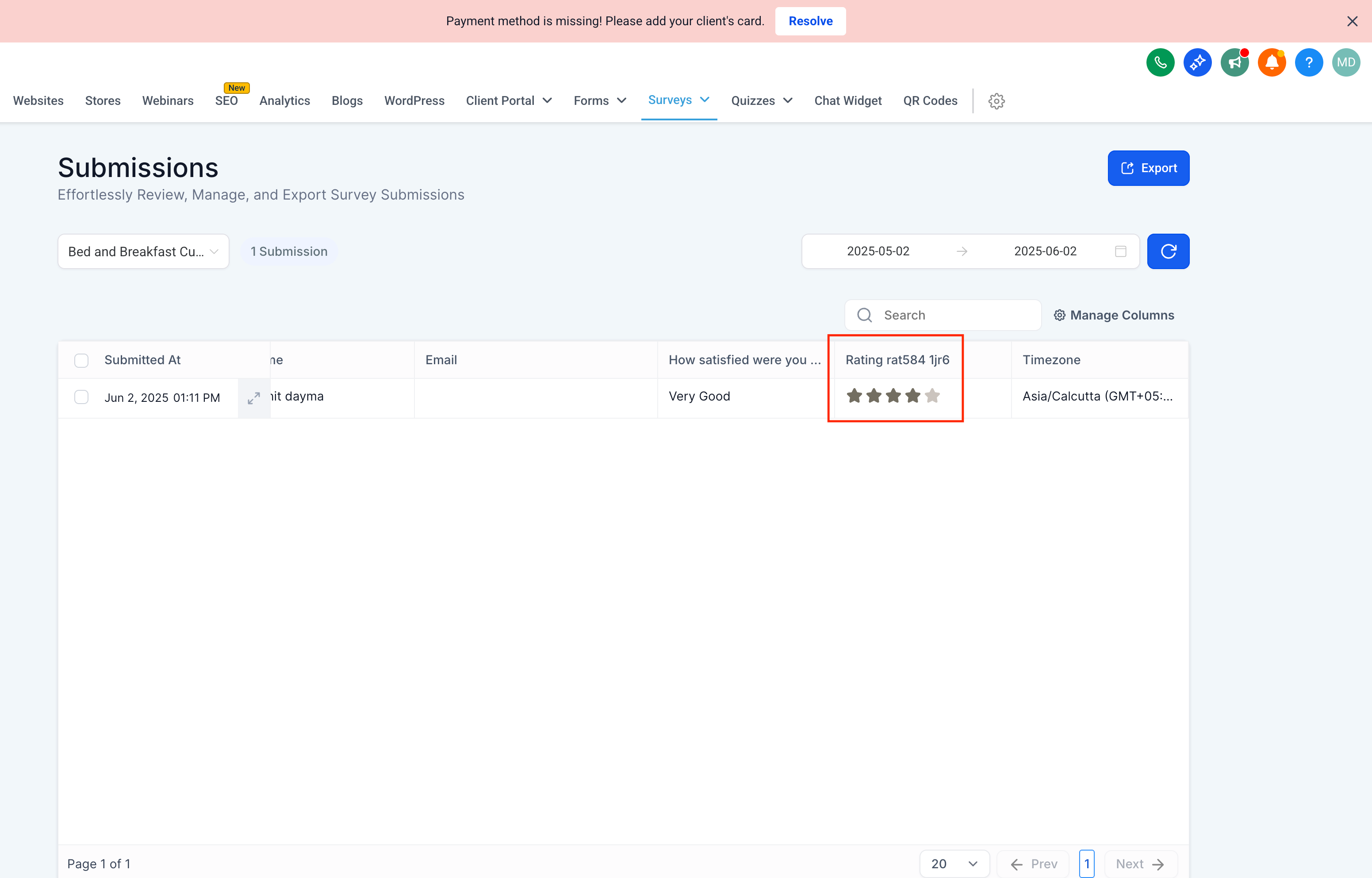
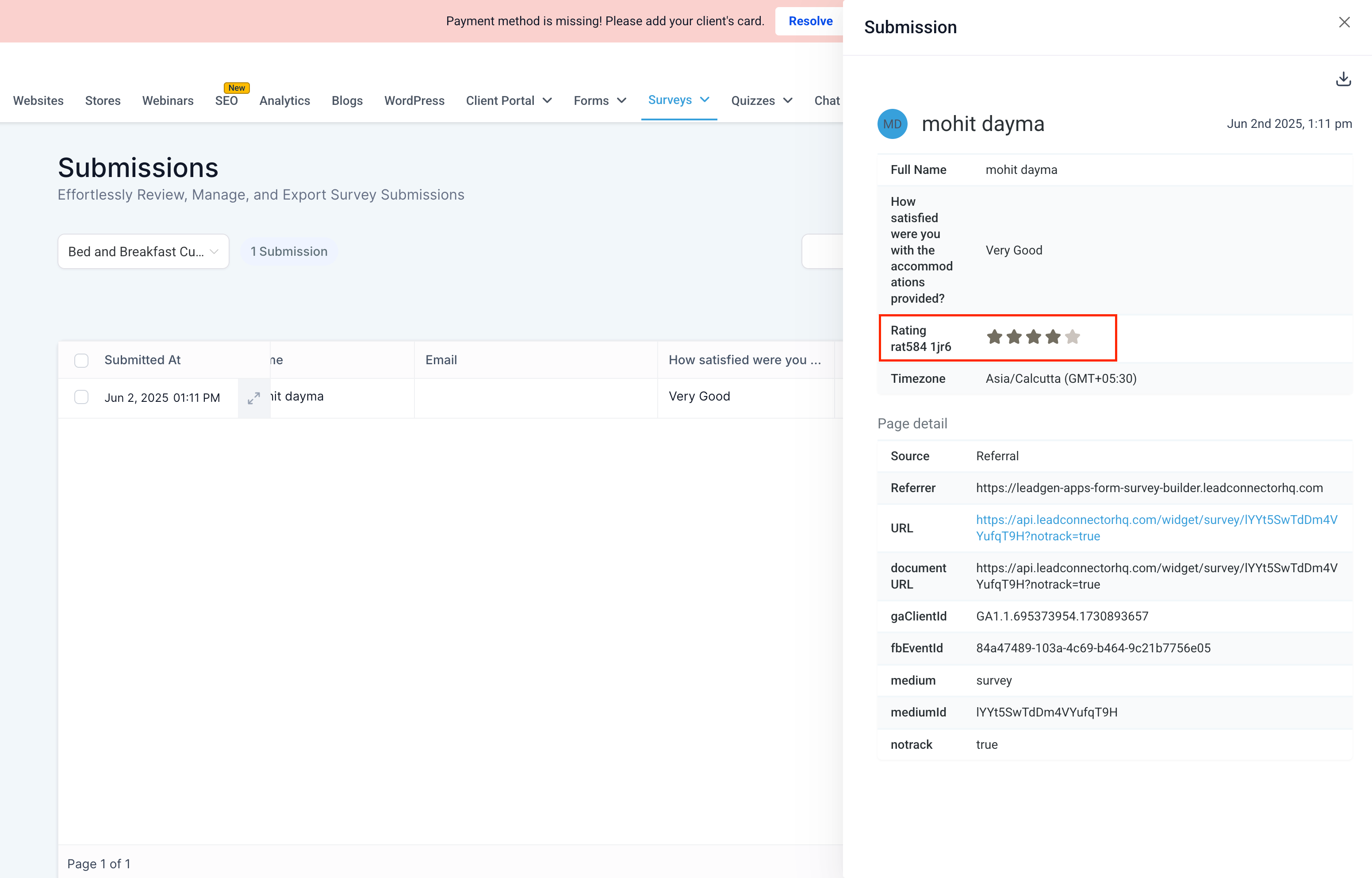
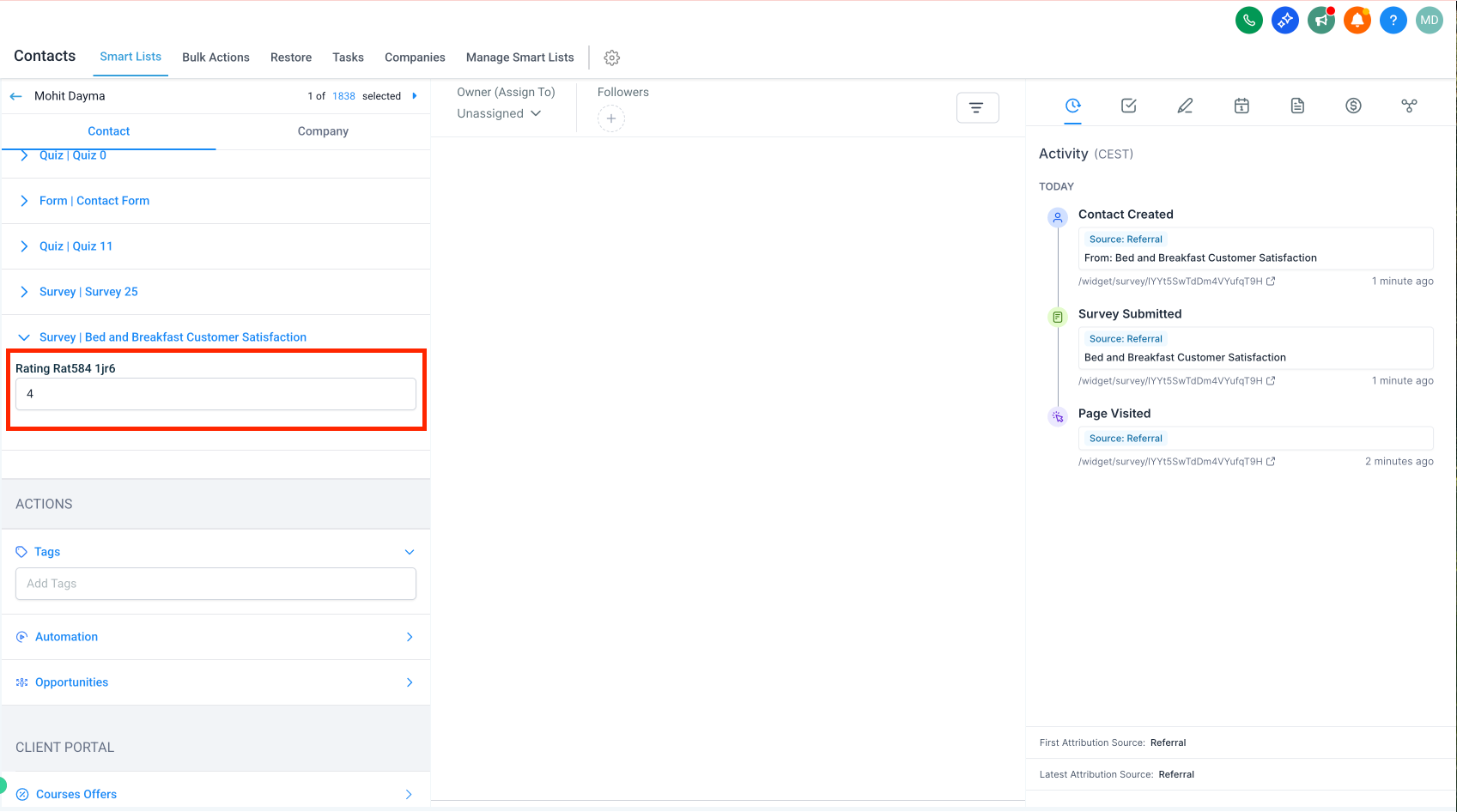
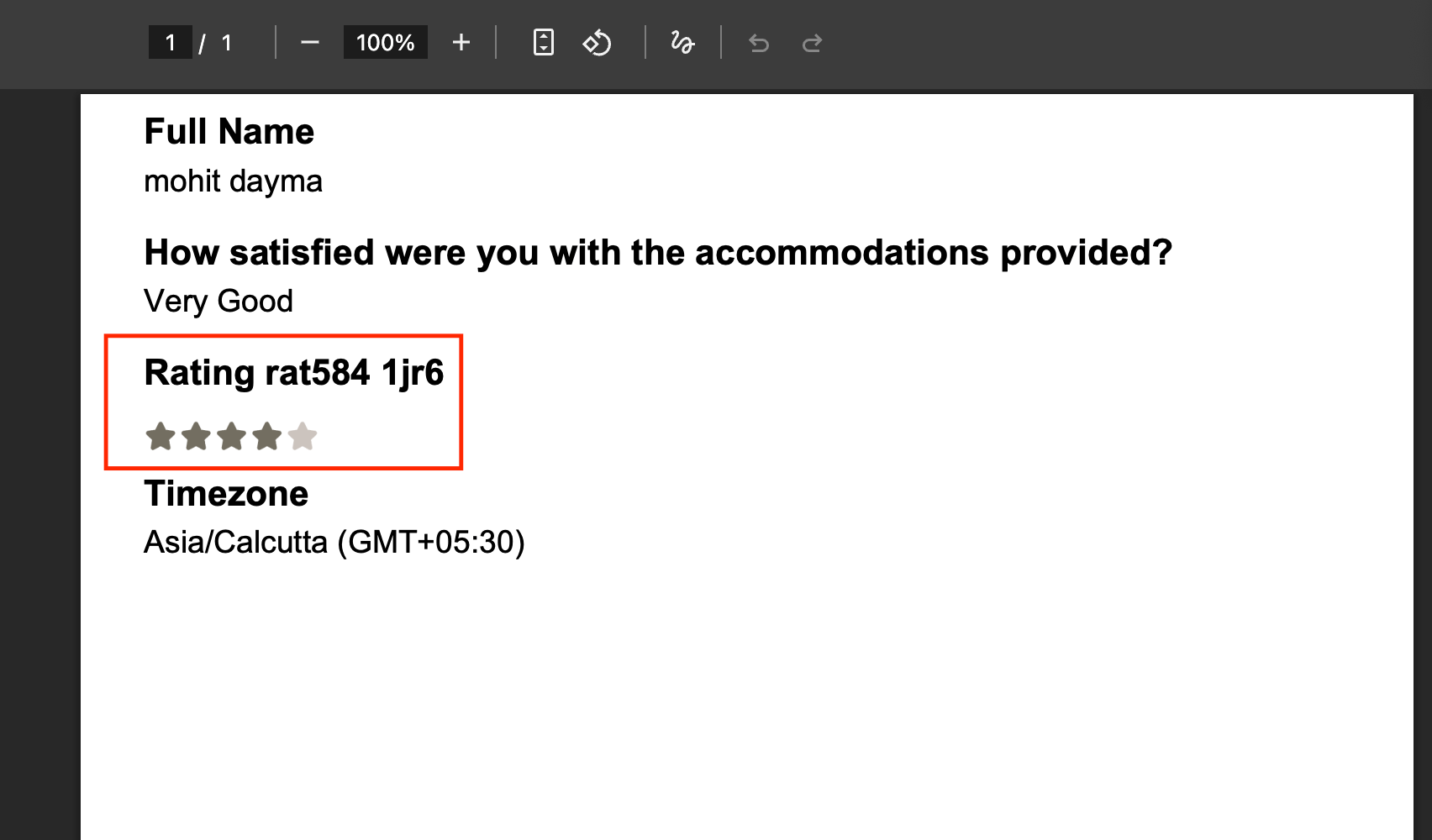
Submission Output and Visibility
- Submission Table
- Contact Record
- PDF Export
- Contact Timeline
All outputs will display the captured rating based on the selected format.
- Useful for feedback, preferences, and satisfaction ratings.
- Integrated with custom fields for CRM and automation compatibility.
- Fully responsive and mobile-ready.