
Publish Instagram Stories via Push Notifications
⭐ What’s New
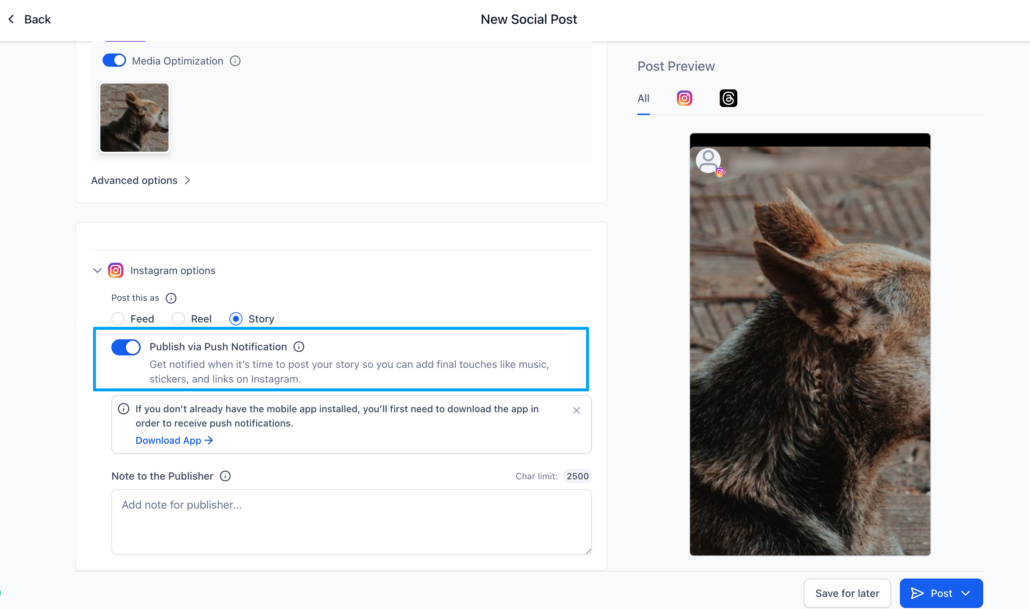
This feature helps you plan Stories in advance, receive mobile reminders, and complete posting within Instagram using stickers, links, music, or trending audio.
🛠️ How It Works
- Schedule Instagram Stories Inside Social Planner
Users can:
- Select Instagram Story in the Post Composer
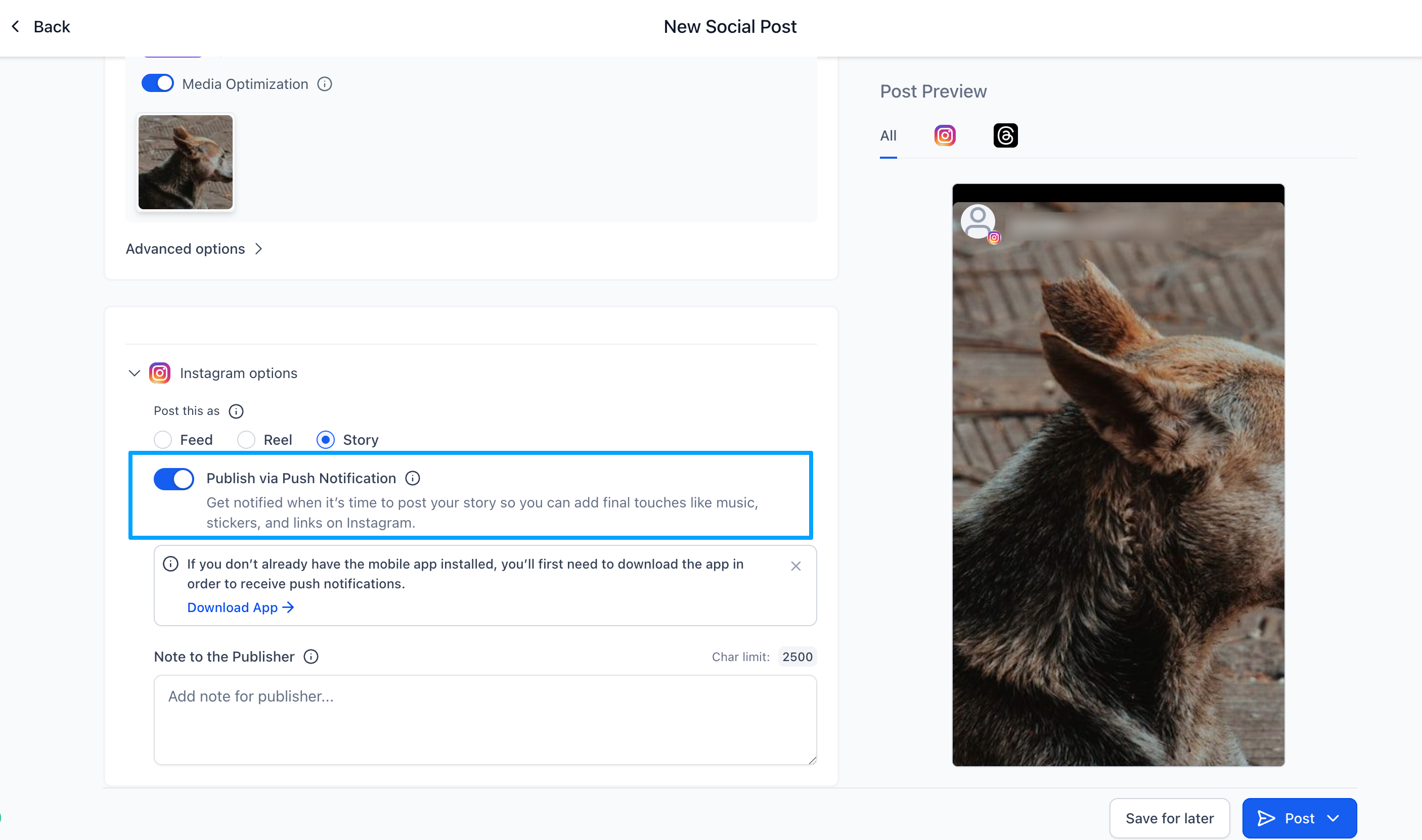
- Choose to Publish via Push Notification
- Add media and a caption
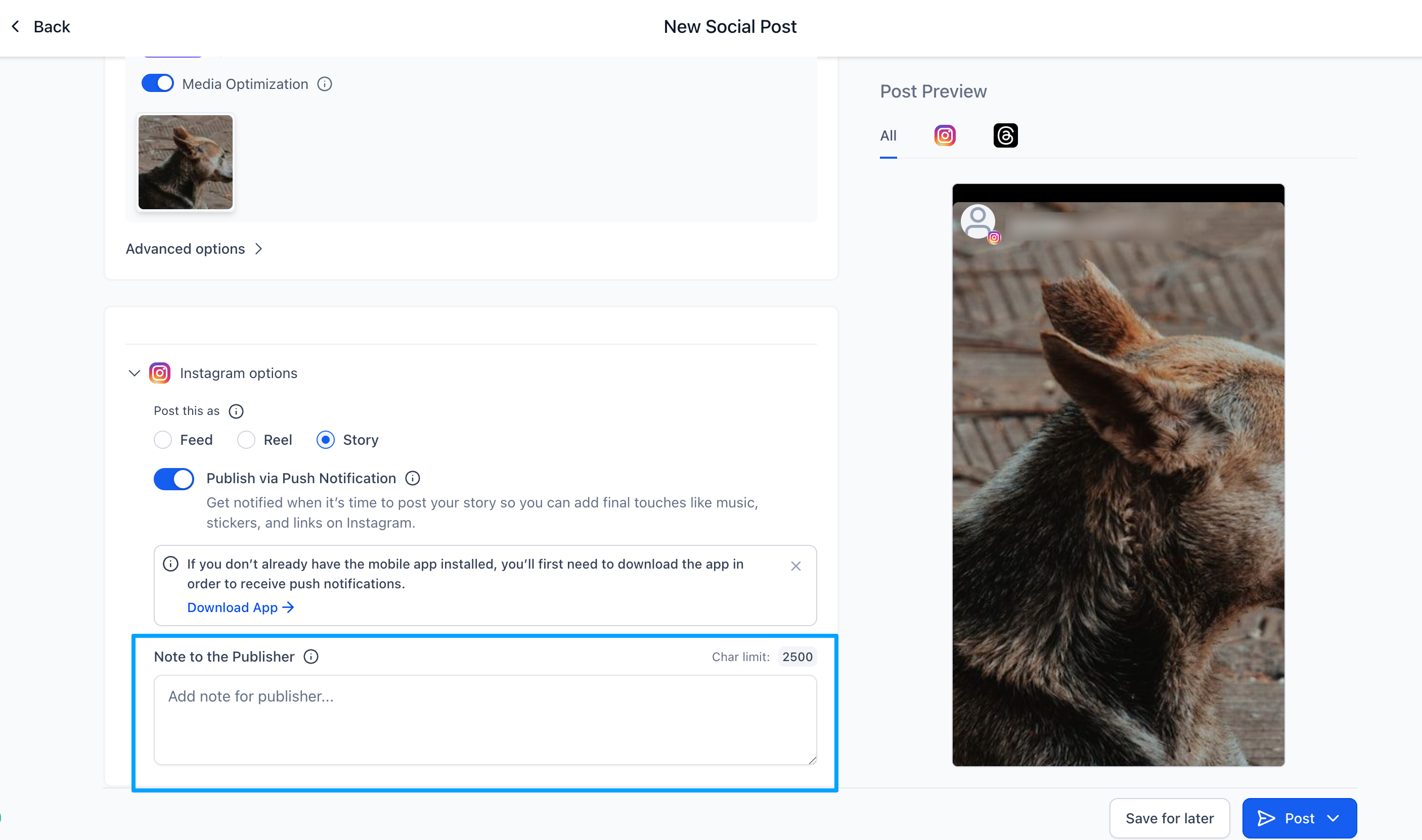
- Add optional notes for the teammate responsible for publishing
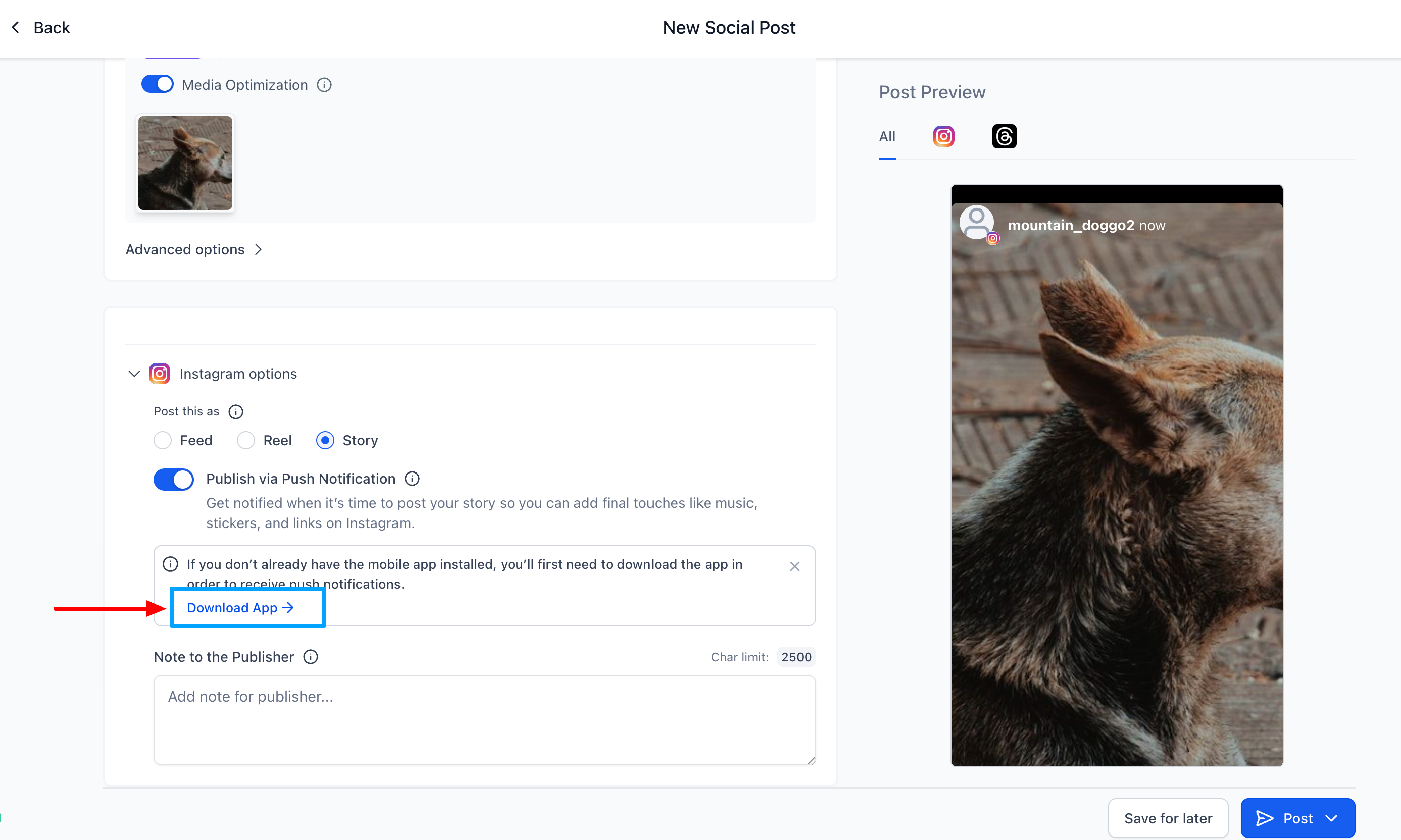
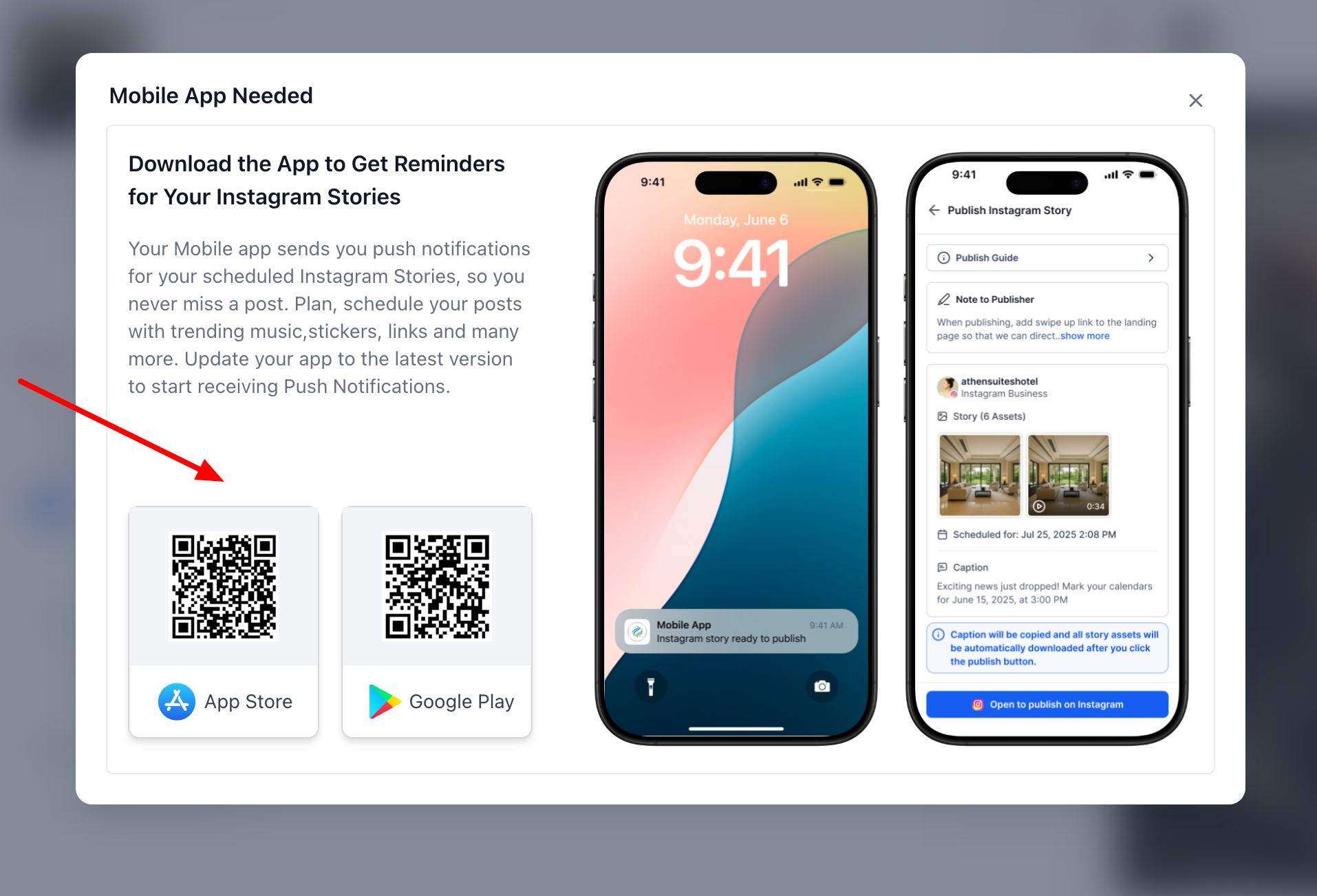
Download the Mobile App QR if you don’t have the app from the “Download App” CTA.
2) 🚀 Mobile Push Notification Workflow
At the scheduled time, Social Planner triggers a push notification.
Tapping the notification automatically:
- Loads the media for the Story on your phone
- Copies the caption to the clipboard
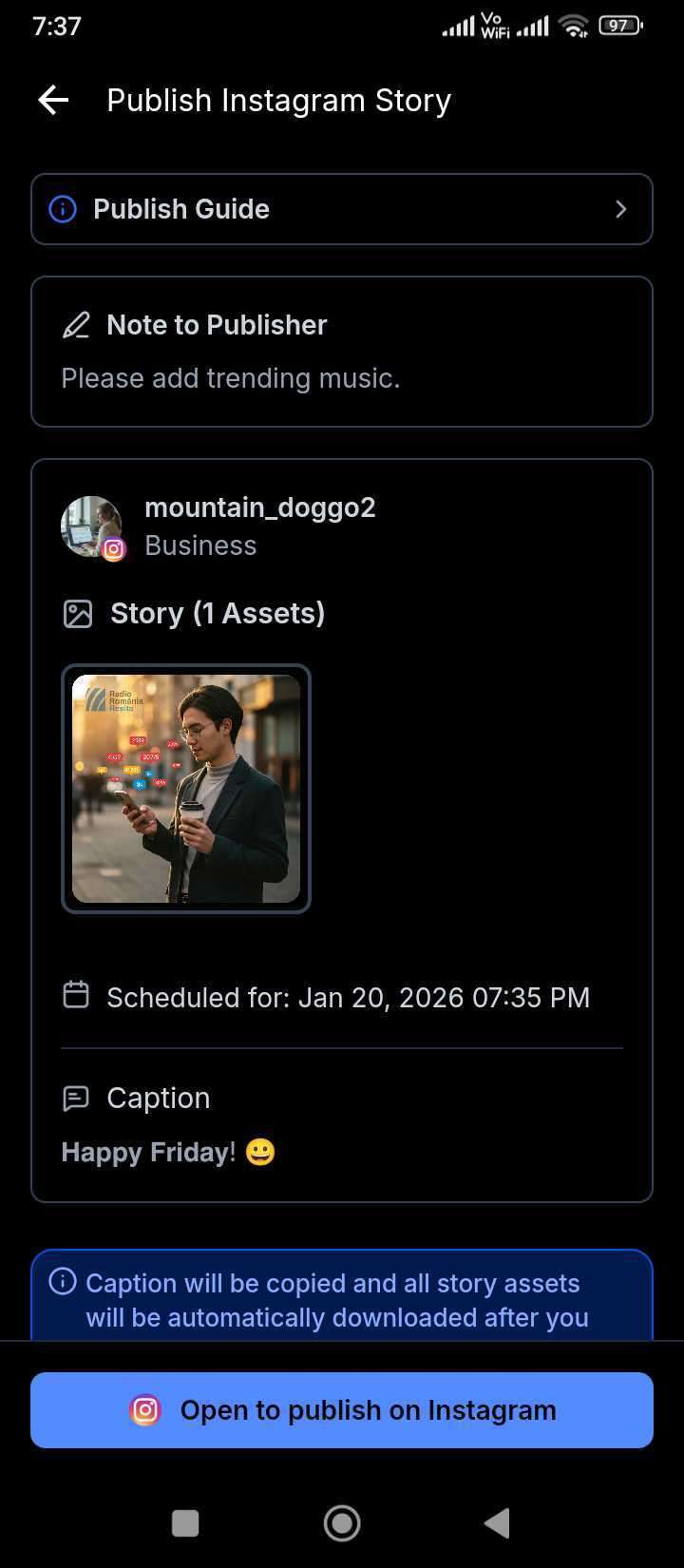
Users can then add Instagram’s native elements, such as music, stickers, links, and trending audio, before manually publishing.
💡 Why It Matters
This feature allows users to:
- Maintain consistency with Story posting
- Utilise Instagram’s native tools (music, stickers, links, interactive elements)
- Enhance collaboration between schedulers and publishers
- Preserve creative flexibility while planning ahead
- Minimise workflow gaps caused by Instagram’s API limitations
