Product Description Font Override for Product Details Page
What’s New?
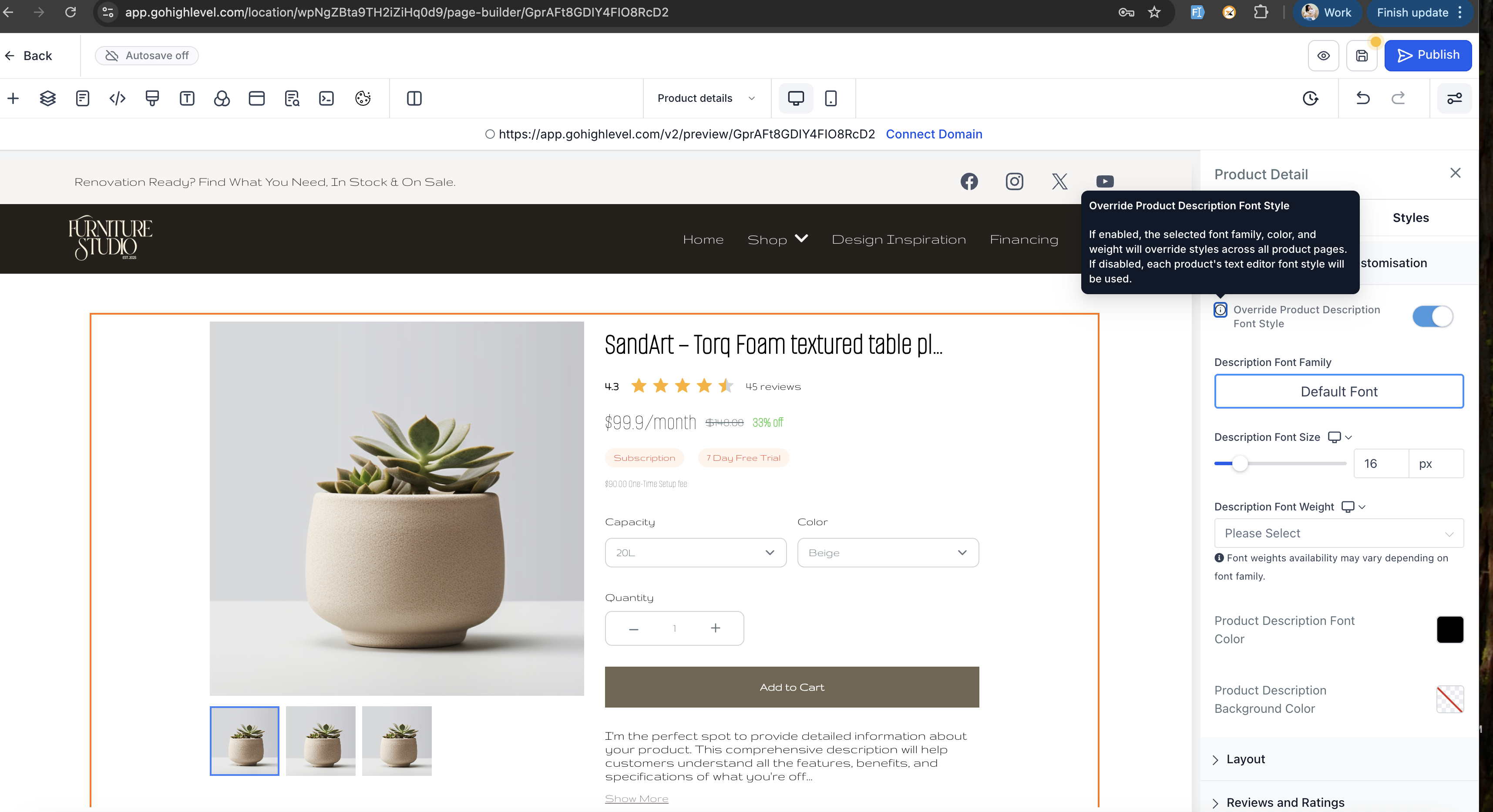
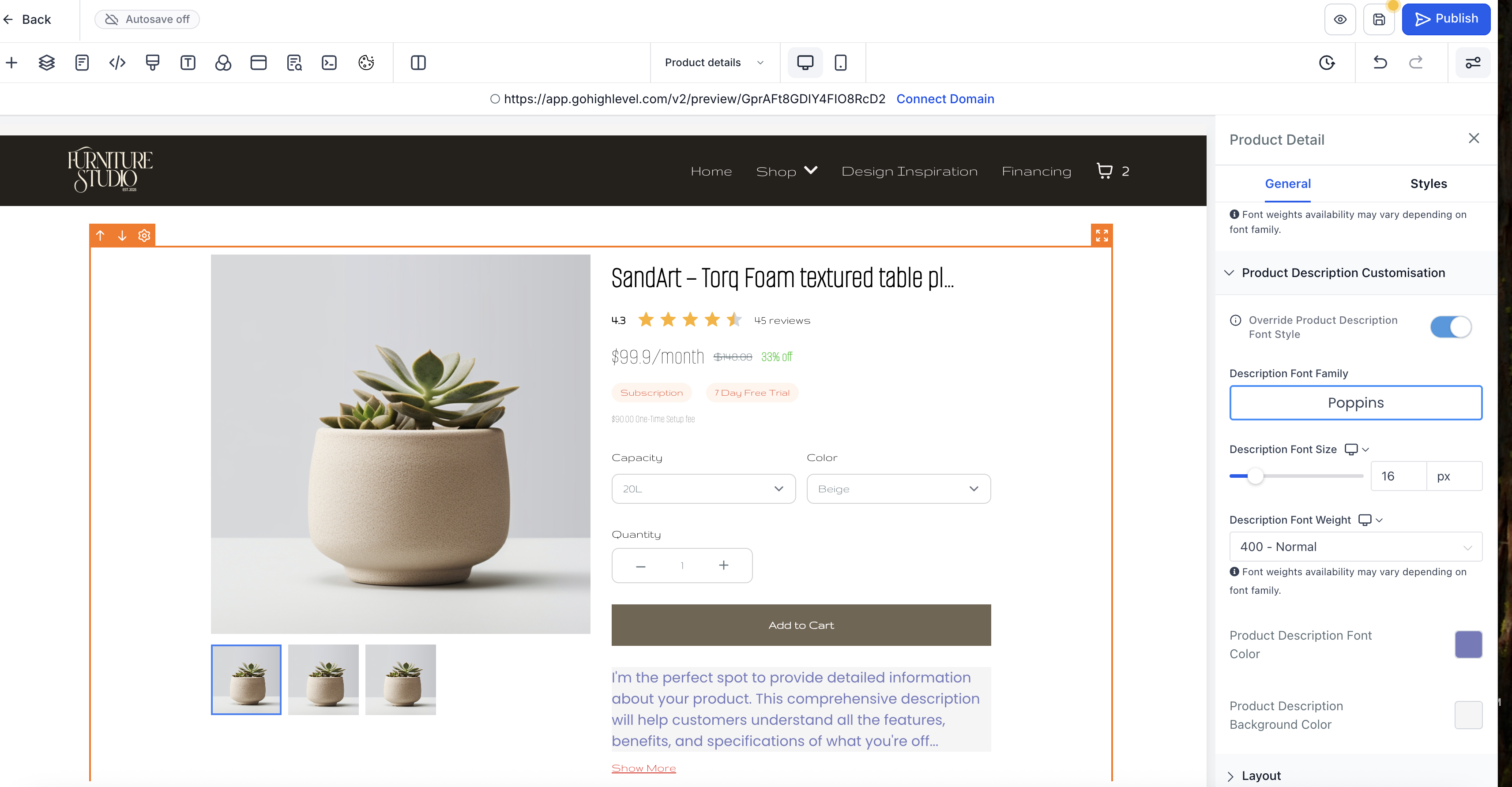
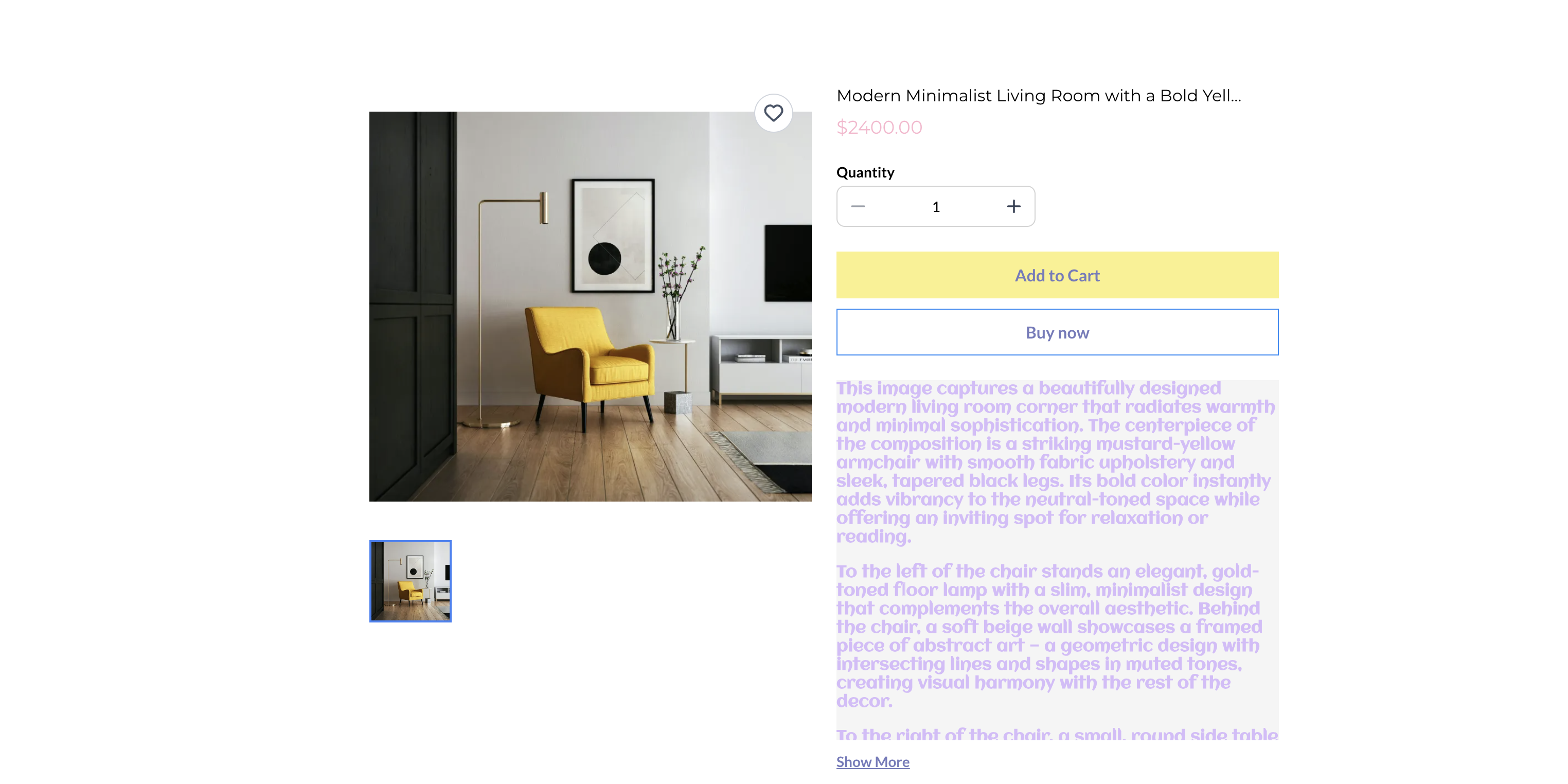
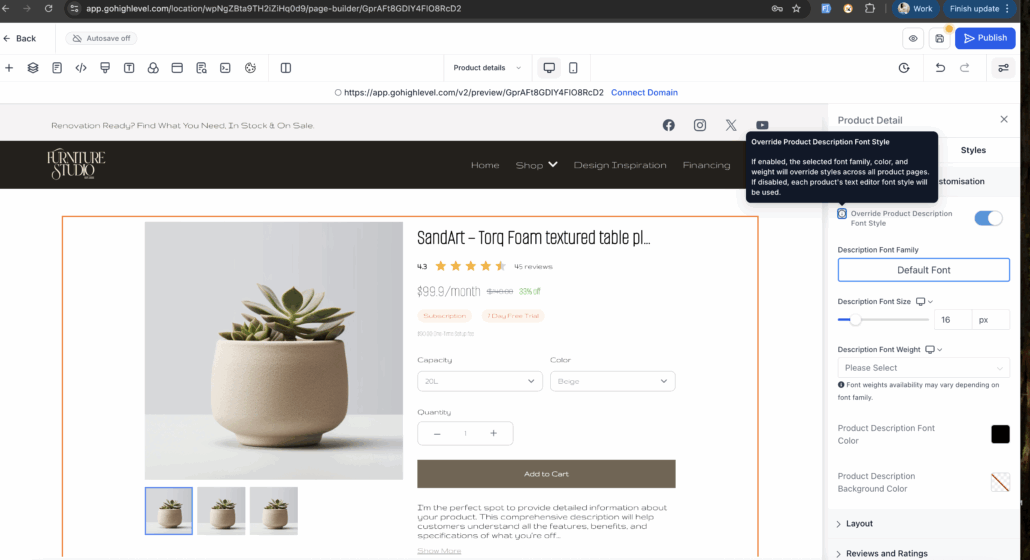
Store owners can now control the Product Description font style globally using the Builder. A new toggle — “Override Product Description Font Style” — allows you to apply consistent typography across all products without the need to edit each one individually.
Key Highlights:
- A toggle to enable or disable the global font override.
- Customise Font Family, Size, Colour, Weight, and Background Colour directly in the Builder.
- Applicable to both Default and Custom Product Detail Pages (PDPs) independently.
- “Show More/Less” text automatically adopts the selected styles.
How to Use It
- Open your Product Details page in the Builder and select the Product Details element.
- In the Product Description Customisation section, enable the “Override Product Description Font Style” option.
- Adjust the typography settings to your preference and publish.
Important Notes
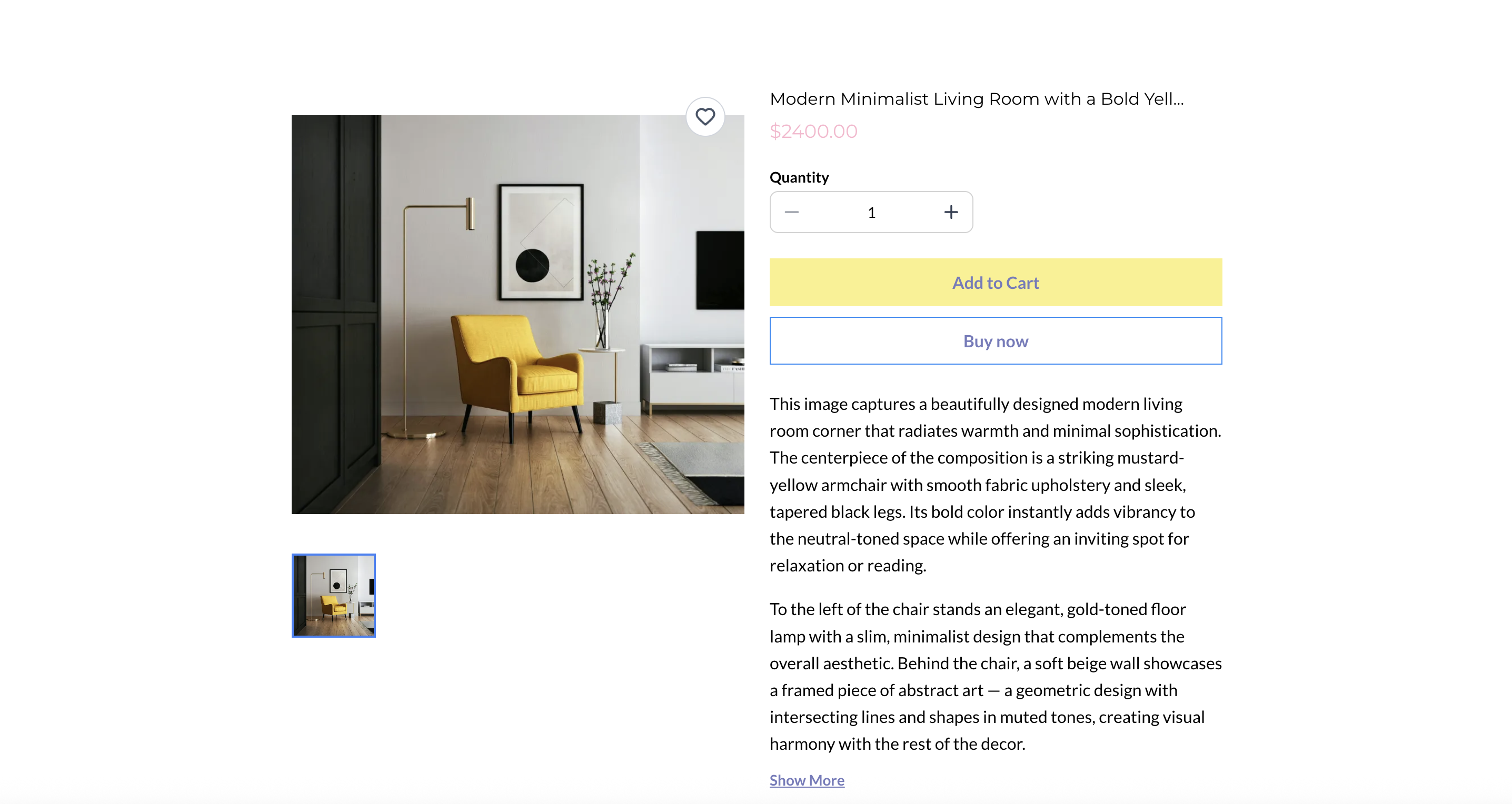
- If the toggle is off, the style will revert to the product’s default Rich Text Editor style.
- Custom PDP styles take priority over all other styling settings.
- Customisations for Default PDP, Custom PDP, and Featured Product Element descriptions are mutually exclusive.
Images: