
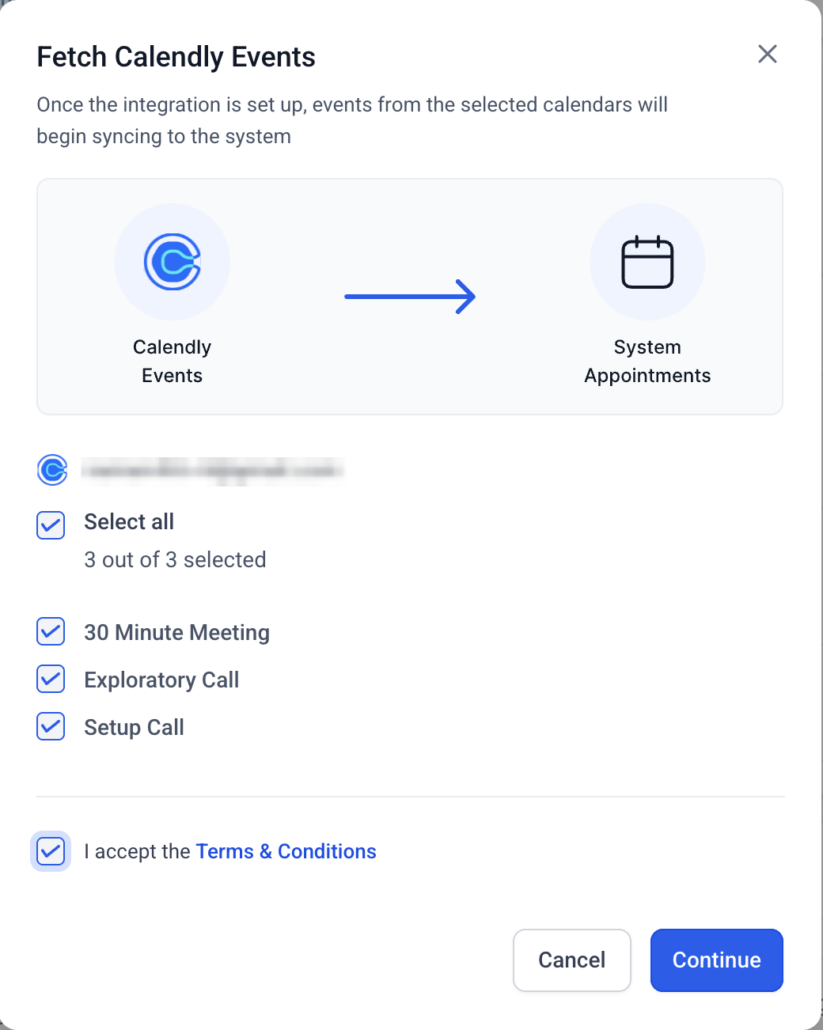
Phone Number Sync for Calendly Appointments
Calendly appointments
are accurately captured in Clixio. Whether the
phone number
is entered in the
location field
or submitted
through a form question
(Q&A), the system ensures that the correct number is included in the contact’s profile, reducing the need for manual updates.
✅ Automatic Sync from Location Phone Number
-
If the invitee’s phone number is provided directly in the
meeting location
and no phone fields are present in the form, it is automatically synced to the contact.
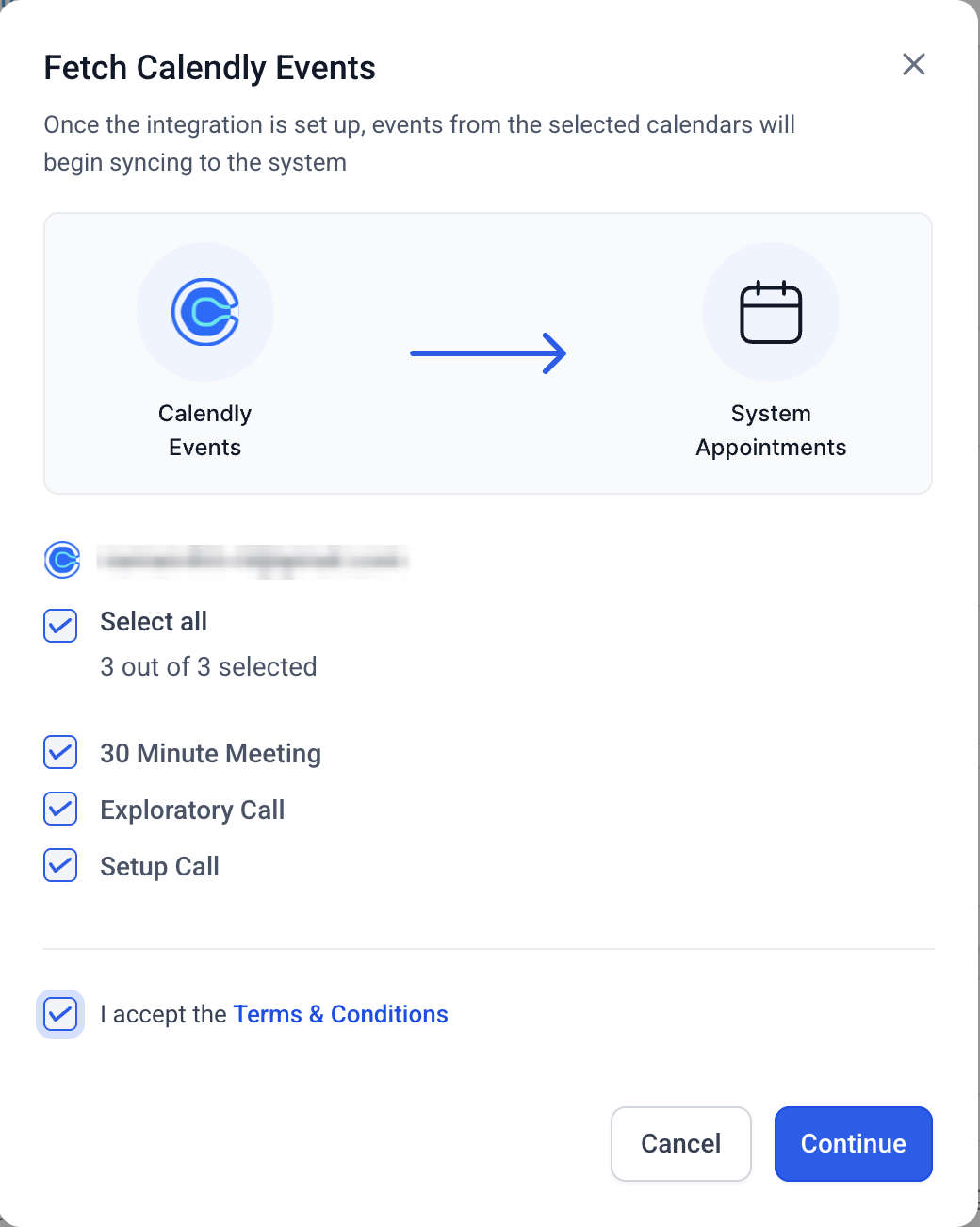
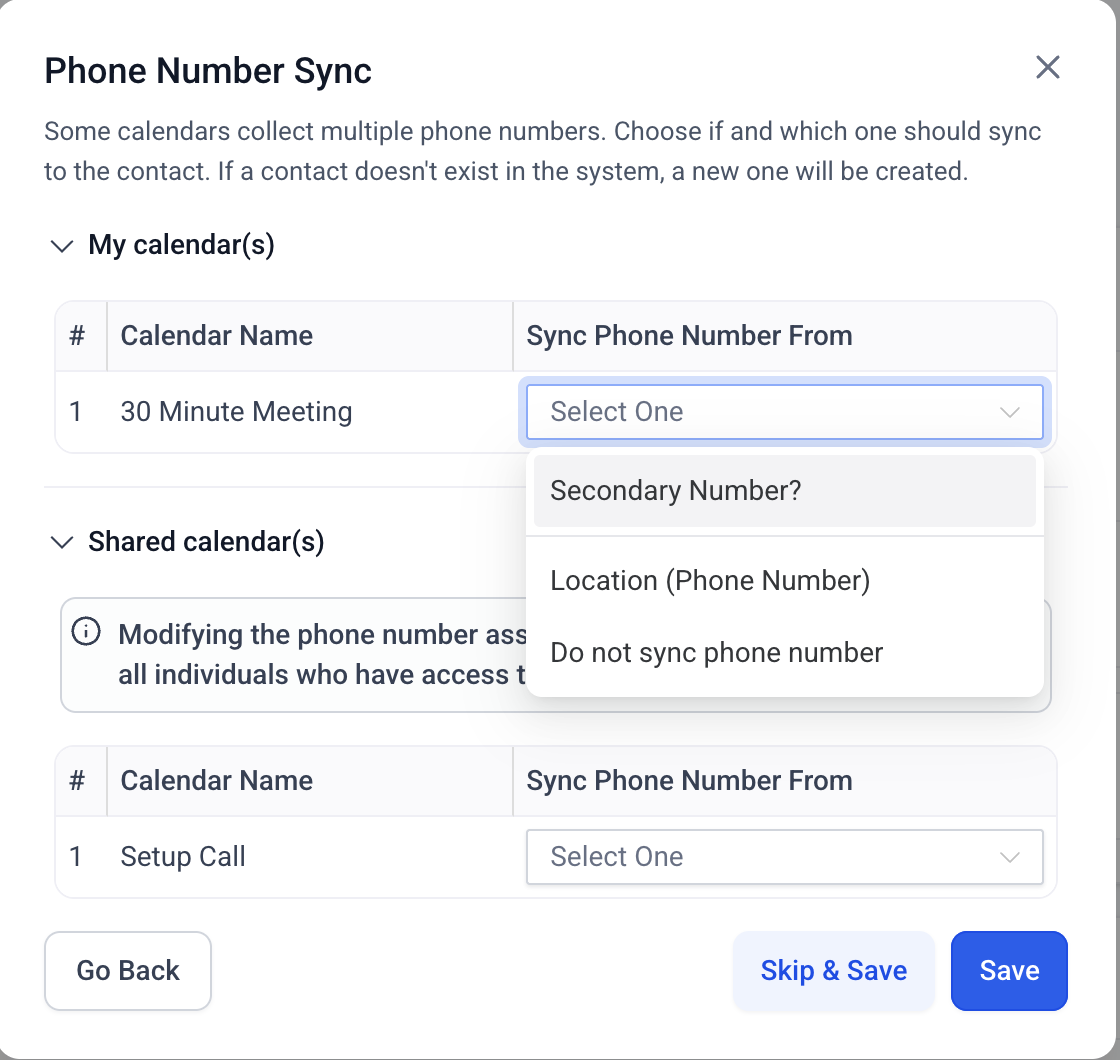
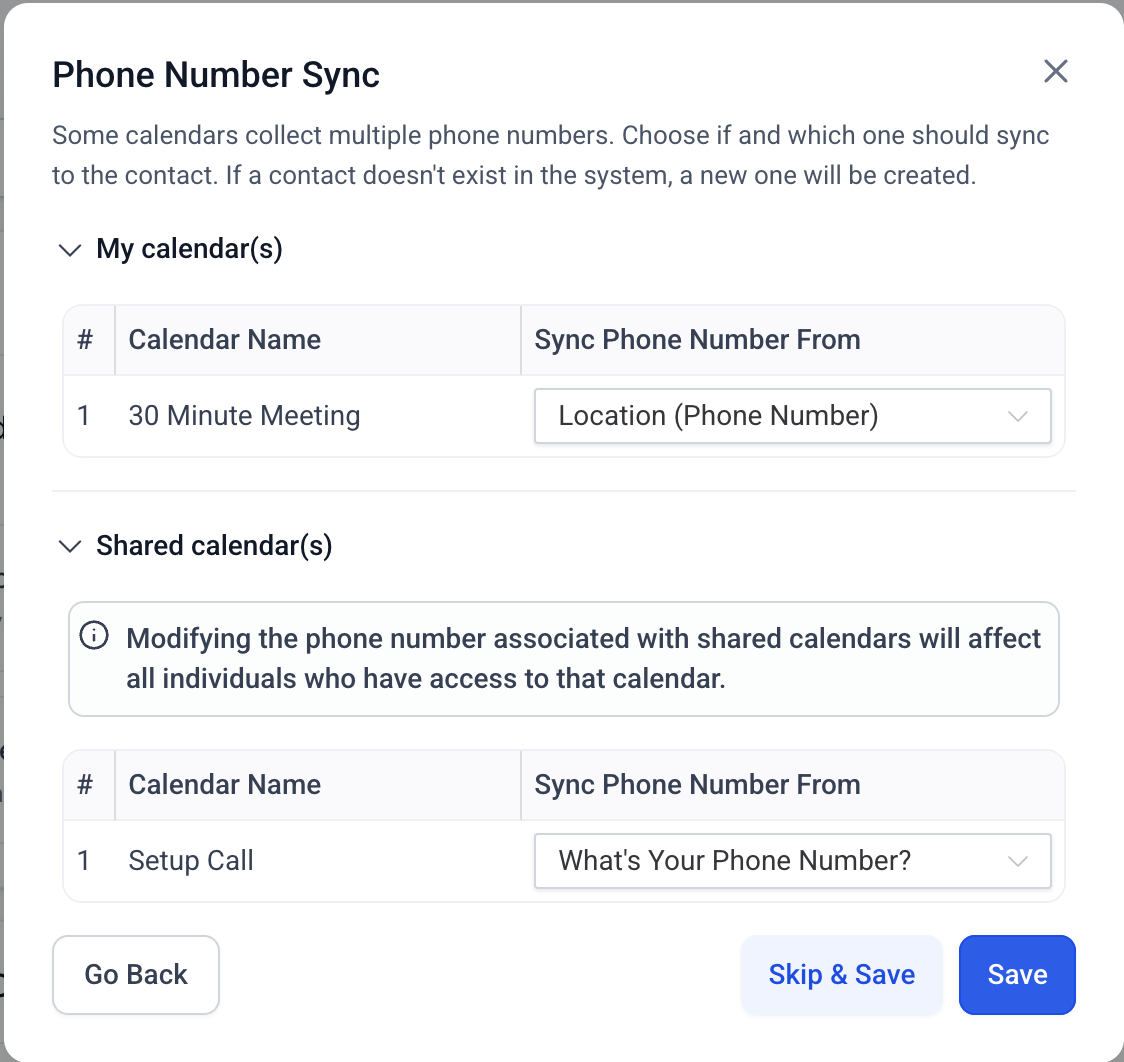
✅ Mapping Modal When Phone Numbers Come from Form Fields
phone number field exists in the Calendly form
, a mapping screen will be displayed, where:
-
You can choose from
form fields
or the
location phone field
(if available).
-
You can select “
Do not sync
” if you prefer not to map any number.
This ensures clarity and control when numbers are collected via forms.
✅ Clean Handling When No Phone Fields Exist
-
If the selected Calendly calendar(s) has
no phone number fields
(neither location nor form), the phone sync step is simply omitted — no prompts or errors.
Note
: For shared calendars, if any user updates the phone number sync option, the change will apply to
all users
linked to that calendar.
- Ensures that phone-based meetings always have the contact number synced within the system.
- Eliminates the manual copying of numbers from Calendly into contacts.
- Provides users with control when multiple phone sources are present.
