
New Forms & Surveys Section in Funnel/Website/Ecomm Builder
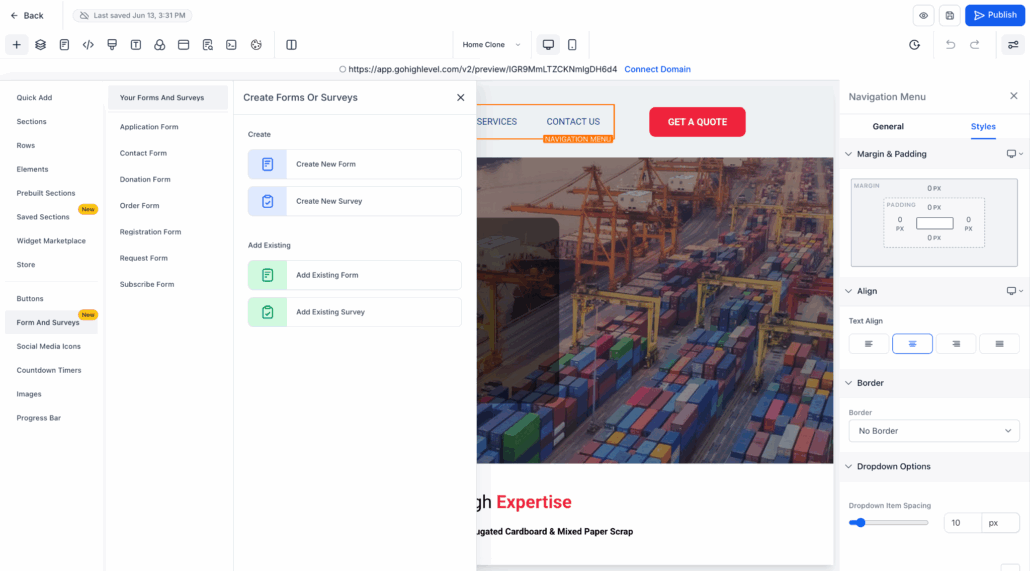
A new Forms & Surveys section has been added within the Funnel Builder. Users can now create, add, and manage forms or surveys directly within the builder.

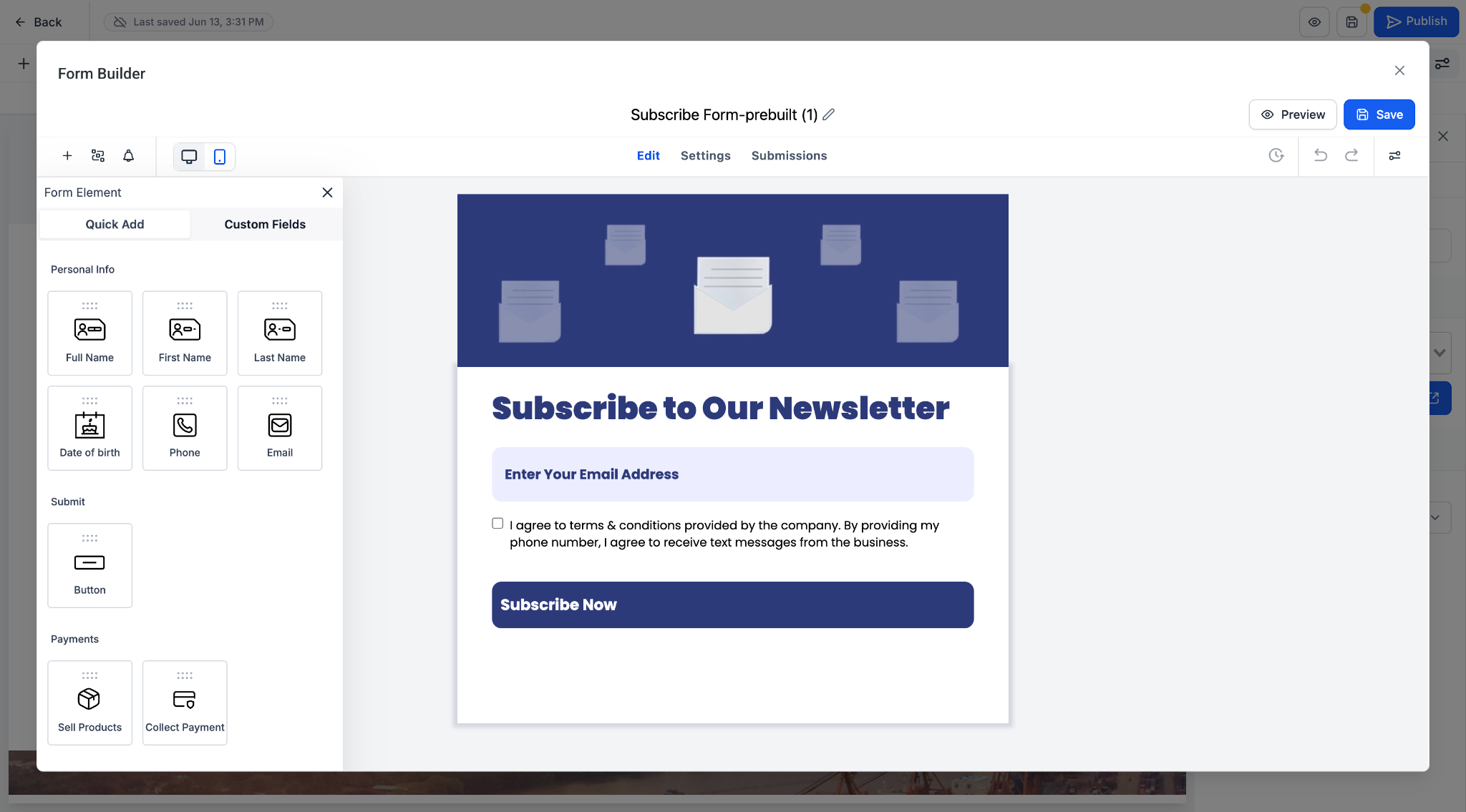
- Create a new form or survey (opens in a 90% pop-up builder).
- Add existing forms or surveys via a Form Picker pop-up.
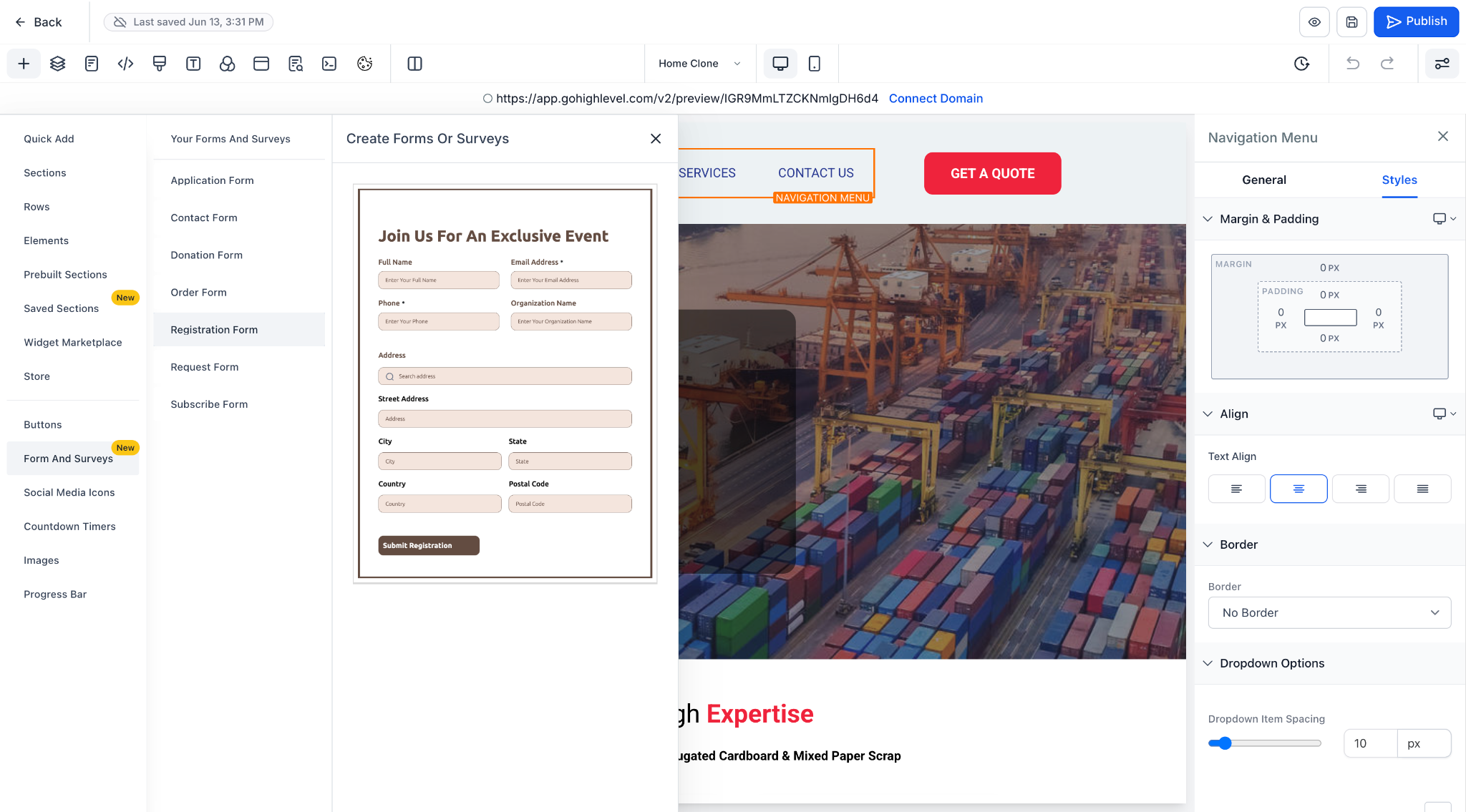
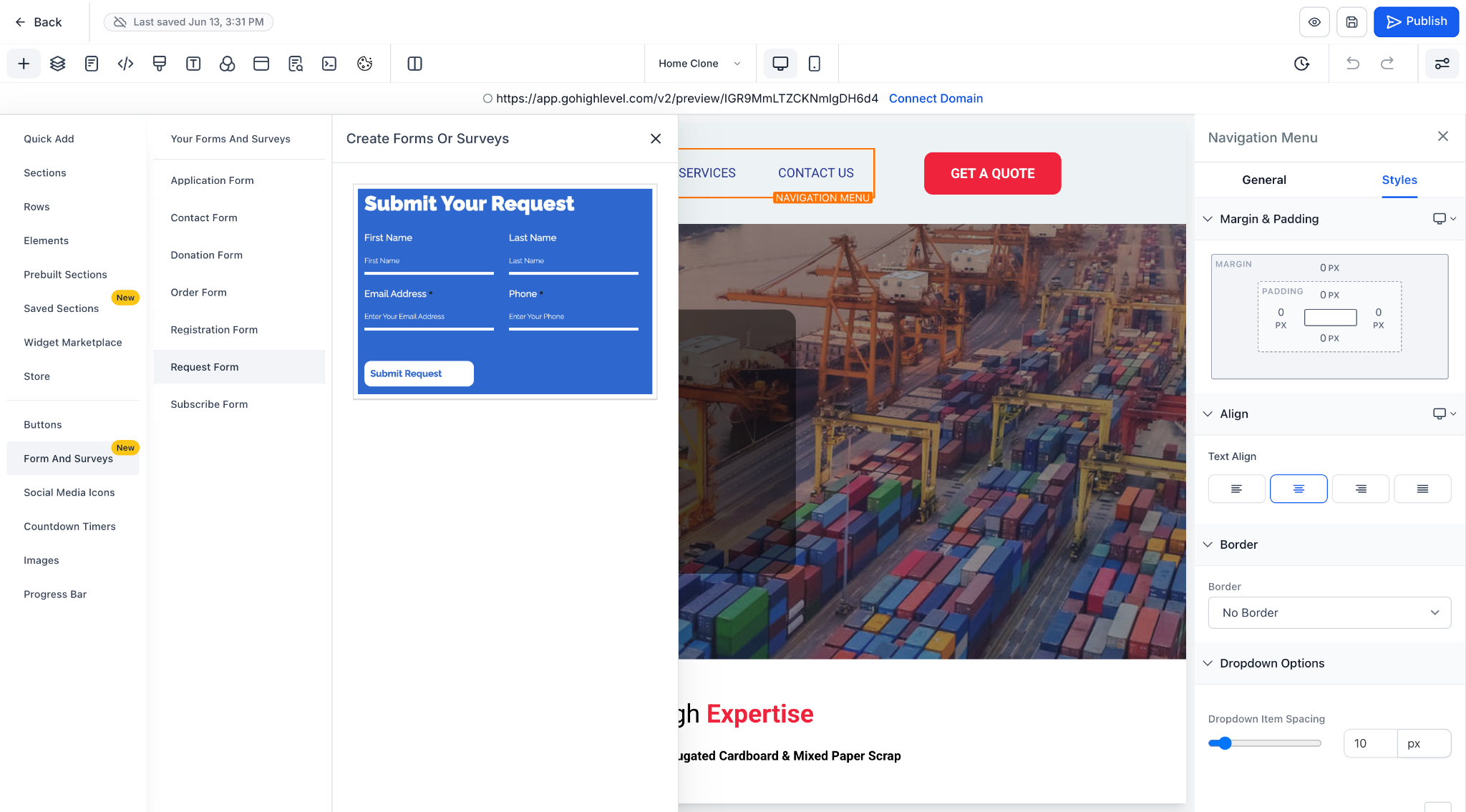
- Prebuilt Form Categories: Ready-to-use templates including Application, Contact, Donation, Order, Registration, Request, and Subscribe.
- One-Click Editing: Drag-and-drop a new or existing form into your funnel, then customise it in the Form Builder pop-up.
- Unified Management: Any form or survey you create is automatically added to the Forms & Surveys list view for reuse.
- In Funnel Builder, open the Forms & Surveys section from the left panel.
- Select Create New or Add Existing.
- If creating a new form → a default form/survey opens in a 90% pop-up for customisation.
- If adding an existing form → select from the Form Picker pop-up.
- Prebuilt templates can be further customised in the Form Builder, with complete control over fields, styles, and payment options.

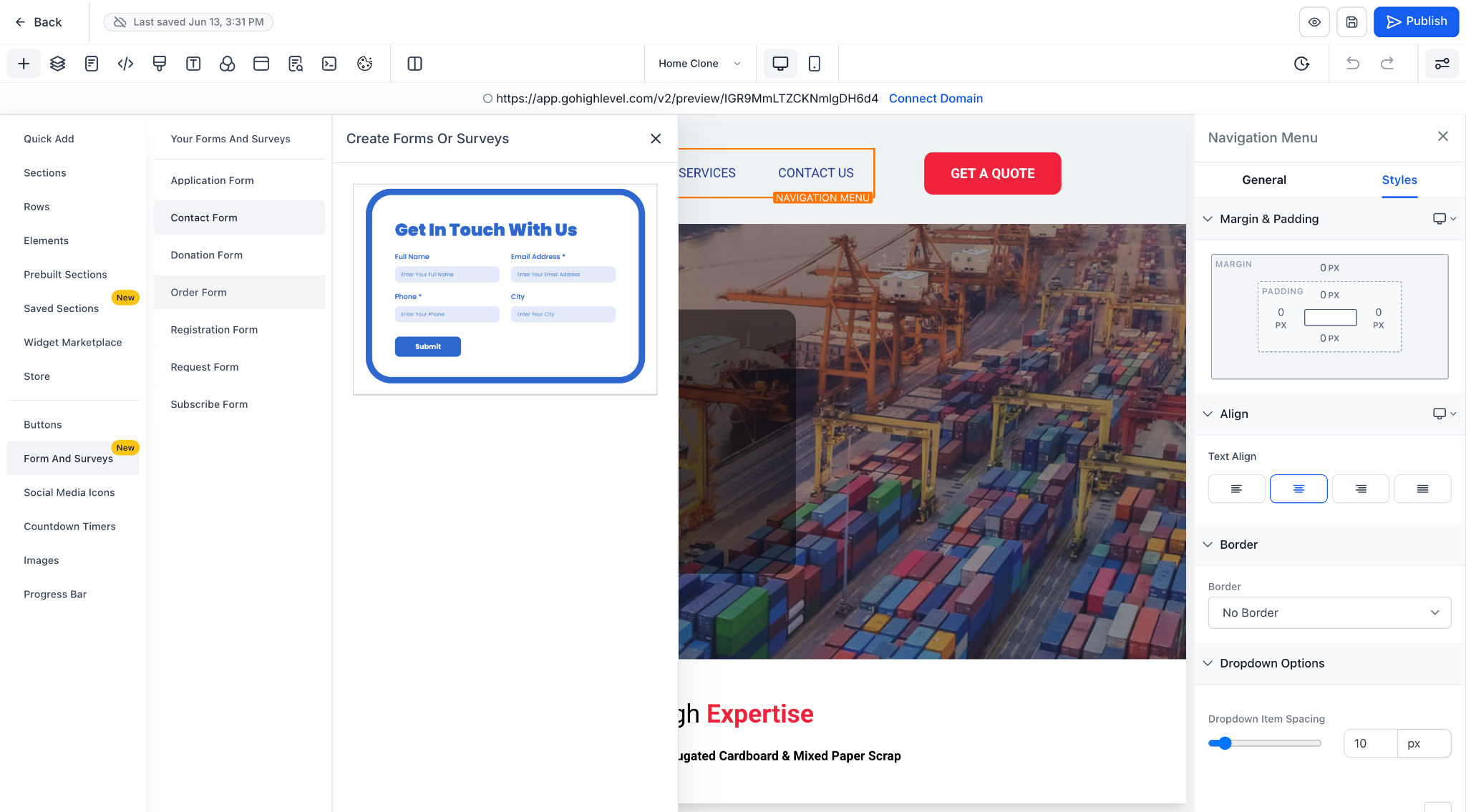
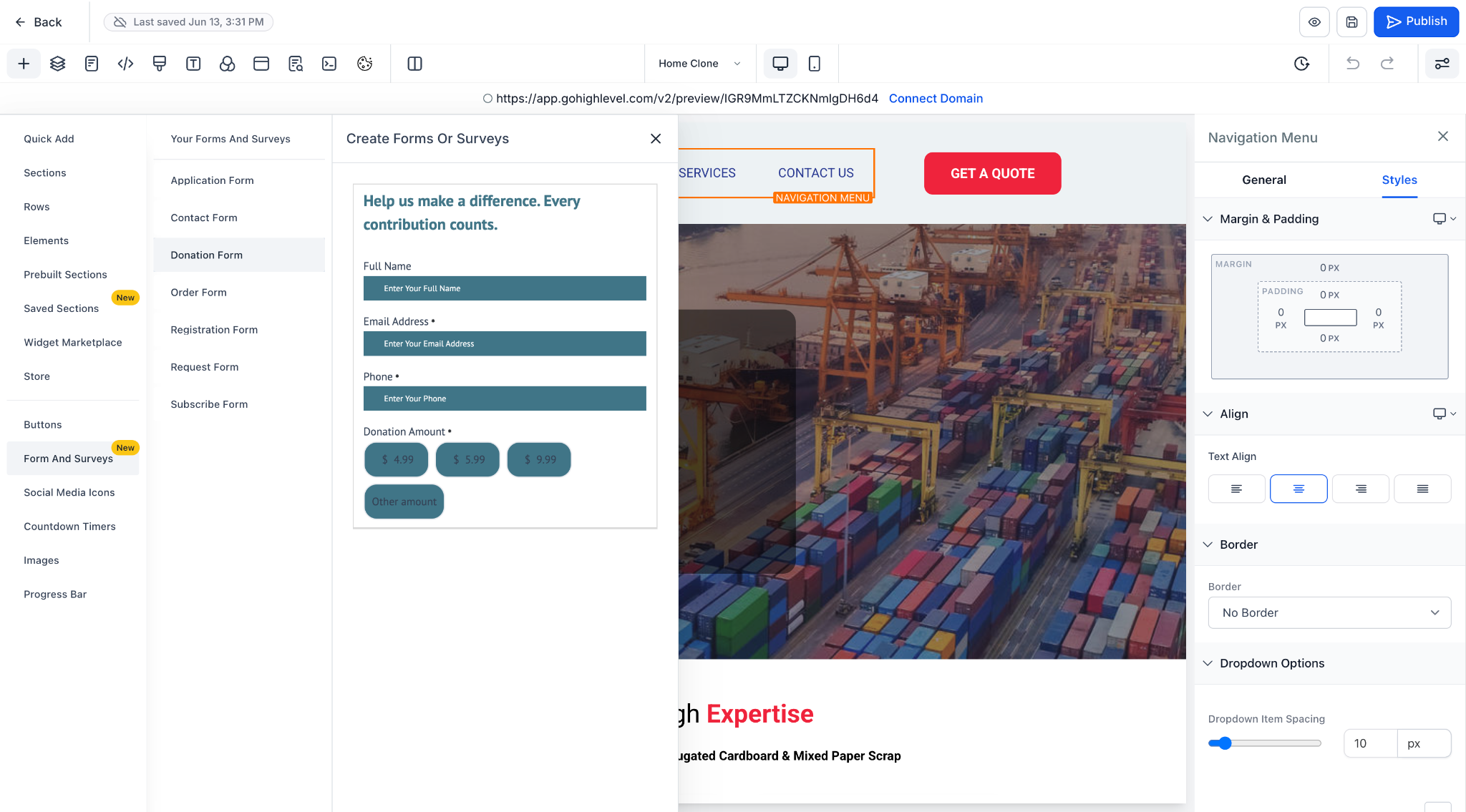
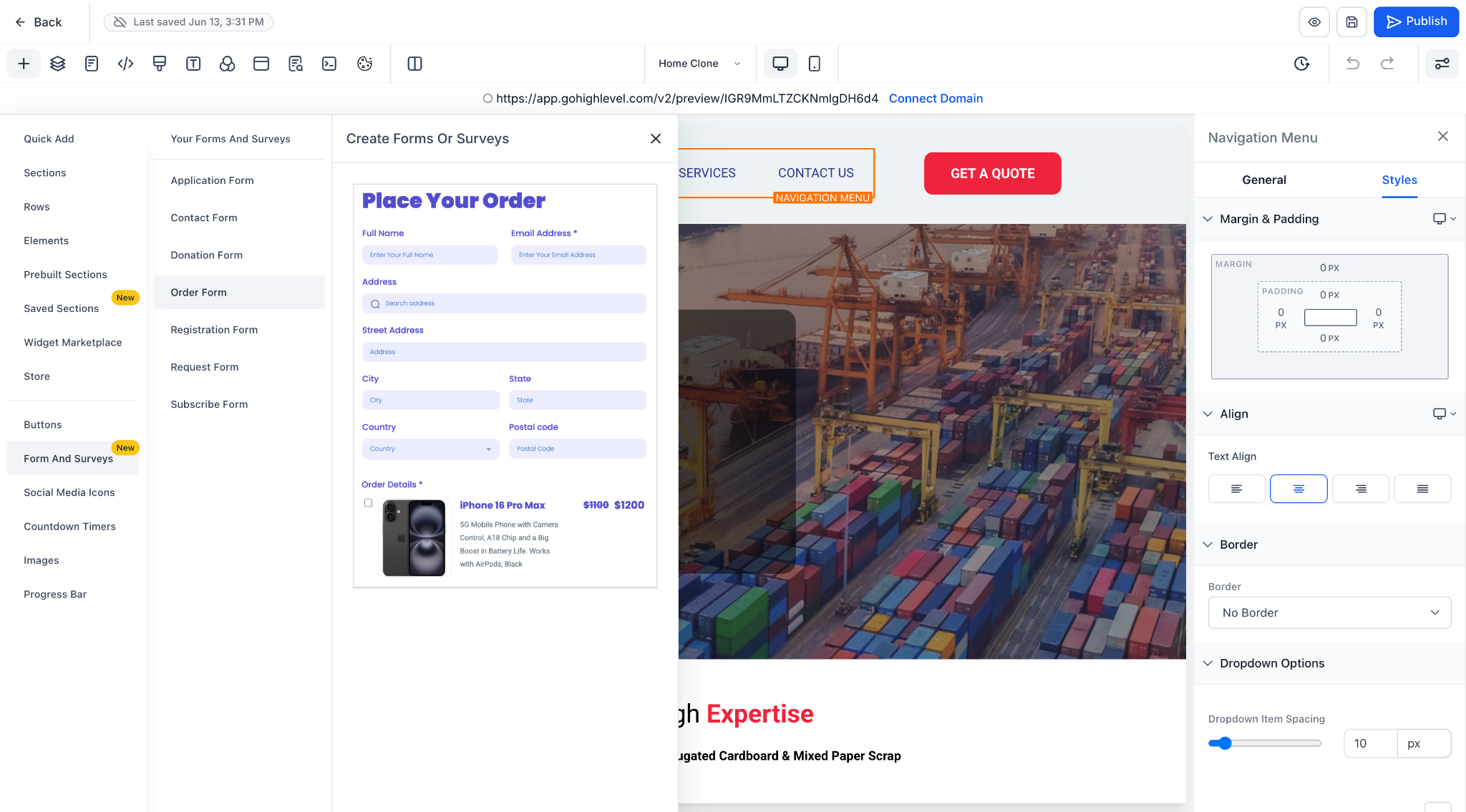

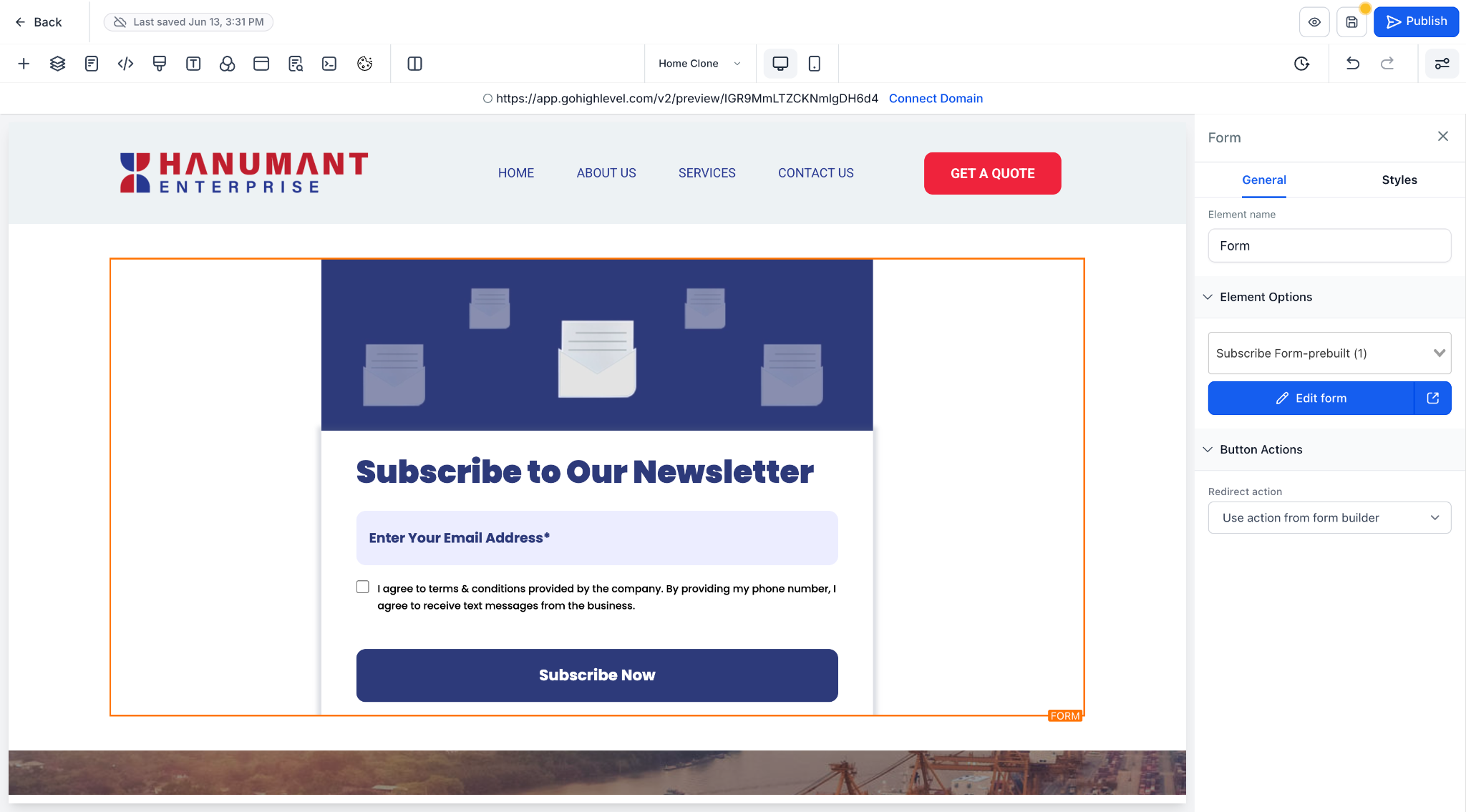
- The drag-and-drop workflow ensures that forms remain consistent across funnels while being fully customisable.
- This Forms and Surveys section will be available in funnel, website, and e-commerce builders.
