New Button Icon Styling & Global Section Search – Funnels and Websites!
We’ve rolled out two updates to the Page Builder that enhance both design flexibility and workflow efficiency. You can now customise button icon colours independently and search through your Global Sections with ease.
Independent Button Icon Colour
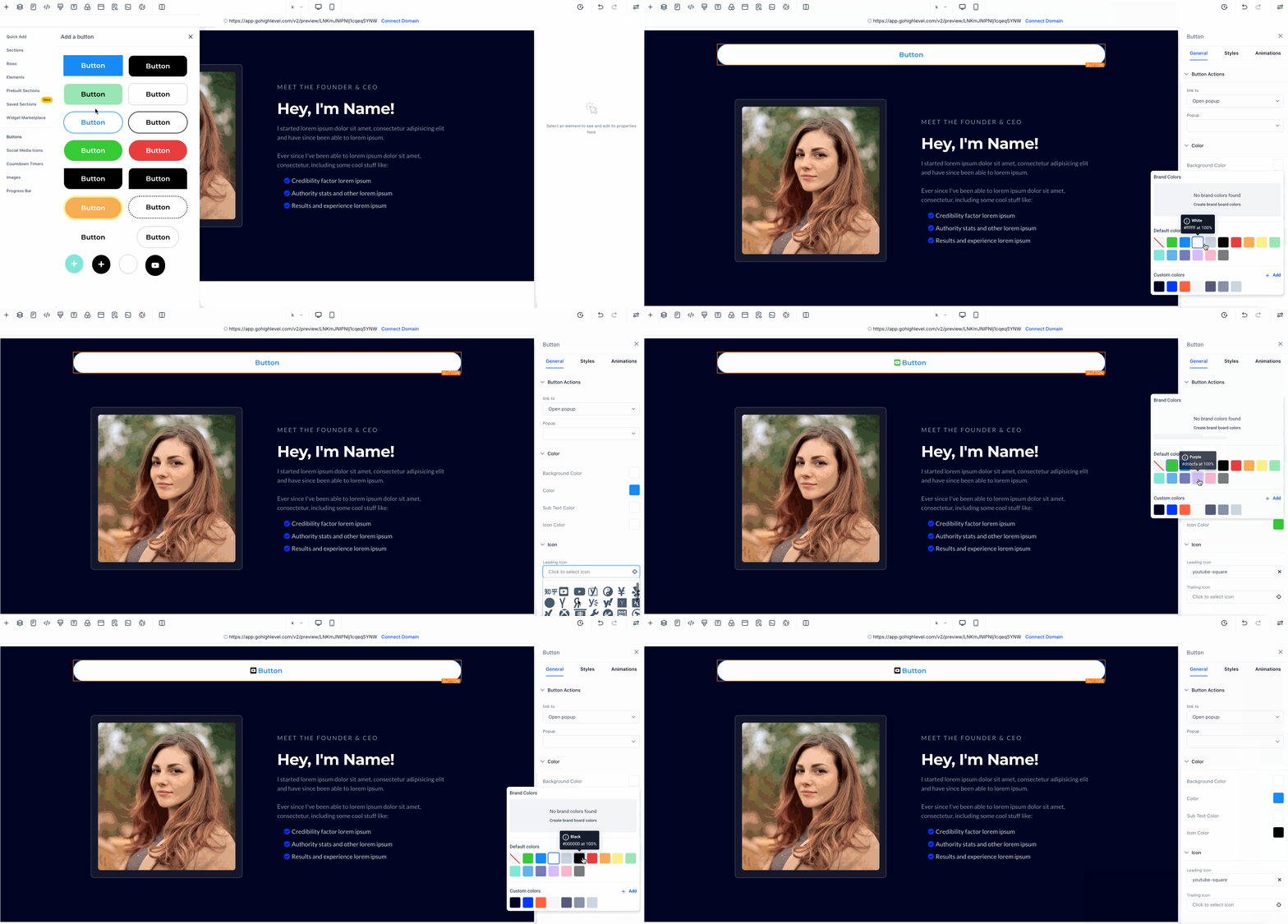
You can now set a custom icon colour for buttons independently from the text and subtext colours.
-
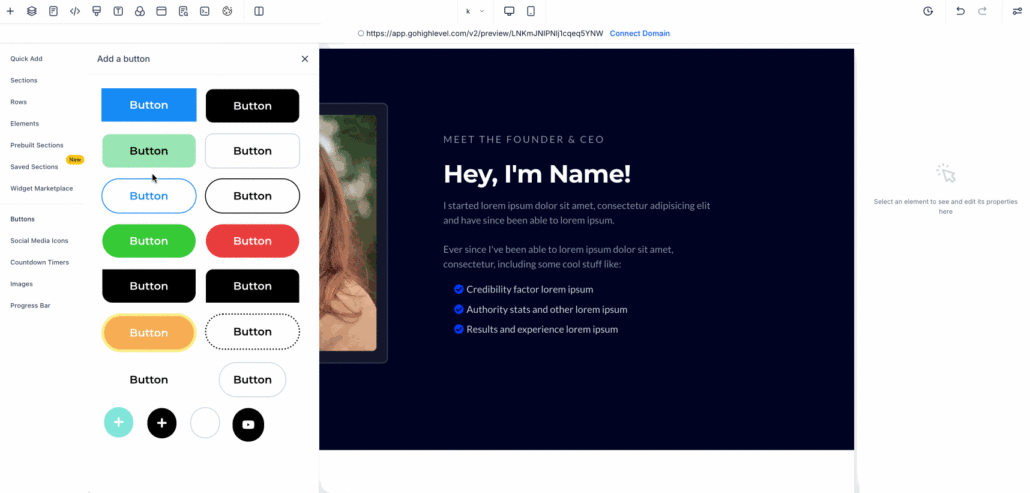
Location: Page Builder → Left Sidebar → Add Button Element → Show Settings → Icon Colour
-
Supports: Default, custom hex, and brand board colours
-
Benefit: Provides you with precise control over icon appearance, ensuring buttons are visually aligned with your brand.
Search in Global Sections
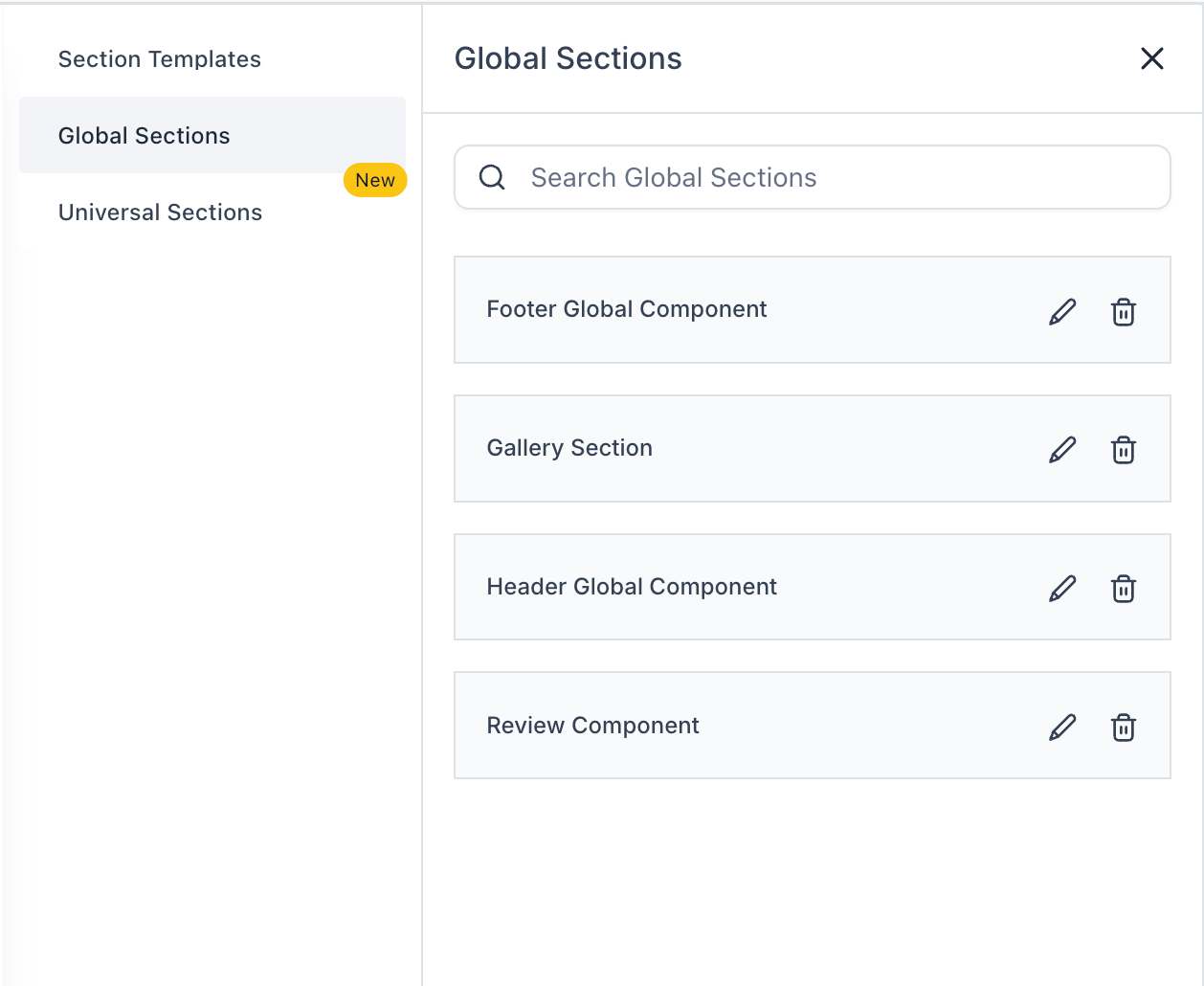
A new search field has been added to assist you in quickly locating Global Sections.
-
Location: Page Builder → Left Sidebar → Add Elements → Saved Sections → Global Sections
-
Functionality: Search by full or partial section names; results update in real-time.
-
Benefit: Accelerates access to saved content, especially in large workspaces.