Monday.com actions and triggers | Clixio Changelog
Any Column Value Changed in Board – Triggers when a specific column (status, date, owner, etc.) is updated.
Any Item Moved to a Group – Triggers when an item moves between groups on a board.
New Board – Triggers when a new board is created.
New Item in a Board – Triggers when a new item is added to a board.
New Subitem in Board – Triggers when a subitem is created under an item.
New Update in Board – Triggers when a comment or update is added to an item.
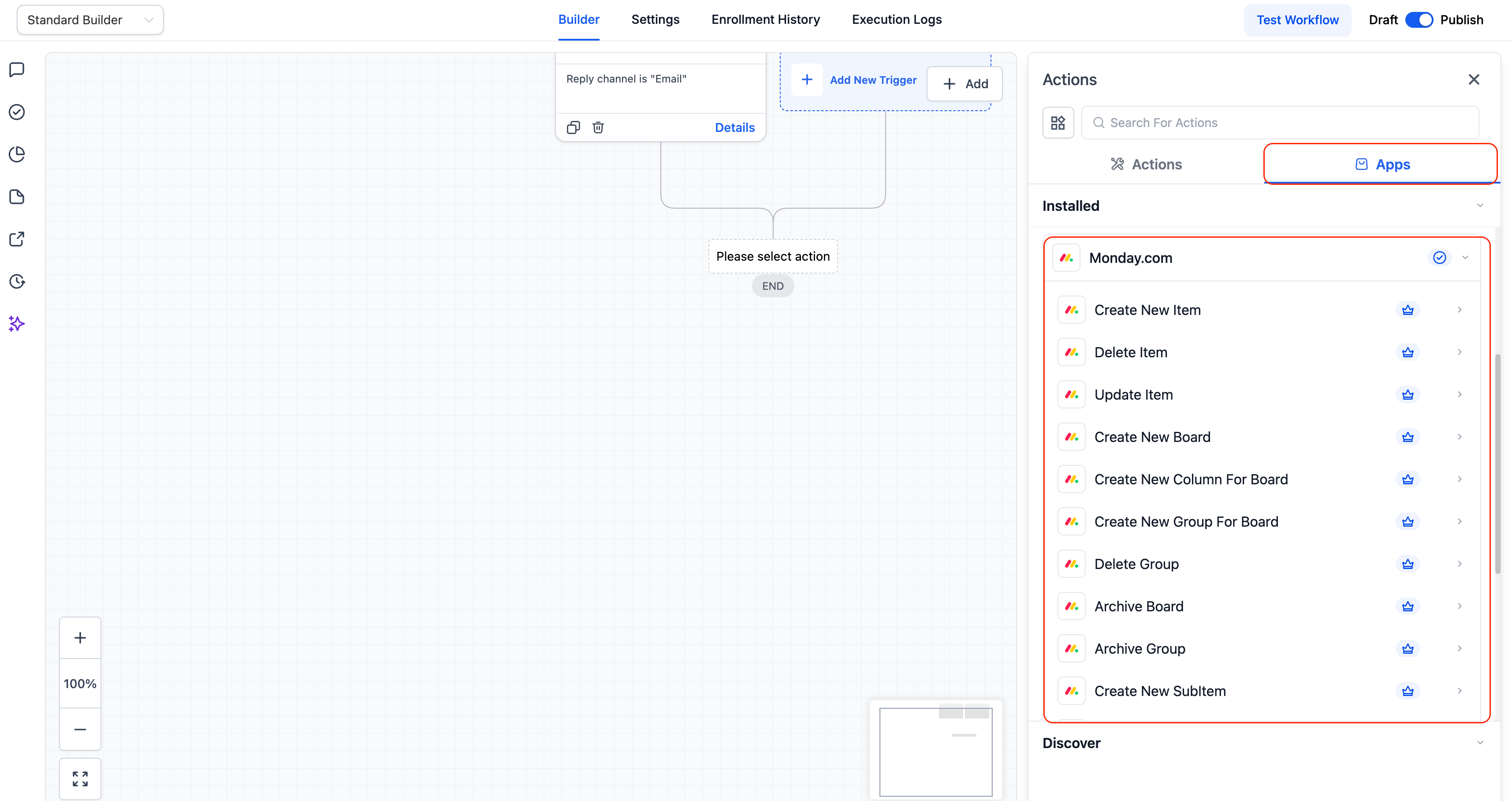
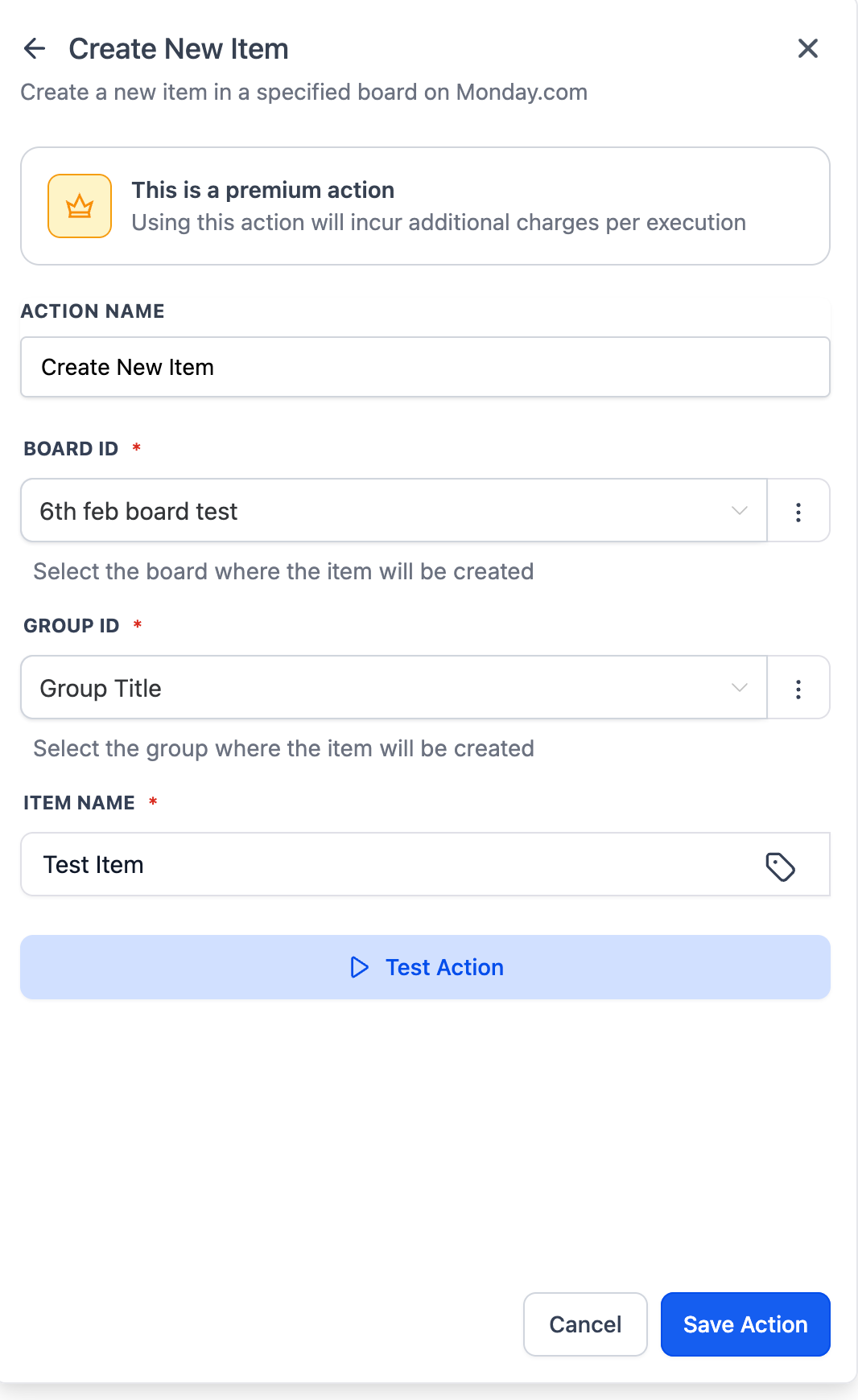
Create New Board / Group / Column / Item / Subitem – Dynamically build Monday structures from workflows.
Update Item / Update Subitem – Update statuses, owners, dates, and custom columns.
Archive Board / Archive Group – Automatically archive completed boards or groups.
Delete Item / Delete Group – Remove items or groups when they are no longer needed.
Get Board Items – Retrieve all items from a board for syncing or reporting.
Find Items by Column Value – Search items using status, owner, or custom columns.
Find Items by ID – Locate a specific item using its Monday item ID.
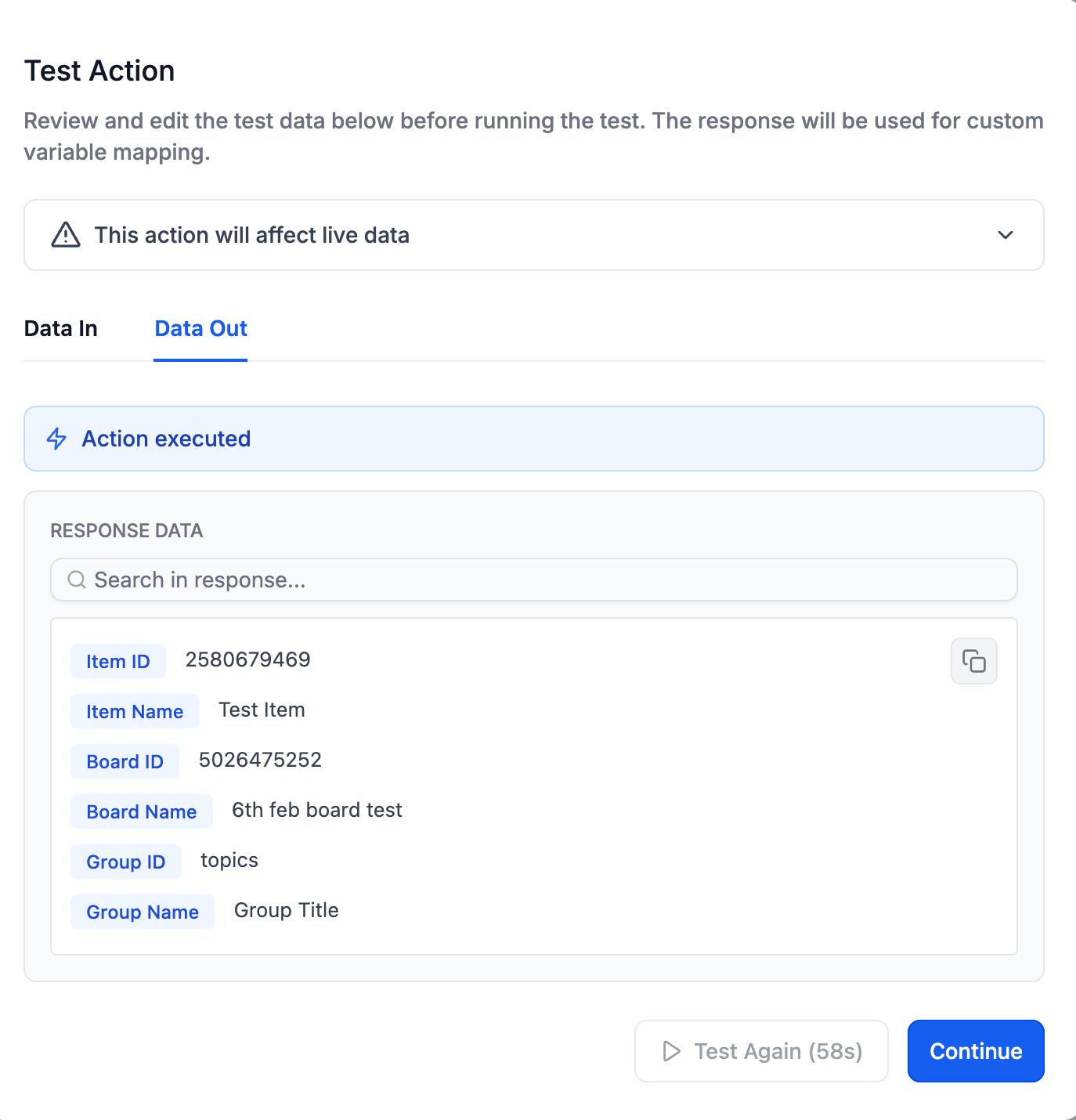
Why It Matters
• Keep Clixio and Monday perfectly synchronised
• Eliminate reliance on Zapier, Make, or custom webhooks
- Client Onboarding Automation
- Project Status → Client Communication
Trigger emails, Slack notifications, or notes when a Monday item’s status changes (e.g., when a project is marked “Completed”).
- Internal Task Sync Across Tools
- In Workflows, search for Monday.com triggers or actions.
- If your account is already connected, configuration fields will appear automatically.
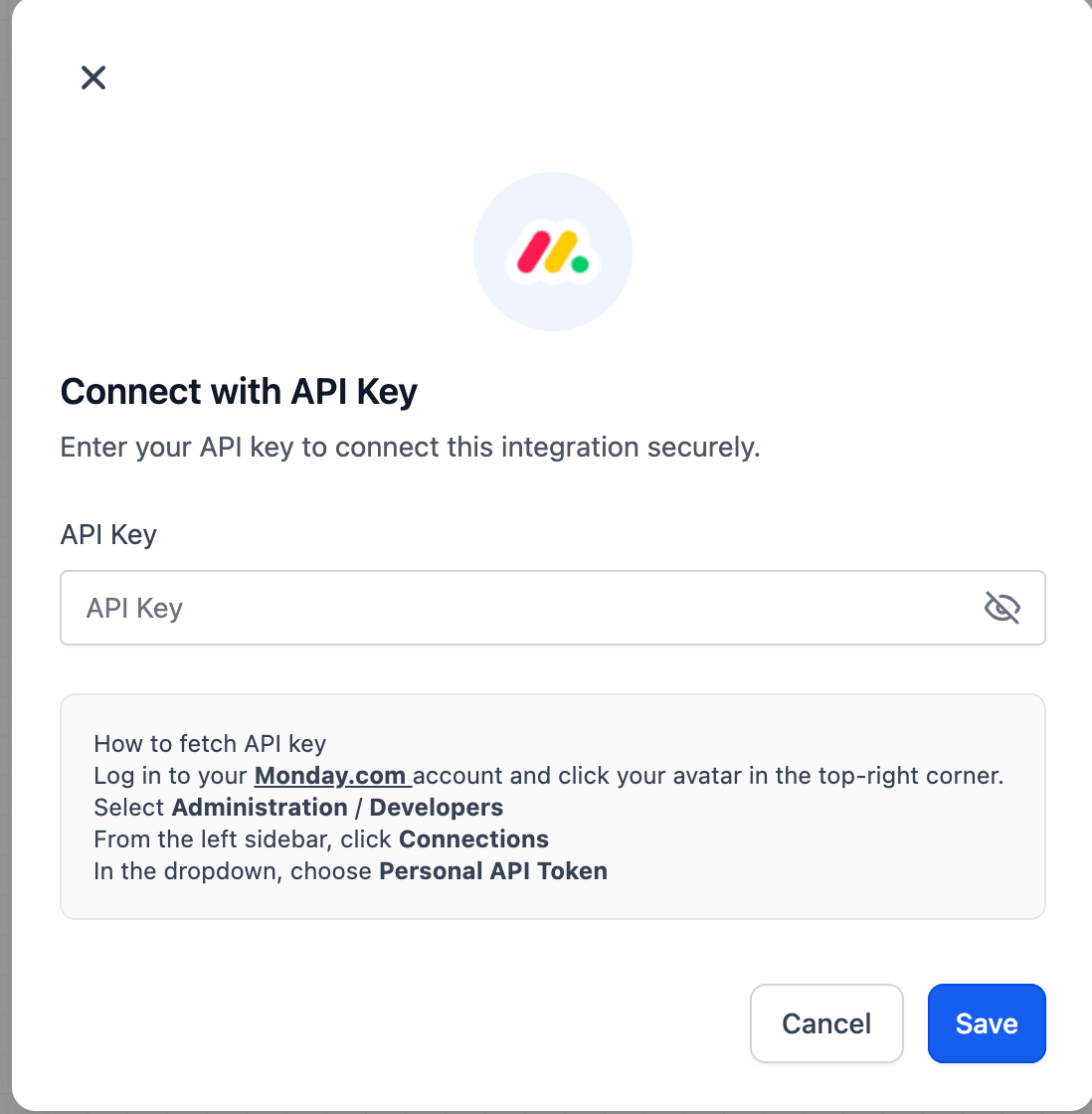
- If not, click Connect Now and authenticate via Monday.com API key.
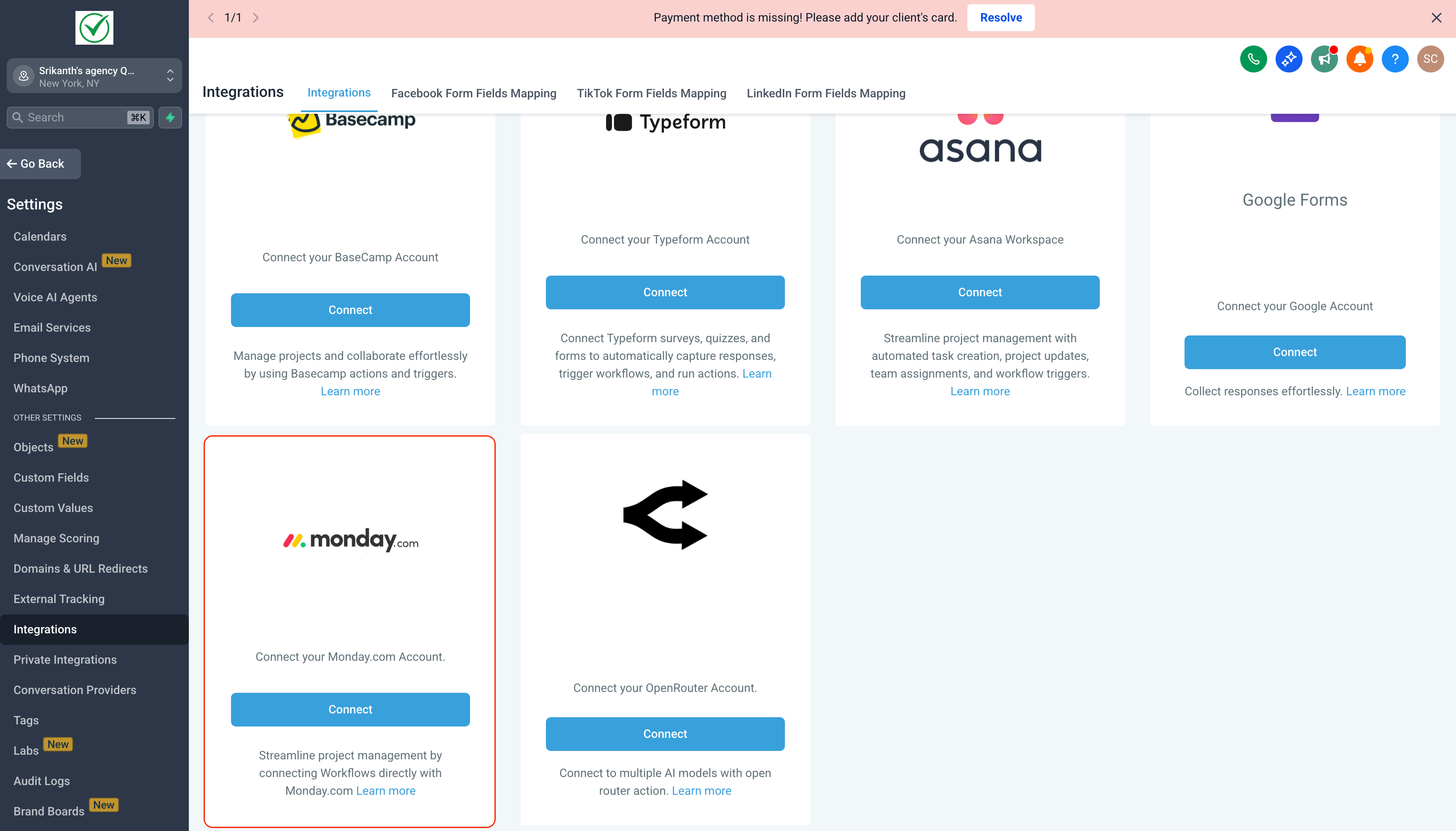
- You can also connect anytime via: