Mobile Progress Bar Now Available in Surveys and Quizzes
You can now enable a progress bar for mobile users in surveys and quizzes. This feature makes it easier for respondents to track their progress across multi-step forms.
What’s New
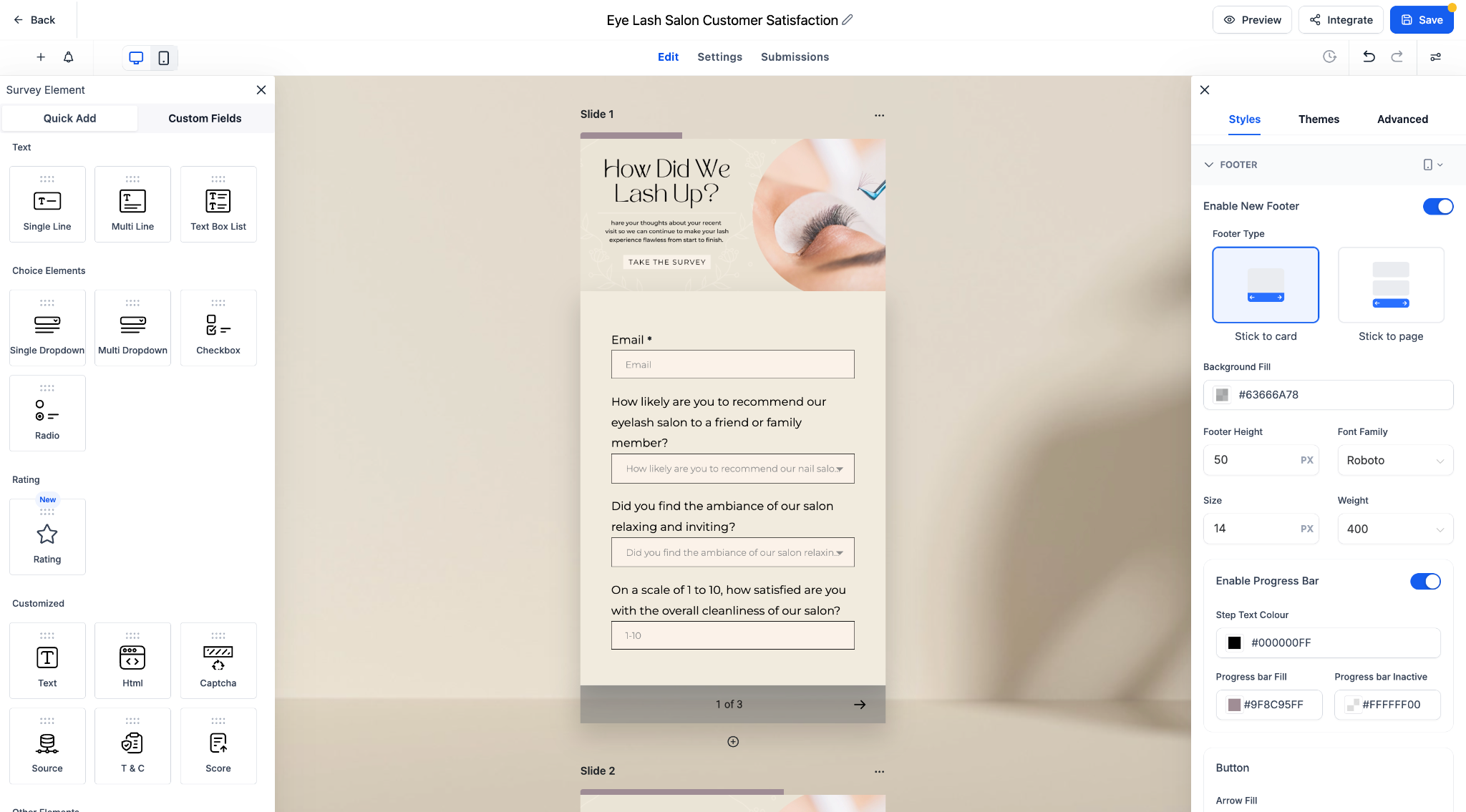
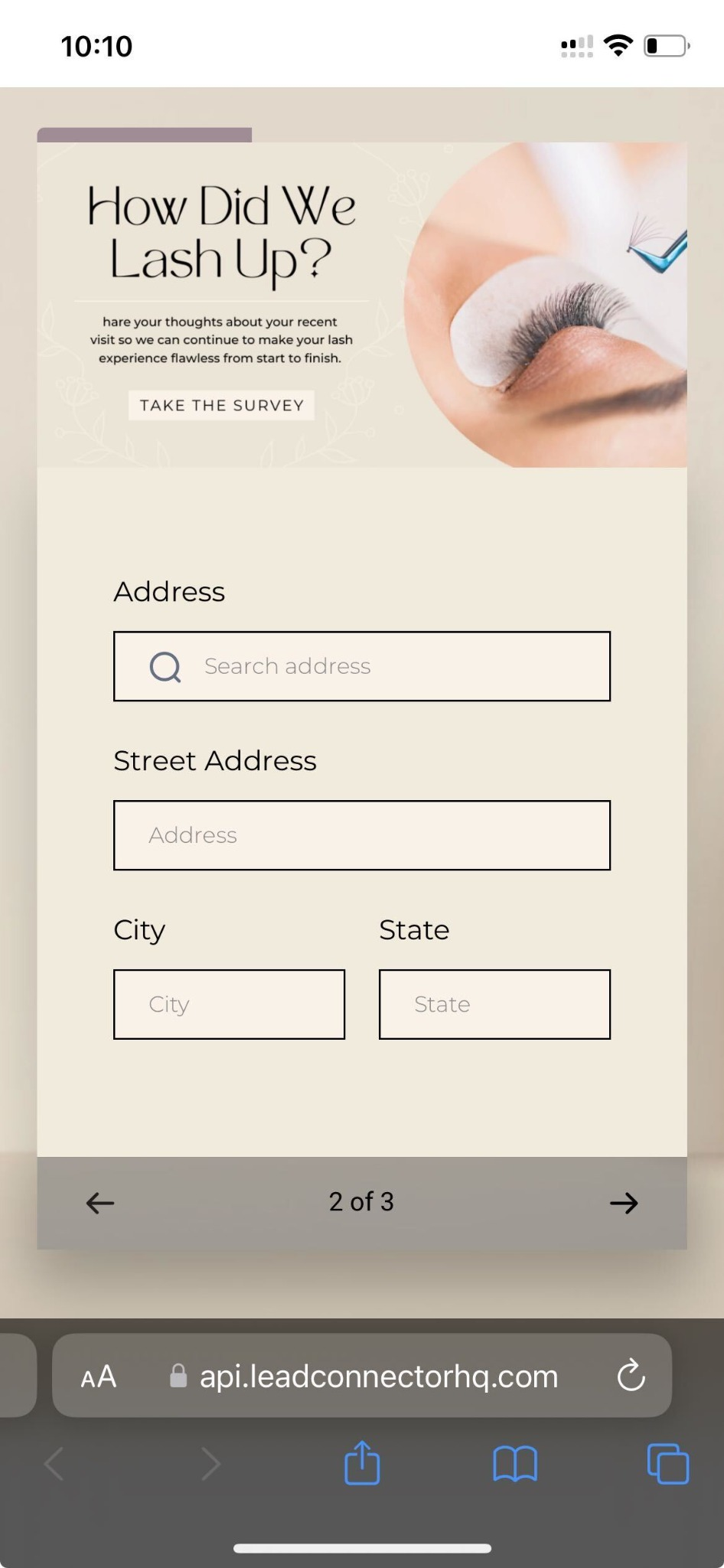
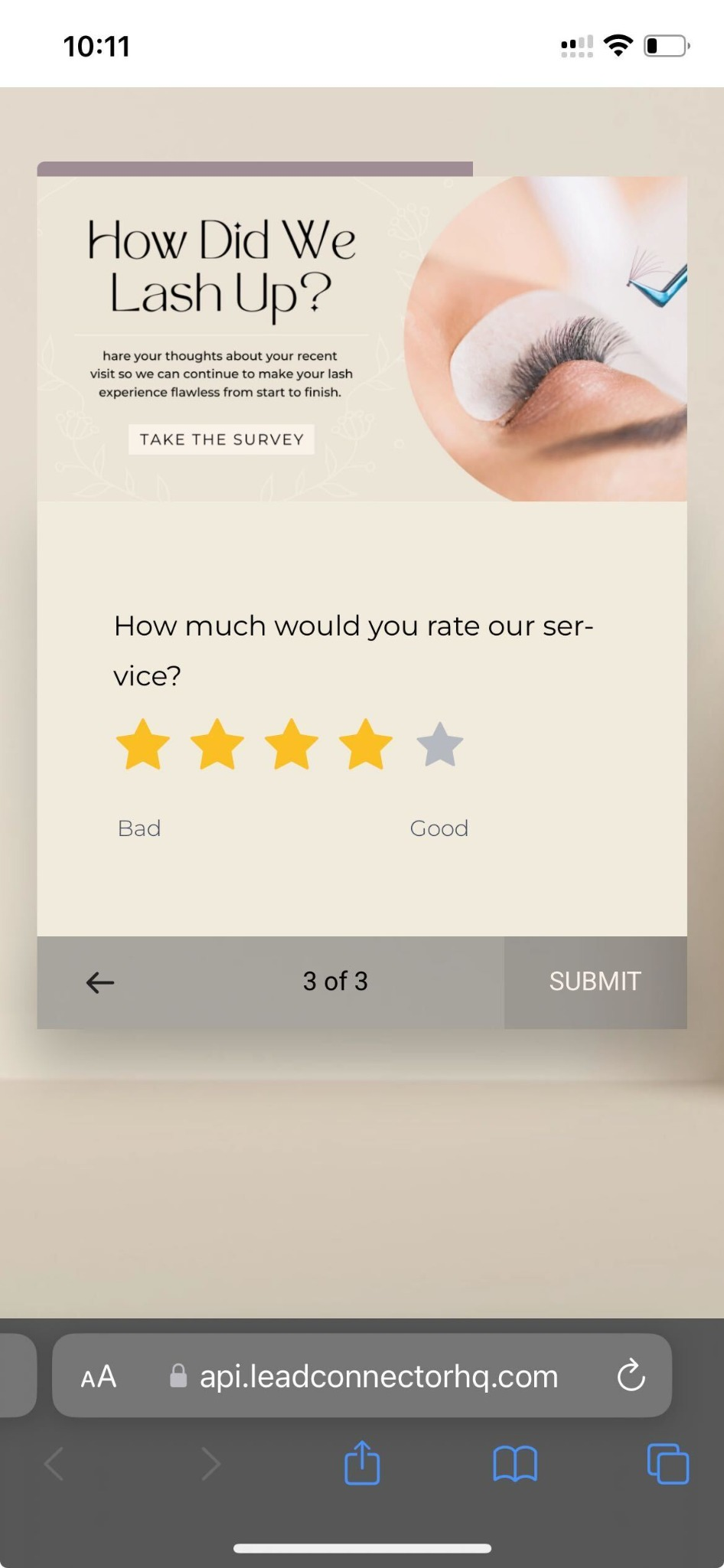
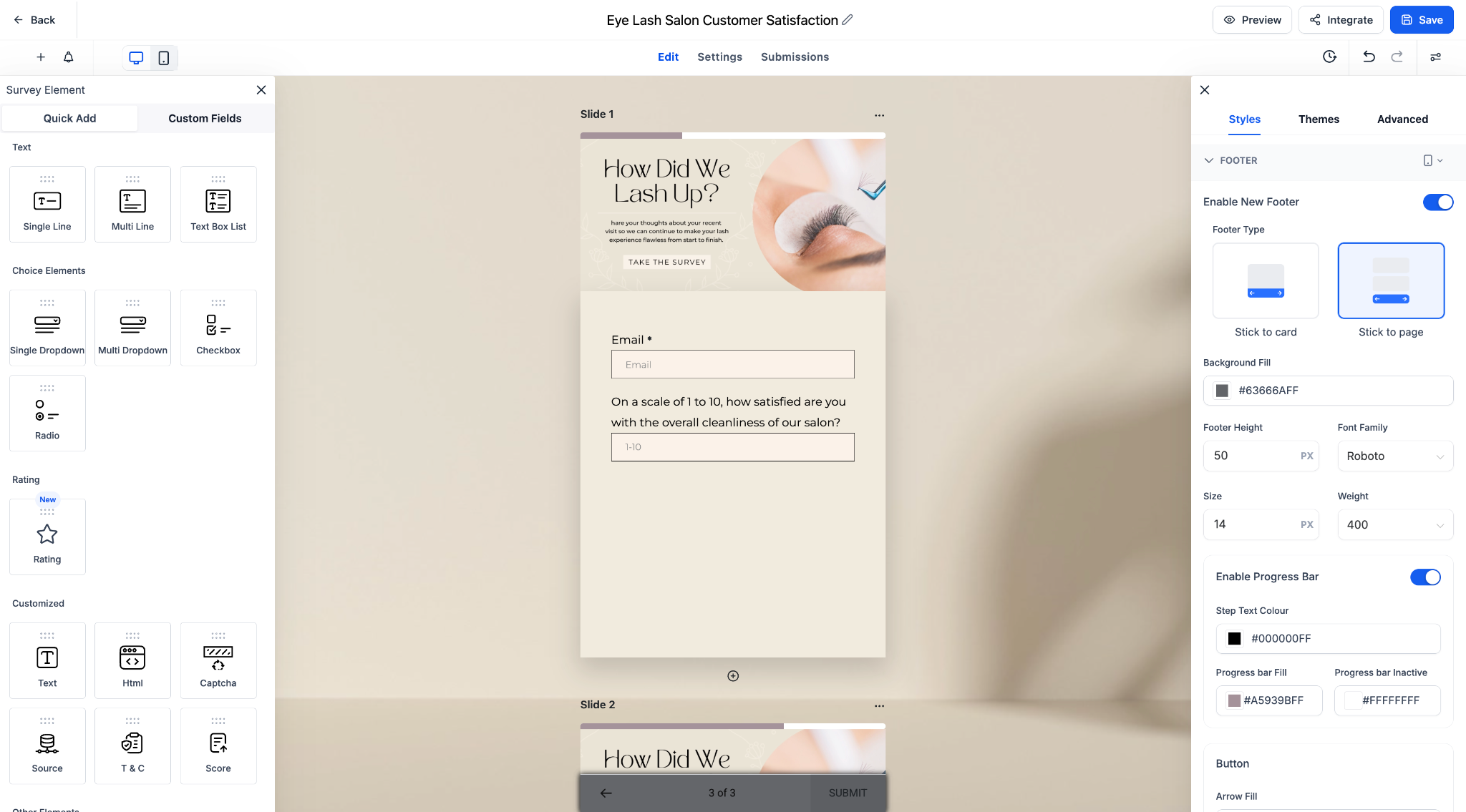
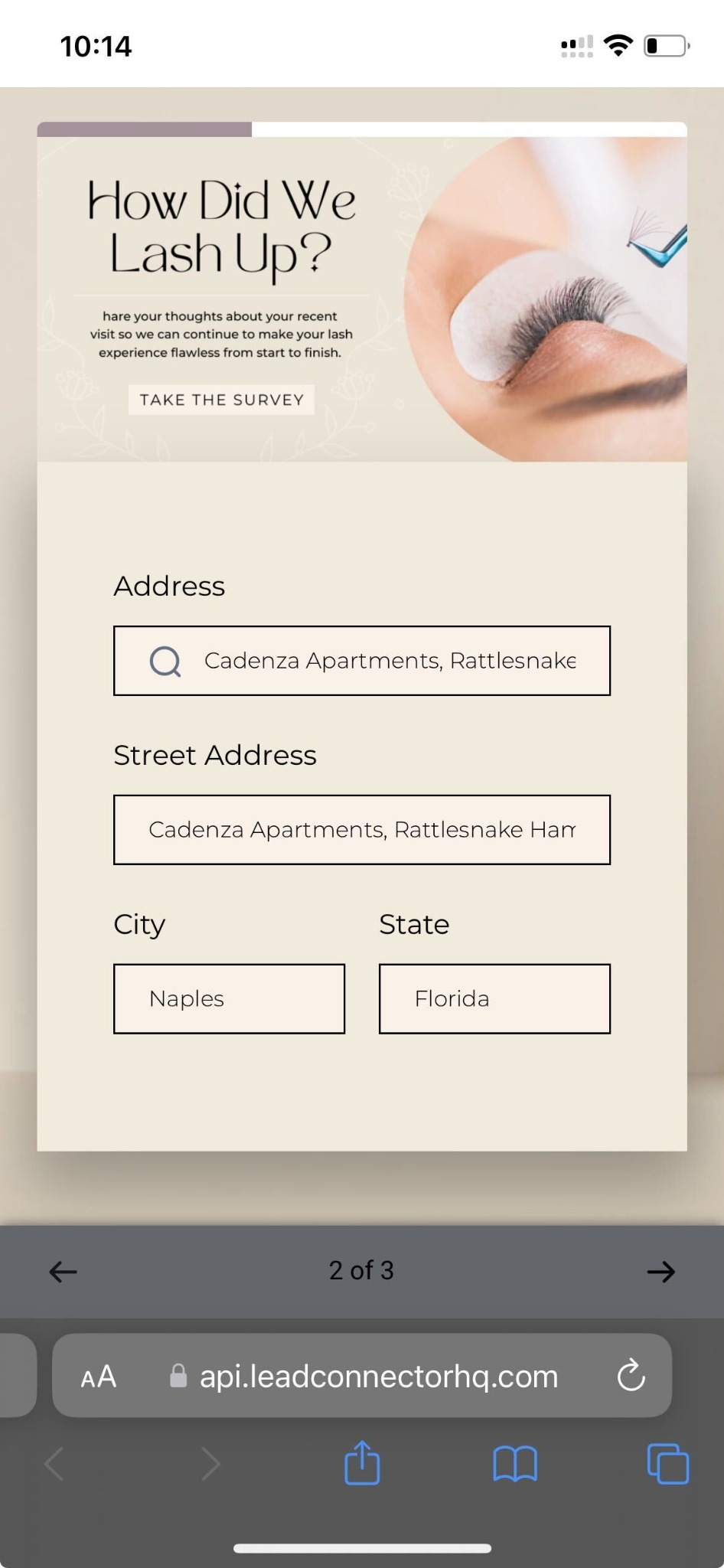
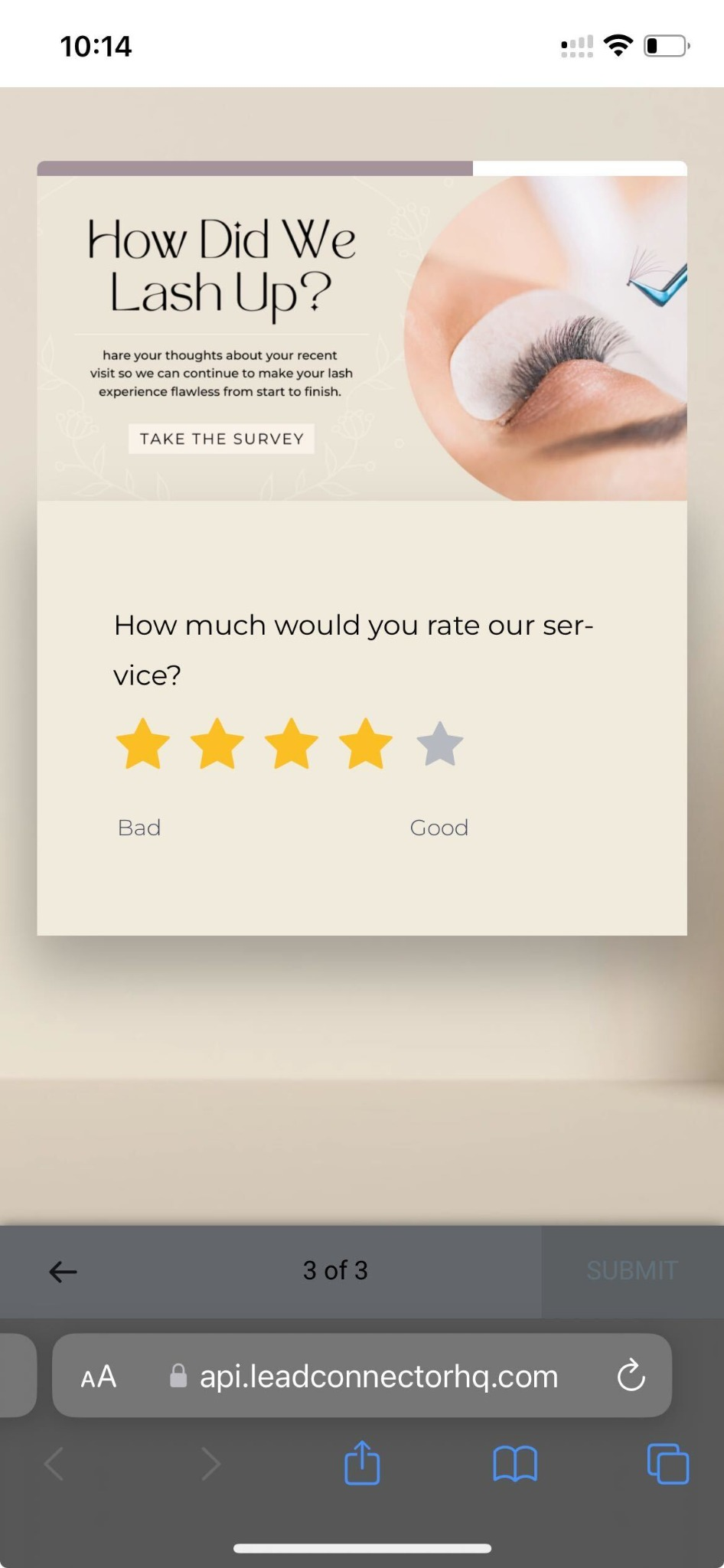
Progress Bar Support on Mobile: The progress bar is now fully functional and visually optimised for mobile screens.
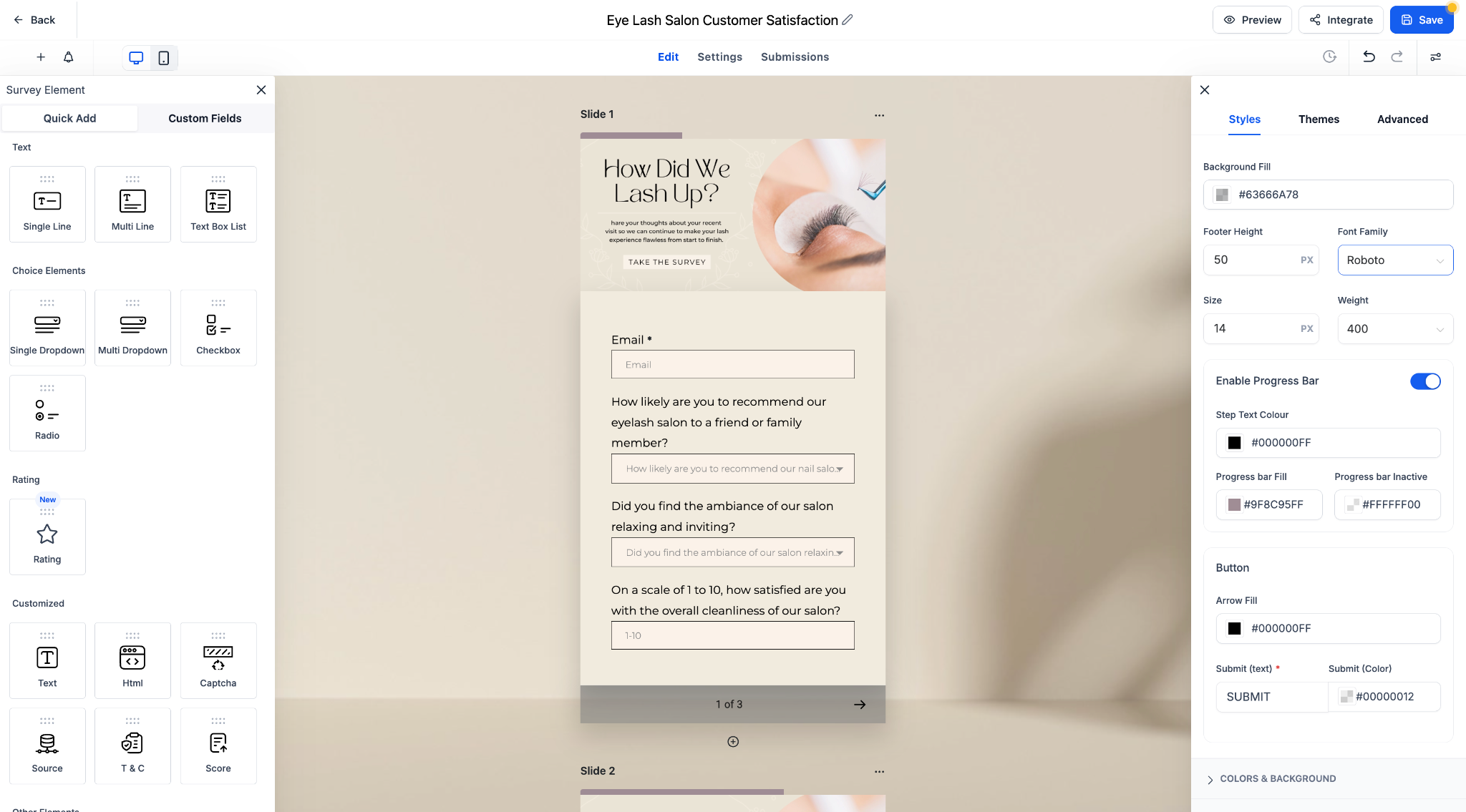
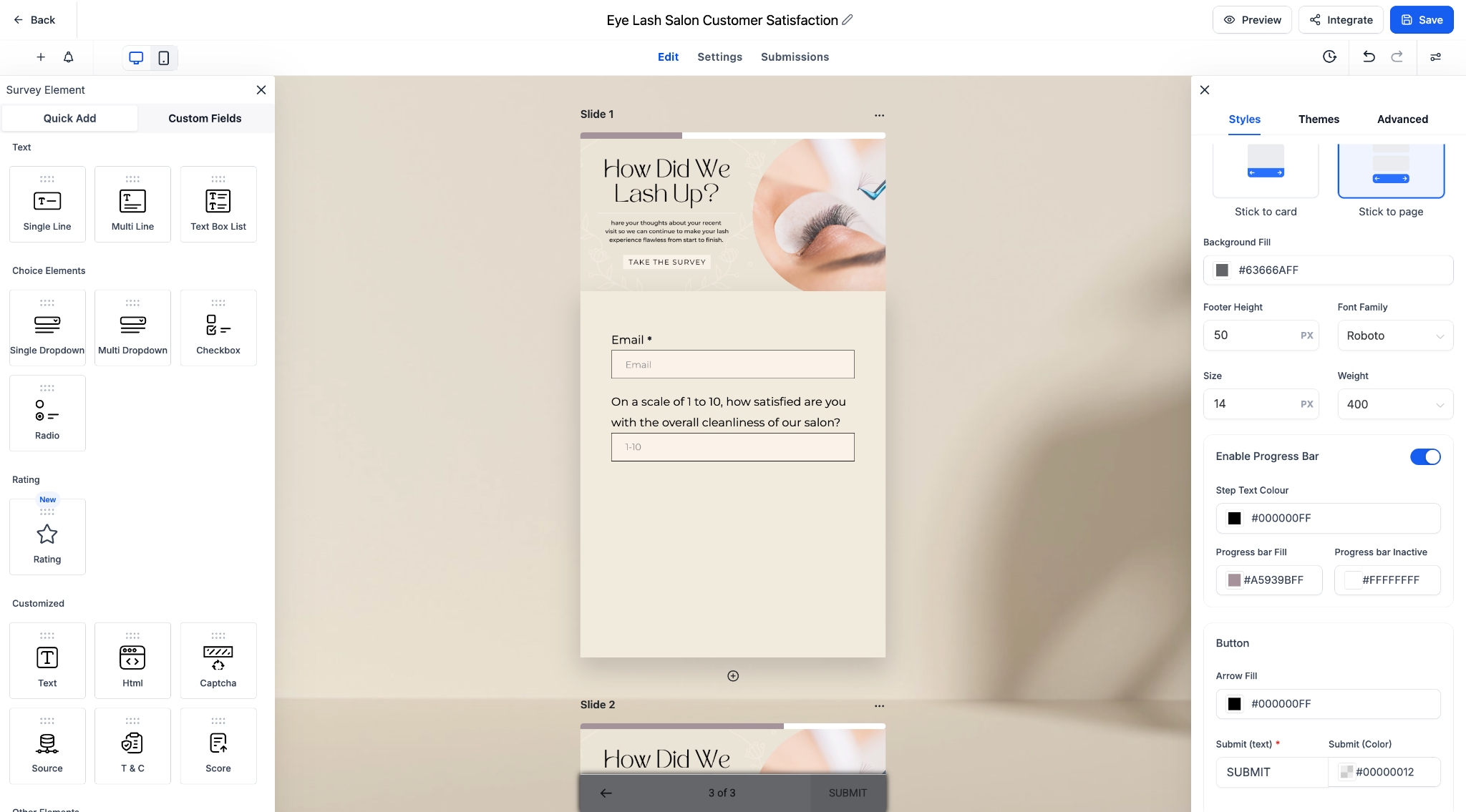
Customisable Appearance: Choose colours for the fill and inactive states, and adjust step text styles to match your brand.
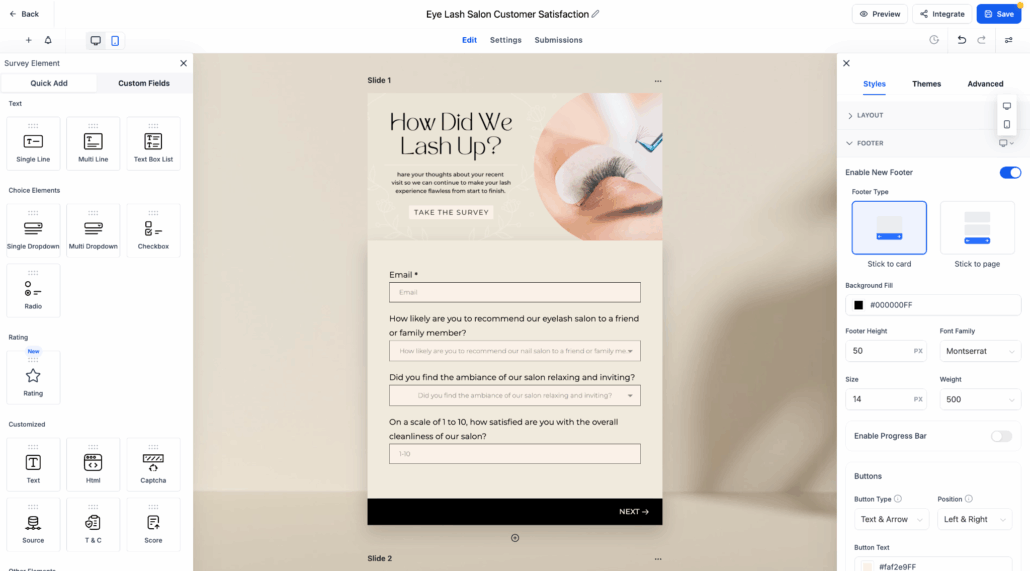
Toggle-Based Activation: Easily enable or disable the progress bar for each survey or quiz using a simple toggle in the footer settings.
Key Highlights
- Enhanced clarity for respondents with clear visual feedback.
- Mobile-friendly design that adapts seamlessly to different screen sizes.
- Supports both “Stick to card” and “Stick to page” footer types.
How It Works
- Open any survey or quiz form.
- Navigate to Styles > Footer.
- Toggle to enable the Progress Bar and customise the colours and step labels.
- Preview the mobile experience update in real-time.
This update helps increase form completion rates by providing users with visibility into their progress and how much is left to complete.