📱 Mobile App – 📅 Recurring Appointments in Calendars
We are enhancing the Recurring Appointments experience on mobile to make scheduling easier, quicker, and more flexible. With this update, users can now set up, manage, and customise recurring appointments directly from the Schedule Appointment screen, aligning mobile functionality with key features on the web.
Set up a recurring check-in once—choose the time, select the participants, and you’re finished. Every future session will appear automatically, complete with meeting links and reminders. If plans change, you can edit or cancel the entire series in seconds. No repeats, no hassle—just effortless scheduling that works seamlessly.
This update introduces both standard and custom recurrence options, providing users with complete control over how they schedule repeat meetings. Whether you want to define your own pattern or use pre-configured calendar settings, mobile now has the capability to do it all.
- Simplifies scheduling of recurring meetings directly from mobile.
- Reduces repetitive manual bookings.
- Offers greater control and flexibility with advanced recurrence options.
- Ensures teams and clients stay aligned with consistent meeting schedules.
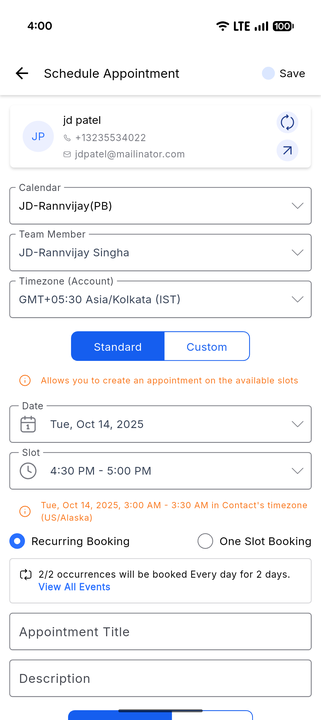
- Standard Recurring Appointments: Utilise your pre-configured recurrence settings from the Calendar settings. The system checks availability and displays a list of Confirmed and Skipped events.
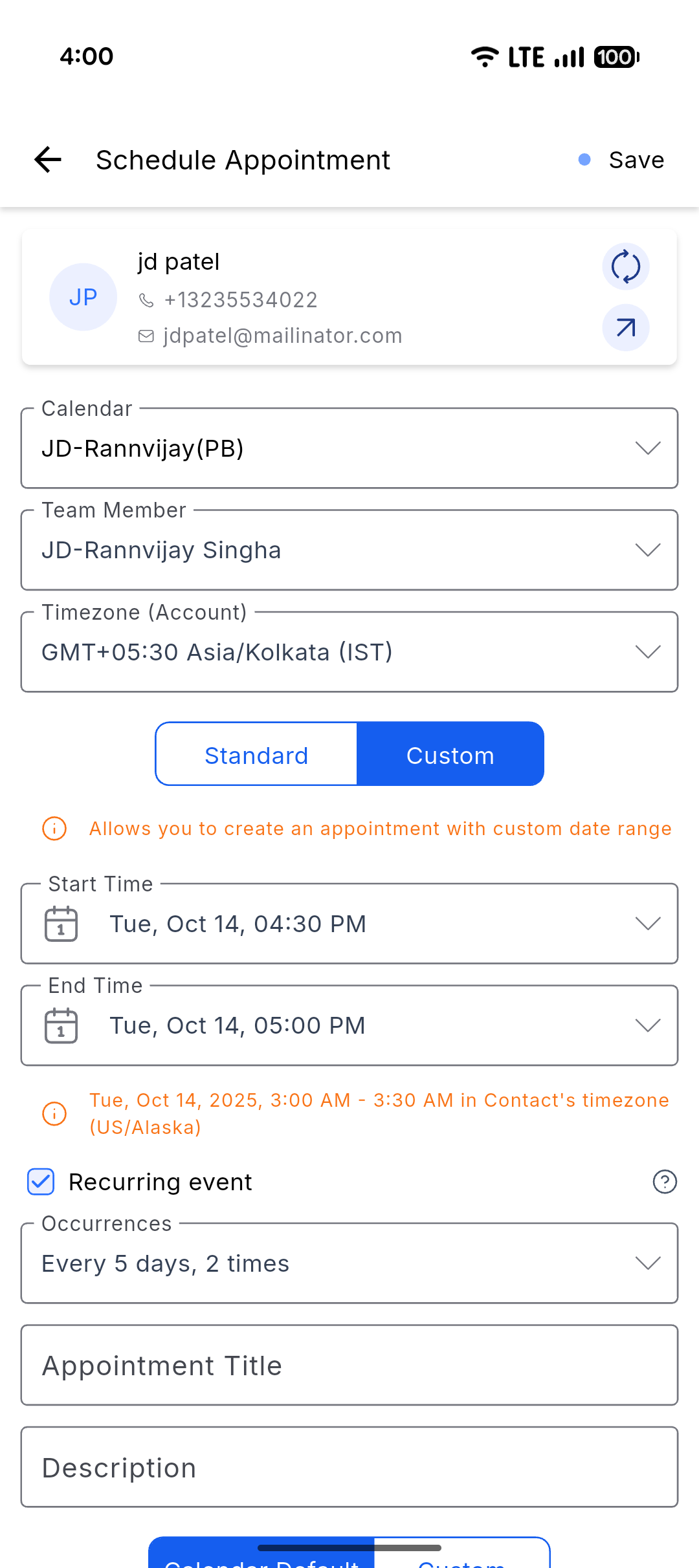
- Create custom recurring appointments directly from the Schedule Appointment screen, even if you don’t have a recurring calendar configured.
- Bulk edit or delete the entire series of a recurring appointment with a single action.
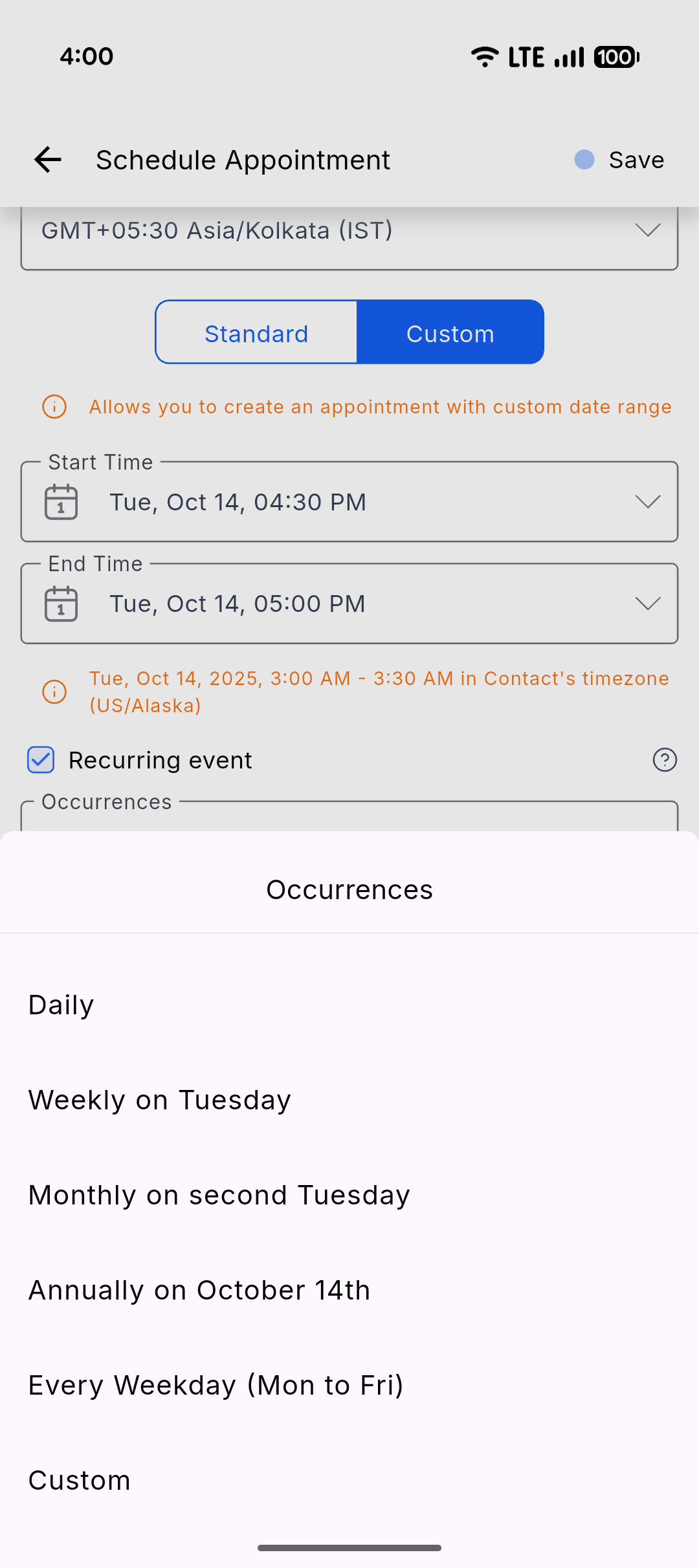
- Advanced recurrence patterns like “every second Tuesday,” “weekdays only,” or “annual” events.
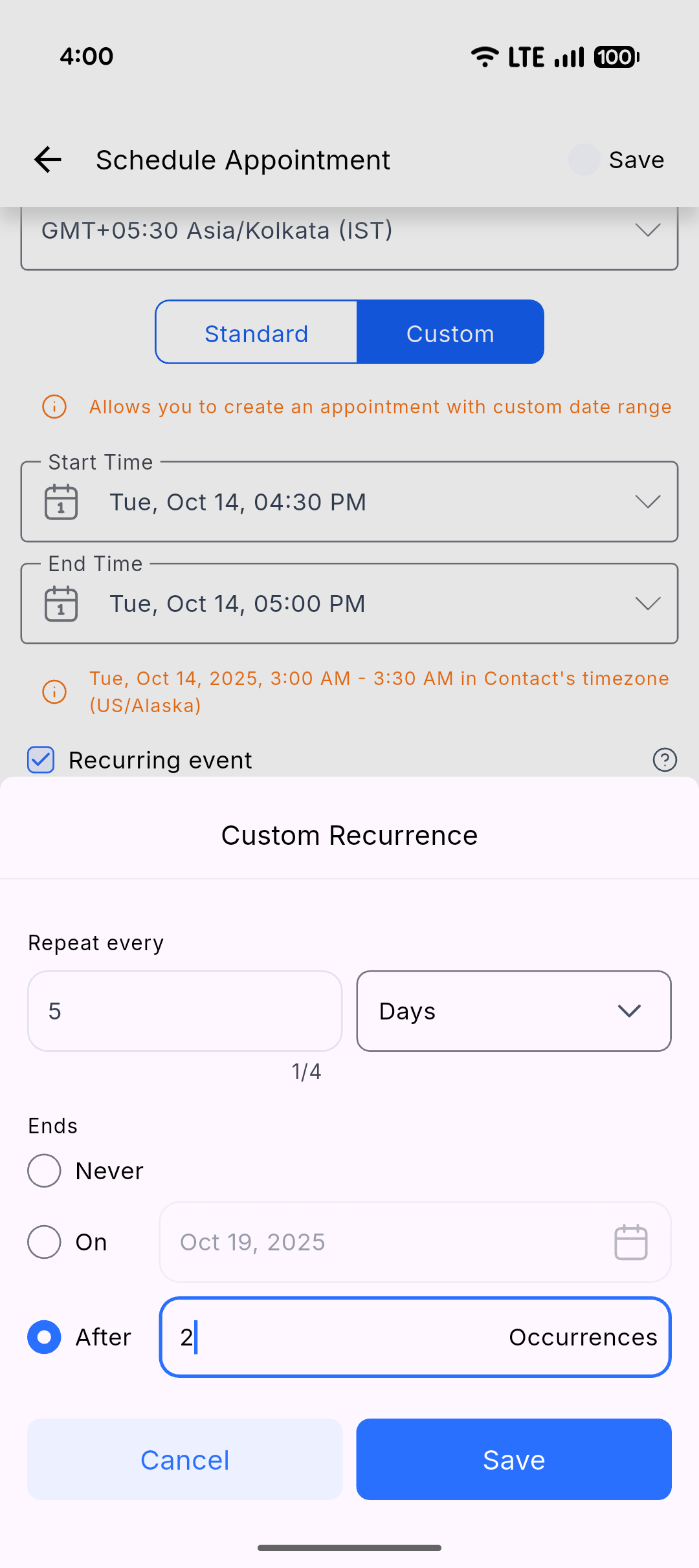
- Limitless recurrence options—repeat indefinitely, end on a specific date, or after a set number of occurrences.
-📝 Note: Recurring appointments created via the Schedule Appointment screen will be booked strictly according to the recurrence rules and will not check availability.
- Tap on the + (plus) icon and select Schedule Appointment.
- Choose the contact, calendar, and team member.
- Select between:
- Standard Recurrence: Use calendar-configured recurrence rules → the system checks availability → review Confirmed & Skipped events.
- Custom Recurrence: Under Custom Date & Time, enable Recurring Appointment and set your own date/time pattern.
- Define your recurrence pattern and end criteria.
- Hit Save to create your recurring appointment. A single Zoom, Google Meet, or Microsoft Teams link will be generated for the entire series.
Status: Live
Clixio v3.108.4 and above
LeadConnector v3.108.4 and above
White Labelled apps – Self Serve