
📲 Mobile App – 📞 Multi-Location Incoming Calls
Multi-Location Incoming Calls
for the mobile app, designed for teams that operate across multiple sub-accounts (locations) and can’t afford to miss a lead. Previously, if you were logged into one sub-account, calls to your other sub-accounts wouldn’t reach you, leading to delayed responses, missed opportunities, and the hassle of juggling logins on busy days.
up to 10 locations
on your phone, no matter which sub-account you’re currently using. The incoming call screen clearly displays
which location
the call is for, and you can
switch to that location instantly
to take notes, update records, and maintain workflows, all without losing the call.
🚀 What’s New
-
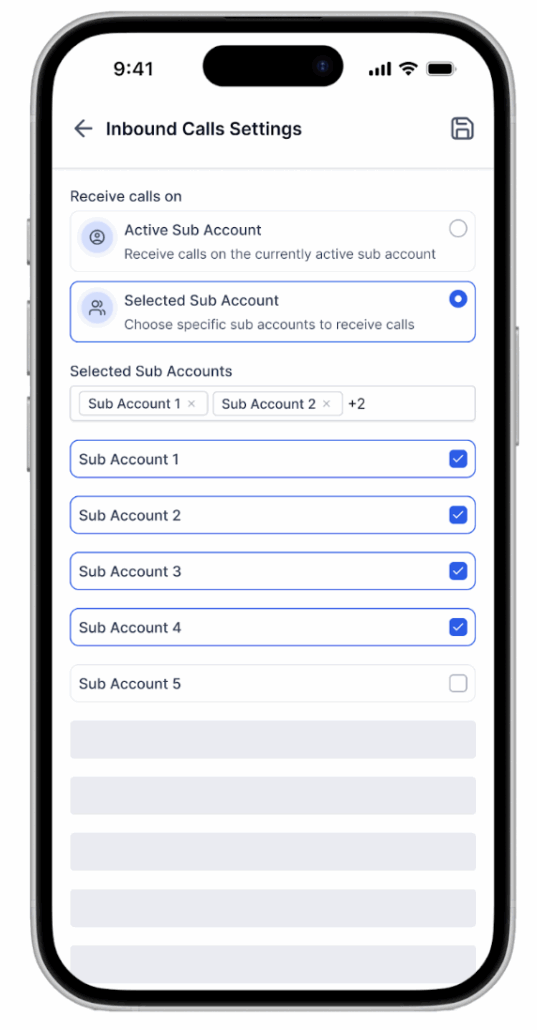
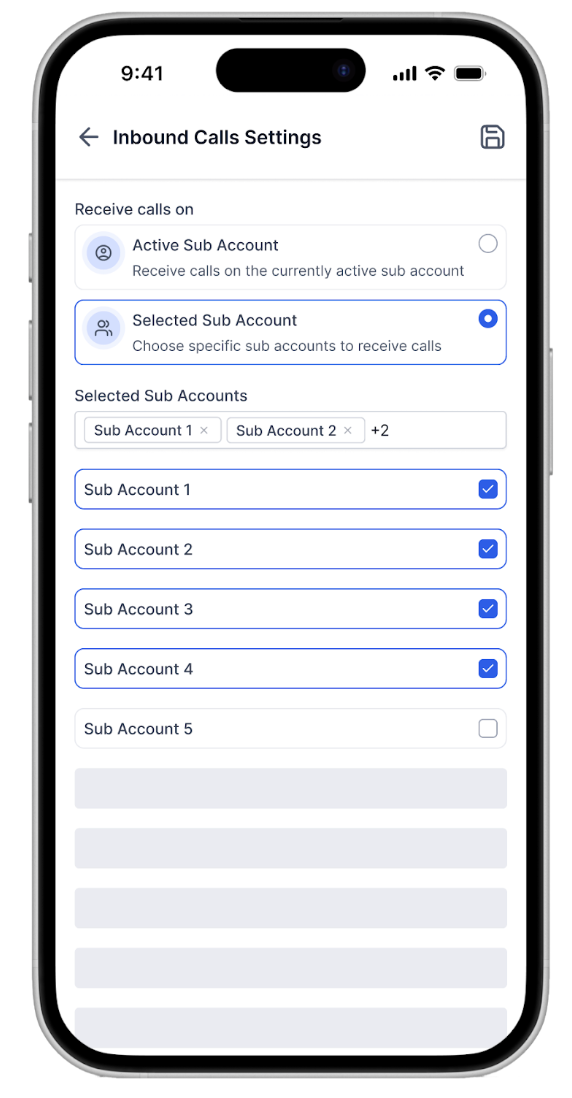
Multi-Location Ringing (Opt-In): Receive calls from
up to 10 selected locations
on your mobile app, regardless of your active sub-account.
-
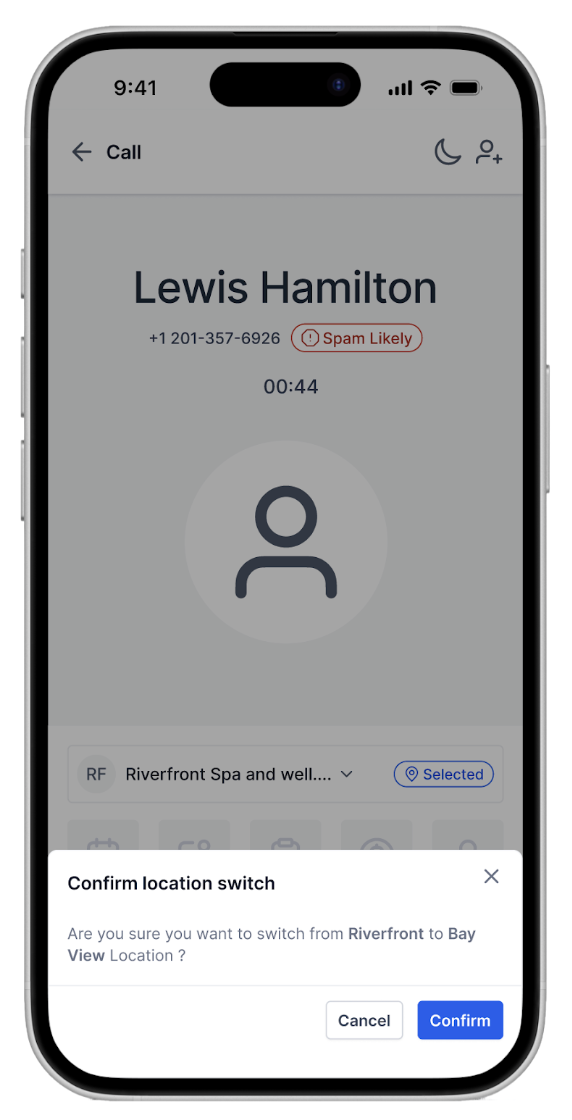
Location Badge on Call Screen: Instantly see the
originating location
for every incoming call.
-
On-Call Location Switching: One tap to
switch to the correct location
during the call for quick context and CRM actions.
-
Fewer Missed Leads: Stay reachable for priority lines across locations without the constant need to switch apps.
-
Per-User Control: Each user decides which locations can ring their device.
🧭 How It Works
📲 Enable Multi-Location Ringing (Mobile)
- Go to
Settings → Calls/Voice
in the mobile app.
- Turn on
Multi-Location Incoming Calls
.
-
Select up to 10 locations
from which you want to receive calls (you must be a member of these locations).
- That’s it! When a call comes in to any selected location, your phone will ring even if you’re active in a different sub-account.
- On the
incoming call screen
, you’ll see the
location name
. Tap
Switch Location
(during the call) to access contacts, notes, pipelines, and other CRM actions.
- After the call, complete
call logging and follow-ups
in the correct location context.
🌟 Why It Matters
context and responsiveness
are crucial. Multi-Location Incoming Calls eliminates the friction of switching sub-accounts just to answer a call. You remain reachable, respond more quickly, and every call lands in the
right CRM workspace
with the
right actions
ready to go.
Fewer missed calls, less context switching, and smoother handoffs ensure leads don’t slip through the cracks and customers aren’t left waiting.
Availability:
Status: Live
Clixio v4.0.0 and above
LeadConnector v4.0.0 and above
White Labelled apps – Self-Serve
