
Mark Custom Object Fields as Unique
Introducing the Unique Fields Capability for Custom Objects. This feature enforces data integrity, prevents duplication across records, and lays the groundwork for advanced deduplication controls in future updates.
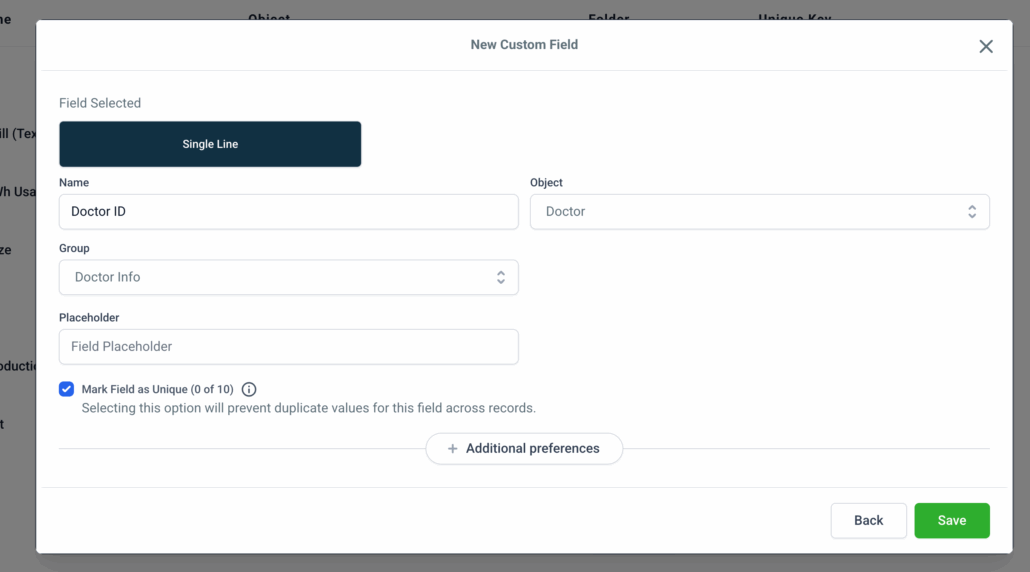
Unique Field Option: You can now mark a custom field as “Unique” during its creation.
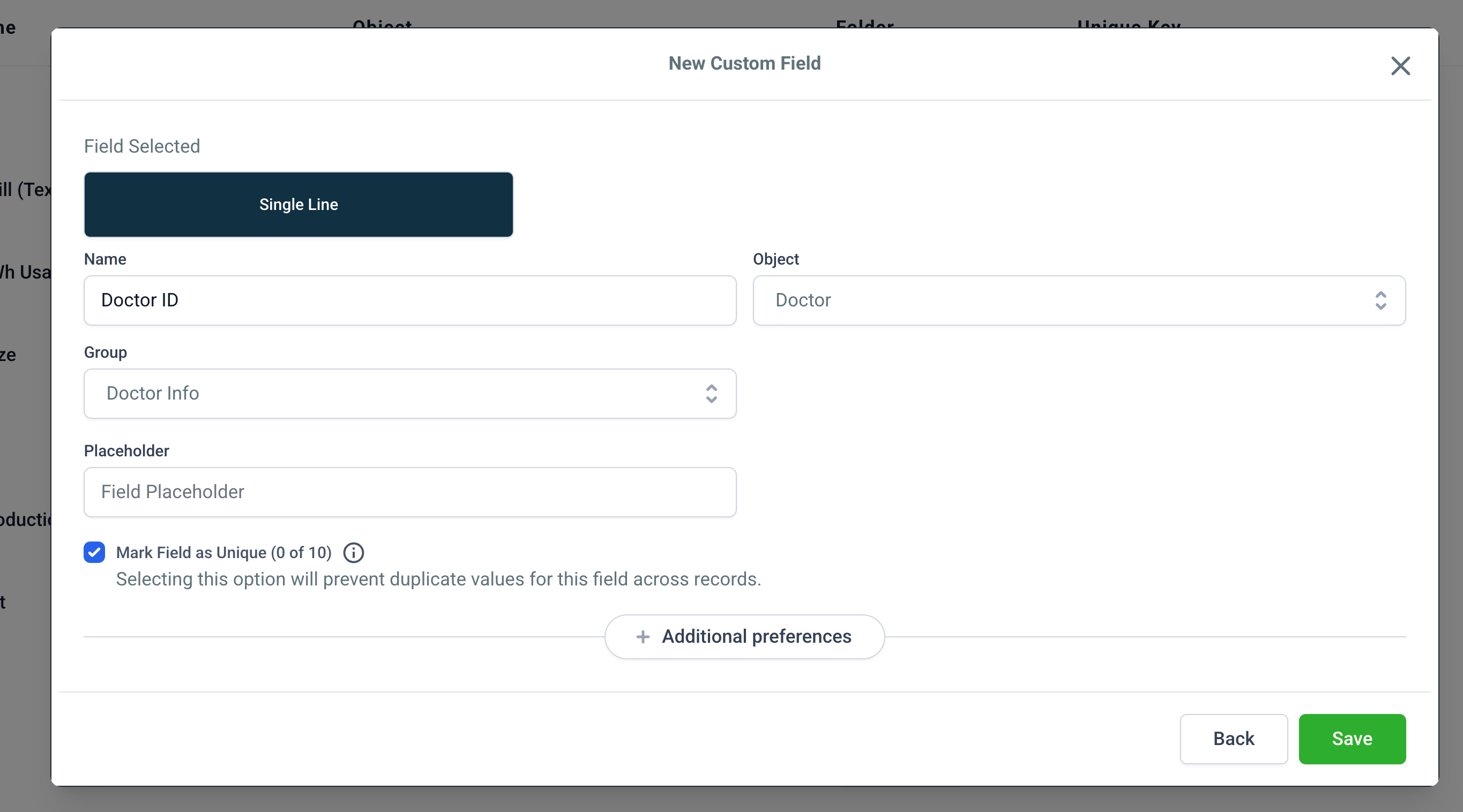
Supported Field Types: These include Single Line, Multi Line, Number, and Phone.
This option is also available when creating new Custom Objects, allowing you to mark the Primary Display Field as Unique.
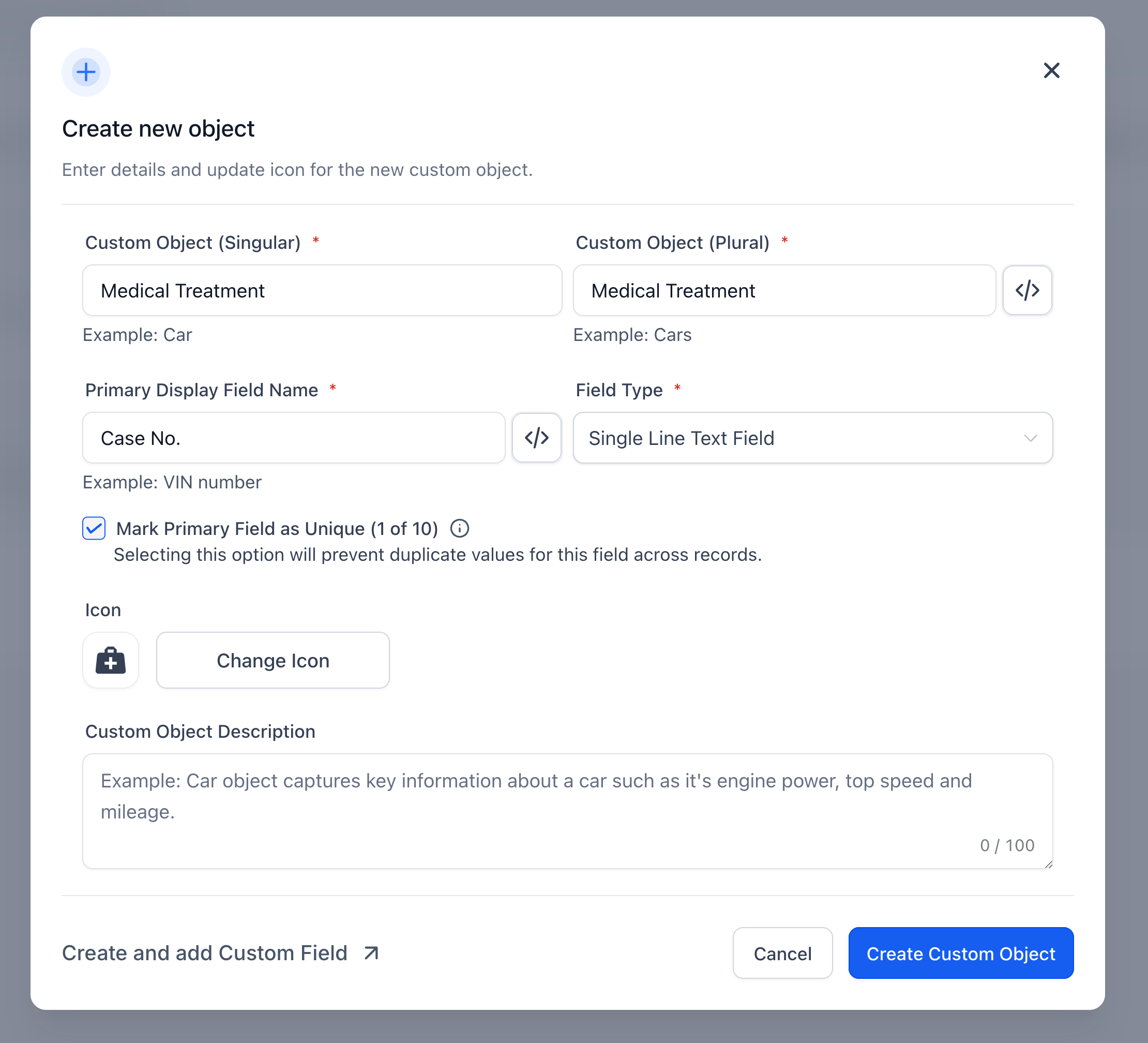
Unique Field Limit: There is a limitation of 10 unique fields per object. This is enforced system-wide per subaccount.
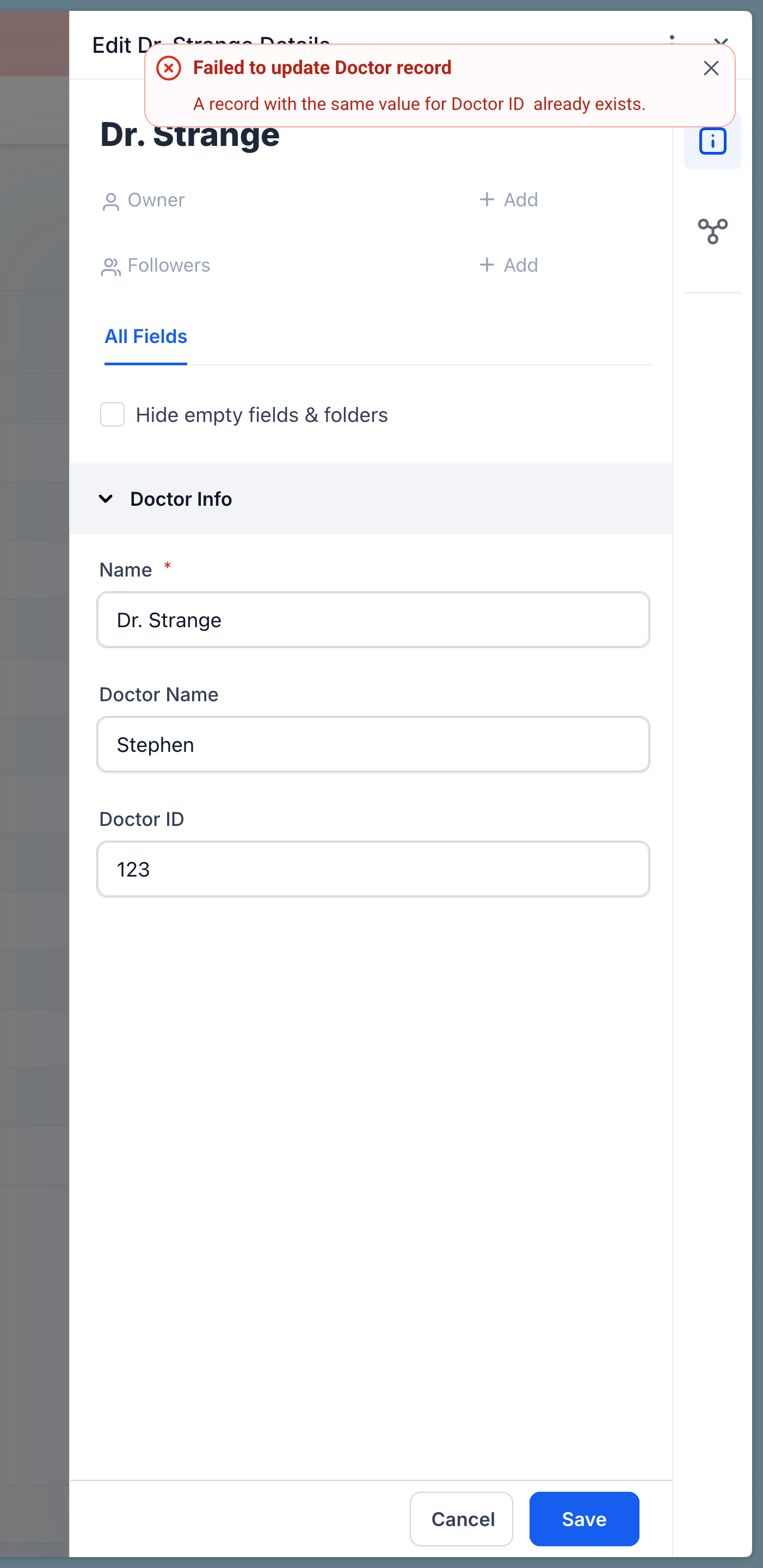
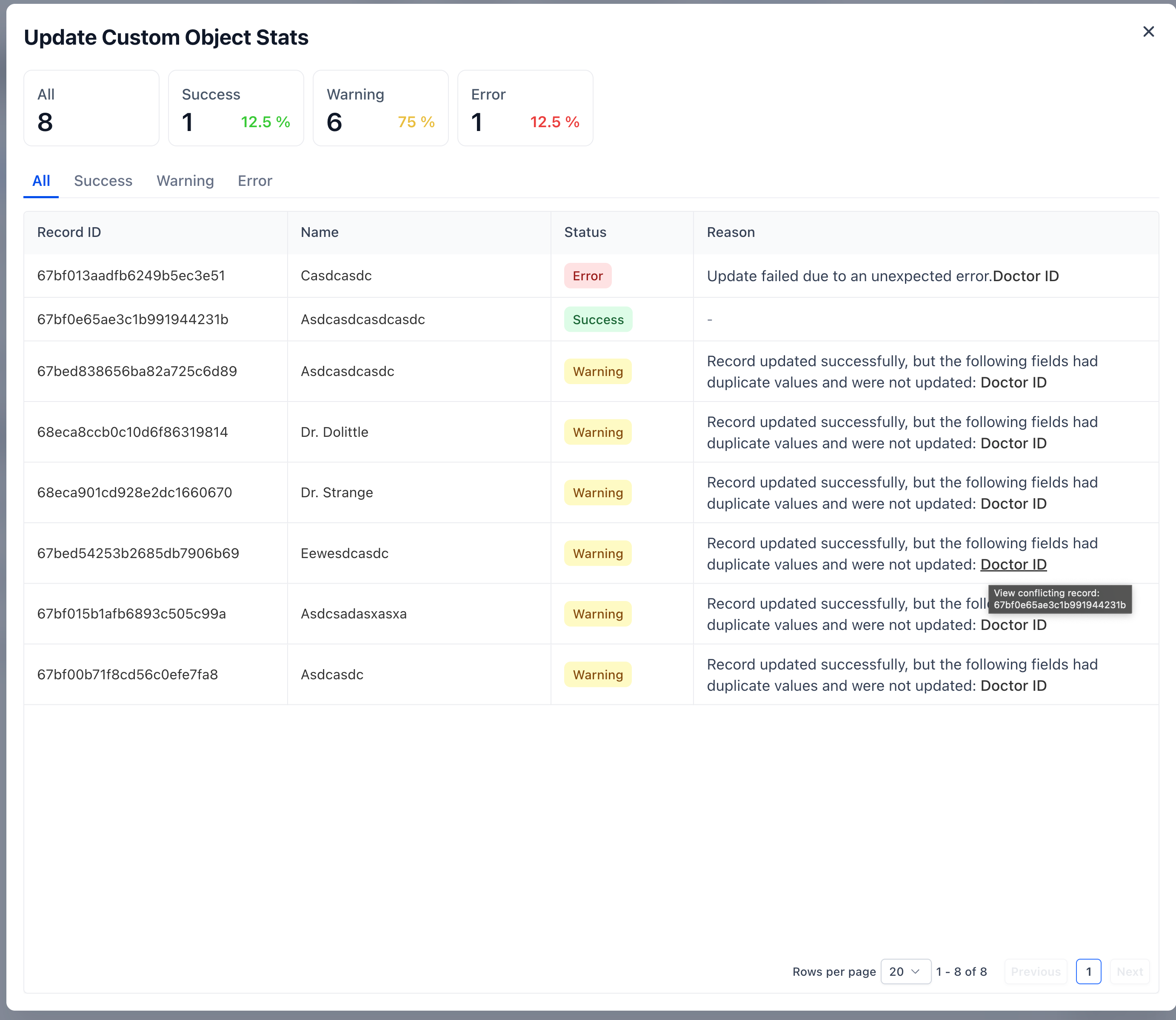
Global Uniqueness Enforcement: No duplicates are allowed across the subaccount, regardless of the source of creation (UI, Workflows, Forms, or APIs).
Irreversible Downgrade: Once a field is marked as unique, reverting to non-unique is possible, but it cannot be re-marked as unique again.
- Navigate to Settings → Custom Fields or while creating a Custom Object.
- Select a supported field type and toggle “Mark Field as Unique.”
- Save the changes—this setting applies globally across the subaccount.
- When creating or importing records, duplicate entries in unique fields will trigger validation errors or warnings.
This feature guarantees data consistency across complex Custom Objects.
It also reduces the risk of accidental duplication from bulk updates or automated workflows.
