[LABS RELEASE] Multiple Popups per Page – Funnels & Websites!
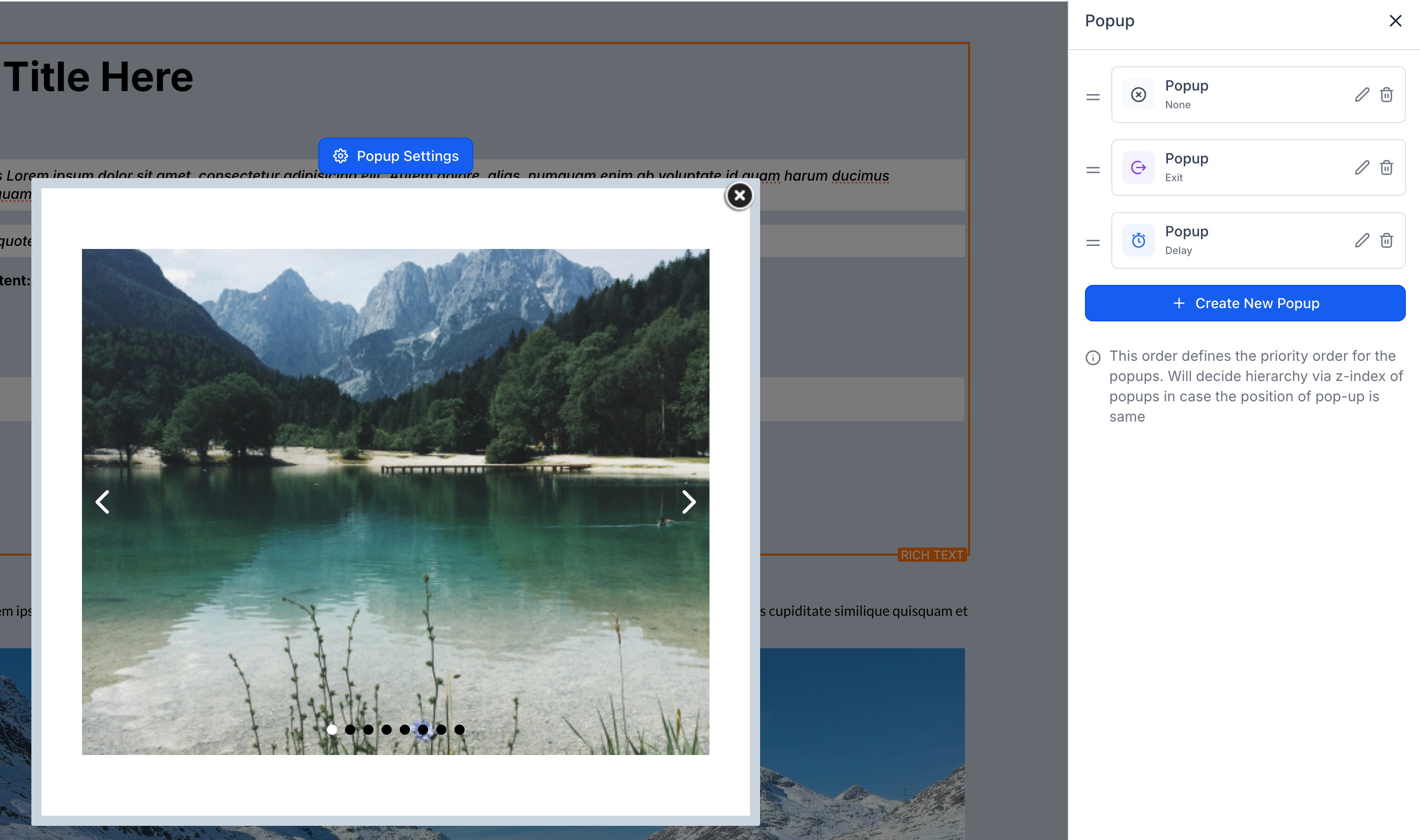
You can now add and manage multiple popups on a single website or funnel page, each with its own triggers, design, and behaviour. This allows you to show different offers, forms, or messages within the same flow.
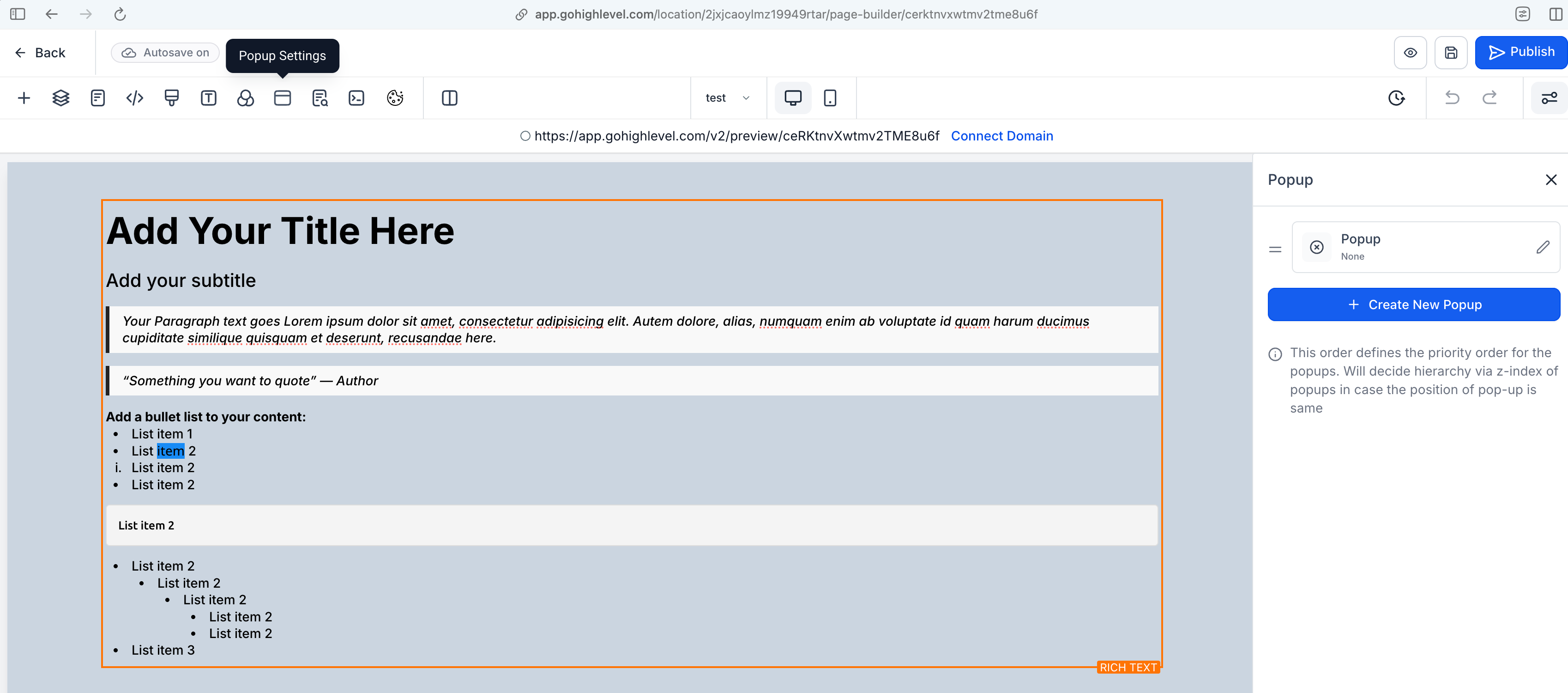
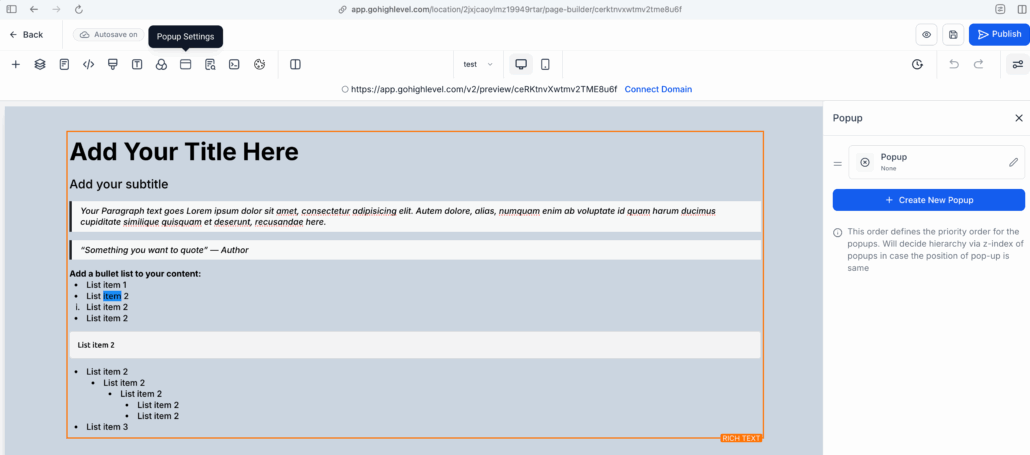
- Open any page in the builder.
- Click the usual “Popups” button.
- Add and manage your popups from the right sidebar.
- Create different popups for various goals—no more single-popup limit.
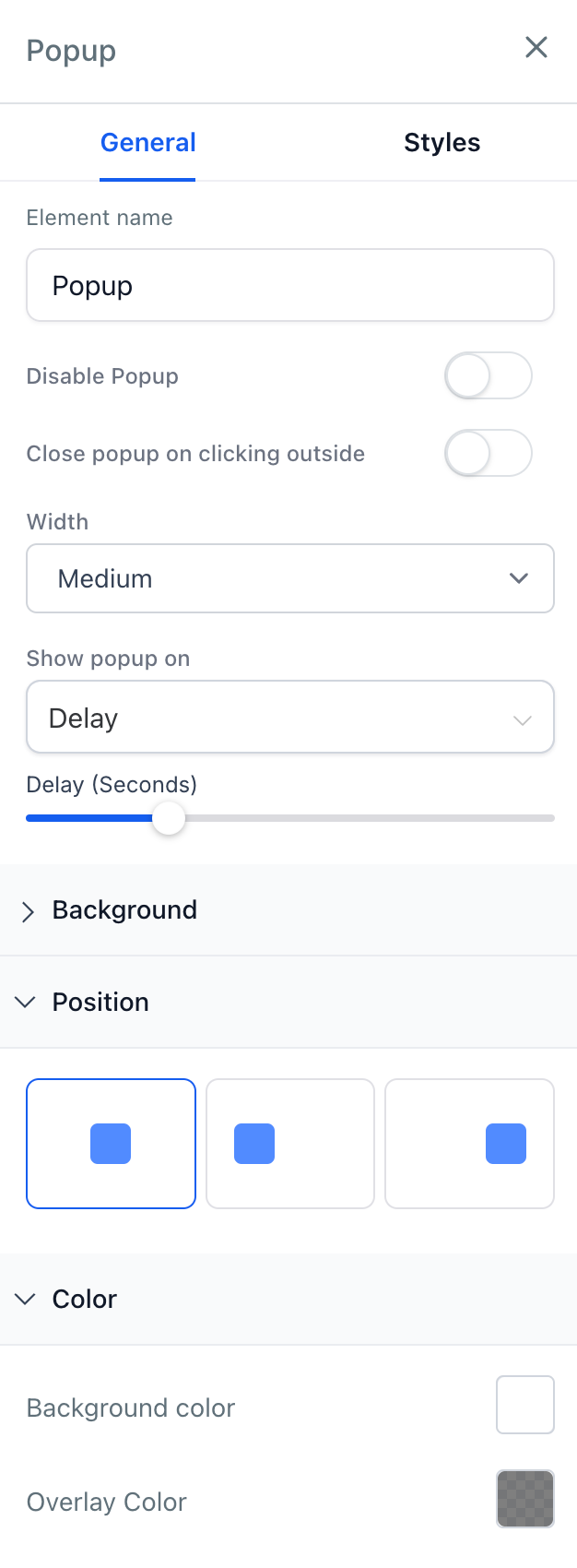
Choose When They Show – Set popups to appear:
- After a delay.
- On exit intent.
- Choose where they appear on the screen.
- Customise background, overlay, and spacing.
- Turn on auto-close after a few seconds, if desired.
Popup as a Section – Add Any Content Inside
- Simply drag in text, buttons, forms, or images, just like a regular section.
Link Popups to Buttons or Images
- Open a specific popup when someone clicks a button or image on your page.
- Show the right message at the right moment.
- Keep your pages clean and focused.
- Enhance conversions with more targeted offers.
- Avoid workarounds like custom code or duplicate pages.