Item Spacing for Bullet Lists and Rich Text – Page Builder
You can now adjust the spacing between items in bullet lists and rich text elements. This feature allows for better control over the appearance of your text and enhances readability.
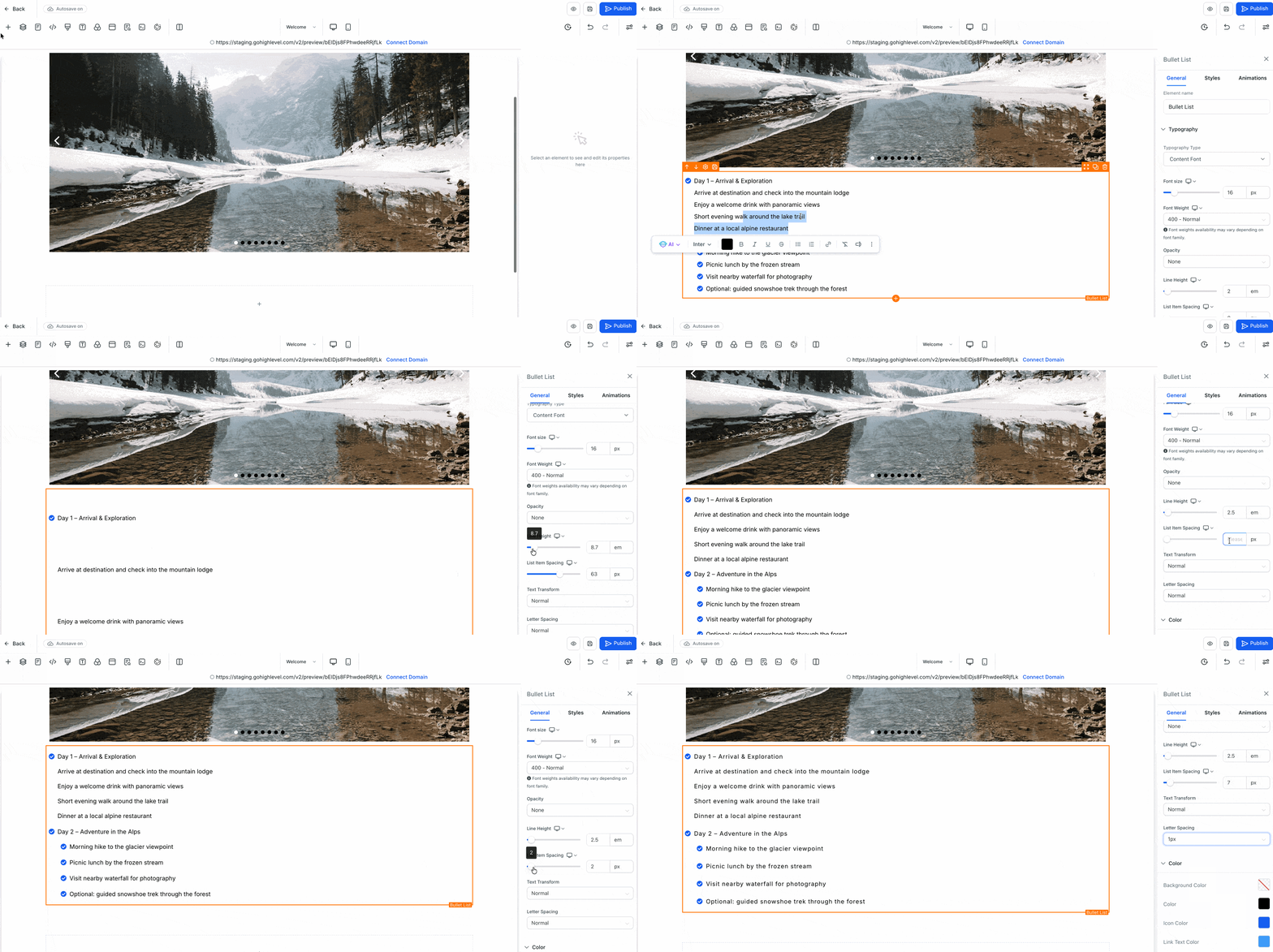
- A new Item Spacing setting has been added next to Line Height.
- It is applicable for both Bullet Lists and Rich Text Elements in the Page Builder and Preview.
- Open the Page Builder and select a Bullet List or Rich Text element.
- Navigate to the Style panel on the right.
- Locate the new Item Spacing option next to Line Height and adjust it as necessary.
- Allows you to fine-tune the proximity of your list items.
- Improves the overall cleanliness of your text on both desktop and mobile devices.
- Facilitates the creation of well-formatted, easy-to-read pages.