
Invoices: Xero Integration Now Live!
Xero Integration is Now Live!
What Does This Integration Do?
-
Contact Sync – New or updated contacts in Xero will automatically sync to Clixio. If there is no first/last name (B2B), the business name will be used. Existing Clixio contacts with the same email or phone number will be updated with Xero details.
-
Invoices (One-Way Sync) – Create invoices in Clixio, and they will appear in Xero instantly. The name, number, taxes, and real-time payment statuses will all be kept in sync.
-
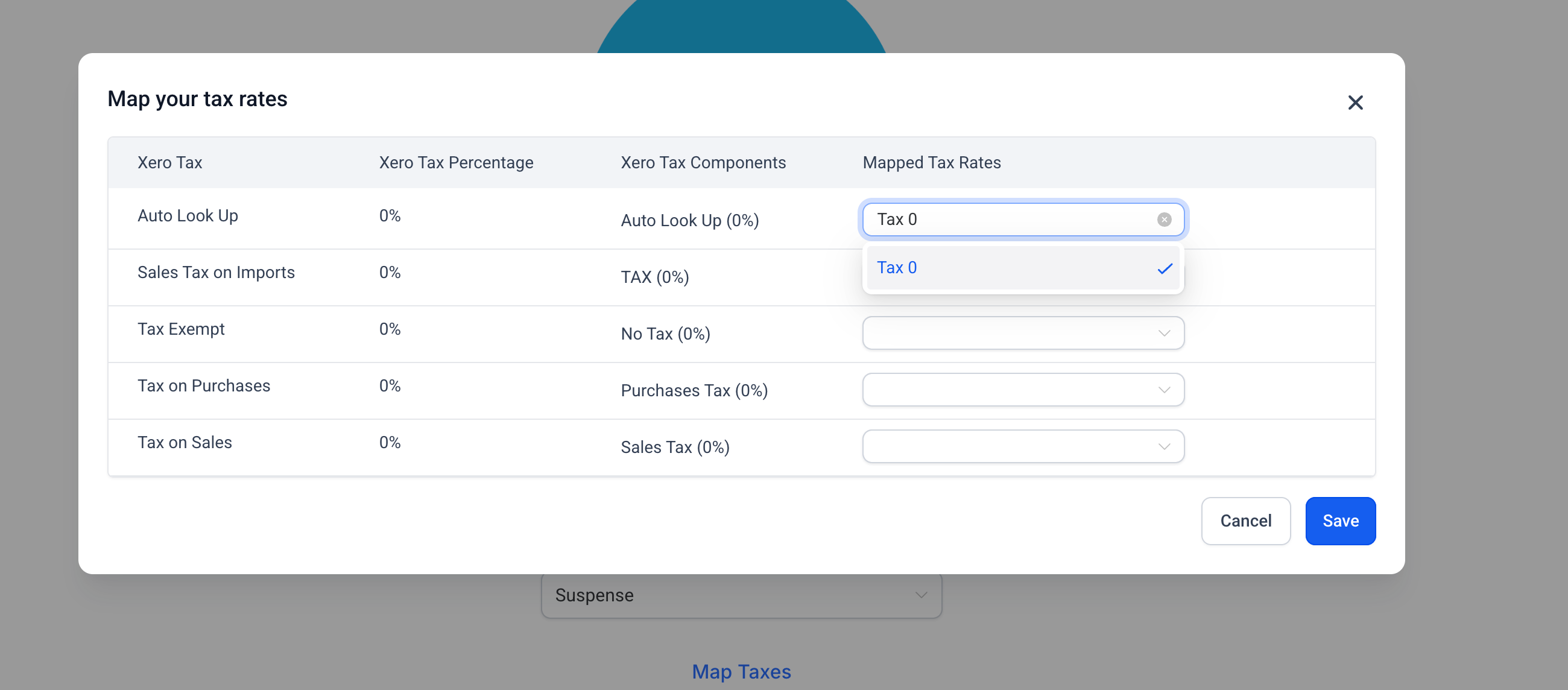
Tax Mapping – Match Clixio tax rates to Xero’s, including multi-component taxes, for accurate compliance and reporting.
-
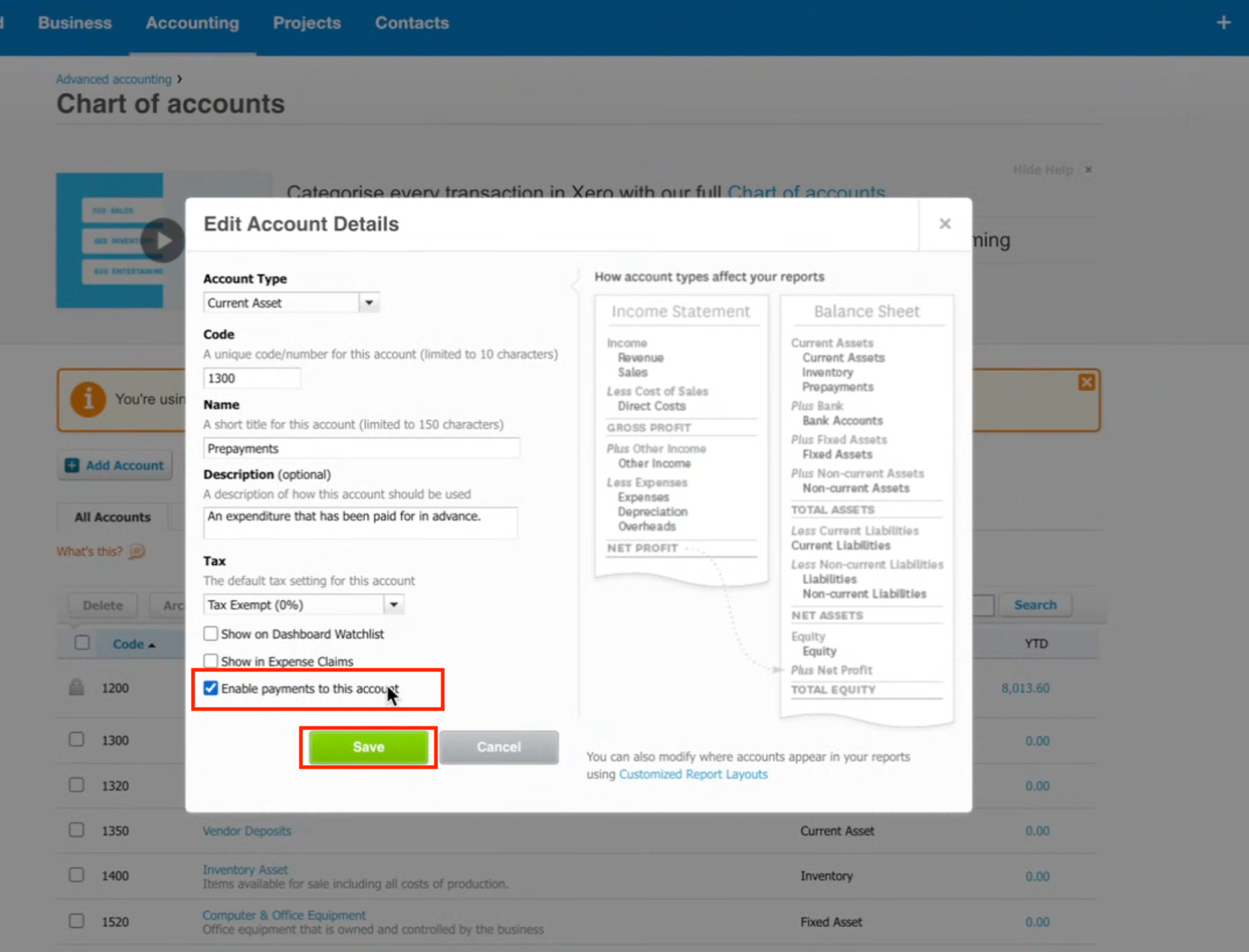
Accounts Visibility – Only accounts with payments enabled (excluding bank accounts) are available for sync.
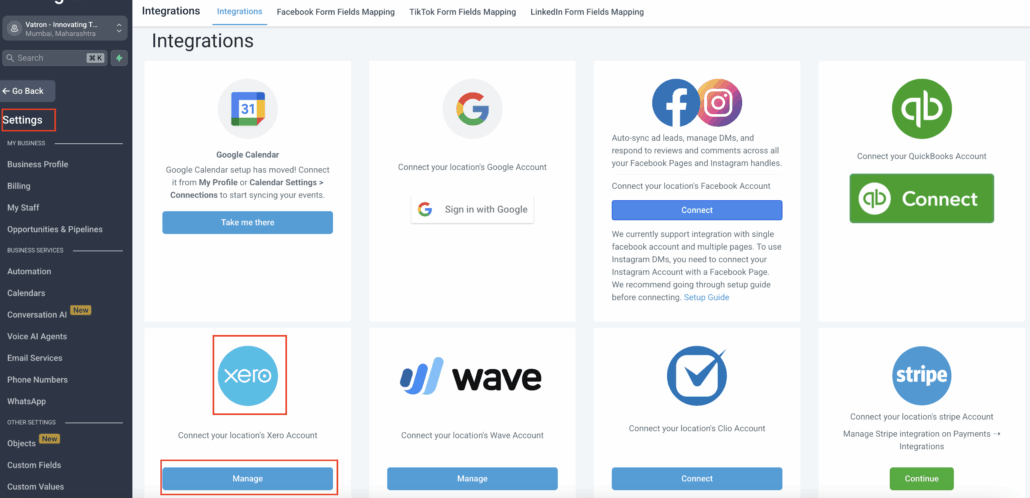
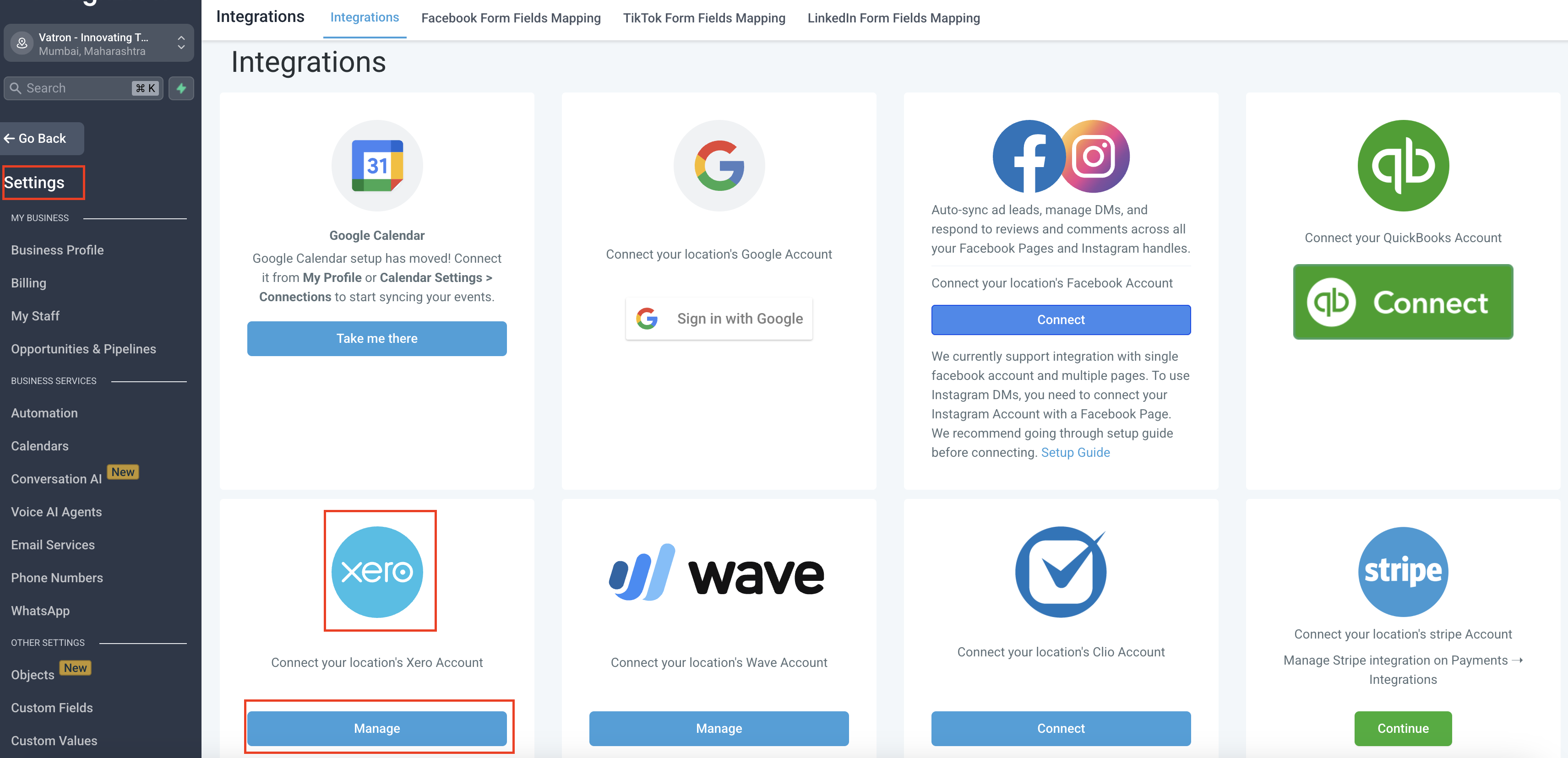
- Go to a sub-account in Clixio.
- Navigate to Settings → Integrations → Xero → Connect.
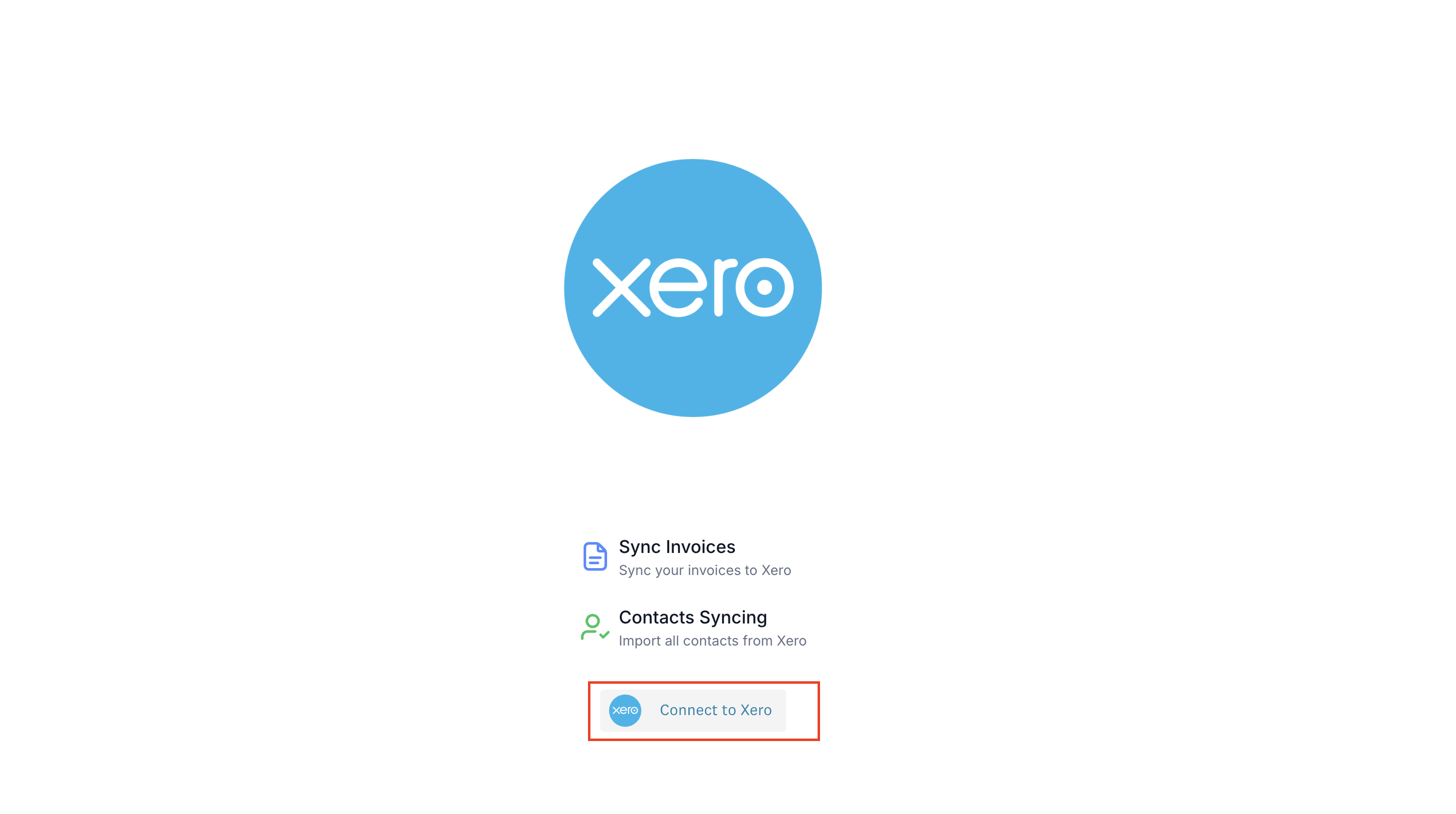
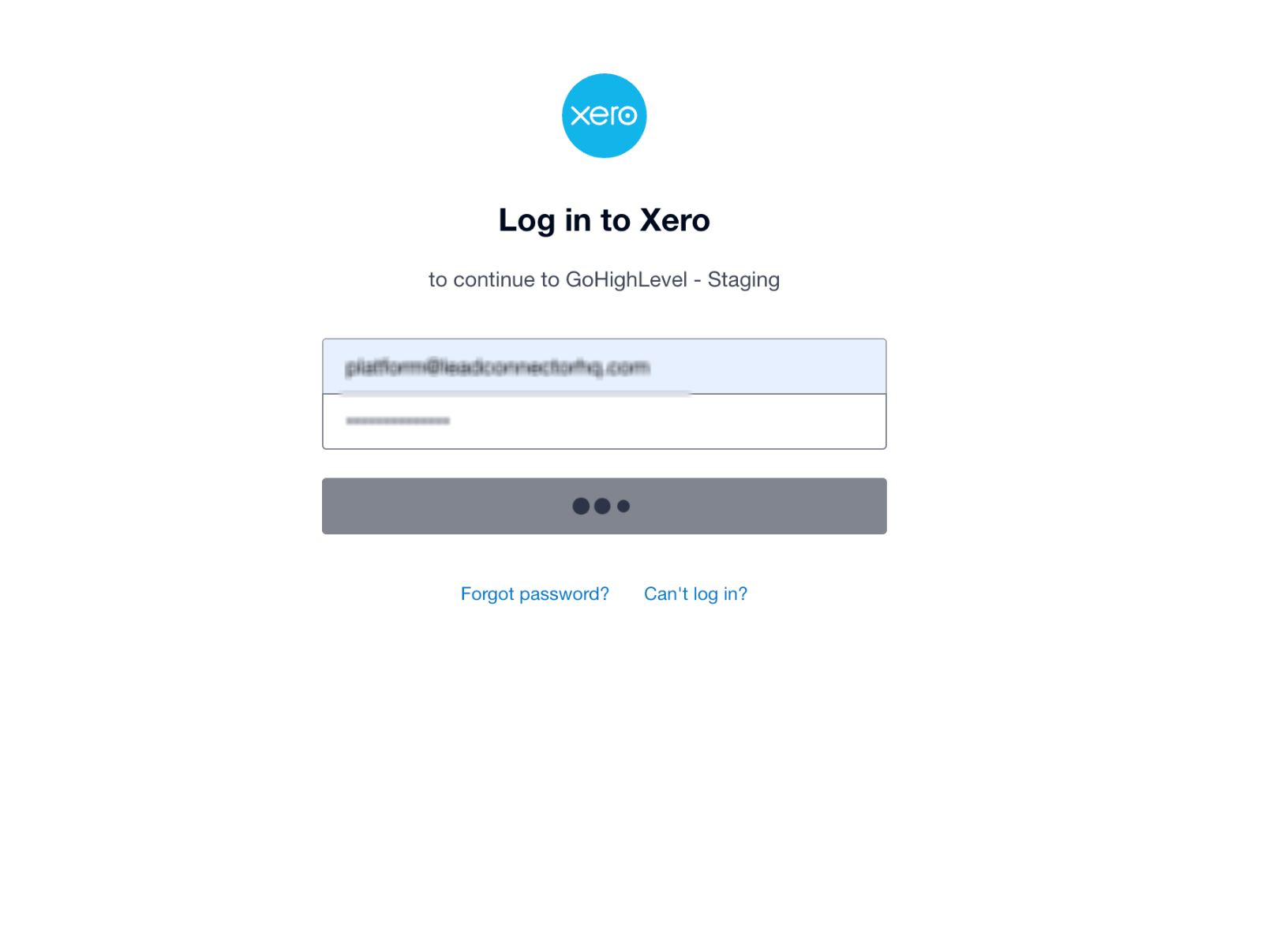
- Connect your organisation and select a chart of accounts.
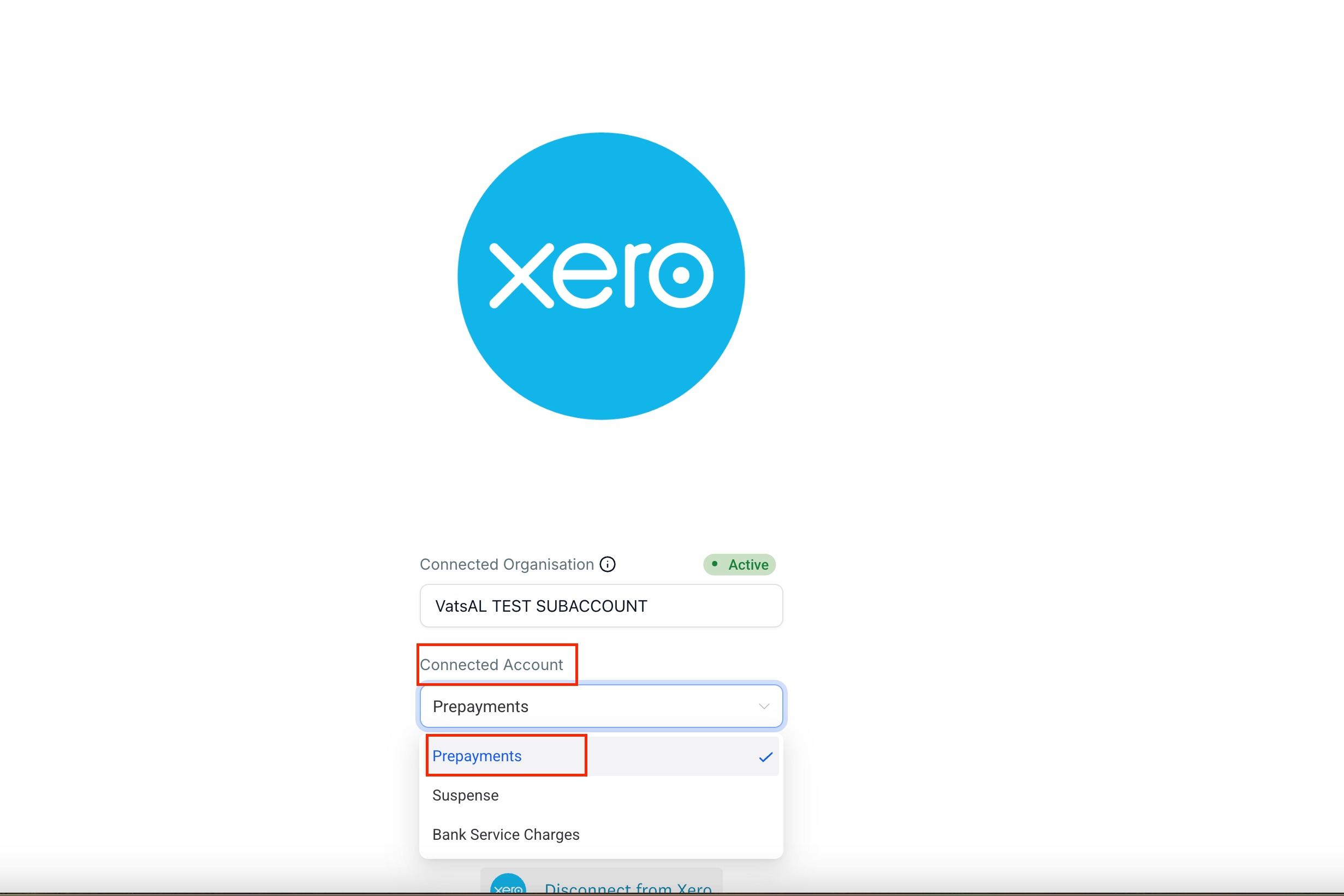
- If the chart of accounts isn’t visible, enable payments in Xero Chart of Account settings (see the “Unable to find?” option).
- Map taxes to ensure accurate reporting – only matching tax rates can be mapped to each other.
- Inactivity Handling:
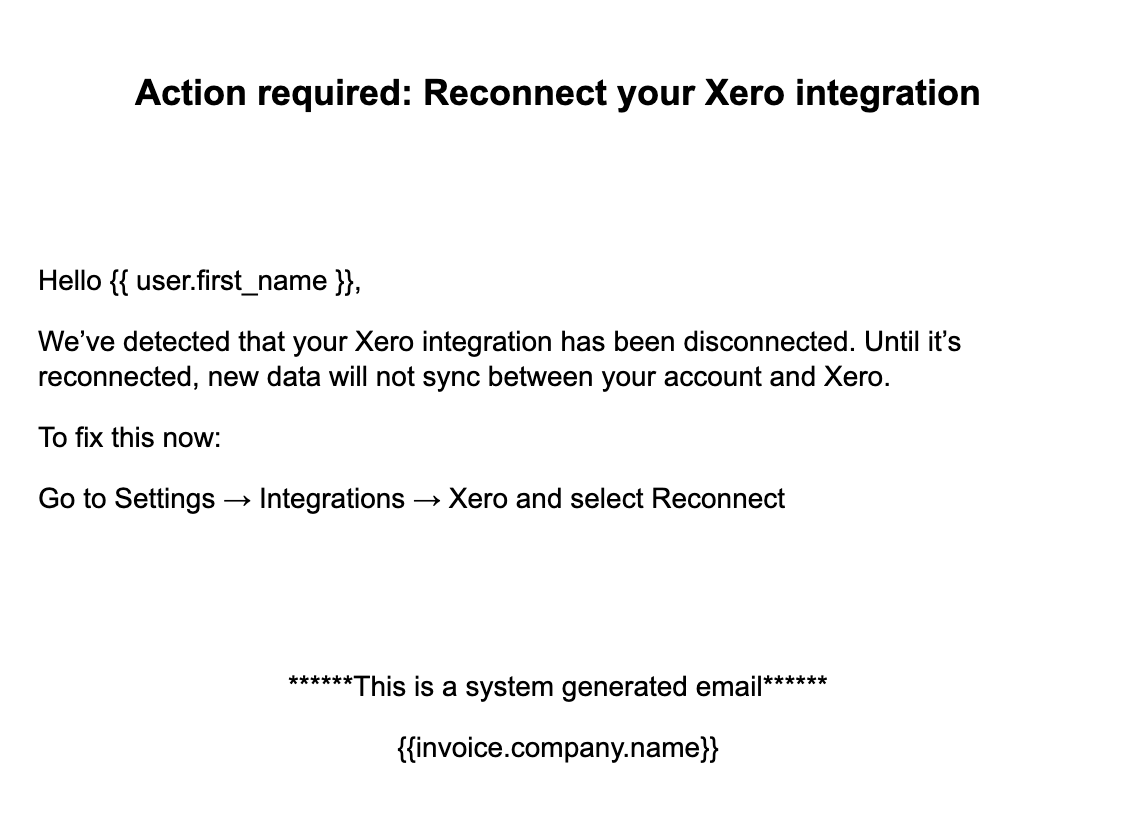
- If there is no activity for 60 days, the integration will disconnect automatically, and you will receive an email.
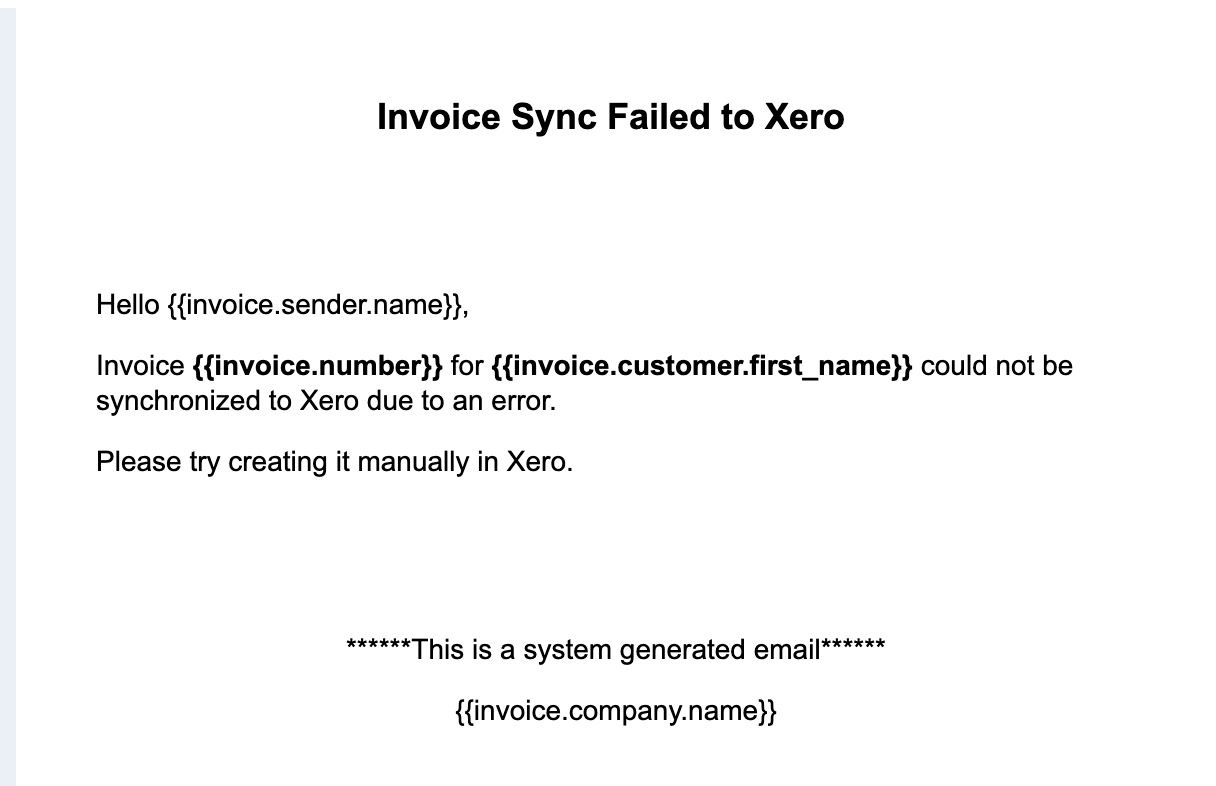
- If an invoice fails to sync, you will receive an email alert.
This integration removes duplicate work and errors in financial workflows. It ensures that your CRM and accounting systems remain fully in sync, saving time while maintaining accurate compliance and reporting.
➡️ Contact syncing with the ability to select which contact groups to import from Xero to Clixio.
➡️ Receipt syncing from Xero to Clixio.
