
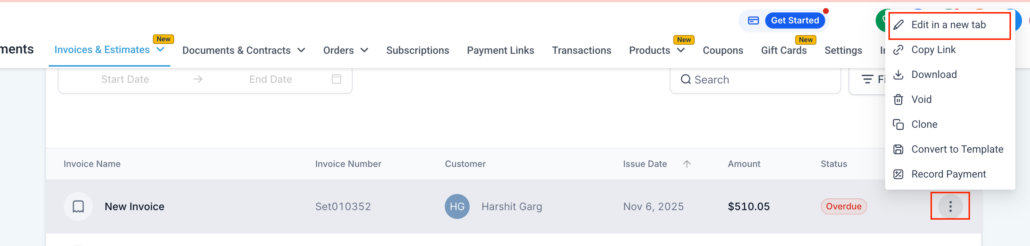
Invoices, Estimates: Open in new tab
View/Edit Invoices in a New Tab: You can now open any invoice in a separate browser tab directly from the 3-dot menu. Say goodbye to losing your place in the invoice list while making edits.
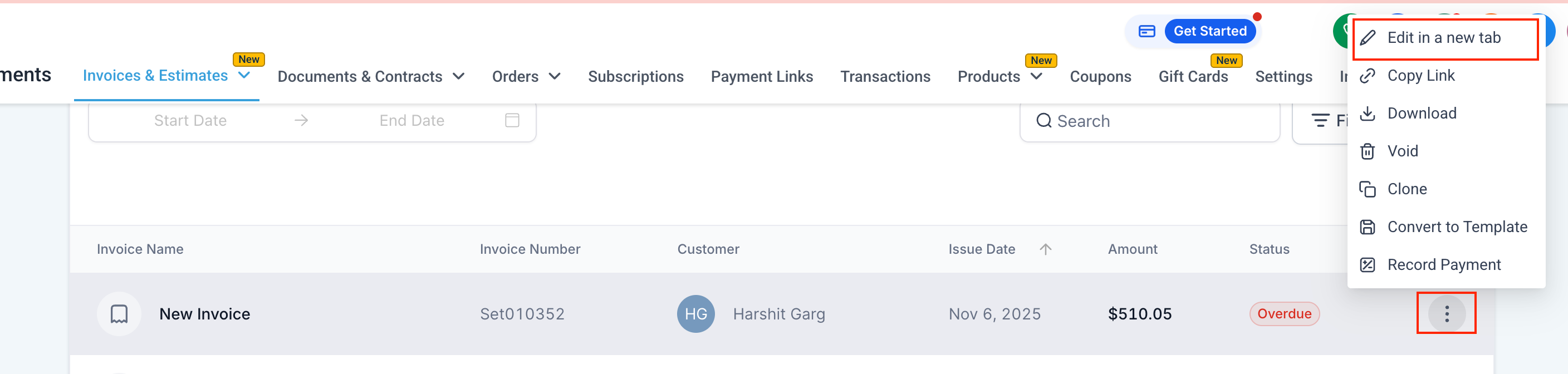
- Navigate to Payments → Invoices & Estimates
- Click on the 3-dot menu next to any invoice or estimate
- Select “Edit in a new tab”
- The invoice will open in a separate tab, allowing you to view/edit freely while keeping the list intact
- Assists users who manage multiple invoices simultaneously
- Prevents loss of filters, search criteria, or scroll position
- Speeds up bulk review and editing processes
