International Automatic Taxes (Includes VAT)
Business can now
configure and apply automatic taxes for multiple countries
including both those within and outside the United States, ensuring accurate and compliant tax calculations across global checkouts.
What’s New?
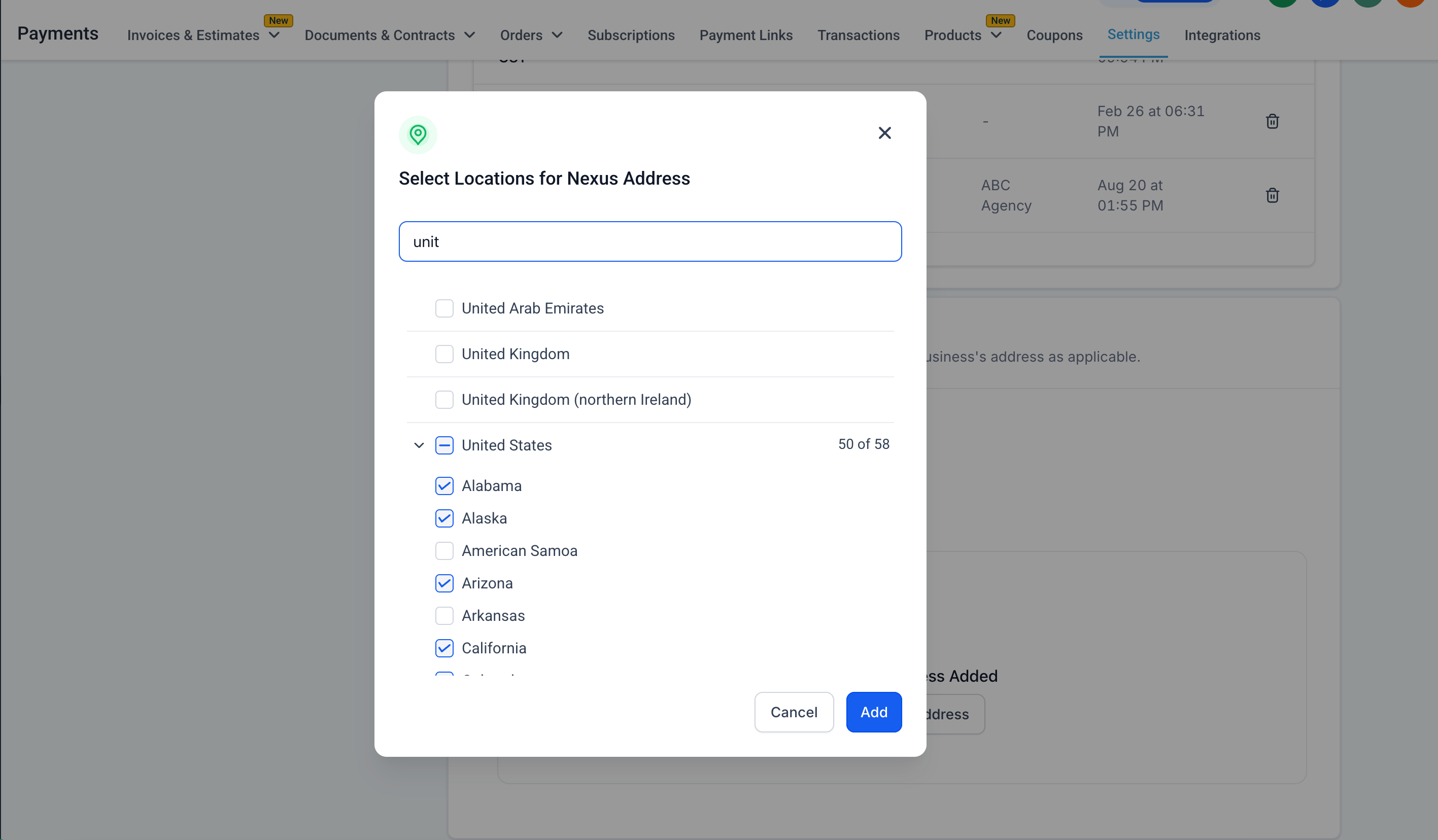
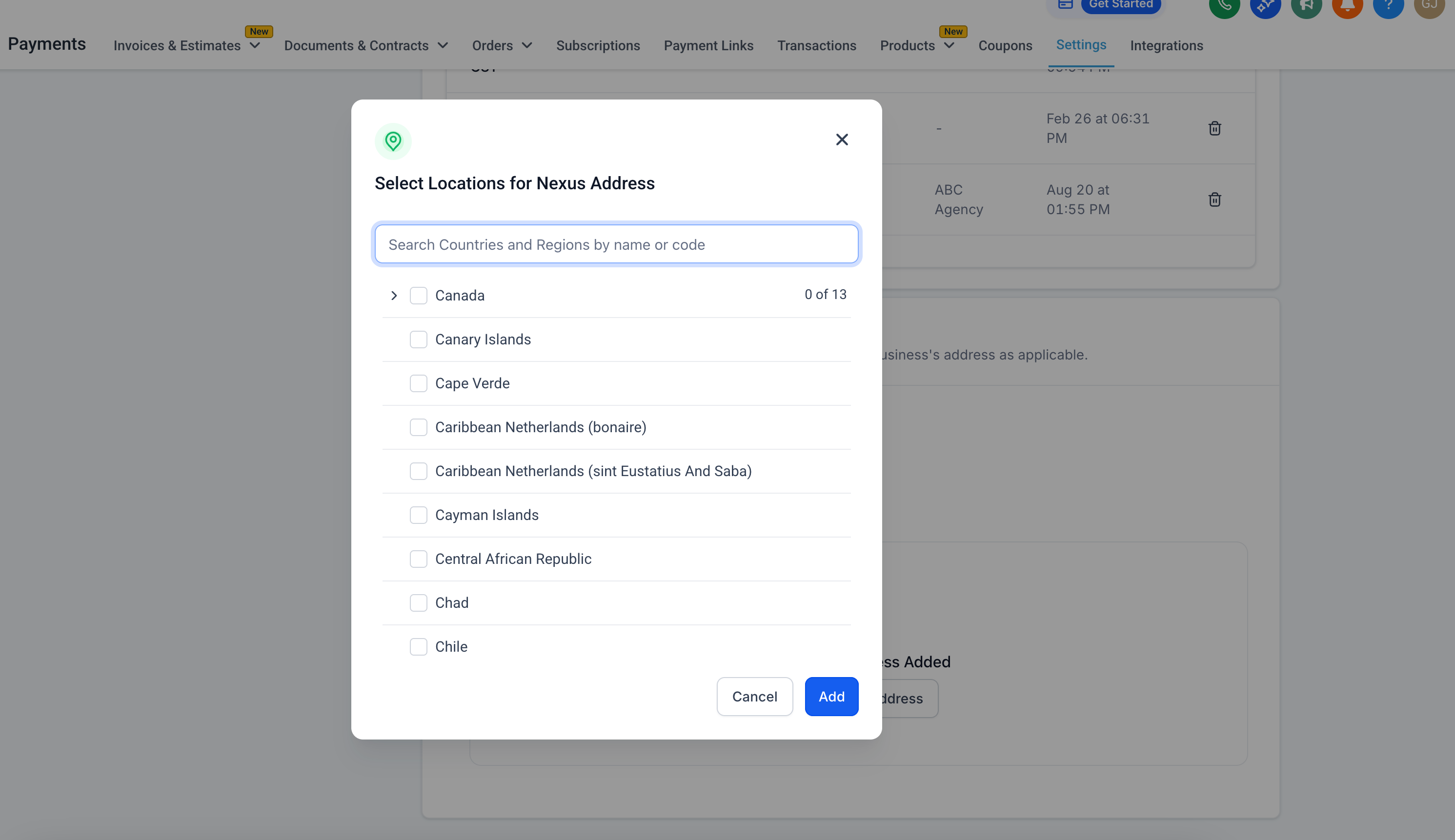
- Businesses can select multiple countries for automatic tax calculations and can also add country-specific
VAT IDs or local tax ID numbers
.
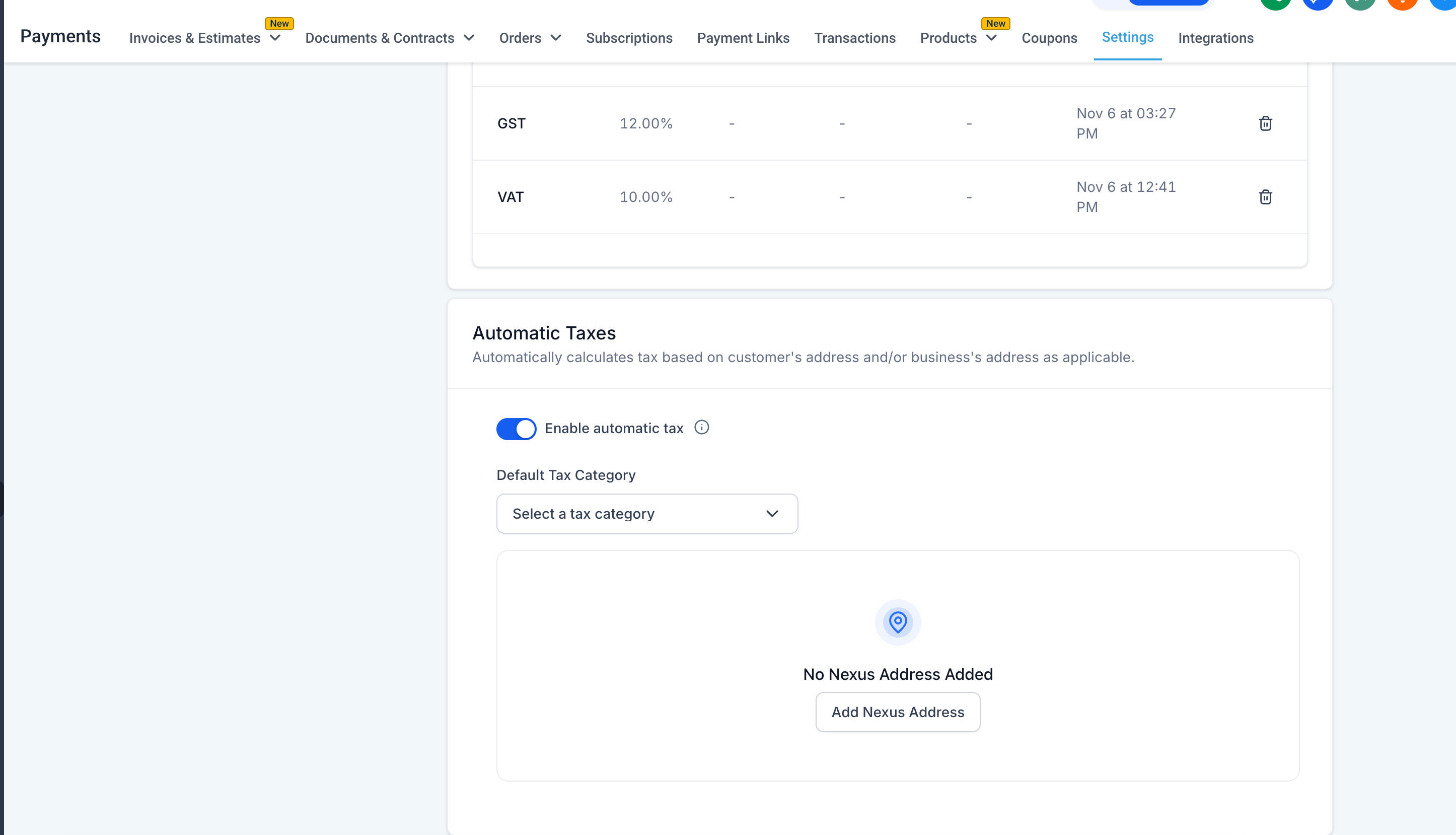
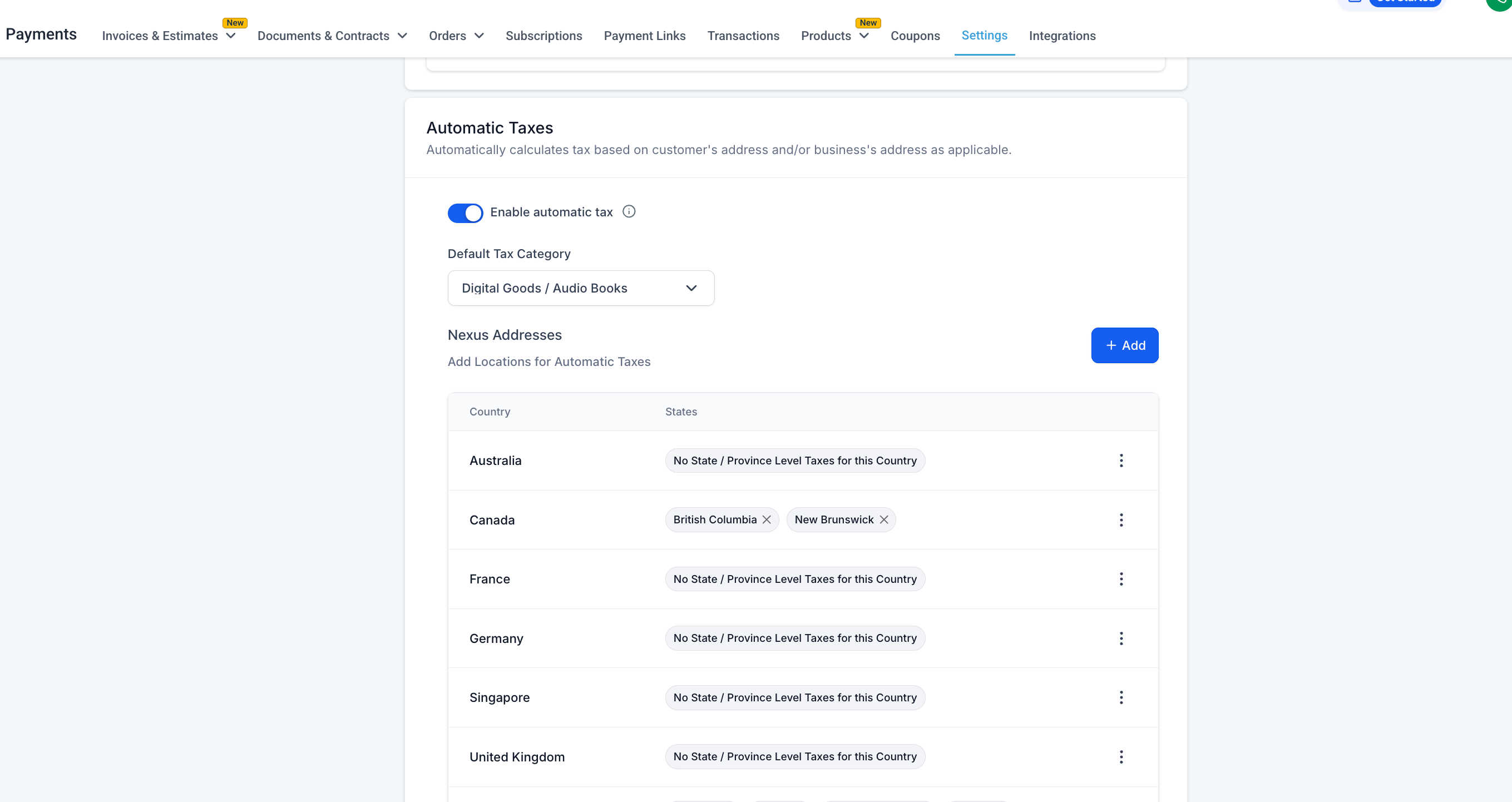
- Businesses can configure and manage nexus addresses to determine tax obligations in various regions.
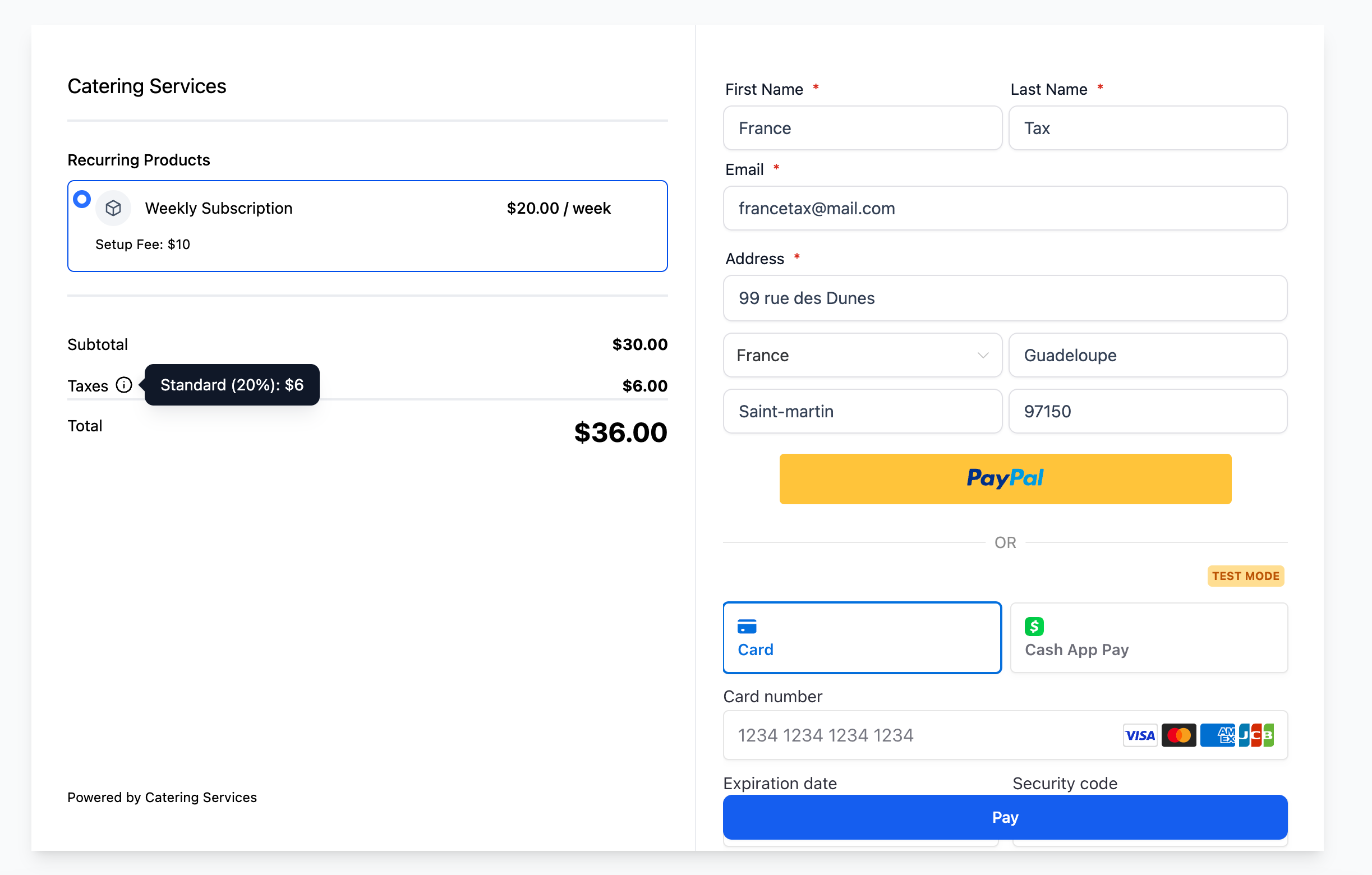
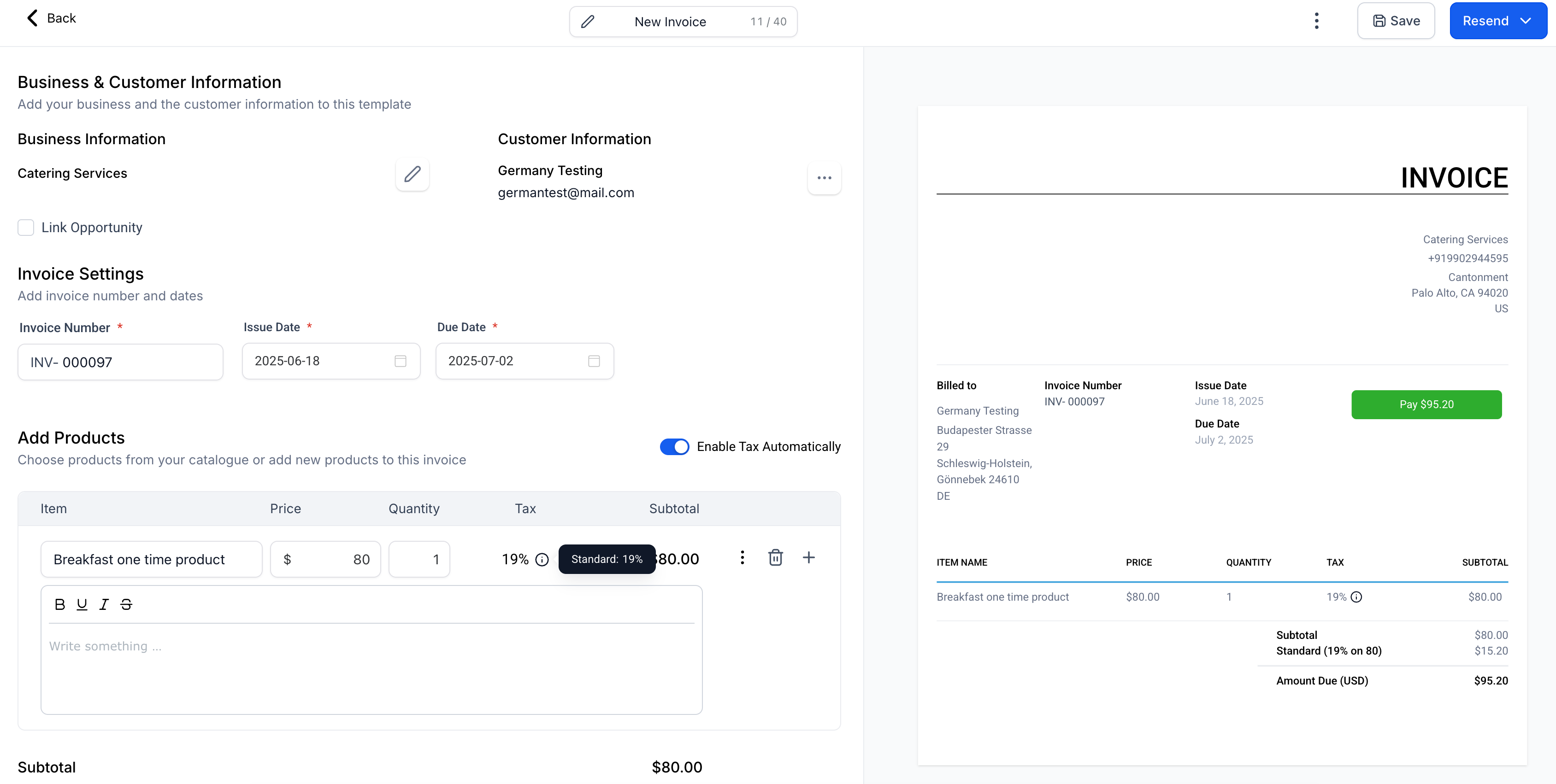
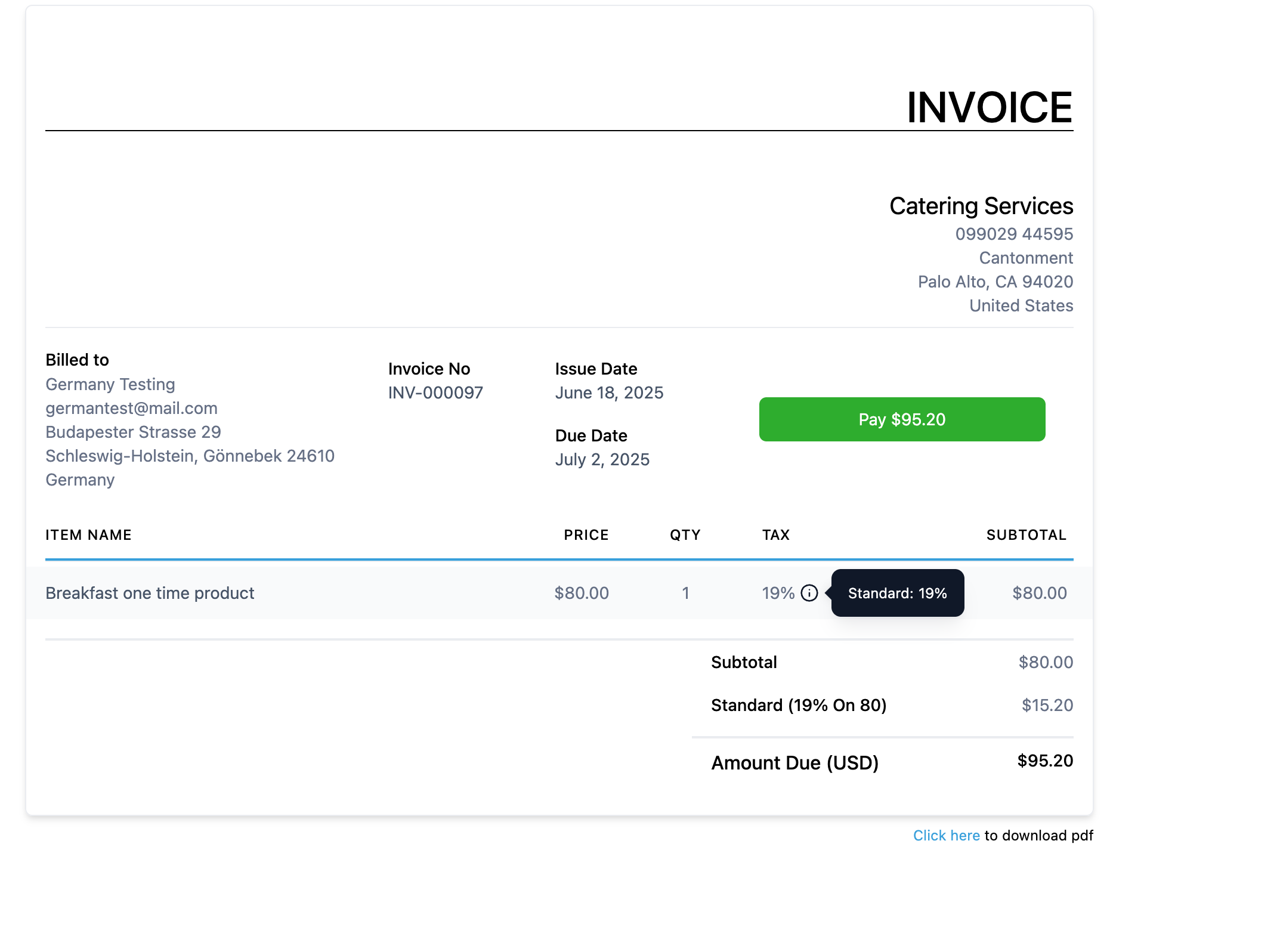
- Taxes are automatically applied at checkouts and invoice payments based on the customer’s address.
- Applicable across all checkout types —
Funnels, Payment Links, Invoices, Estimates, and Ecommerce Stores
— for all payment providers.
-
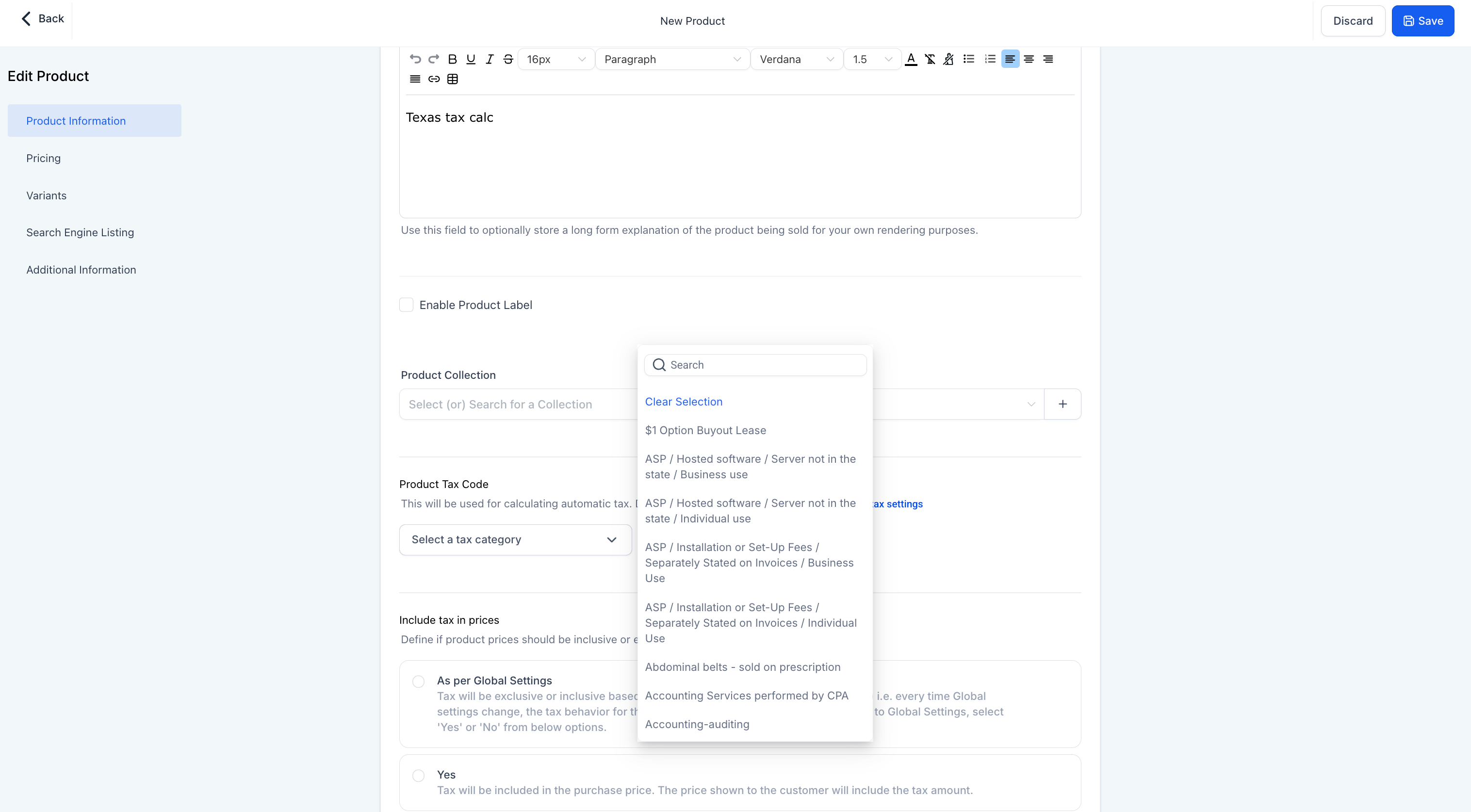
Product-level configuration now supports global auto taxes
.
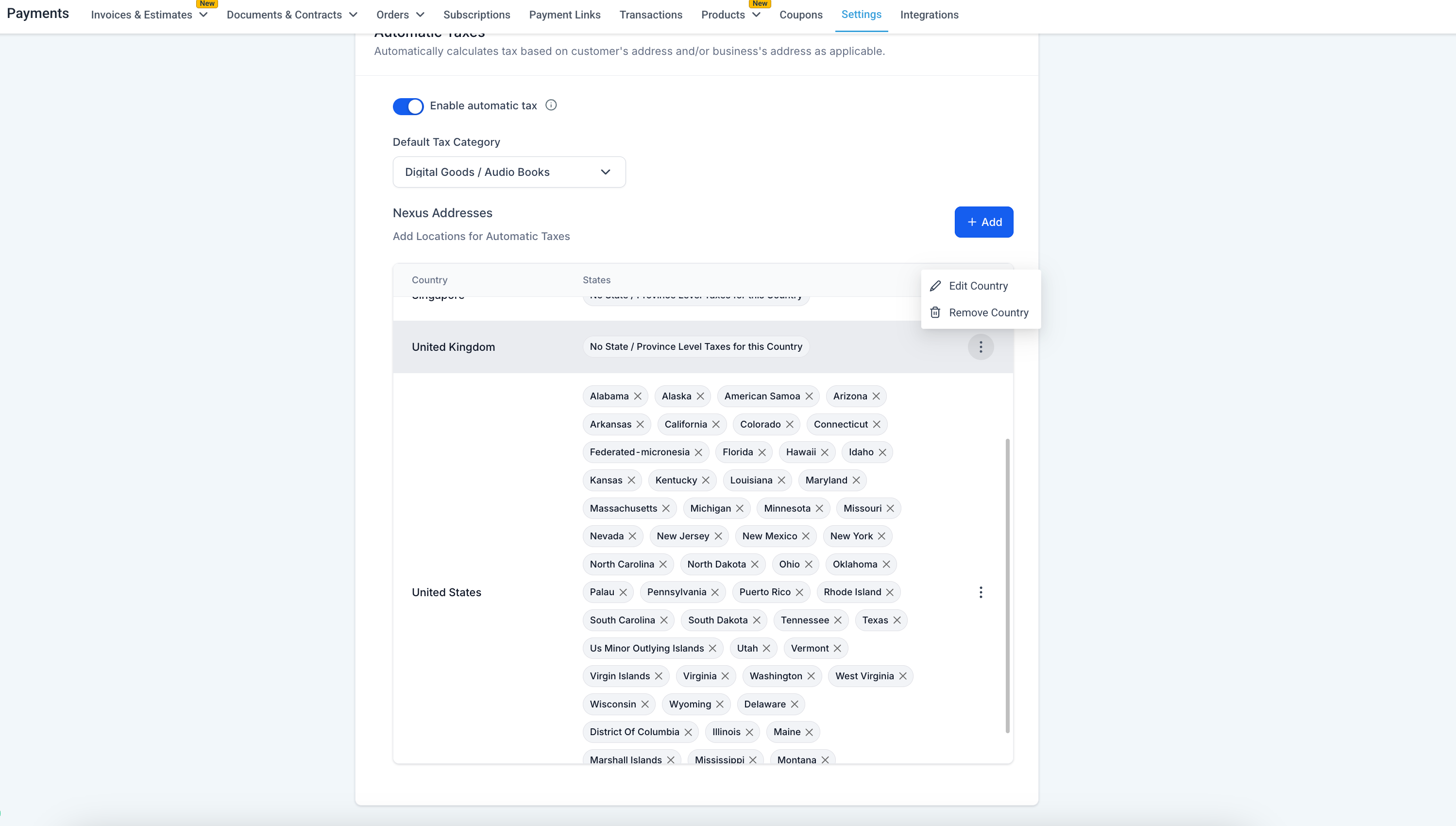
- A list of countries where automatic tax calculations are available can be found in the Nexus Addresses list.
- Any country where the business is required to collect taxes should be added to the list of nexus addresses. For instance, in the US and Canada, respective states should be included wherever tax calculation is needed.
- Adding countries or states can be done as a bulk action by selecting multiple options at once.
- Deleting countries or states is an individual activity, but removing a country with separately added states, like Canada, will also delete its status from the Nexus address list.
- Businesses can also
enter their Tax ID while adding a nexus address for a country
– if additional tax benefits or applications based on the ID exist, these will be considered during tax calculations at checkouts.
- This
Tax ID
can be edited from the list of configured nexus addresses.
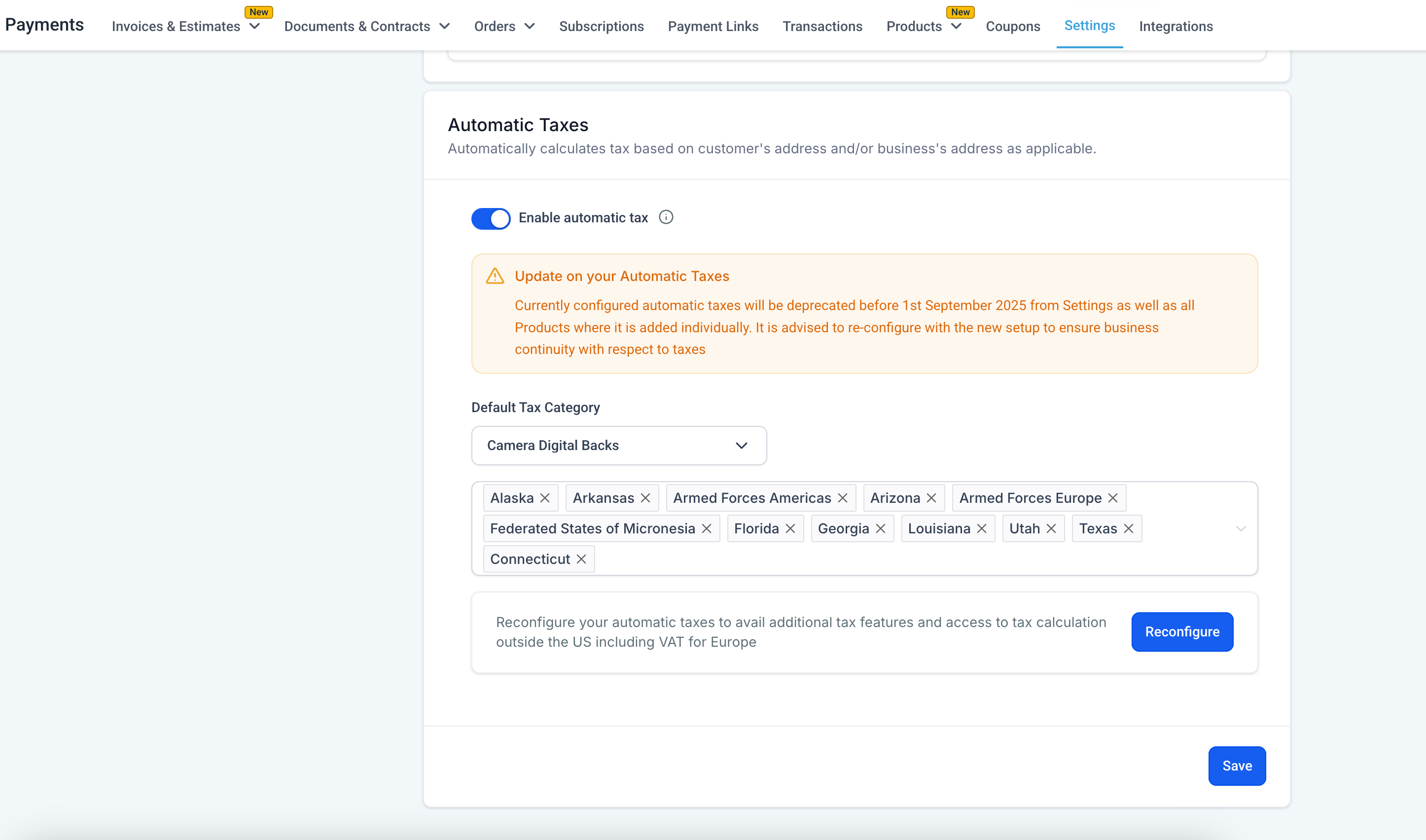
For Existing US Automatic Tax Users:
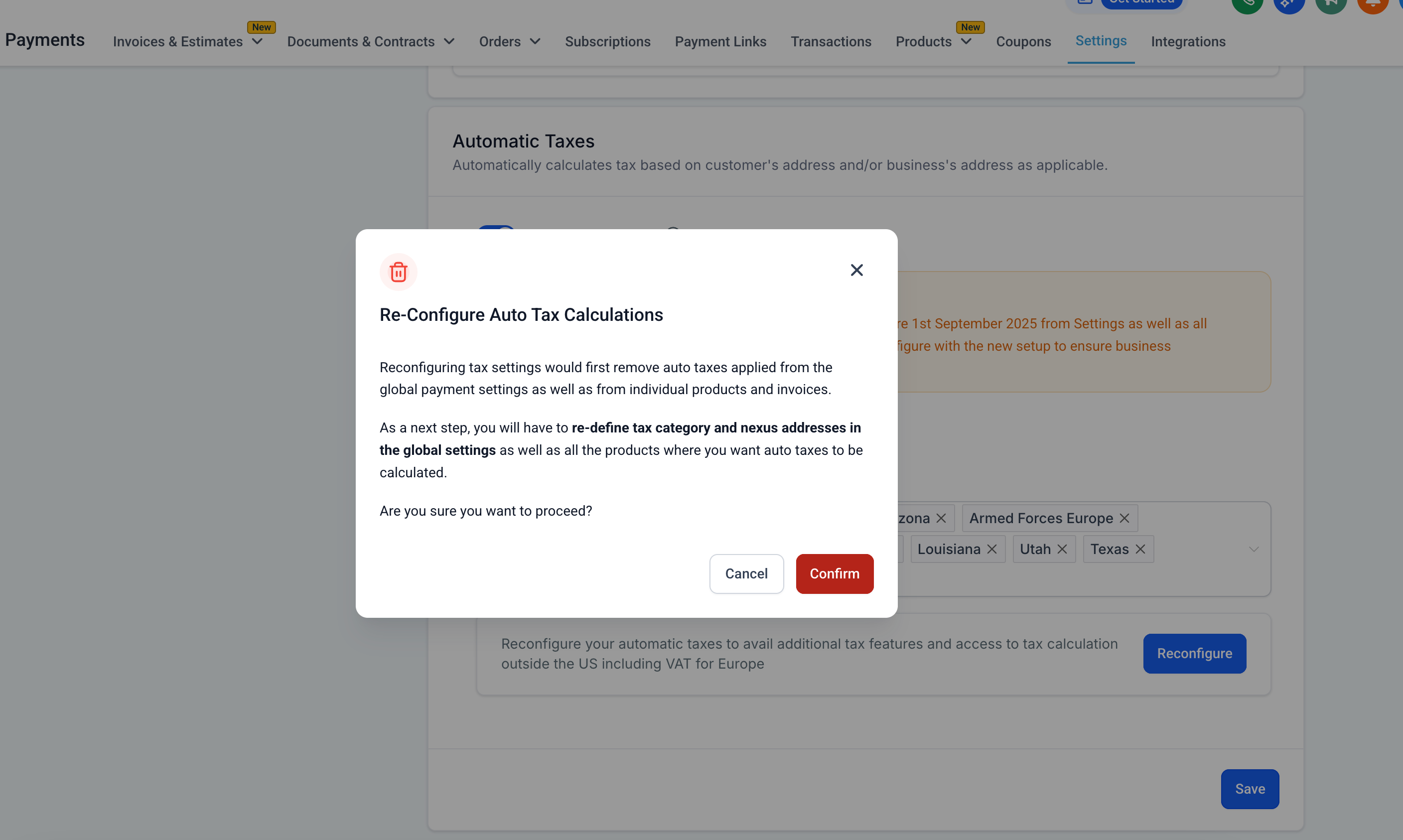
- A guided migration flow is available in the same tax setting UI.
- Users can reconfigure the new global system via the UI.
- It will be necessary to reconfigure nexus addresses and auto tax settings for all sub-accounts and products.
- A deprecation plan is in place for the old US Auto Tax system over the next six months, with clear warnings and fallback procedures.
What’s Next?
- Capturing business identification numbers or relevant tax IDs at all checkouts, in case the end customer is a business, to recalculate taxes based on the tax category, address, and business ID.
- Enabling or disabling automatic taxes at a product level.
- Cross-border taxes (Custom Duty taxes) – in cases where a product is purchased and sold in different countries.
Where Can I Configure Automatic Taxes?
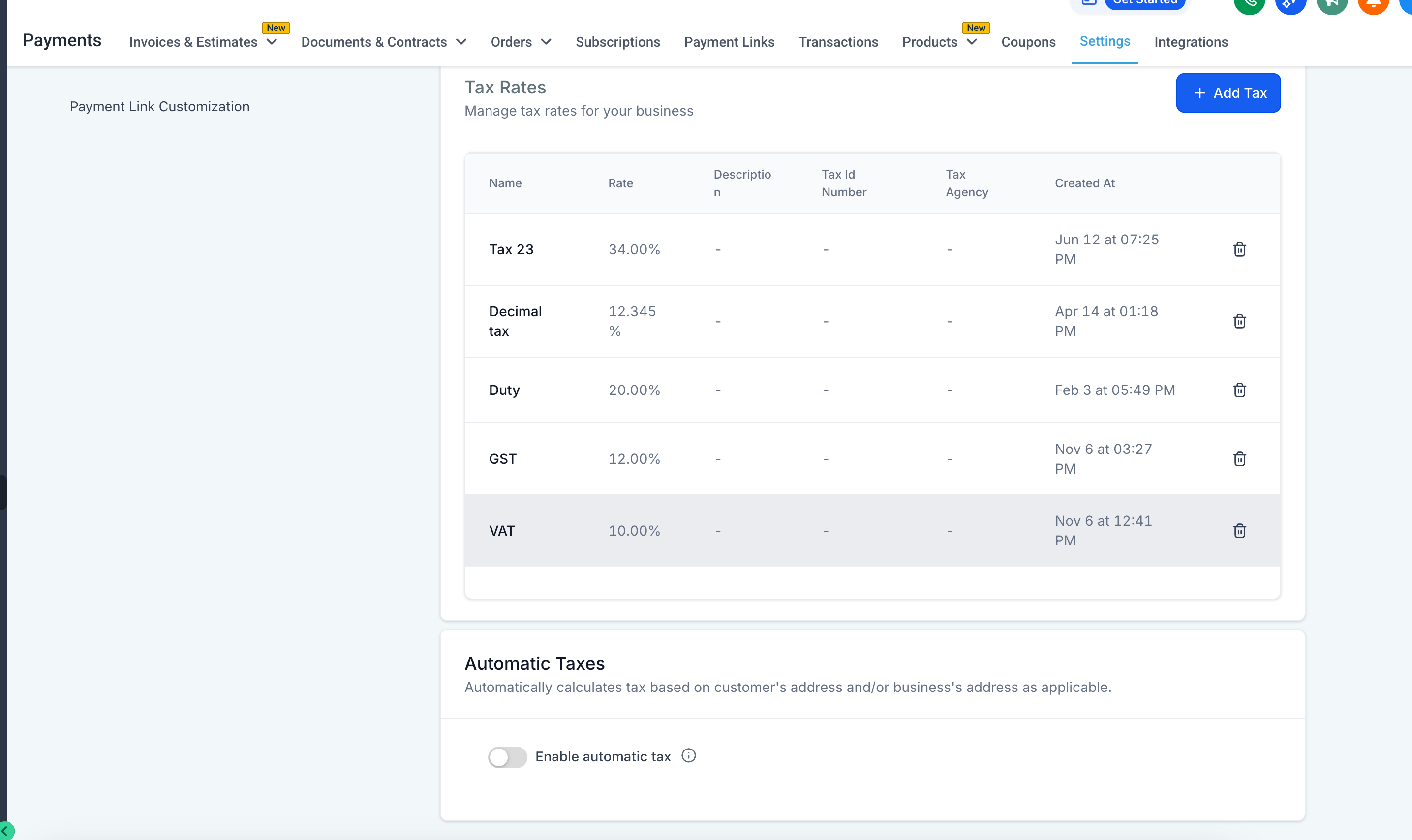
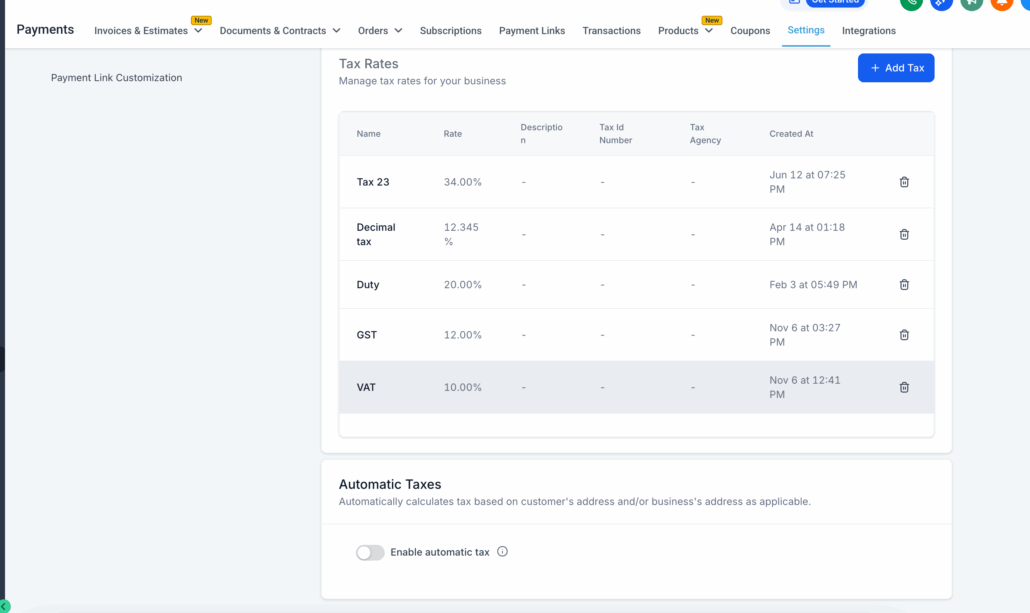
- Global tax setting – Payments > Settings > Taxes > Automatic Taxes
- Product-level settings – Payments > Products > Edit/Create > Product Tax Code