In-App Troubleshooting Links for Domain Setup Errors
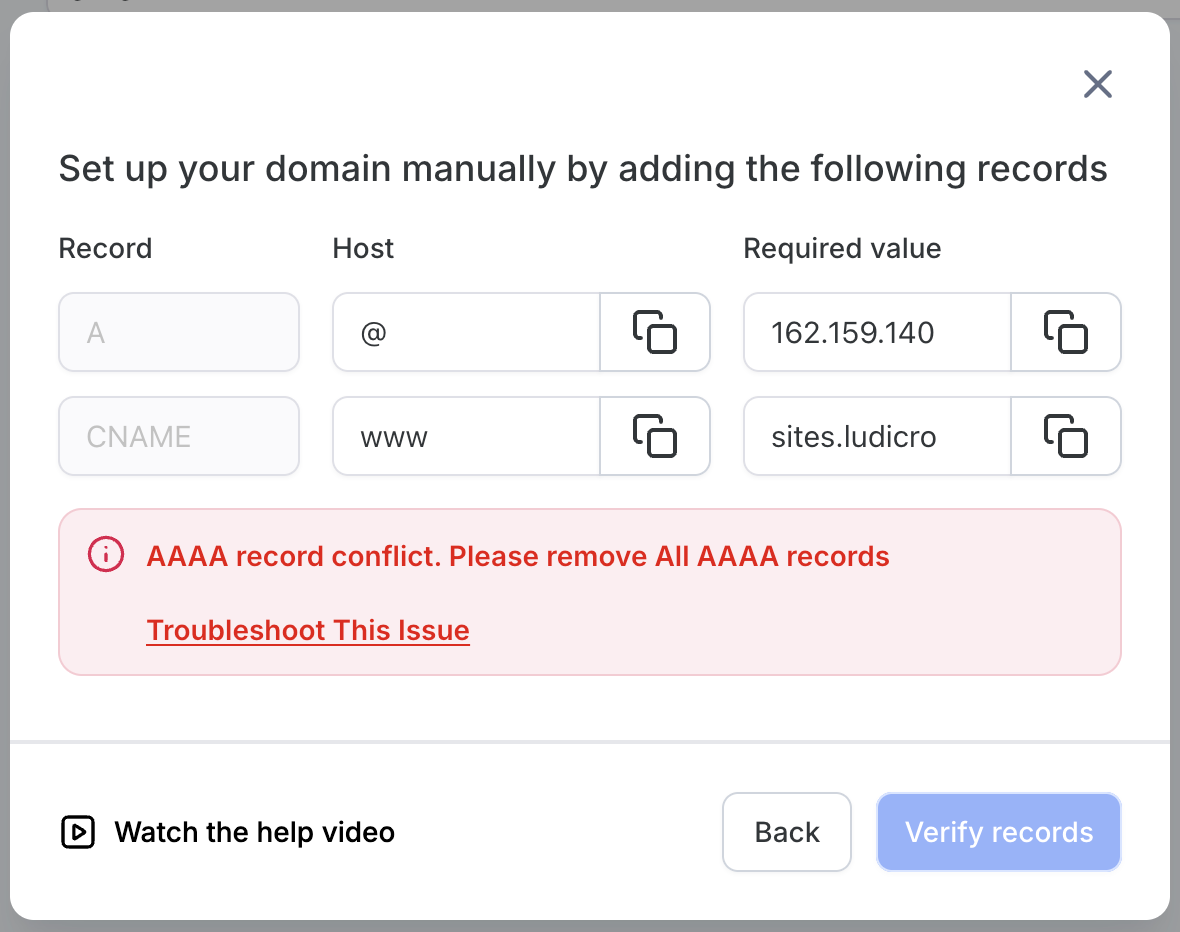
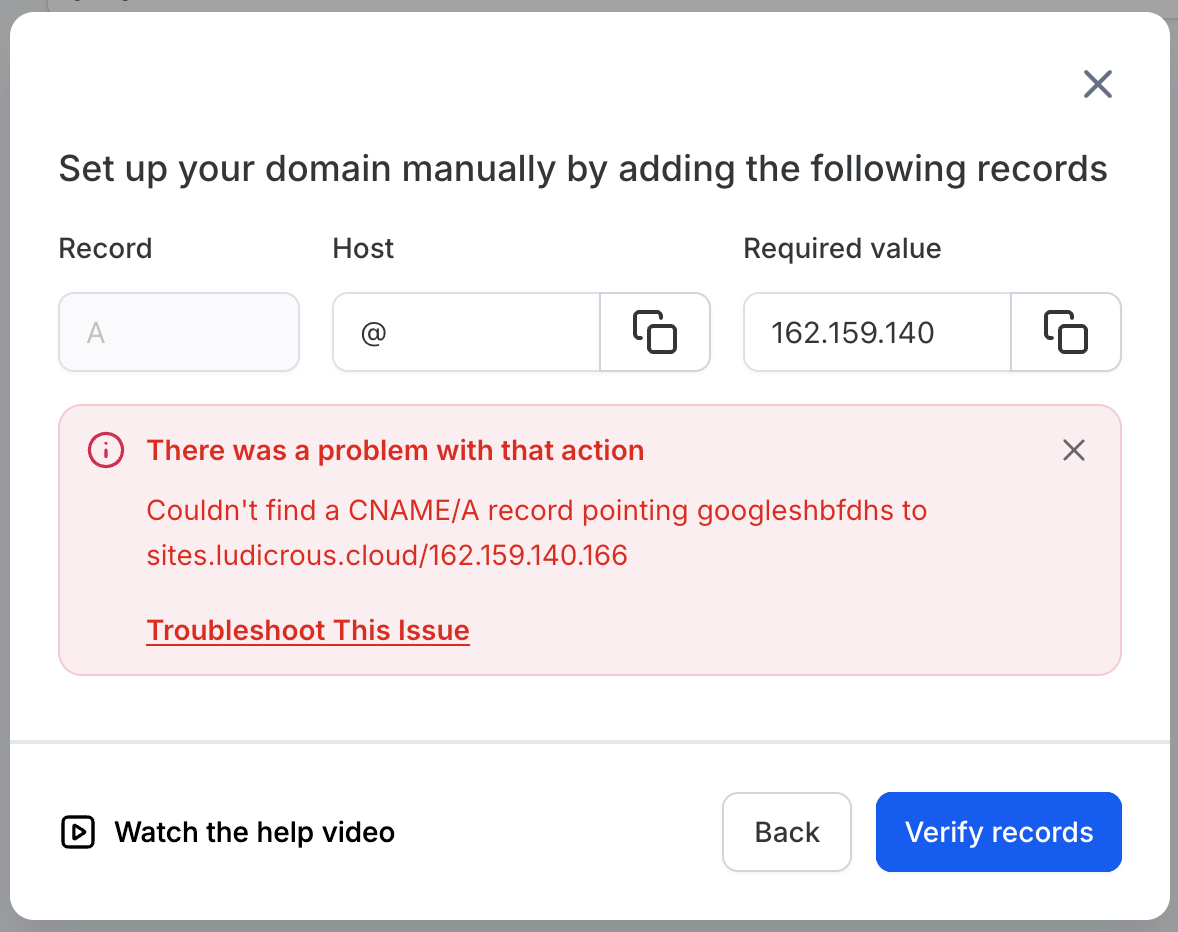
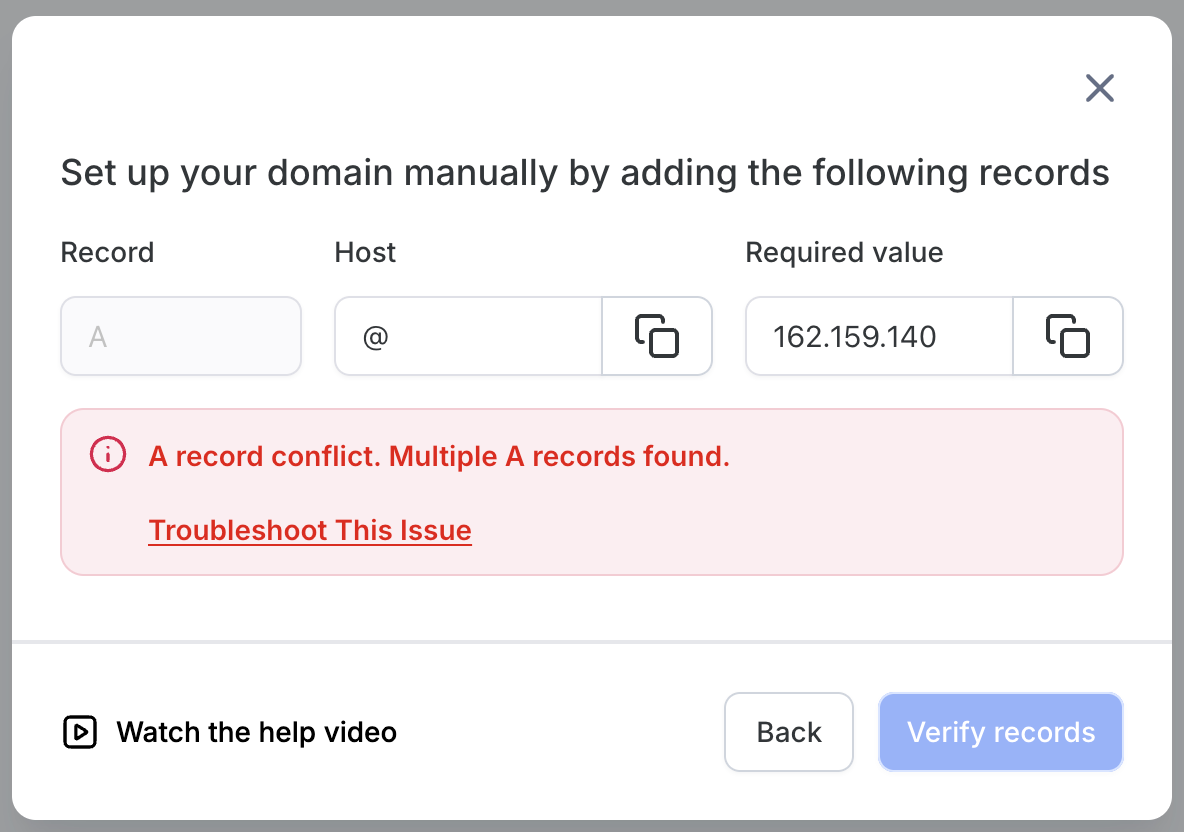
We’re enhancing the domain connection experience by introducing troubleshooting links within the platform. When users encounter common domain setup errors, a new “Troubleshoot This Issue” link will appear, directing them to relevant help documentation.
Contextual Troubleshooting Guidance
: Users manually setting up domains will now see a “Troubleshoot This Issue” call-to-action when specific DNS errors are detected, including:
- Multiple A records found
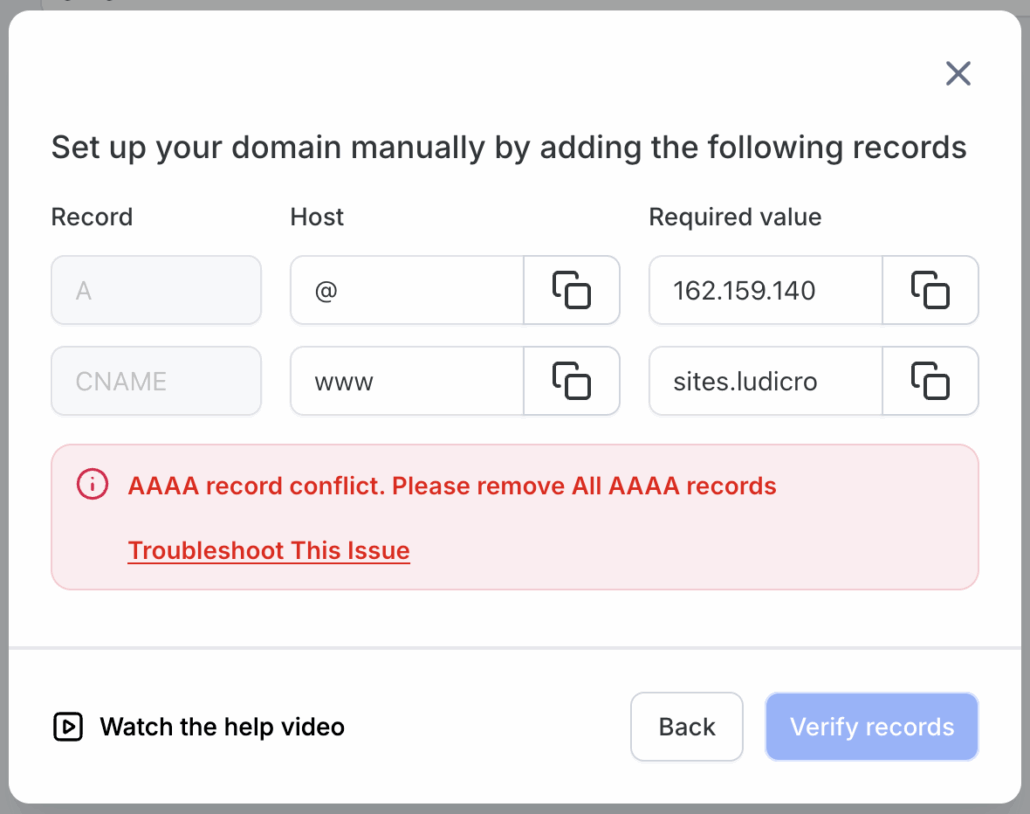
- AAAA record conflict
- CNAME/A record mismatch
Integrated Help Documentation
: Clicking the troubleshooting link opens a dedicated help article in a new tab, featuring step-by-step instructions tailored to the detected issue.
Universal Availability:
This feature is accessible across all areas where users connect domains, including Funnels, Websites, Blogs, Webinars, WordPress, Email, Client Portals, and Branded Domains.
Previously, users often had to depend on support to resolve DNS setup issues due to limited guidance. This update empowers users to address common configuration problems independently, reducing support volume and enabling quicker setup completion.
- This feature is informational only; it does not automatically fix DNS issues.
- Users must follow the help documentation to update or remove conflicting DNS records (A, AAAA, CNAME, etc.).
- Available platform-wide wherever domain connections are supported.