🏷️ Improved Calendar Settings Experience
We’ve redesigned the Calendar Settings experience to enhance clarity, structure, and navigation ease.
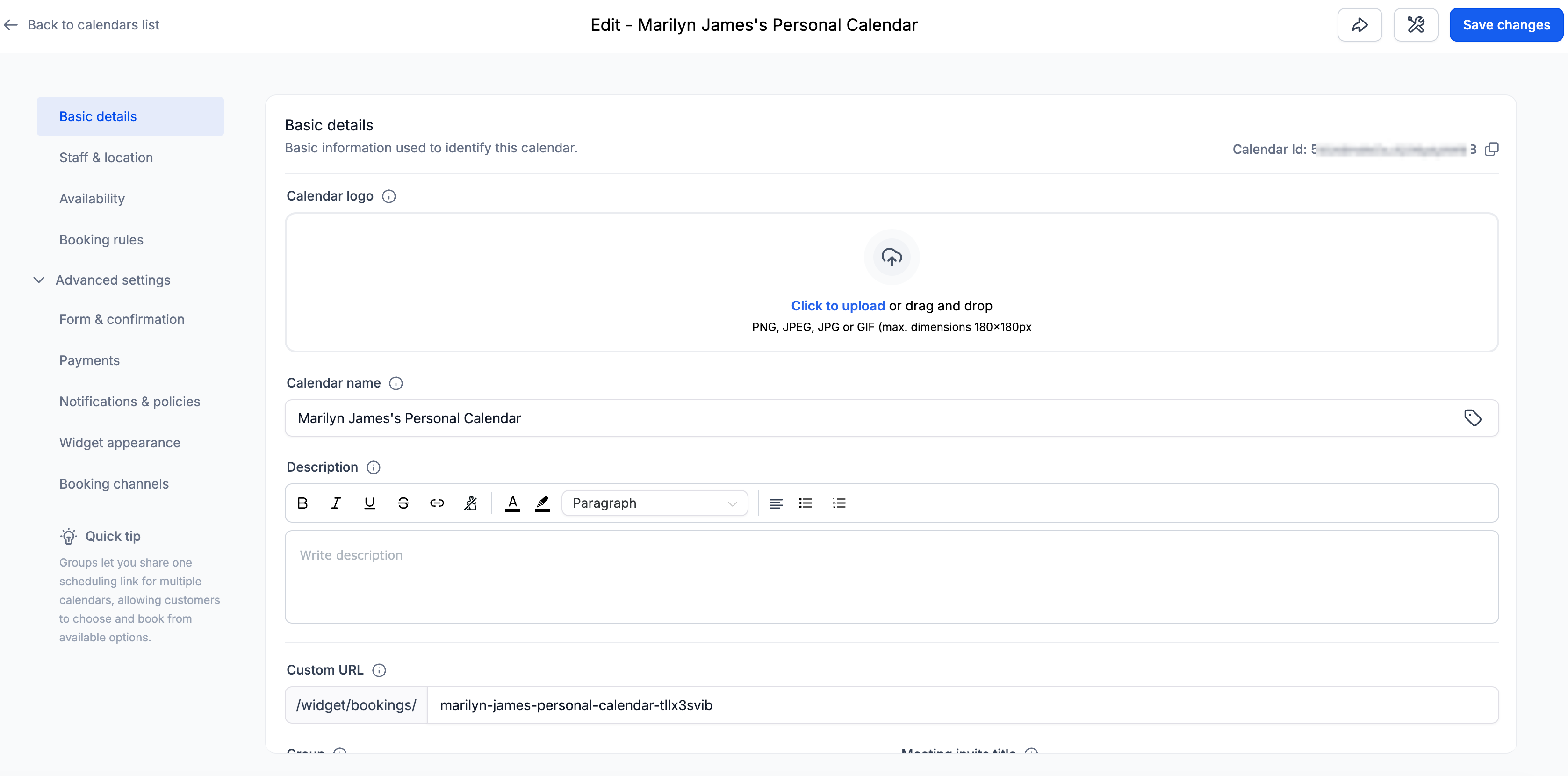
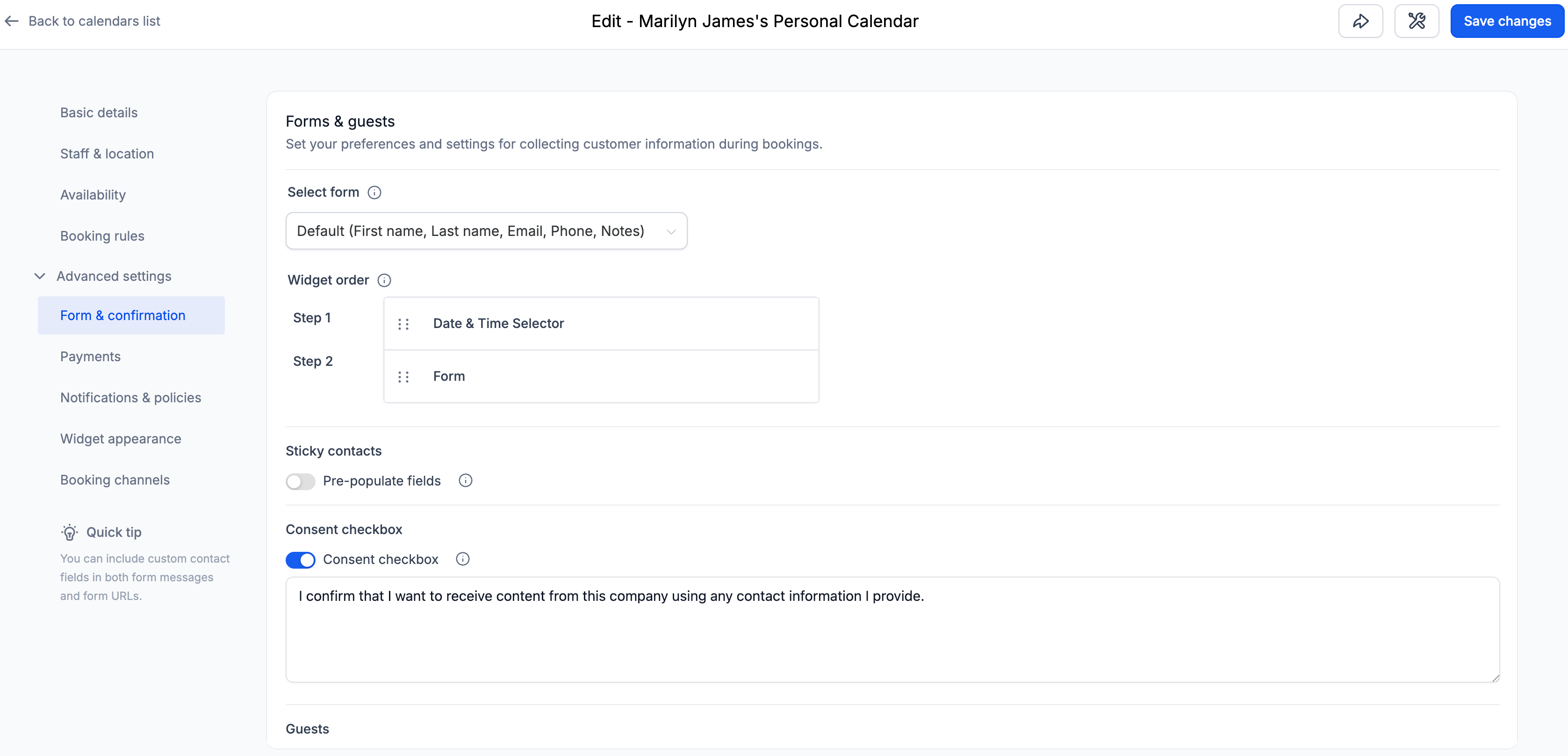
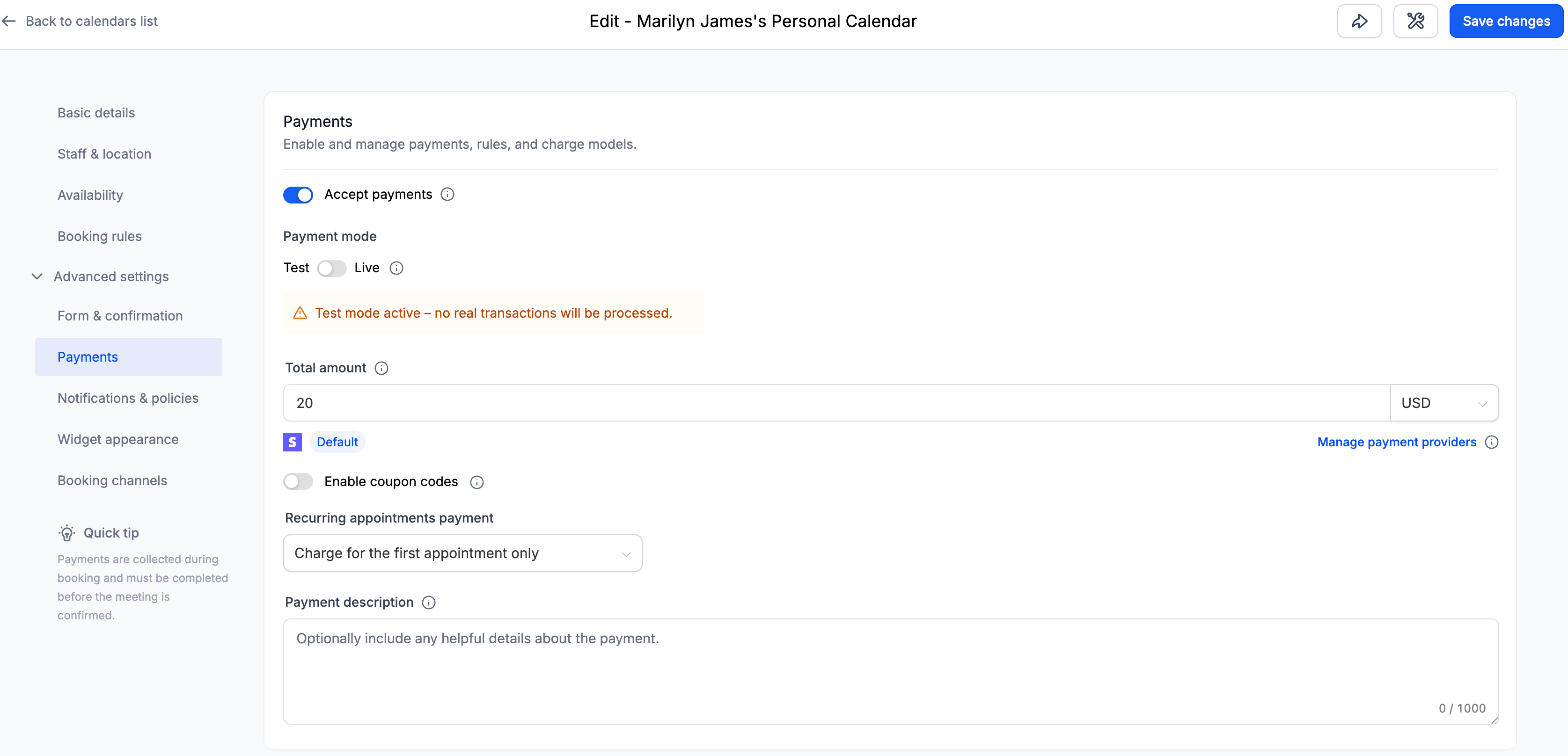
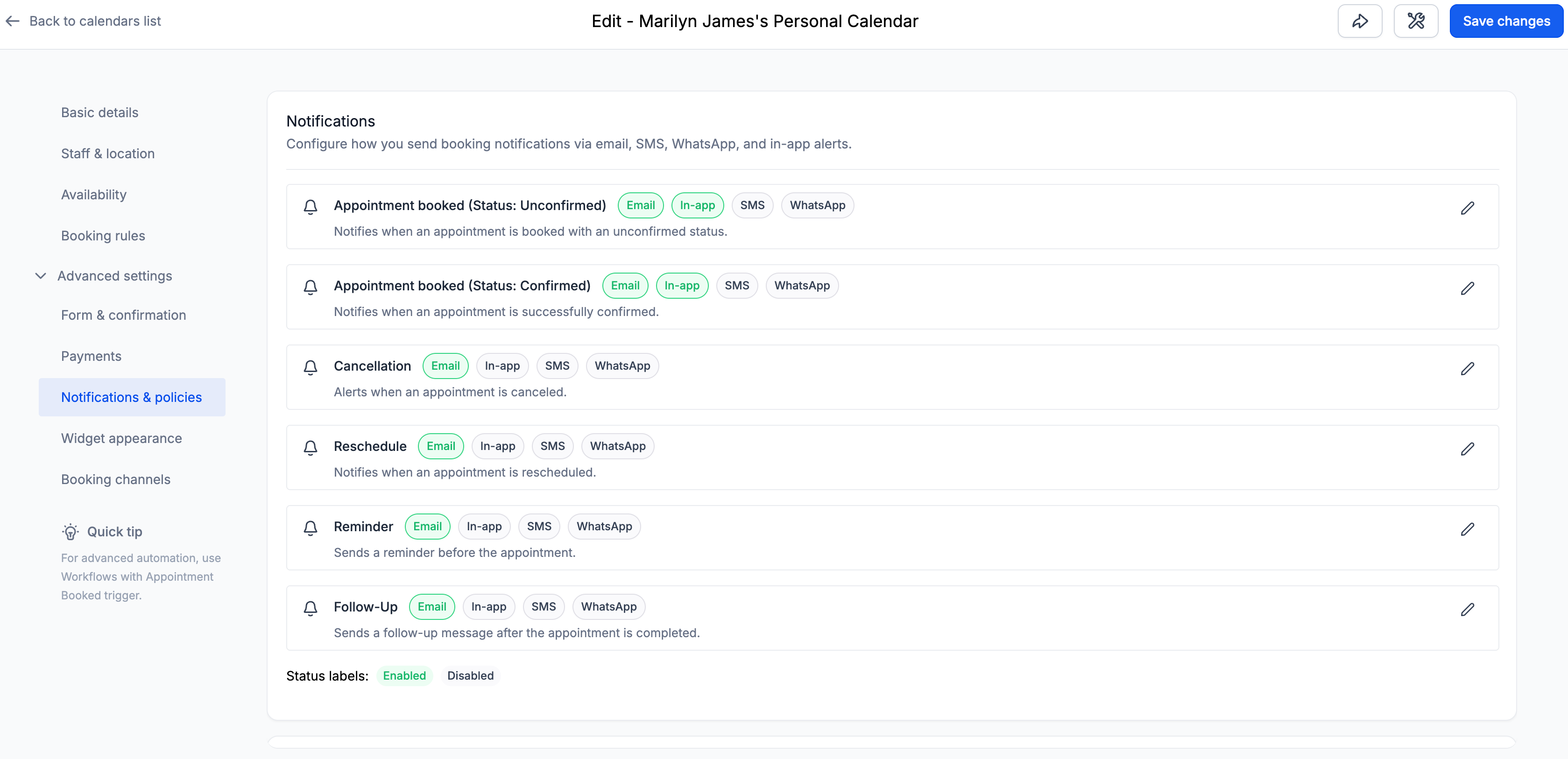
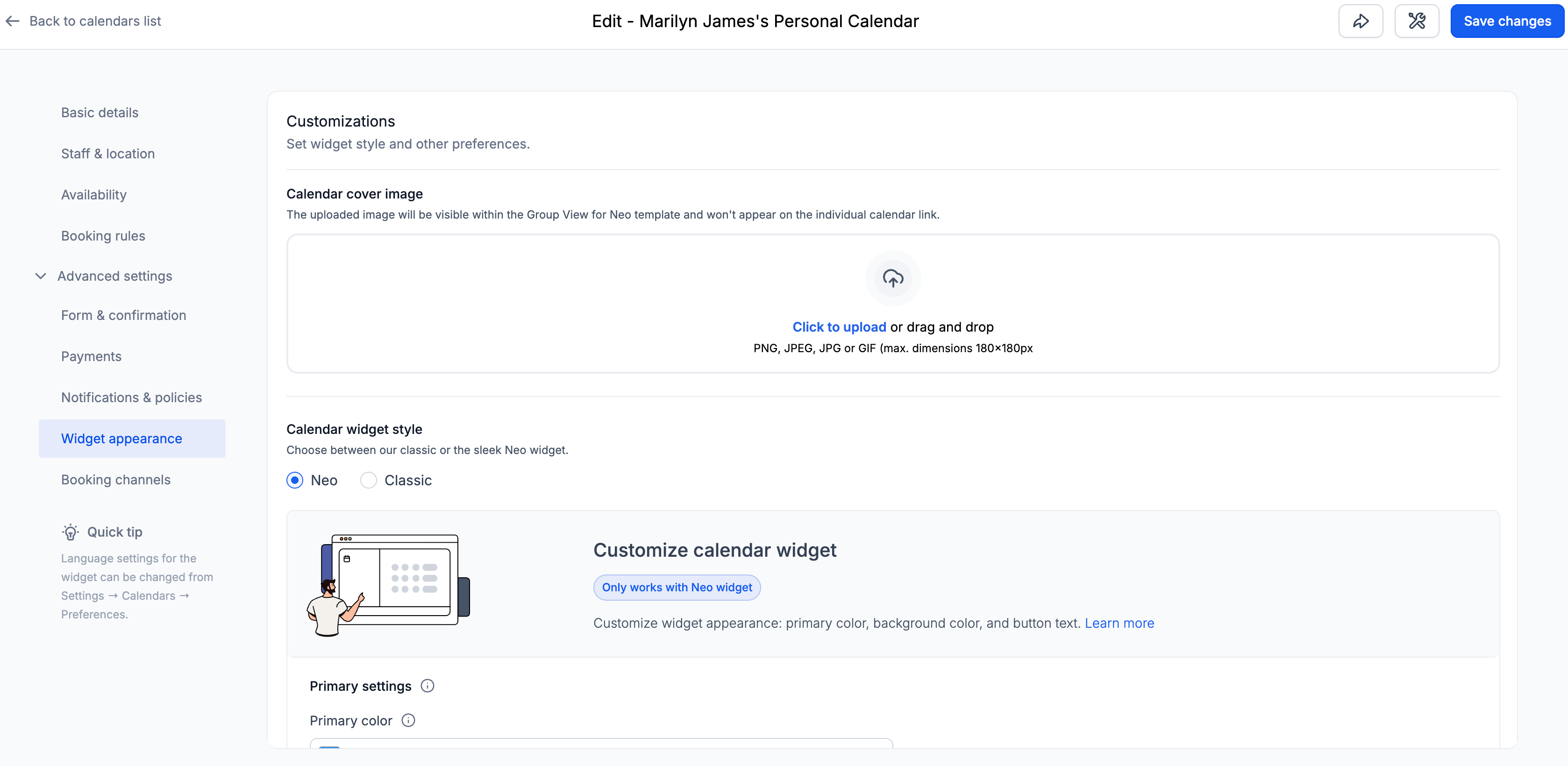
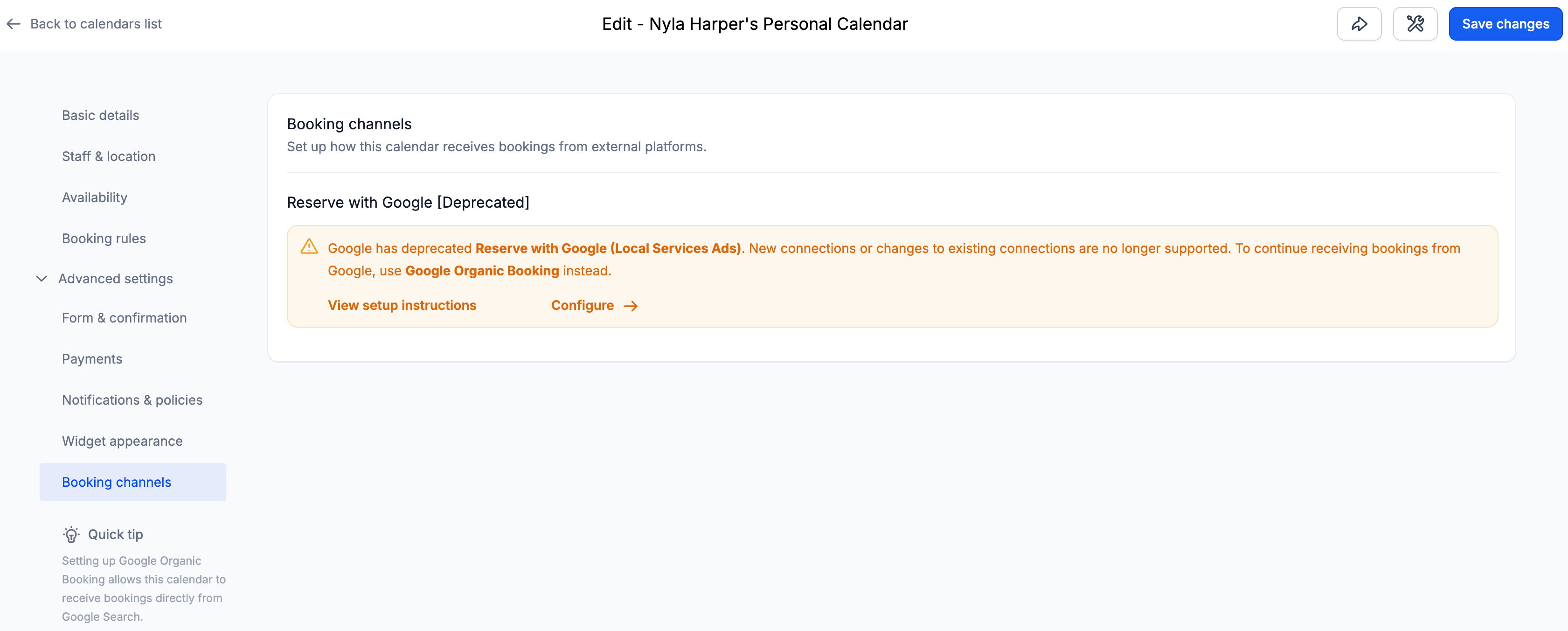
This update introduces a cleaner information architecture with logically grouped sections, contextual helper text, and a wider layout for improved readability.
The goal is to help you configure calendars faster — with less scrolling and confusion.
✅ Clear & Structured Settings Layout
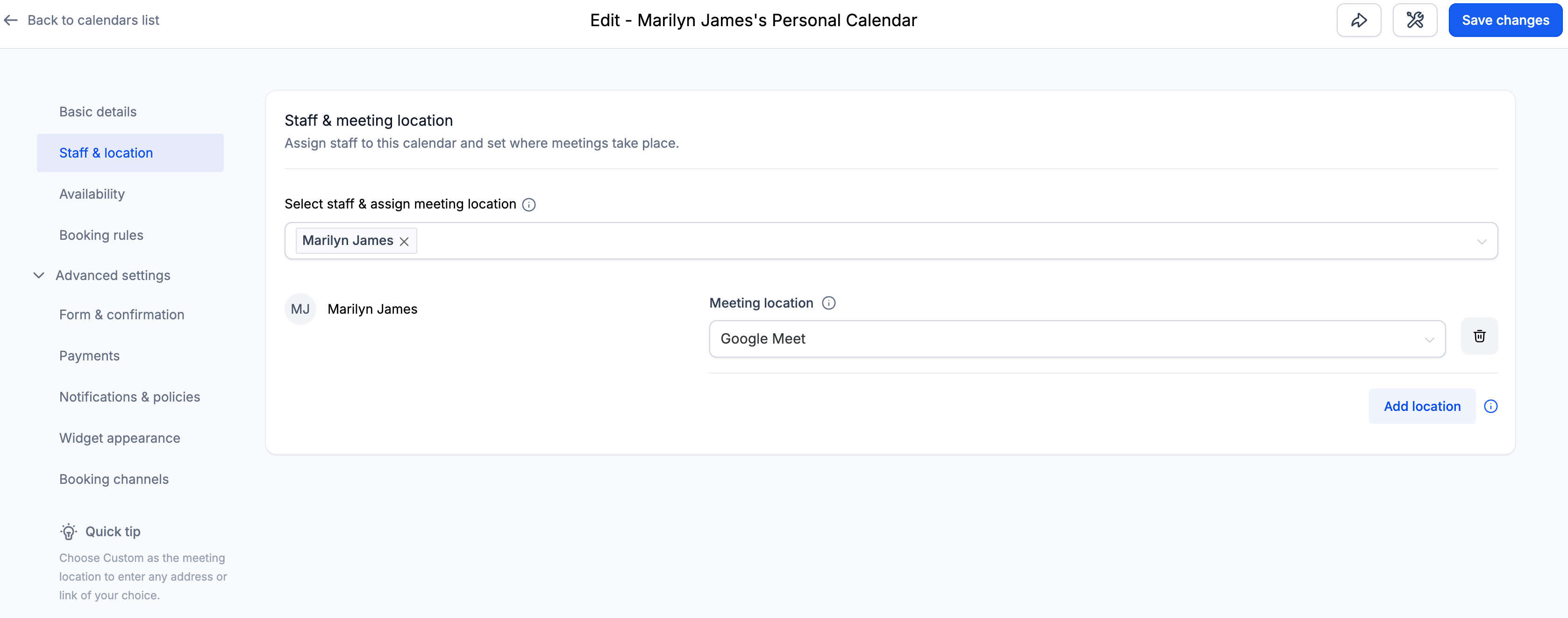
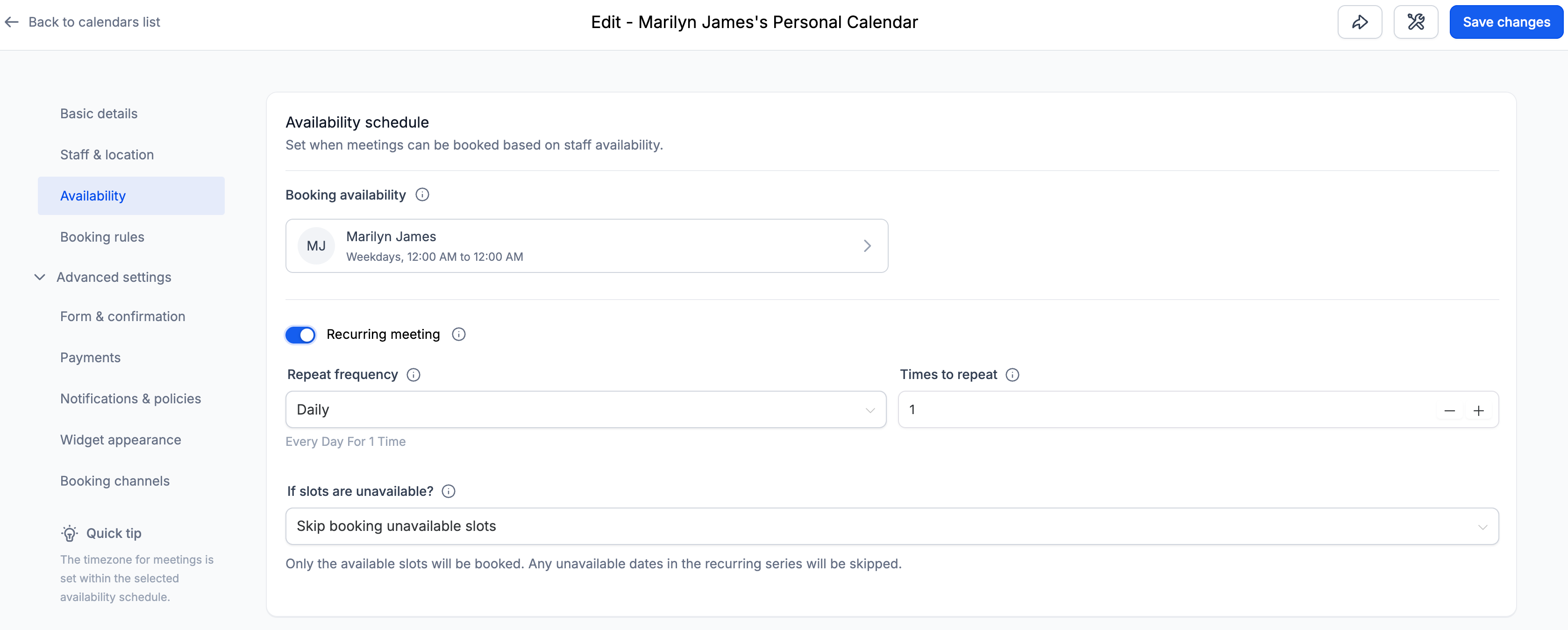
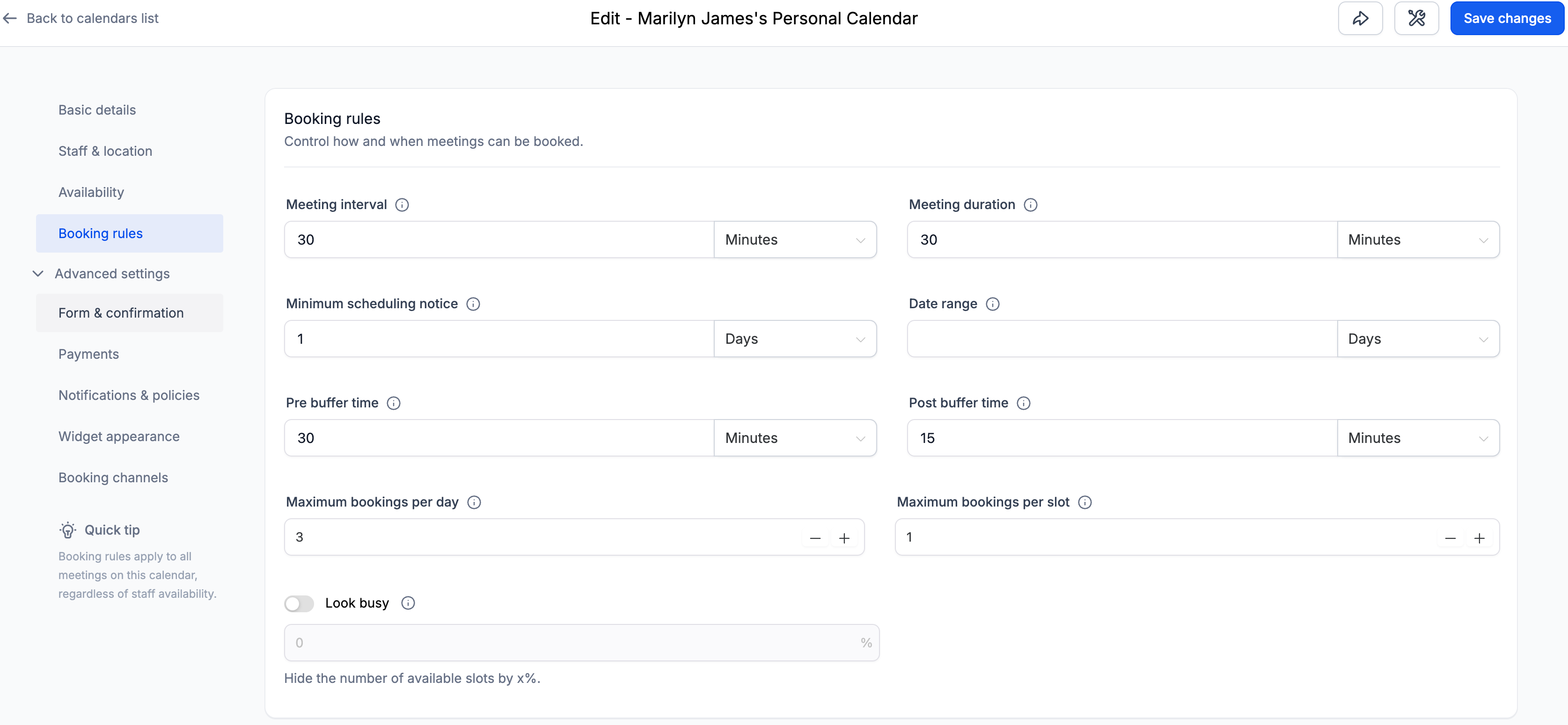
Calendar settings are now organised into clearly defined sections:
-
Basic details
-
Staff & location
-
Availability
-
Booking rules
-
Advanced settings
Within Advanced Settings, you will find:
- Form & confirmation
- Payments
- Notifications & policies
- Widget appearance
- External sync (Event Calendars)
- Booking channels (Other Calendar Types)
Each section now contains only relevant settings, making navigation more intuitive.
✅ Contextual Helper Text
Each section includes concise helper texts explaining the purpose of associated settings, which improves discoverability and reduces configuration confusion — particularly for new users.
✅ Wider Layout for Better Readability
The Calendar Settings panel now spans a larger portion of the screen.
This improvement:
- Reduces unnecessary vertical stacking
- Improves spacing between fields
The layout remains fully responsive across standard screen sizes.
Navigate to:
Calendars → Calendar Settings → Meetings → Edit Calendar
You will now see the updated structure and improved layout.