
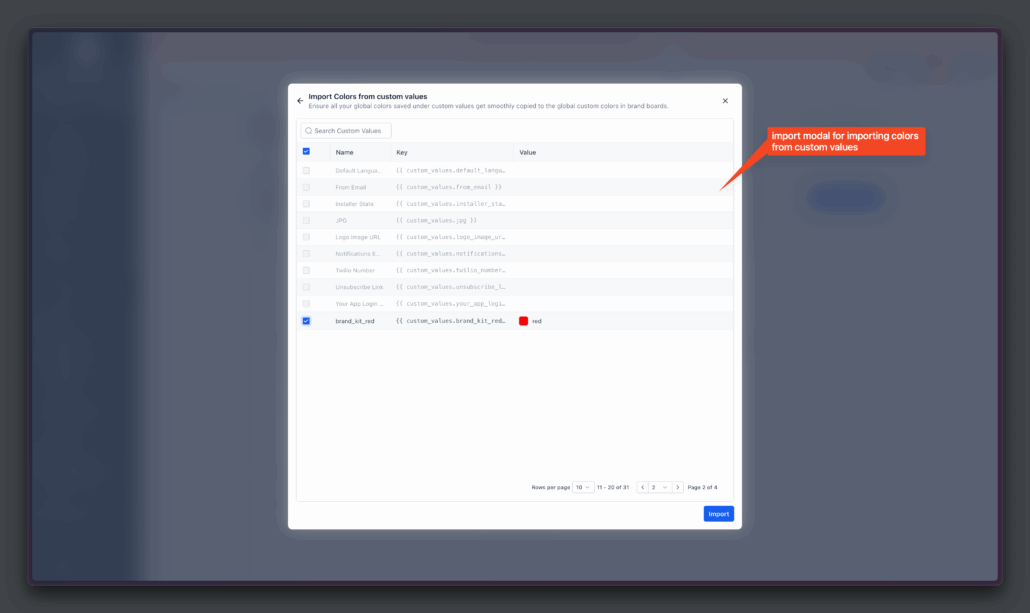
Global Custom Colors in Color Picker 🚀
We’ve added Global Custom Colours under Brand Boards to help you maintain brand consistency everywhere.
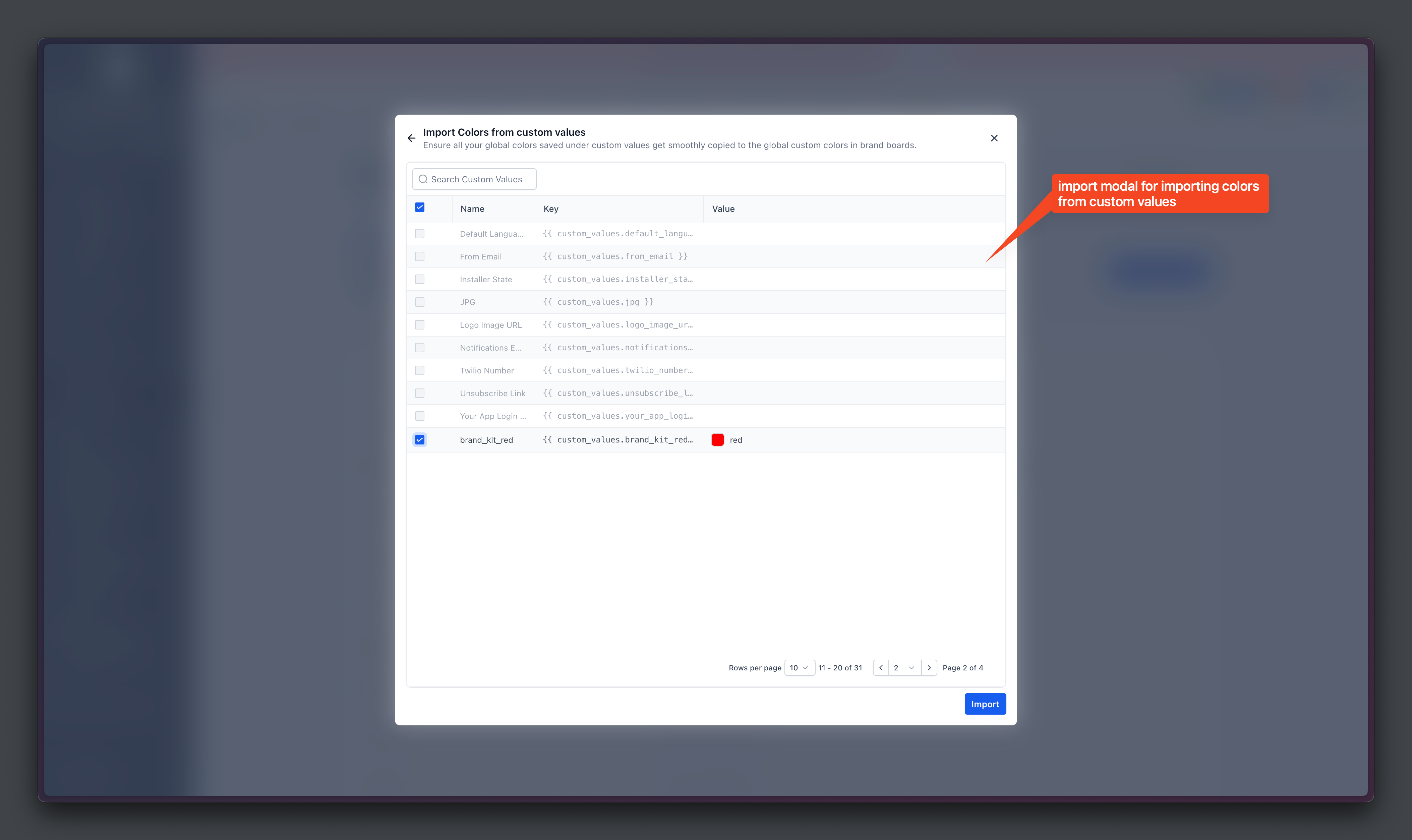
-
Stay Consistent – a single update applies across all designs
-
Quick Rebranding – agencies can clone funnels or emails and instantly rebrand for new locations
-
Easy Access – always visible in colour pickers throughout the platform in all Funnel Pages, Emails, Forms, etc.
- Go to Marketing → Brand Boards
- Open Global Settings
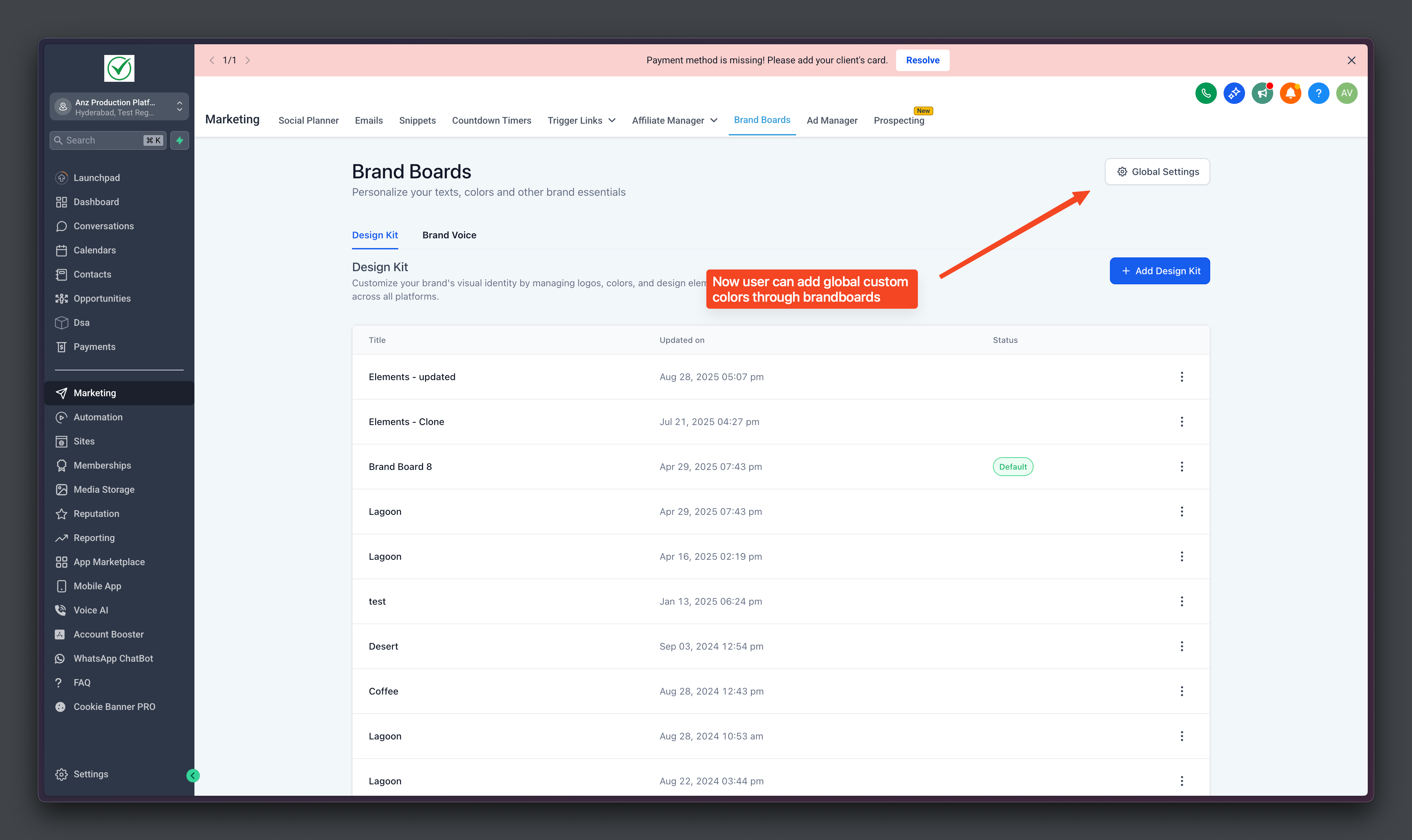
- Add, Edit, or Delete Colours directly
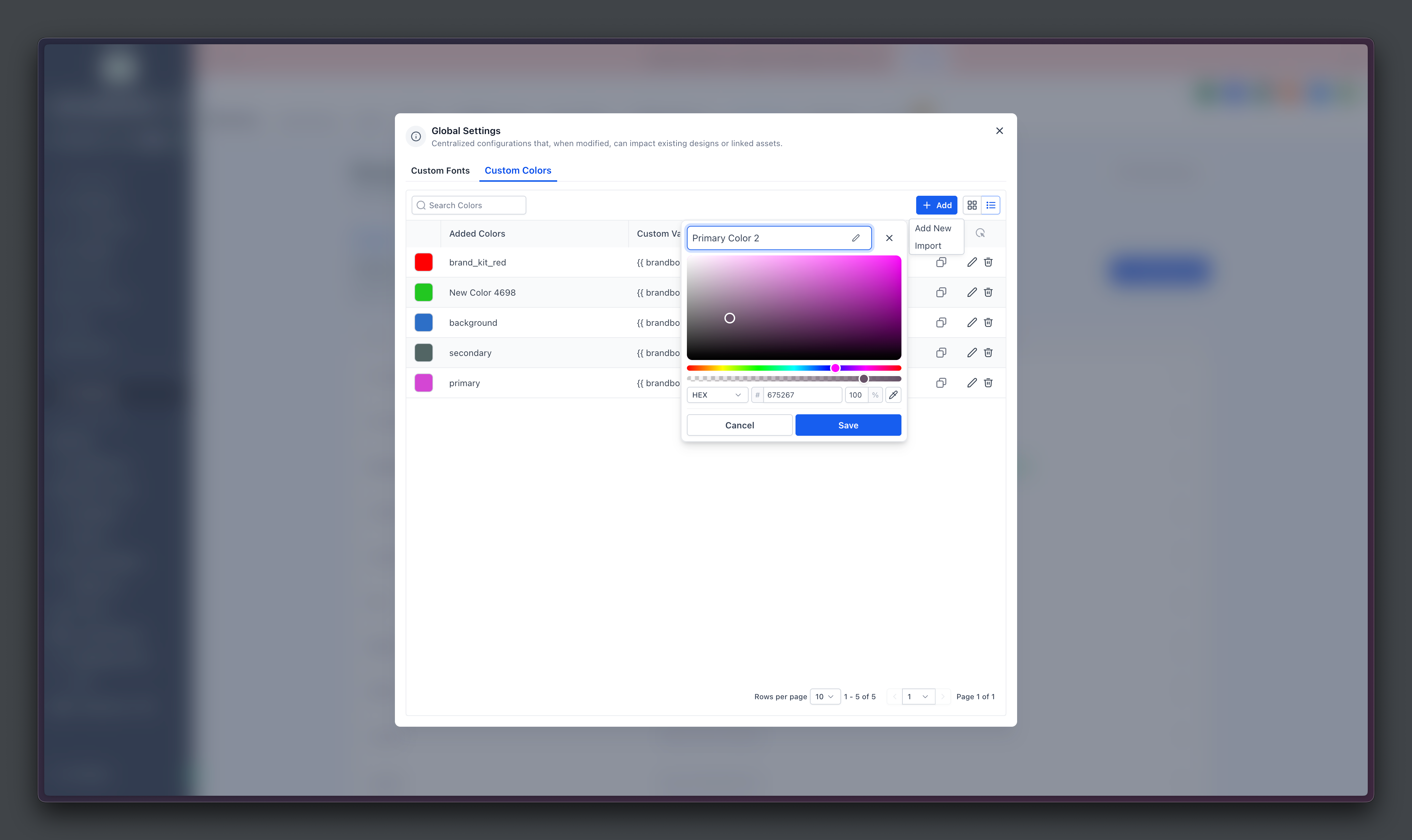
- Use Them Directly in the builder’s Colour Picker by clicking on Manage
- Colours sync everywhere they are used, so existing designs will automatically update.
- The section appears in the colour picker only if you’ve added at least one global colour, preventing confusion between Design Kit colours and Global Custom Colours.
