External Tracking Script | Clixio Changelog
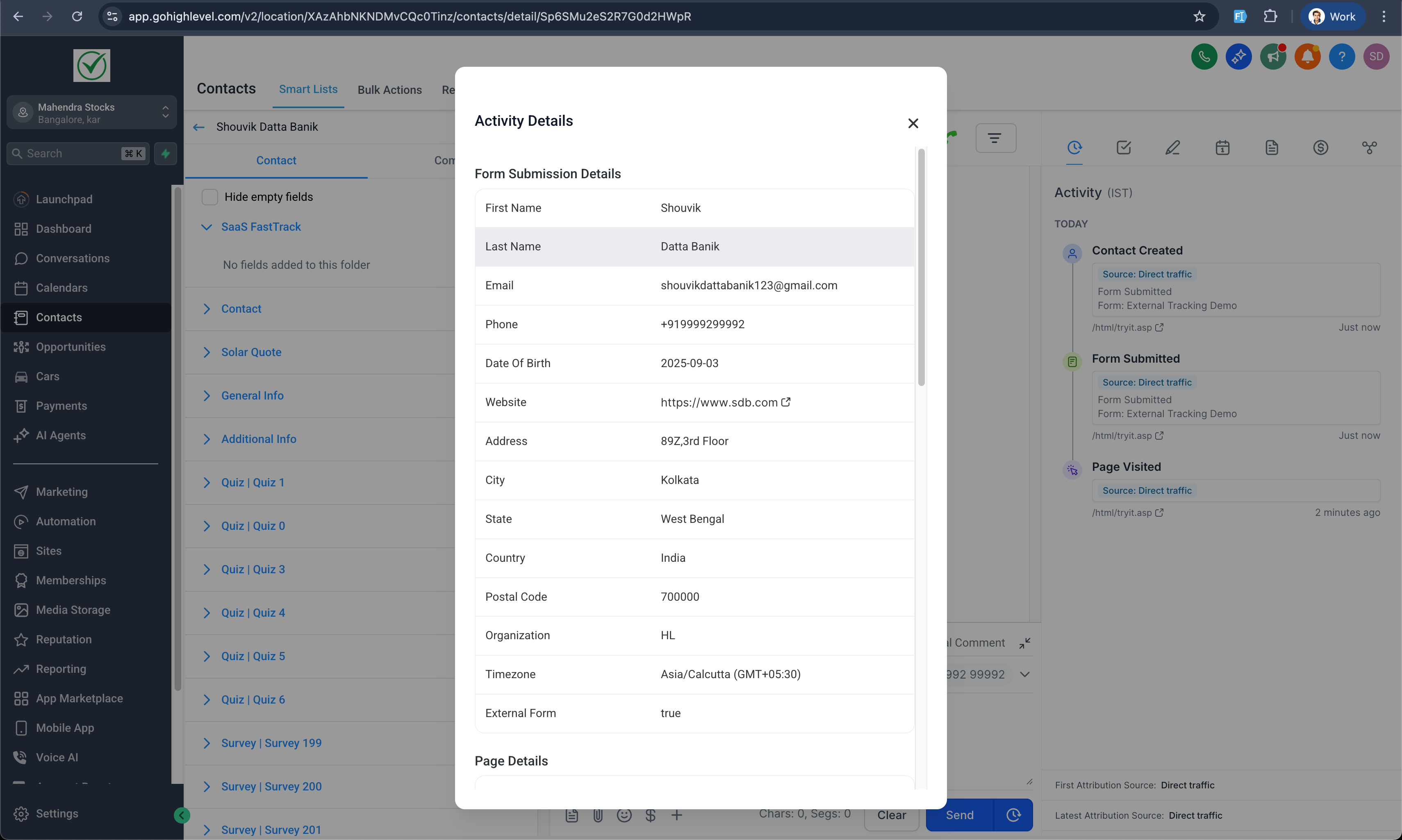
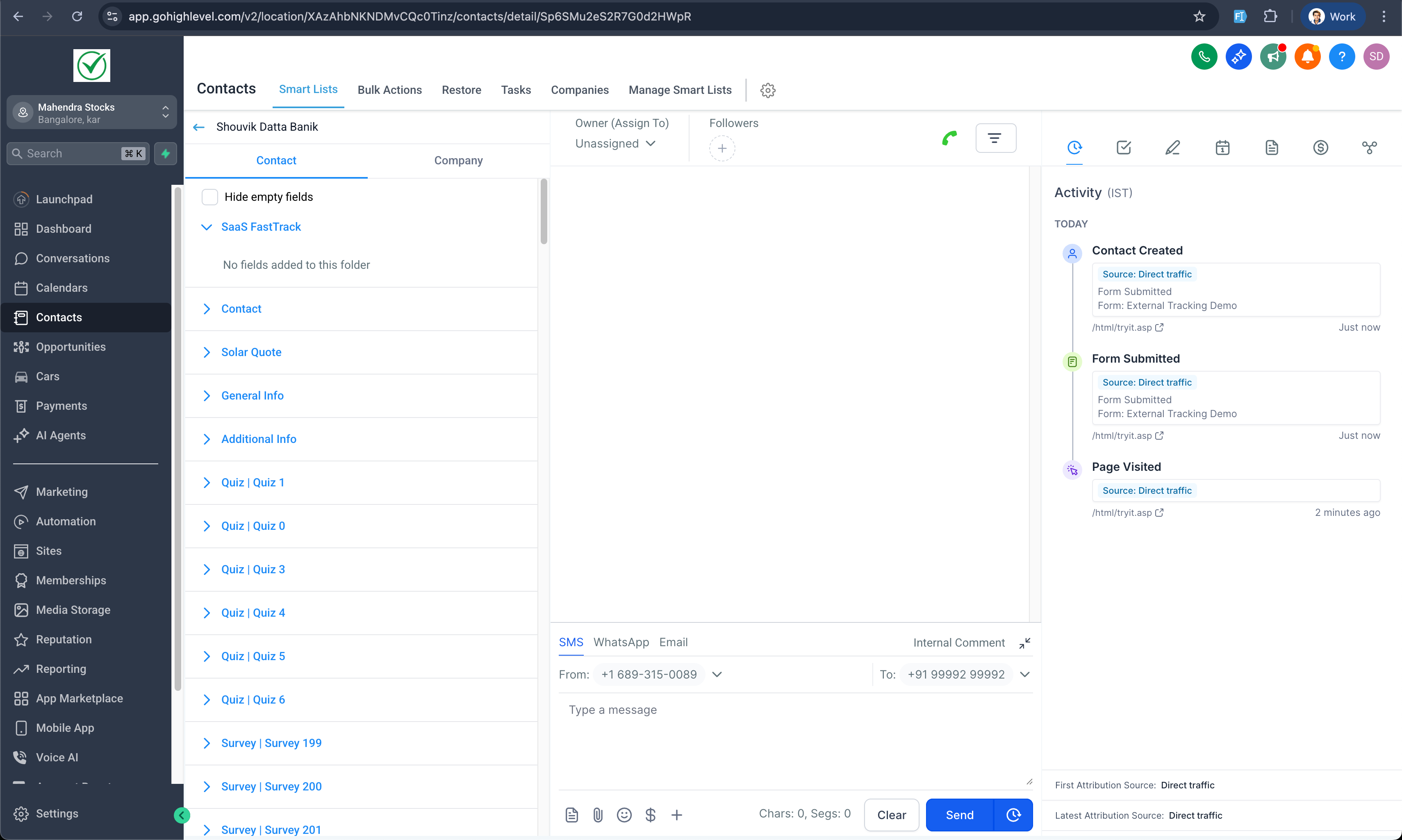
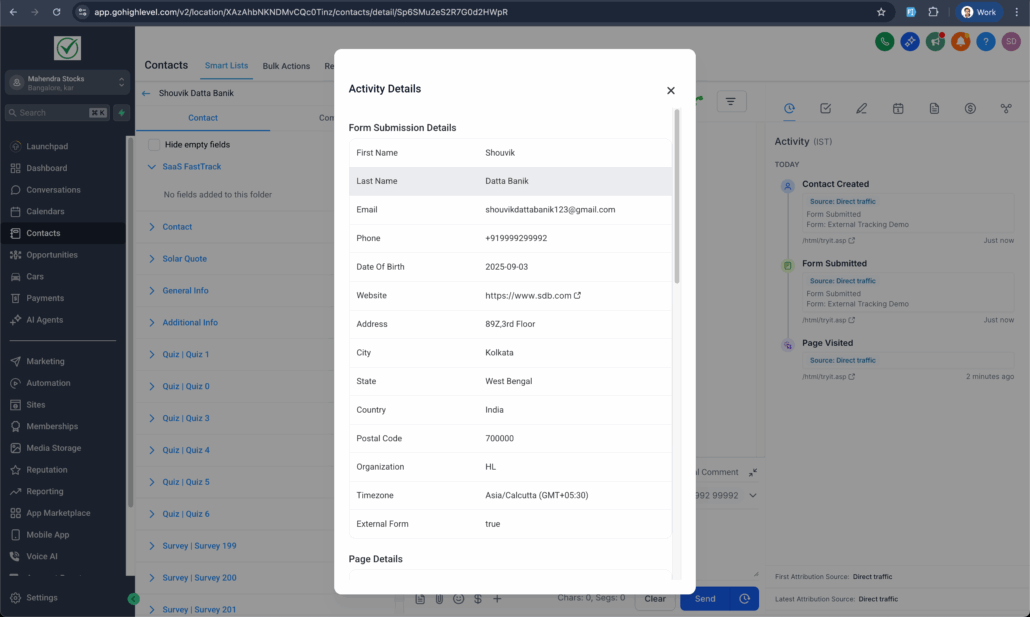
We’re excited to introduce the Tracking Code. With this release, you can install a tracking script on any external website, validate the setup, and capture external form submissions directly into the platform. Submissions sync to Contacts with attribution details, making it easier to see where leads originate and act on them with automation.
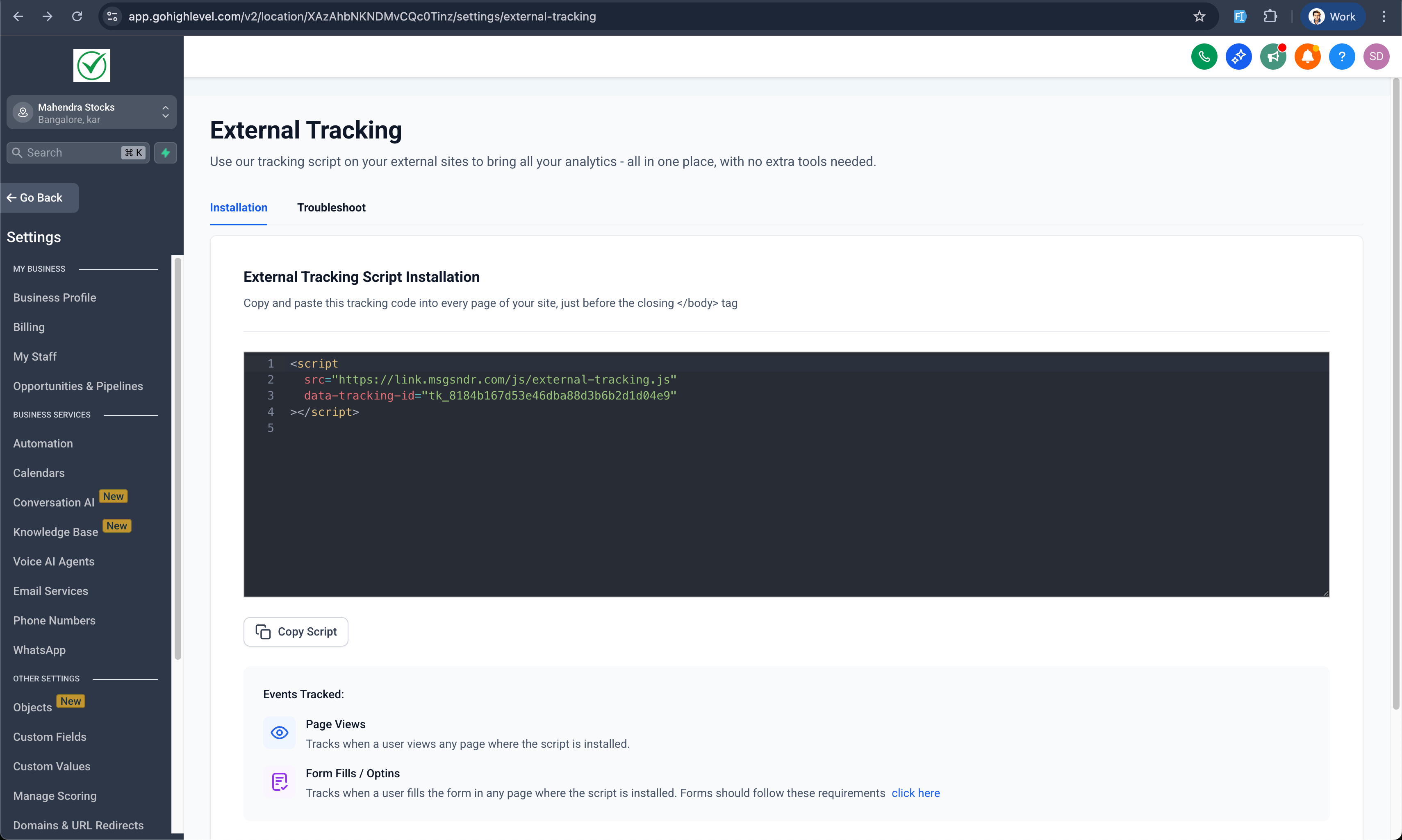
Tracking Script Installation
- Generate and copy your unique Clixio tracking code to embed on external sites.
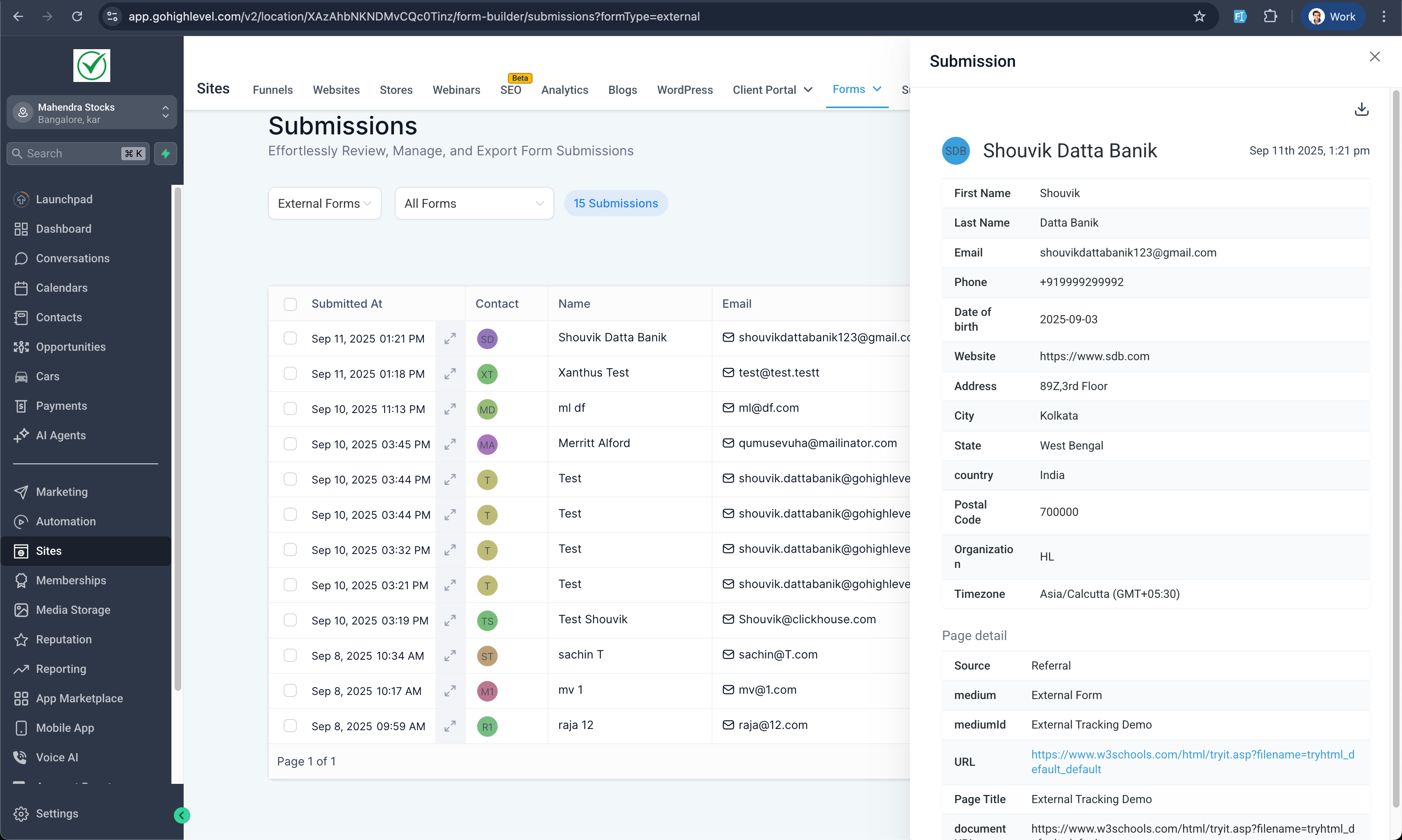
- Capture submissions from HTML forms and Formspree. Submissions appear in the Form Submissions dashboard and sync into Contacts.
- Synced contacts include full attribution data (UTM, source, etc.).
- Contacts are automatically tagged with external form identifiers (e.g., external form: {form_name}) for easier tracking.
Troubleshooting & Validation
- Built-in checks confirm the tracking code installation.
- Validation highlights sync errors such as unmapped fields, missing values, or mismatched data.
- Go to Settings → Beta Labs → Account.
- Enable External Tracking.
- In a location, go to Settings → External Tracking.
- Copy the tracking code and embed it on external sites.
- User Demand: Requested by over 300 votes on the Ideas board.
- Competitive Edge: Matches the capabilities of HubSpot and similar platforms.
- Onboarding Impact: Simplifies setup for new customers who expect tracking out of the box.
- Better Attribution: Connects every external form submission to contacts with attribution data.
- Workflows: Expanded tracking-based triggers for greater automation flexibility.
- Analytics: First reporting dashboards featuring graphs and performance insights.
- Works across all external websites.
- Current form support includes HTML forms and Formspree.