
Expanded sound notifications for Live Chat Widget messages
many more system and lifecycle messages
, ensuring that website visitors do not miss out on important updates during a chat session.
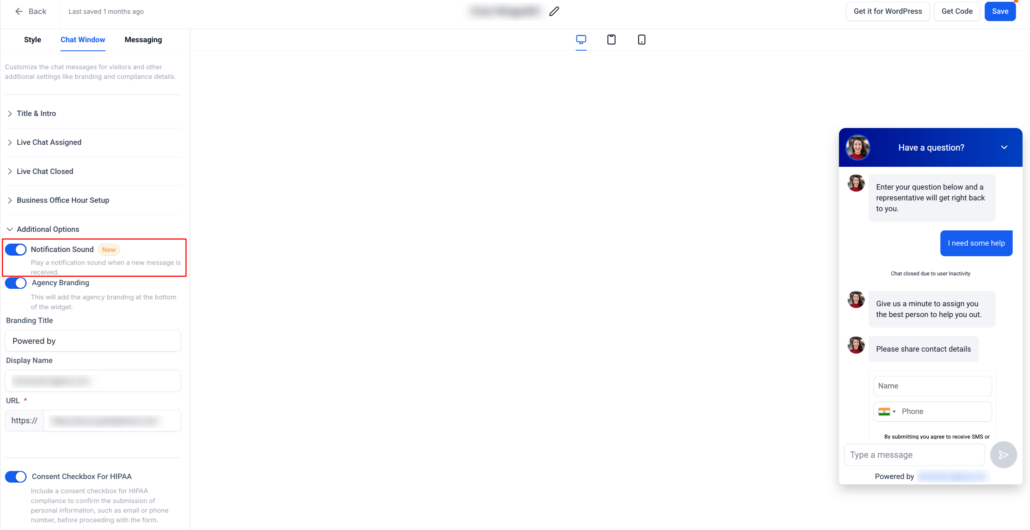
“Notification Sound”
toggle.
The Notification Sound toggle can be found under:
Chat Widget > Chat Window > Additional Options
ON (default)
: A sound will play whenever a supported message is displayed to the visitor.
OFF
: All messages will be delivered silently, without sound or popup interruptions.
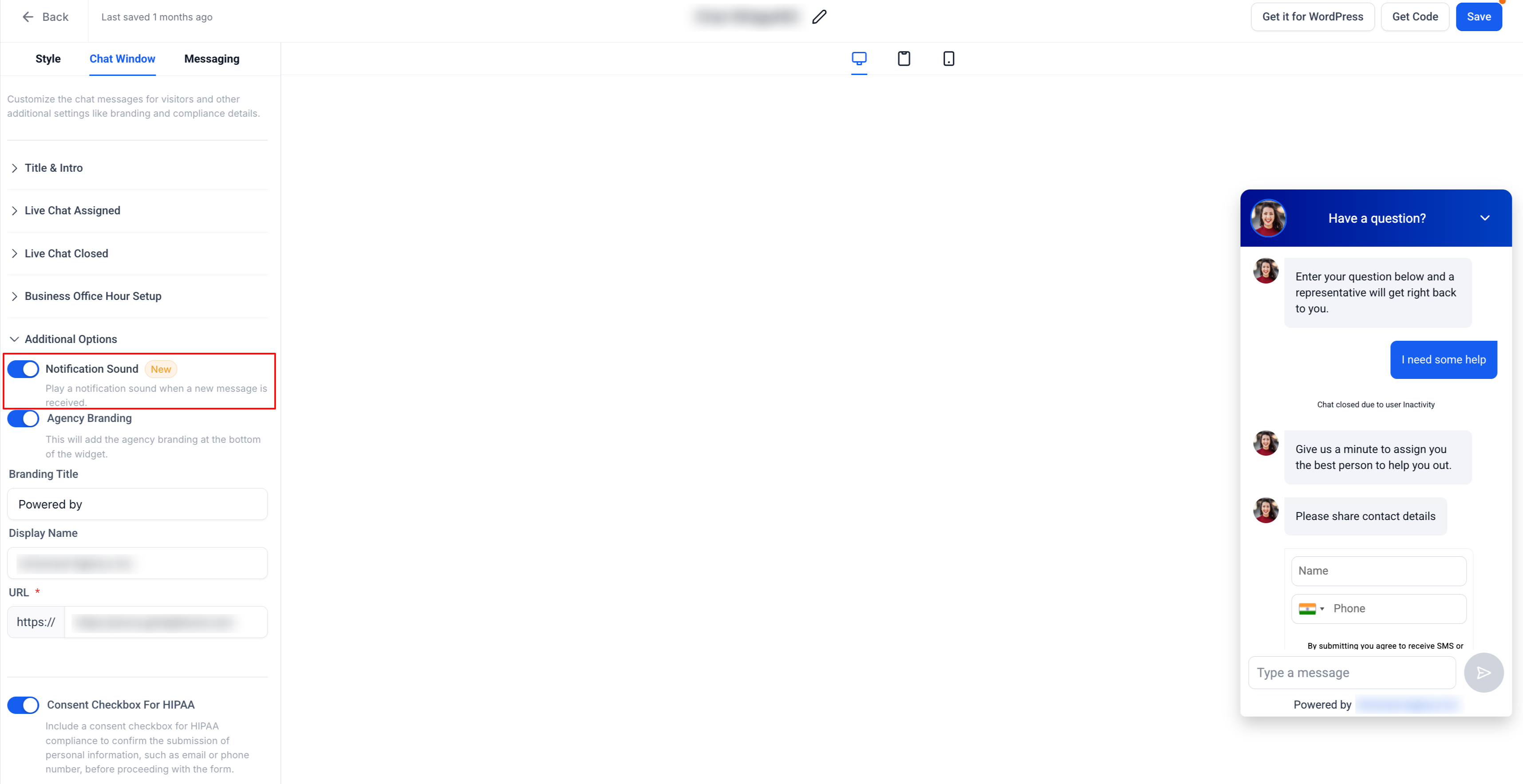
With this enhancement, sound notifications will now be triggered for the following message types:
-
Live chat intro message
– when initiating a live chat session and after a successful contact form submission.
-
Acknowledgement message
– when a chat is acknowledged or concluded.
-
Subheading message
: Initial greeting for new visitors, when no previous chats are available, and during the inline mode initialisation.
All of the above messages will now play a sound upon appearance, provided that the Notification Sound toggle is enabled.
- Notification Sound is
enabled by default
for Live Chat widgets.
- The toggle applies to
all supported chat messages
listed above.
- Sub-accounts can manage this setting independently for each widget.
- Disabling the toggle will mute
all sounds
, while messages will still display normally.
