
Element & Slide Cloning | Clixio Changelog
We’ve introduced cloning in the builder, making it easier to duplicate and reuse form elements and survey/quiz slides without the need to rebuild them from scratch.
You can now:
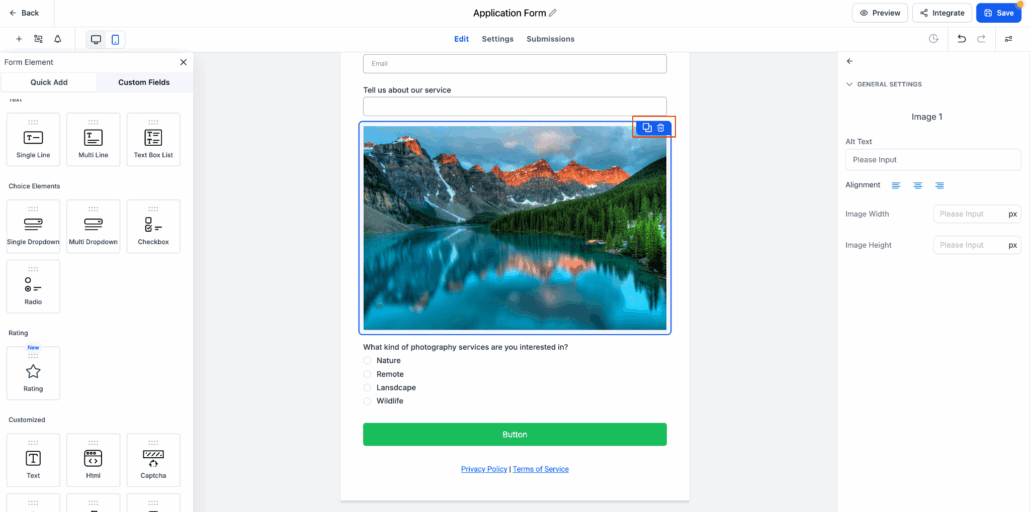
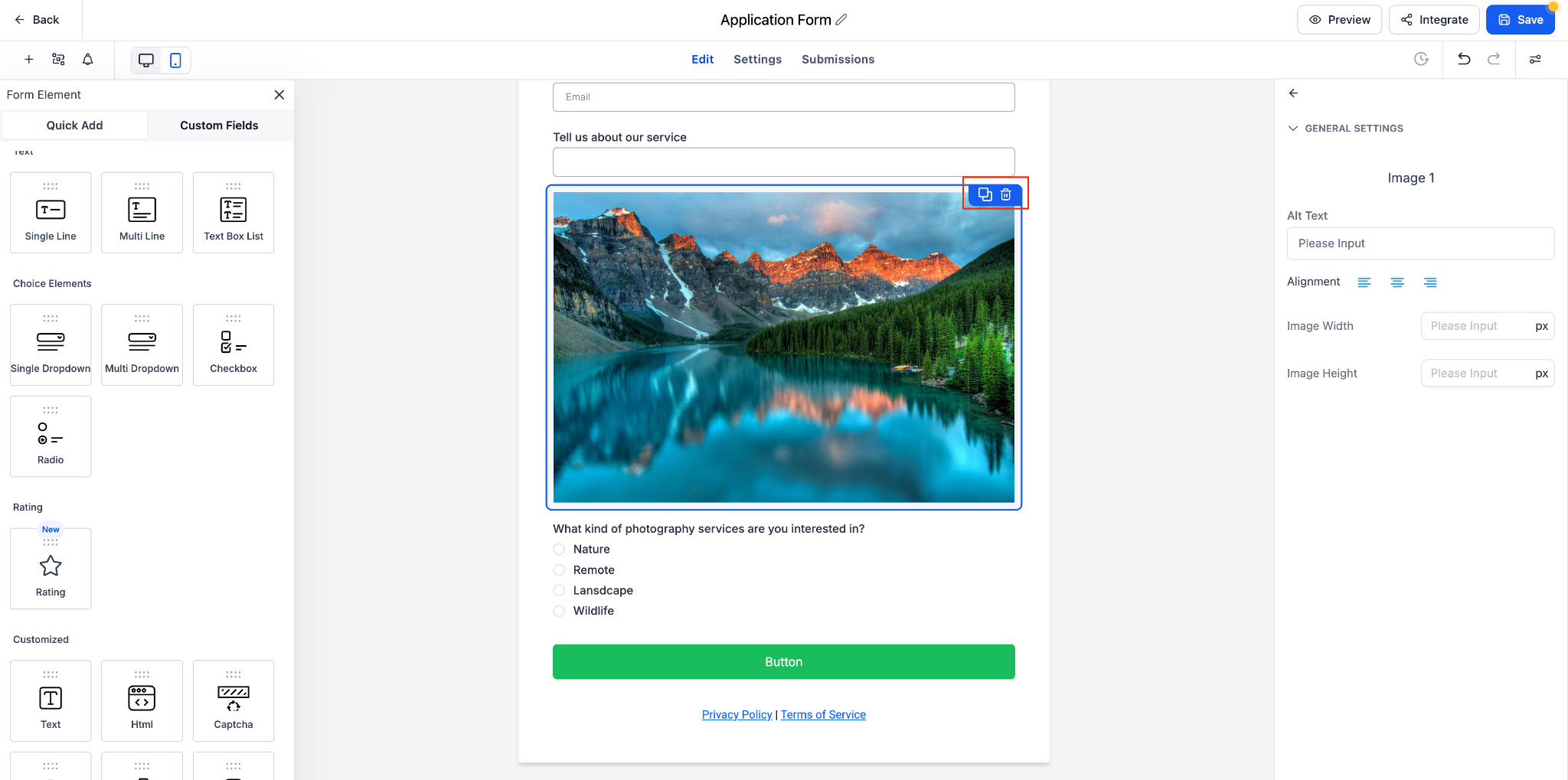
📋 Clone any form element, including custom fields, text, and image blocks.
🖼️ Duplicate image elements without needing to re-upload them.
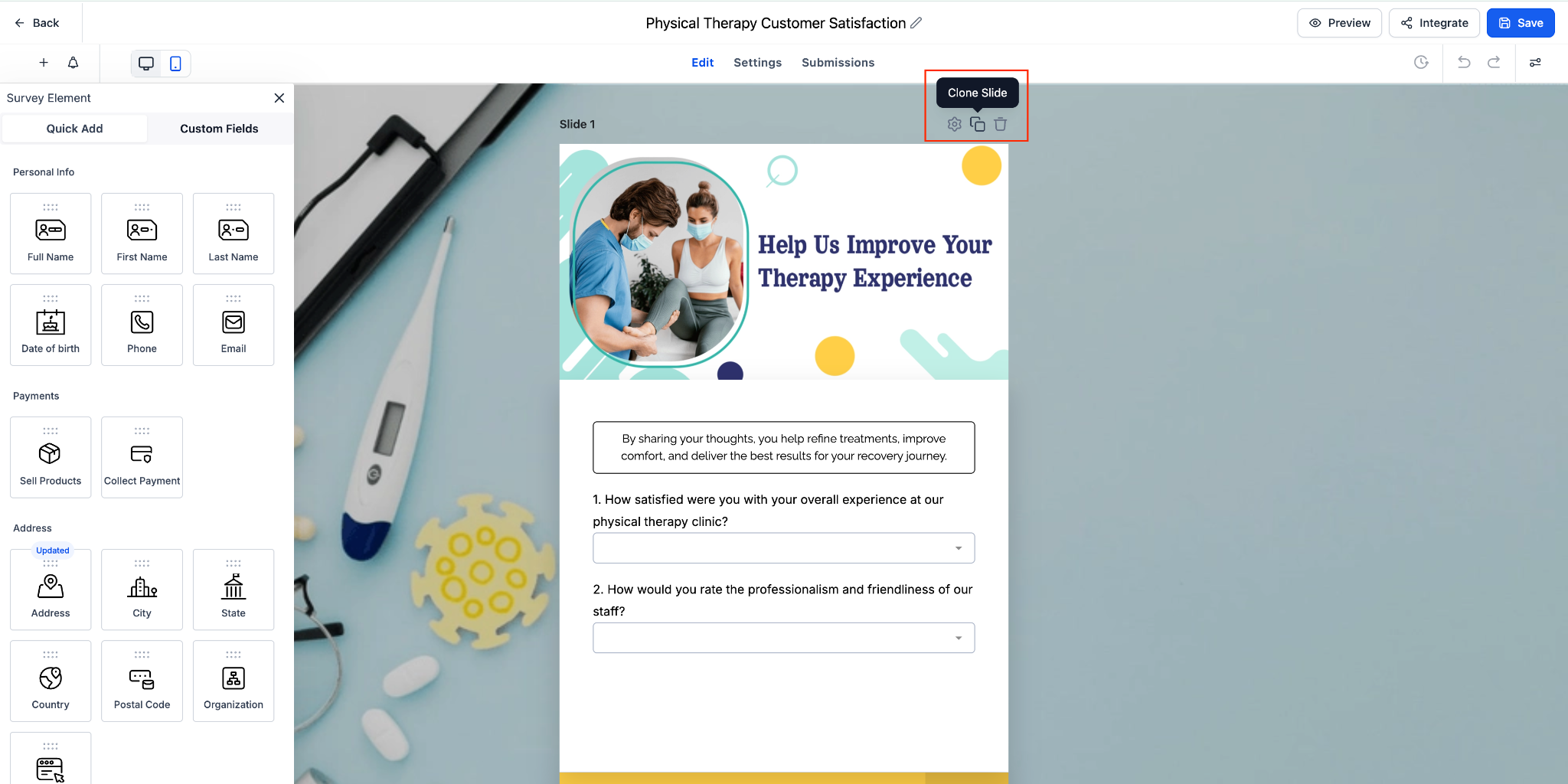
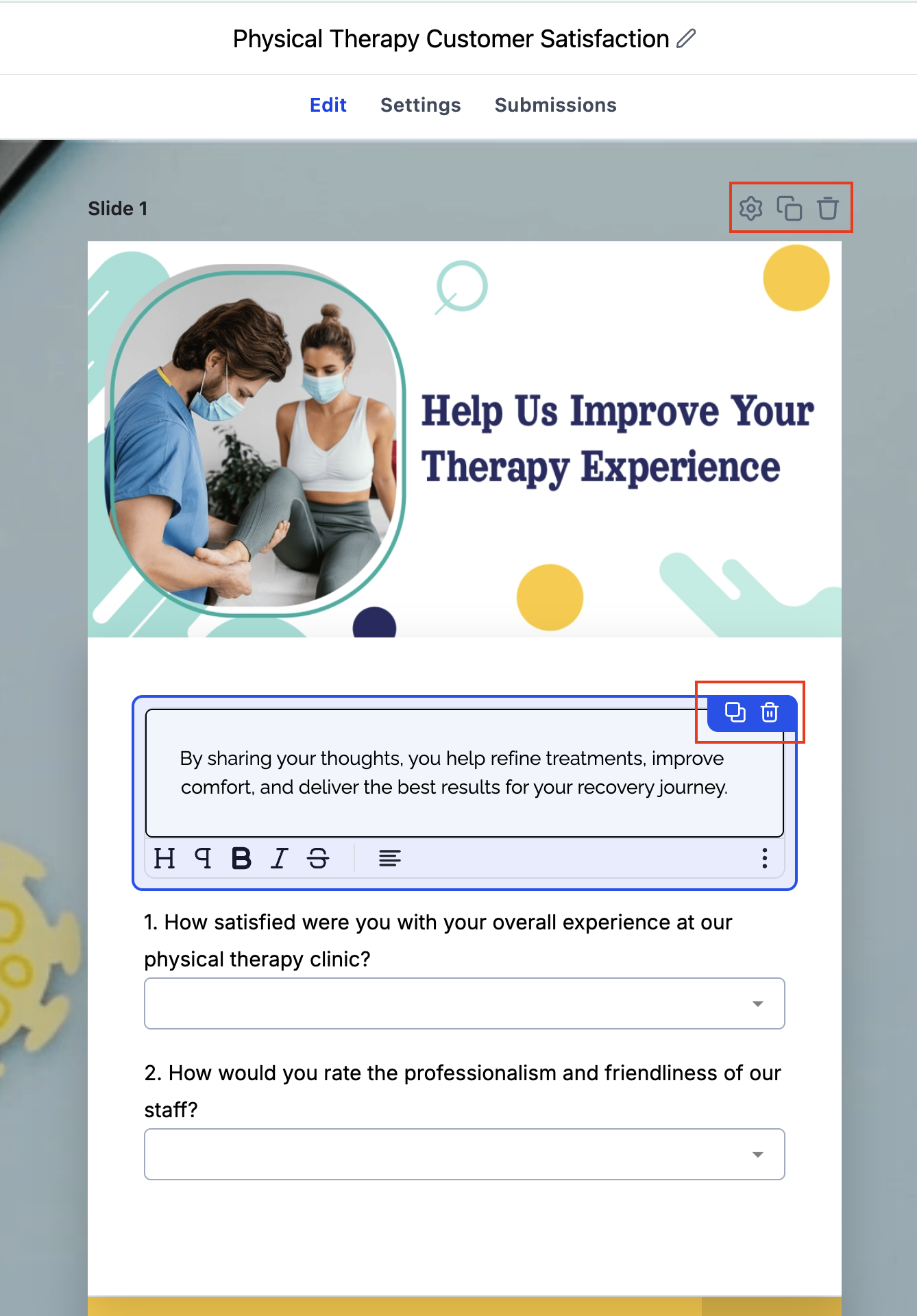
📊 Clone entire slides in survey mode for faster multi-step form creation.
⚡ Enjoy one-click cloning via a dedicated clone icon on each component or slide.
- Hover over the element or slide you wish to duplicate.
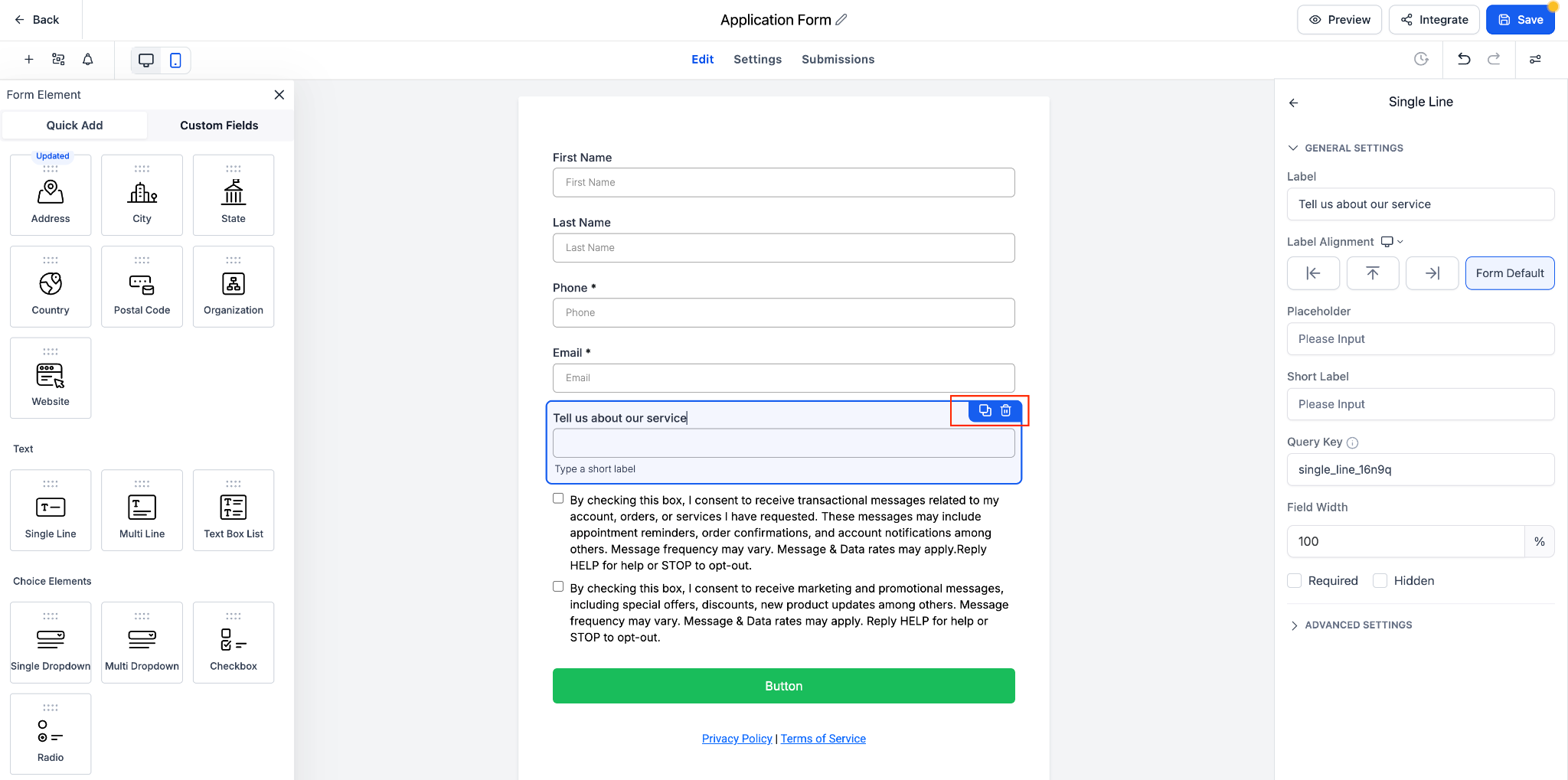
- Click the Clone icon 📄🔁 in the top-right corner.
- A duplicate will be created immediately below the original, retaining all settings and styles.
- Edit the cloned element or slide as needed.
⏱️ Speed – Reduce repetitive tasks by quickly duplicating elements or slides.
🎨 Consistency – Maintain styling and field settings across multiple sections.
⚙️ Efficiency – Focus on customising rather than recreating from scratch.
📈 Scalability – Build complex forms and surveys faster by reusing existing structures.
- Cloned elements retain all settings, styles, and validations.
- Slide cloning is only available in Surveys and Quizzes.
- This feature is great for scaling complex forms or iterating faster in design.
