Easily Adjust Margins in Forms, Surveys & Quizzes
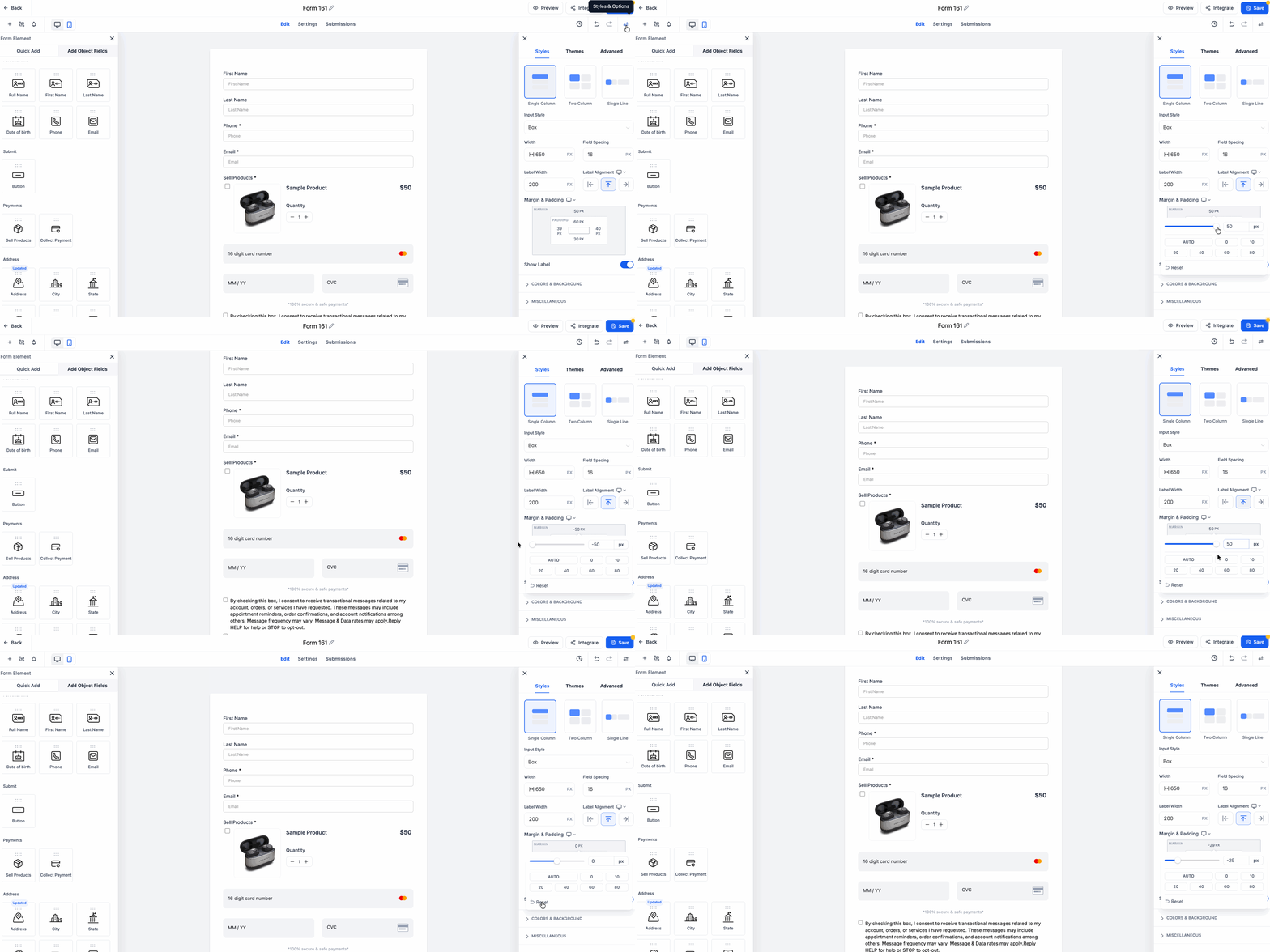
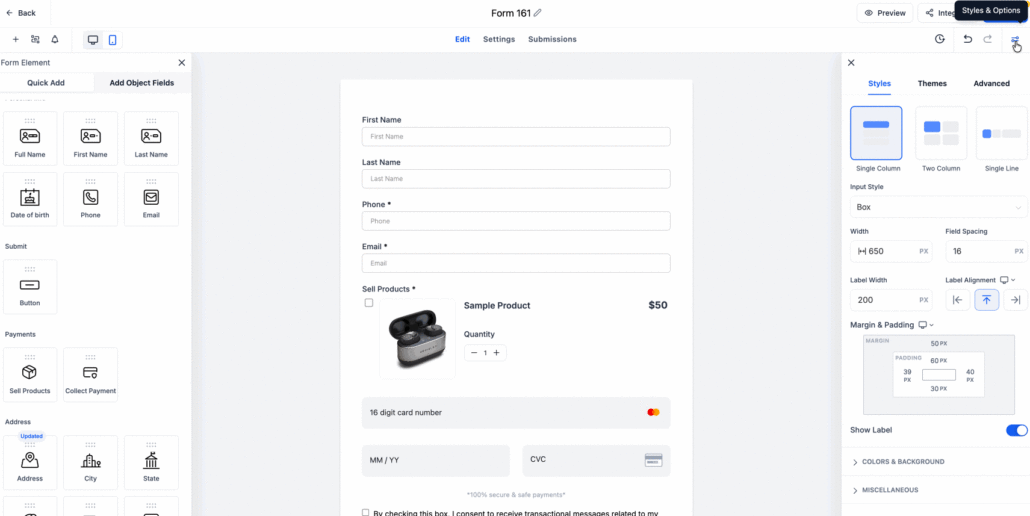
You can now adjust the top spacing (margins) directly within the builder—there’s no need to write custom CSS. Simply use the layout panel to control how much space appears above or below your content.
Key Features:
- New Top Margin settings in the layout panel that work across Forms, Surveys, and Quizzes
- Changes appear instantly in the preview
- Default spacing remains unchanged if fields are left empty
How to Set Top Margins:
- Open your form, survey, or quiz in the builder
- Navigate to Styles > Layout
- Adjust the top margins to control spacing
- Preview updates live as you make changes
Benefits of the New Feature:
- No more searching through custom code to modify spacing
- Empowers non-technical users with greater control over layout
- Facilitates faster publishing and reduces the need for support interactions