
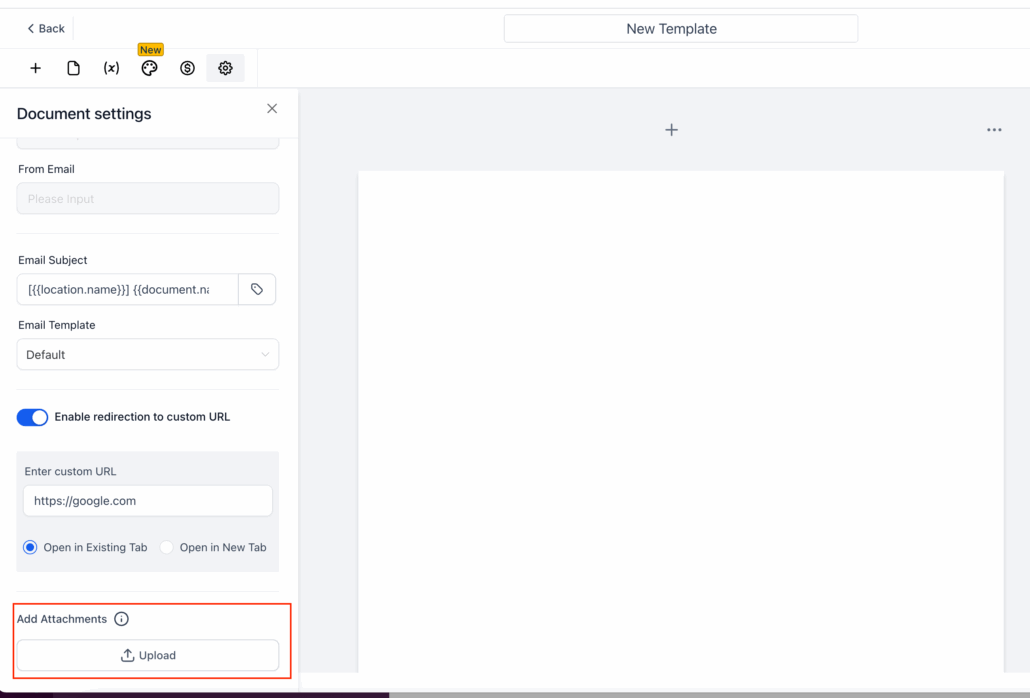
Documents & Contracts: Now supports Email Attachments
**What’s New?**
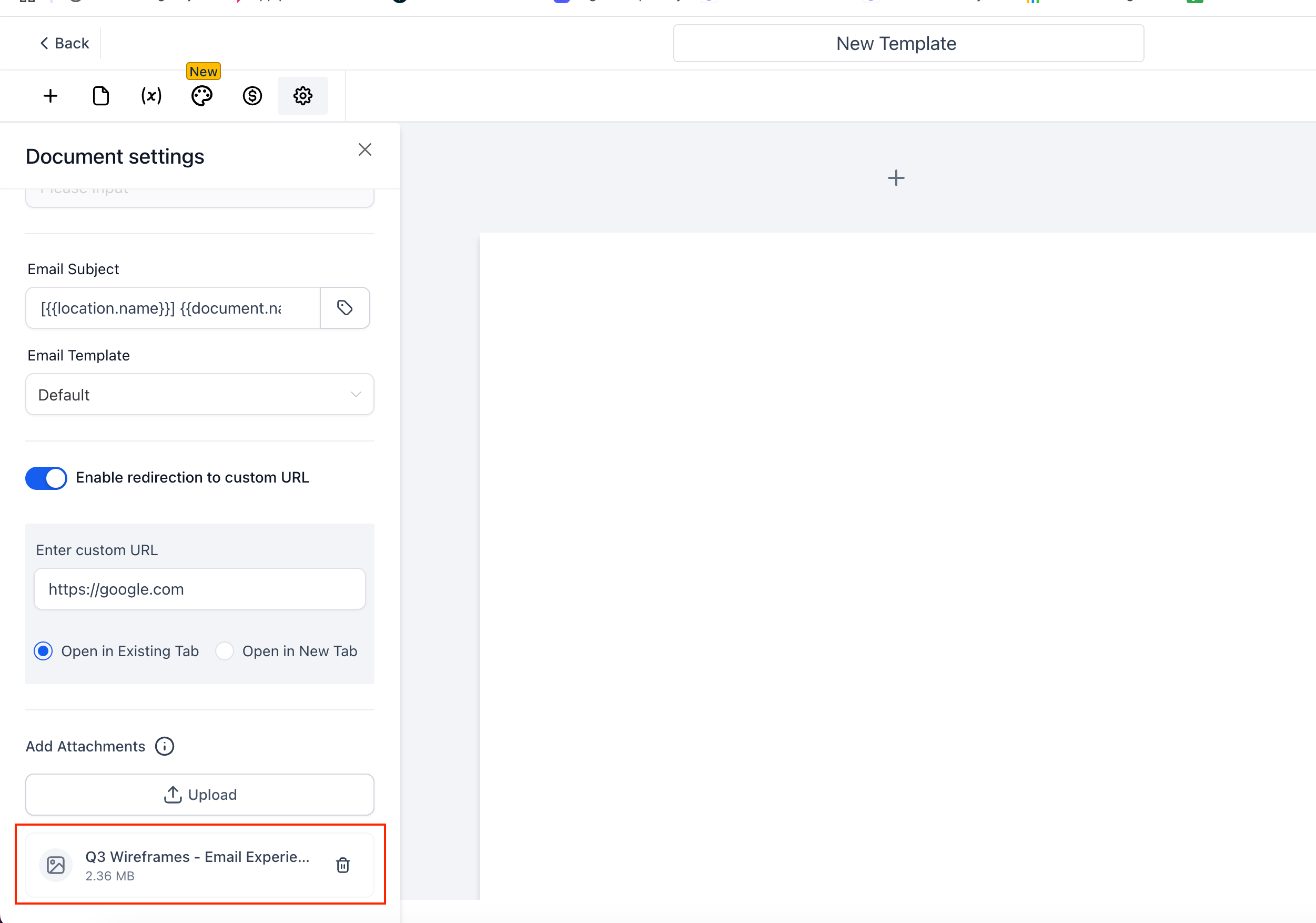
- You can now attach multiple files (SVG, PNG, JPG, or PDF, up to 15 MB each) to any document in both the Document Builder and the Template Builder.
- When the document is sent—either manually or through a Workflow—the selected files will be included as email attachments, visible and downloadable in the recipient’s inbox.
**How to Attach Files**
- Open any document or template in the Document Builder.
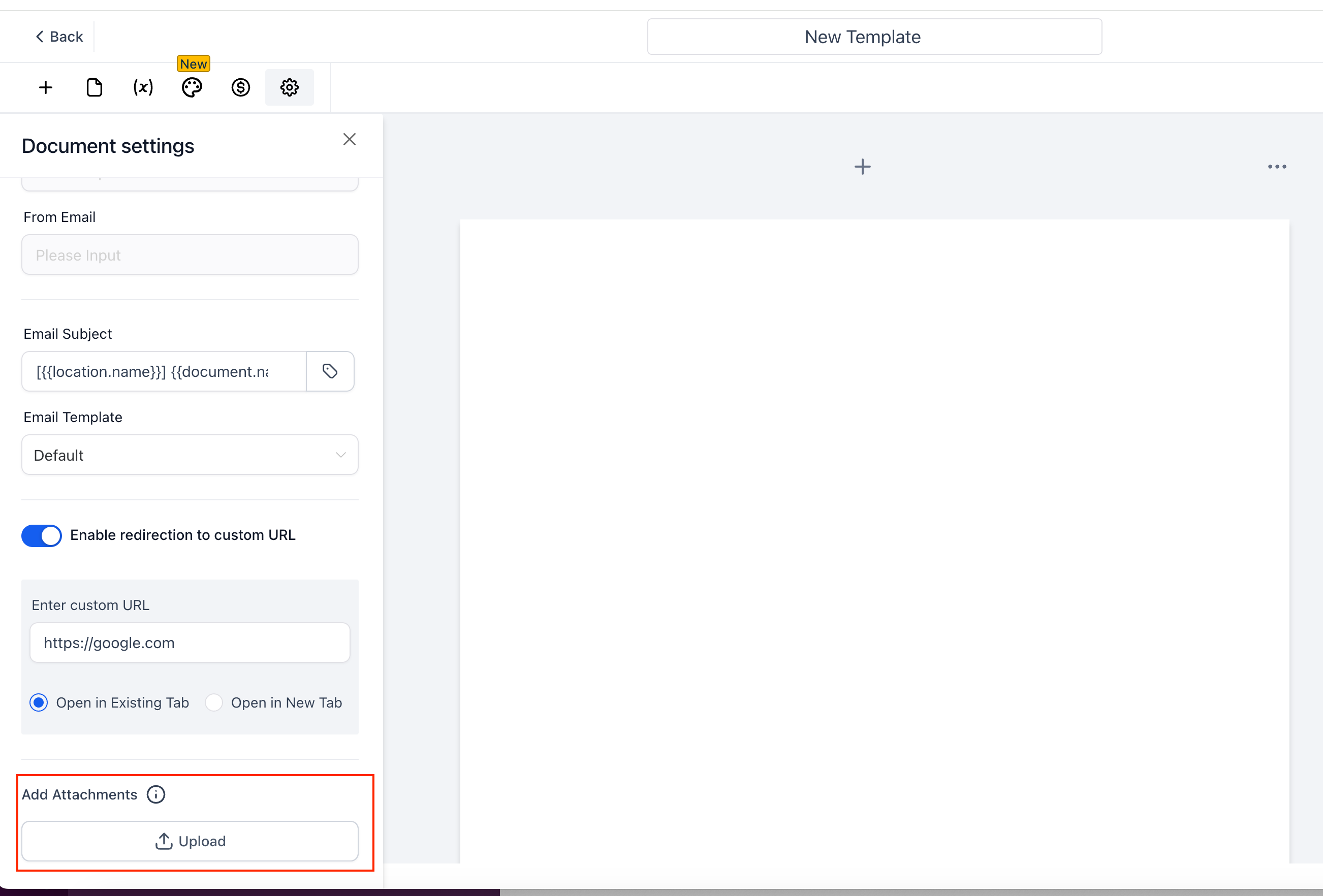
- In the left-hand “Document settings” panel, find “Add Attachments” and click “Upload.”
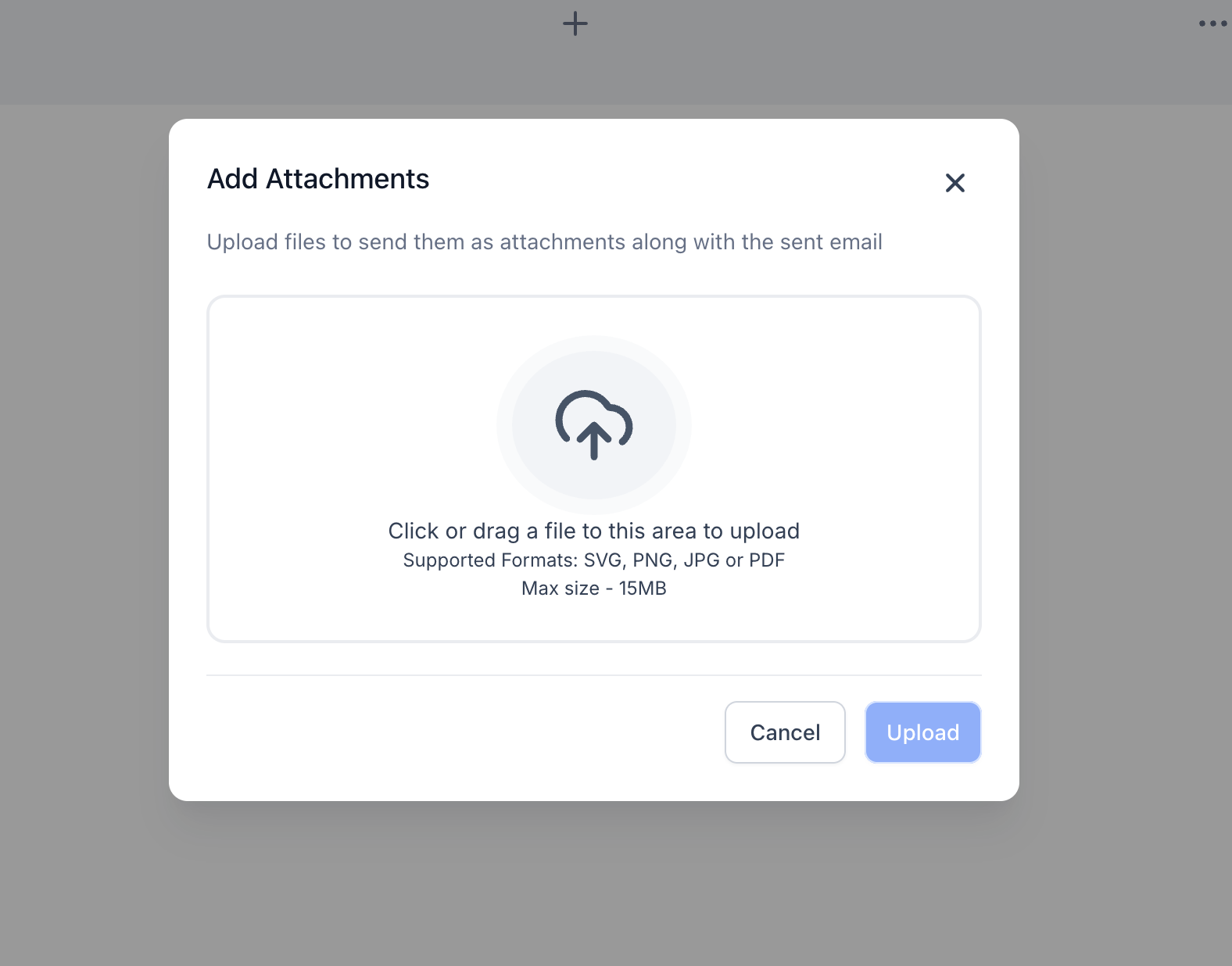
- Drag and drop files or browse your computer. Supported formats: SVG, PNG, JPG, PDF (≤ 15 MB each).
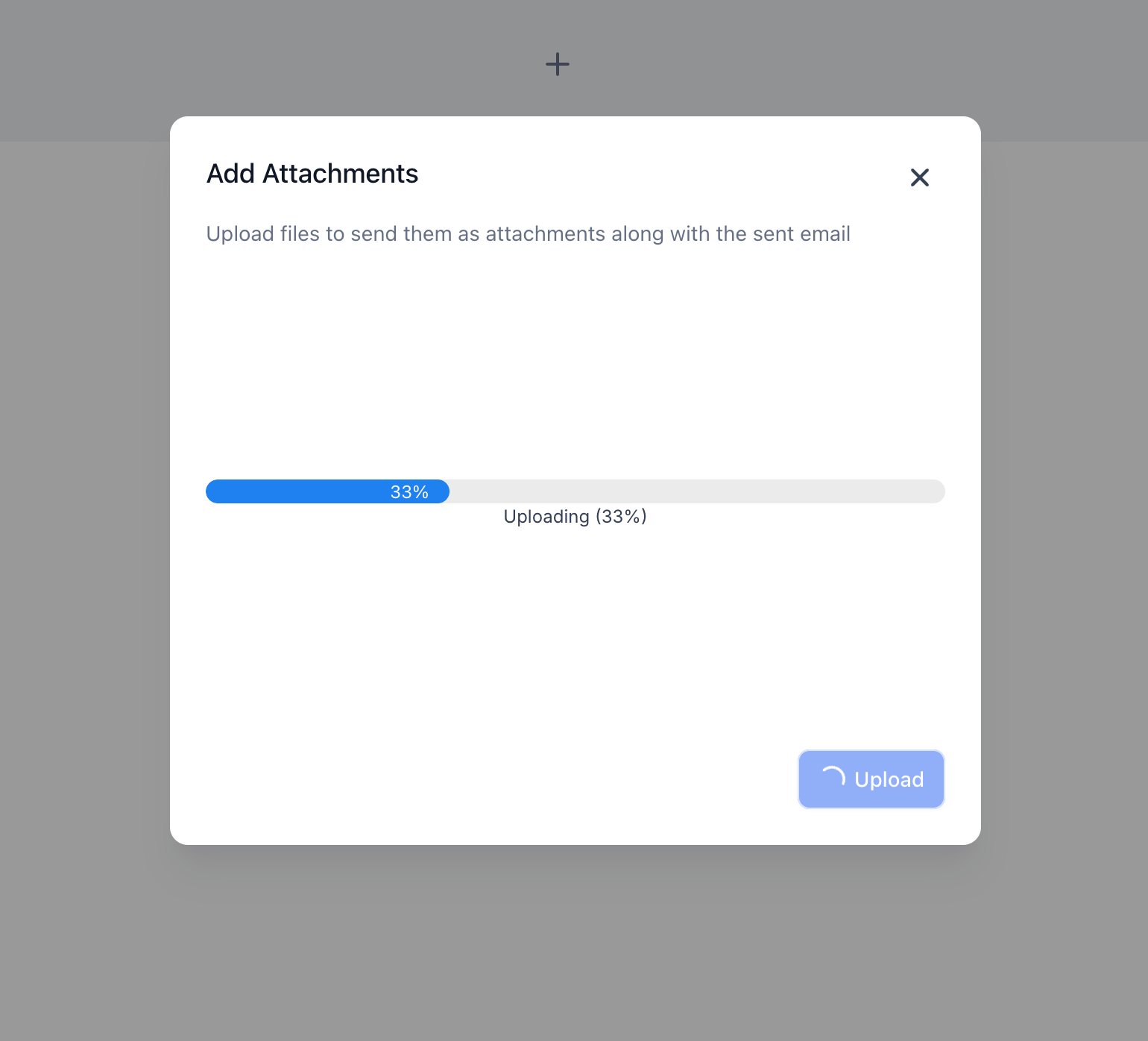
- Monitor the real-time upload progress; remove any file by clicking the 🗑 icon if needed.
- Save the document or template.
- When you click “Send” (or when a Workflow sends it), the files will be attached as standard email attachments for the recipient.
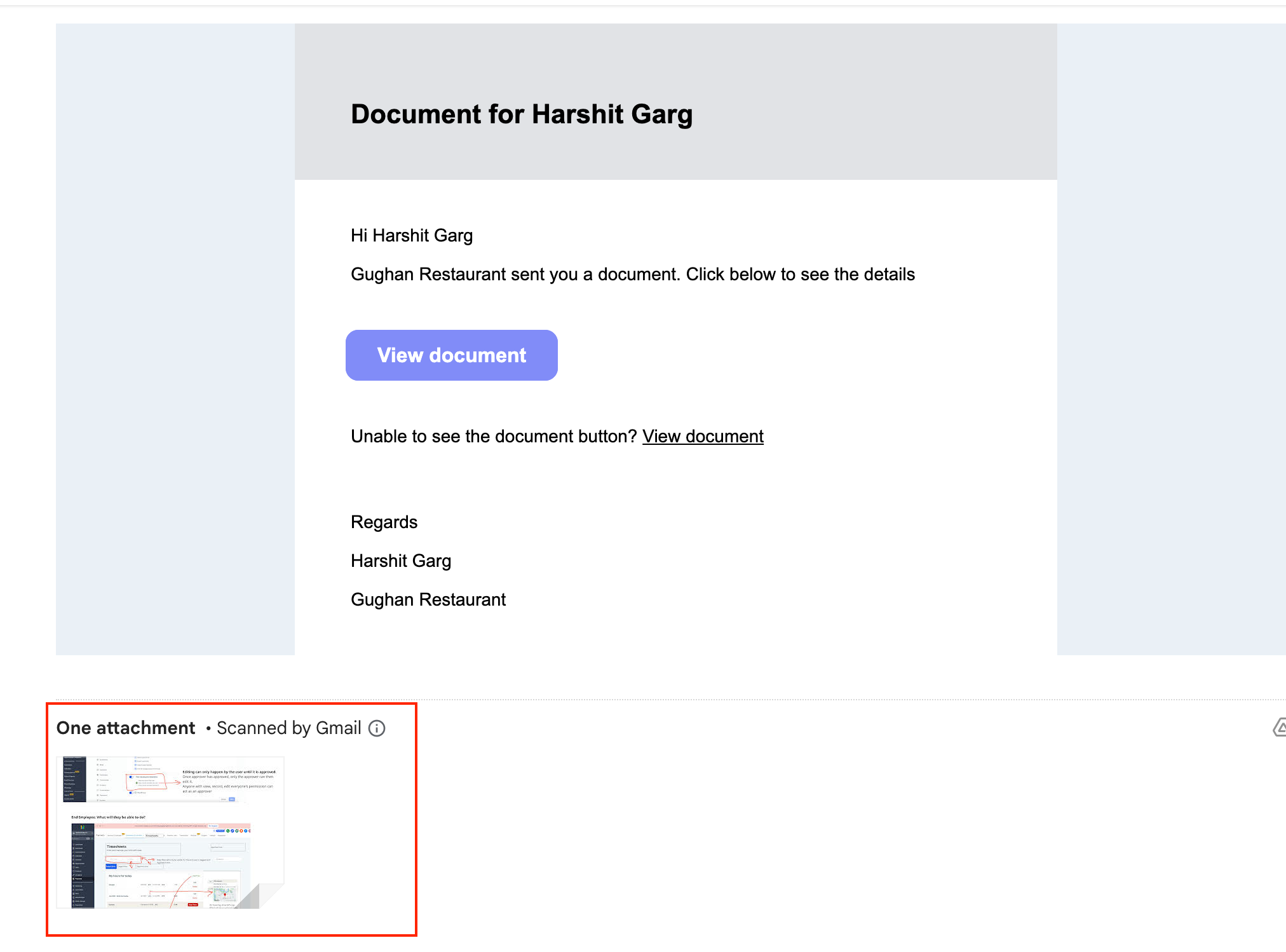
- This allows clients to send a single email that contains both the contract and all supporting documents.
