

Documents & Contracts: Content Library for ease of Document Creation
Clixio
Roadmap
Feedback
Changelog
New
Documents & Contracts
What’s new?
- Content Library within the Documents & Contracts editor and template editor.
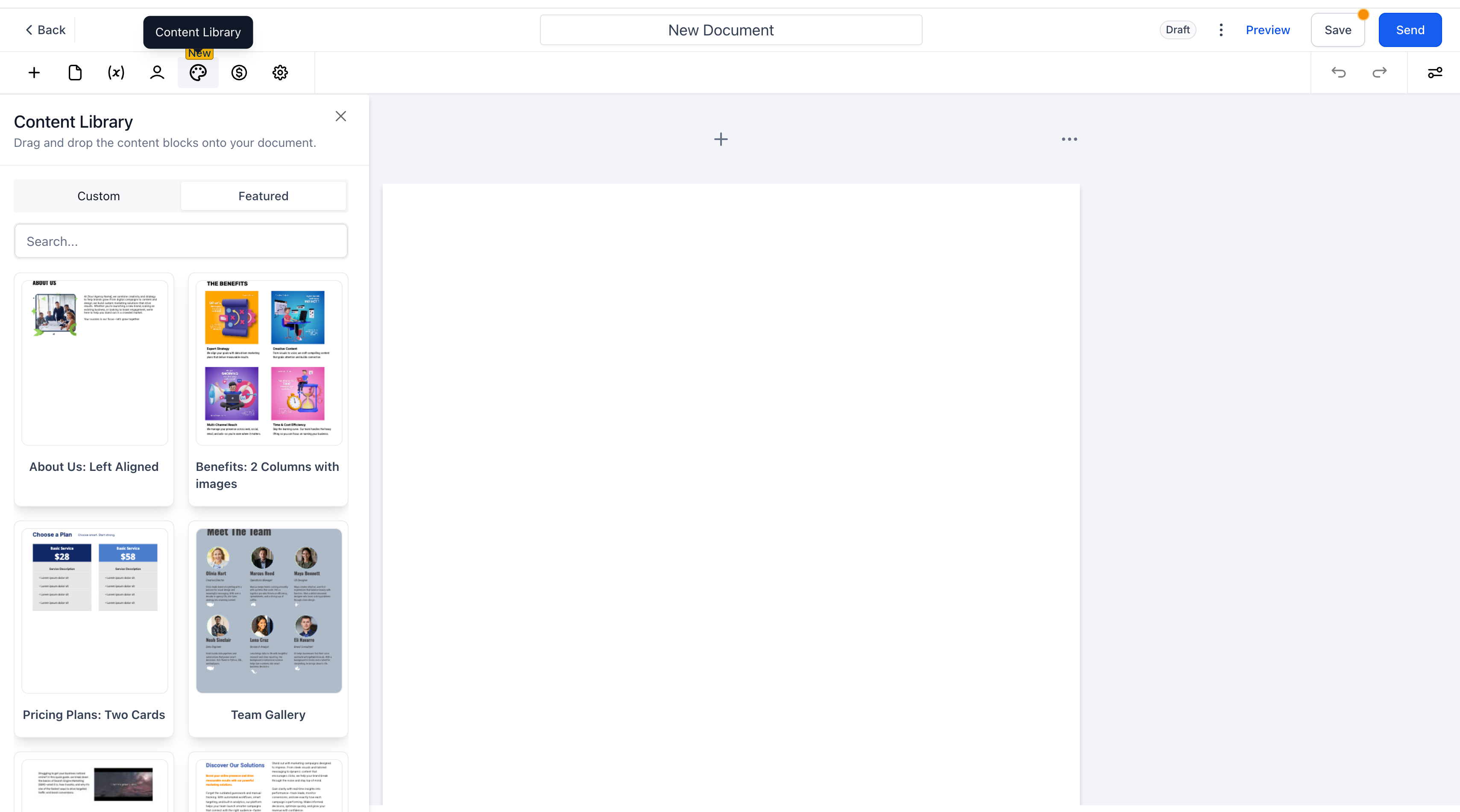
- Save reusable pieces—whether a single block (e.g., signature table, pricing cards) or all elements on a page.
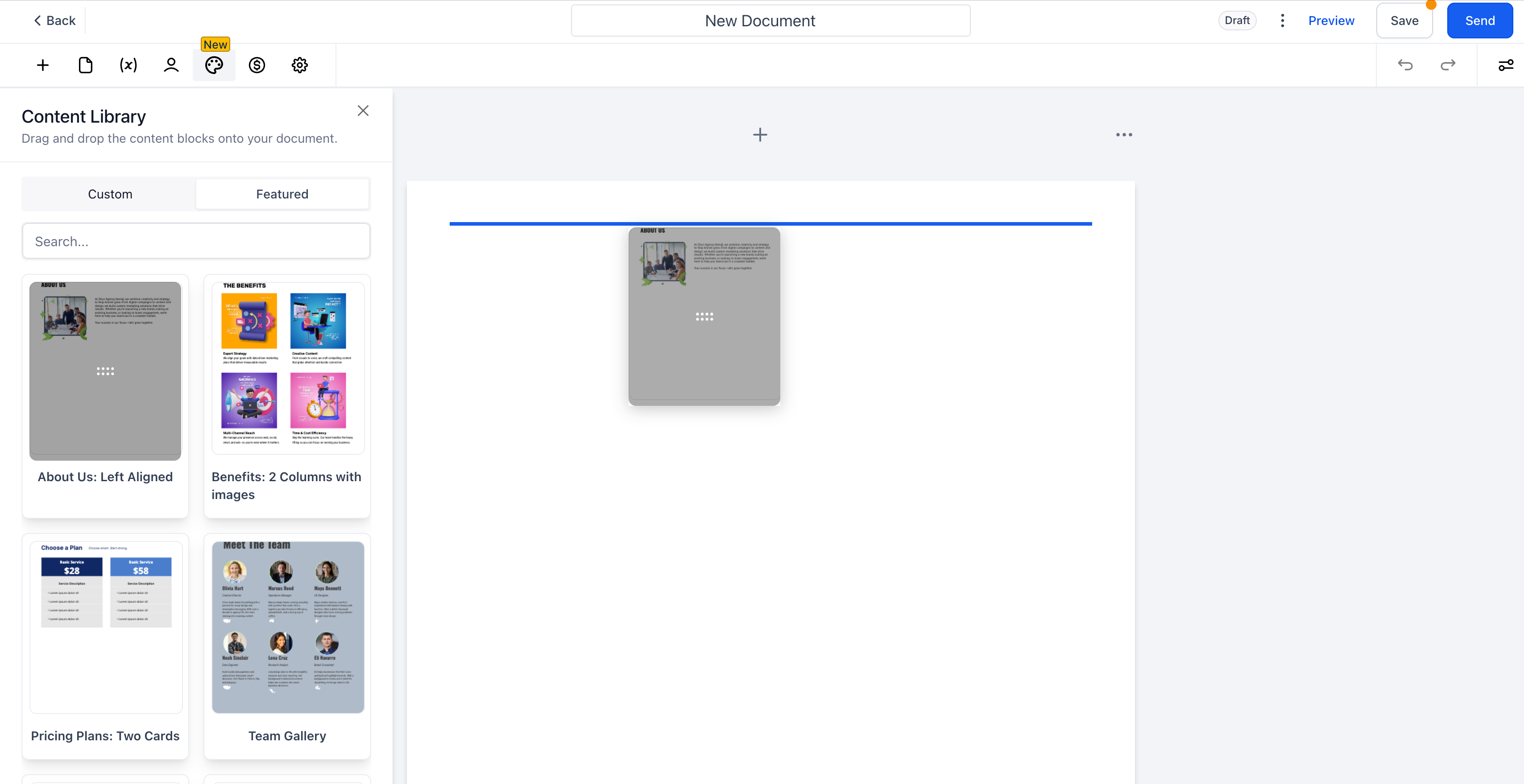
- Drag & drop saved items anywhere in a document.
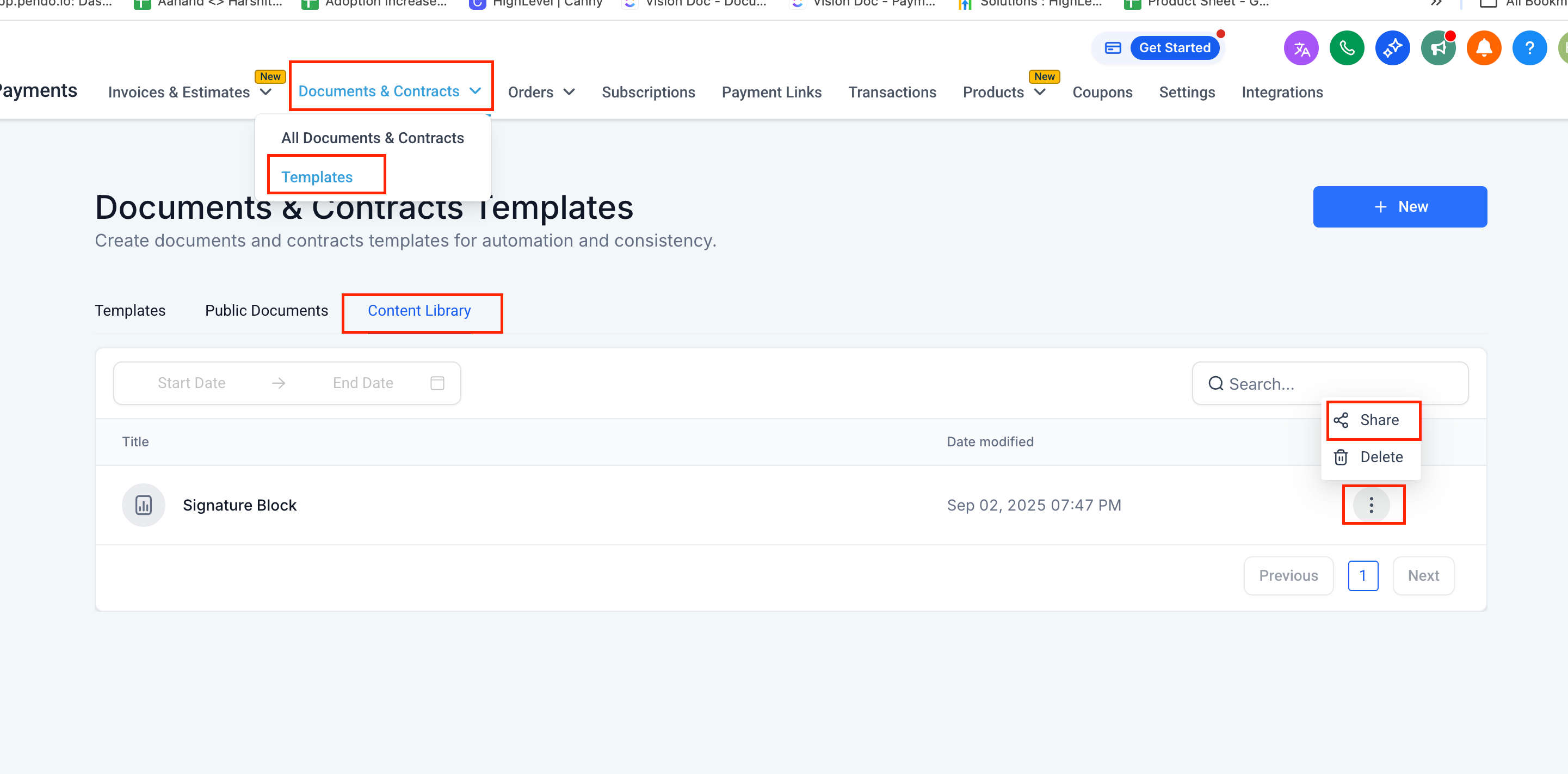
- Share library items across locations: from Documents & Contracts → Templates → Content Library.
How to use?
- Create the block or place all elements on a page you wish to reuse.
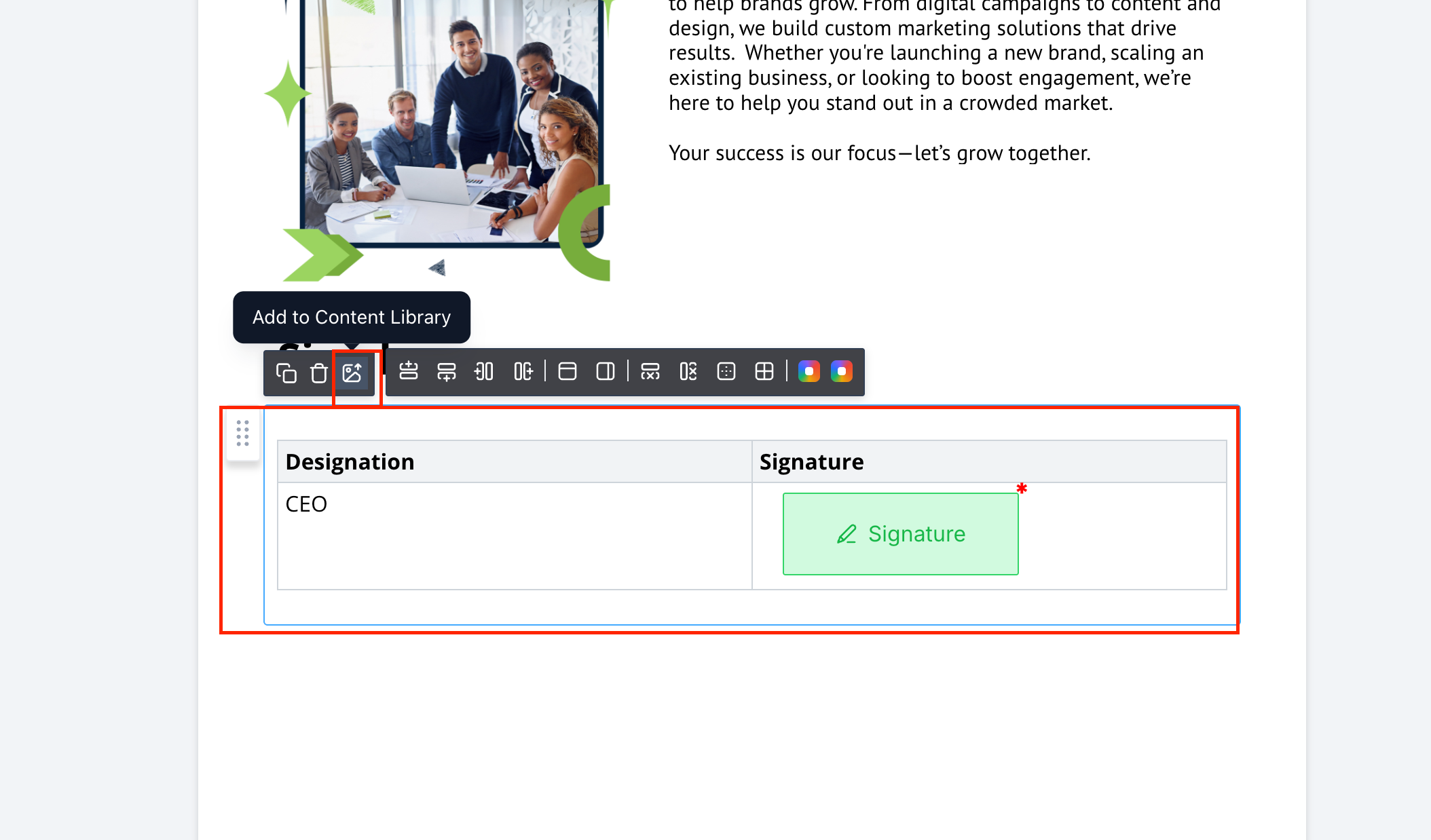
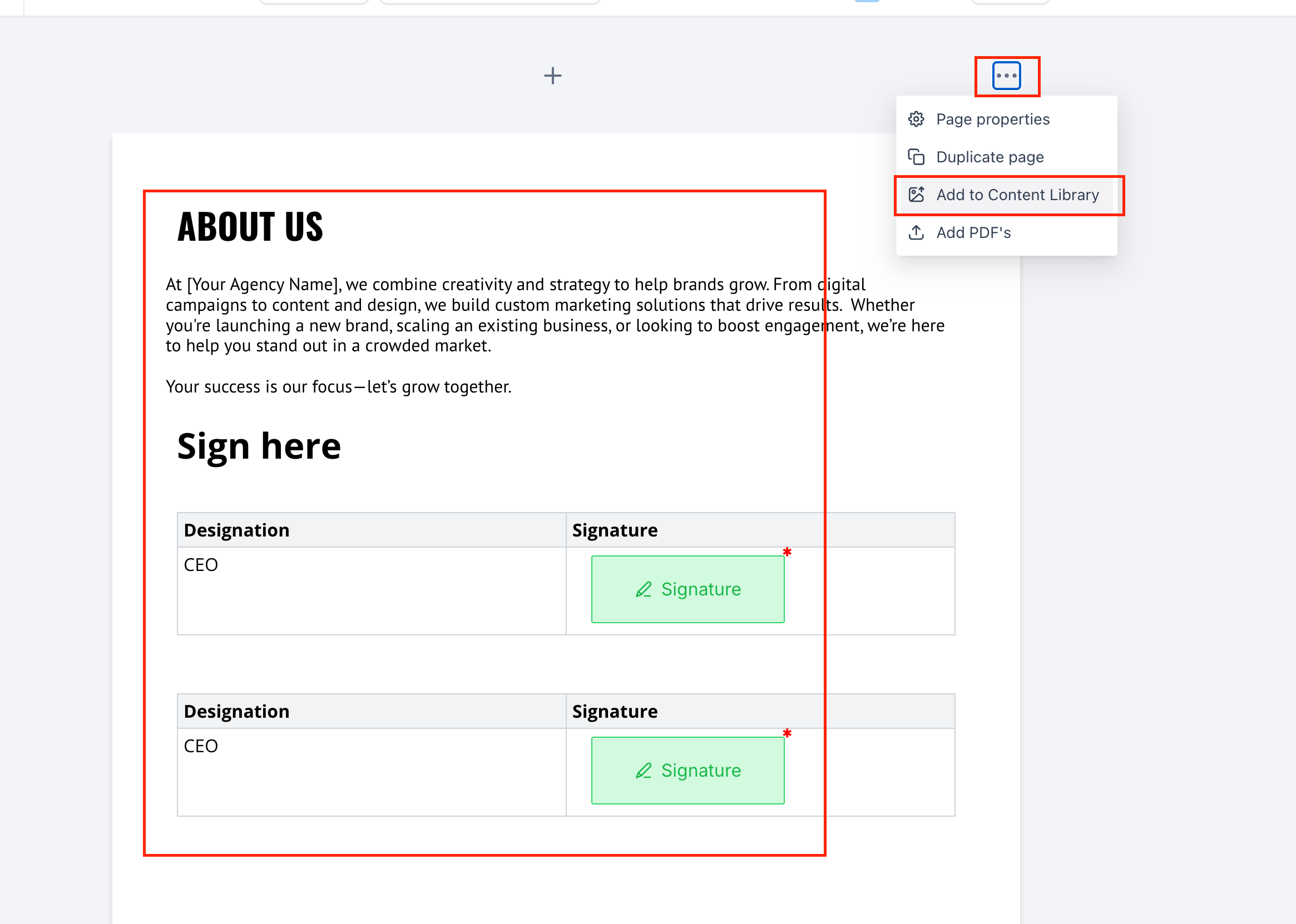
- Save to library:
- For a block: hover over the block and click ‘Add to Content Library.’
- For a page: open the page → “⋯” Hamburger menu → Add to Content Library.
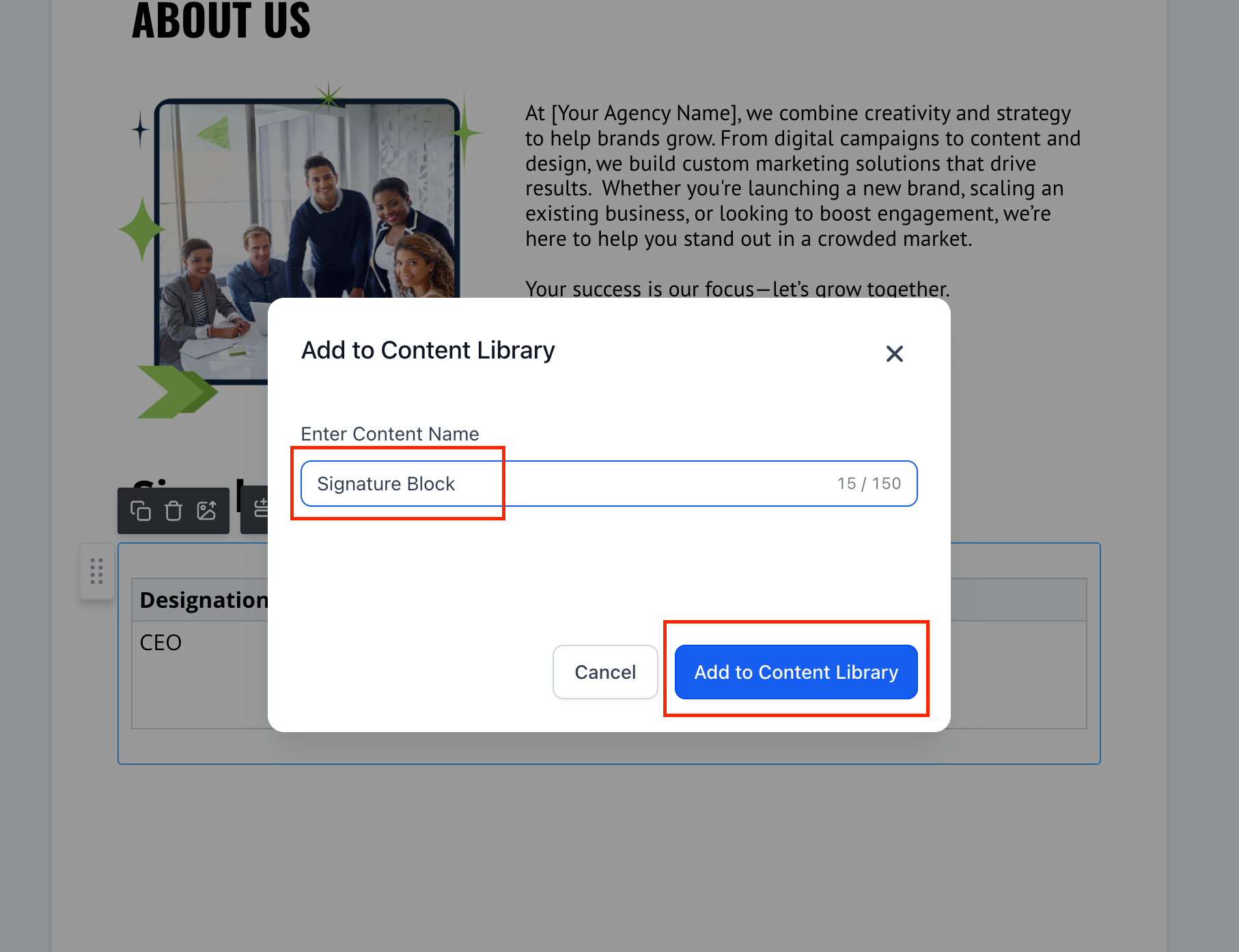
- Give it a name and save.
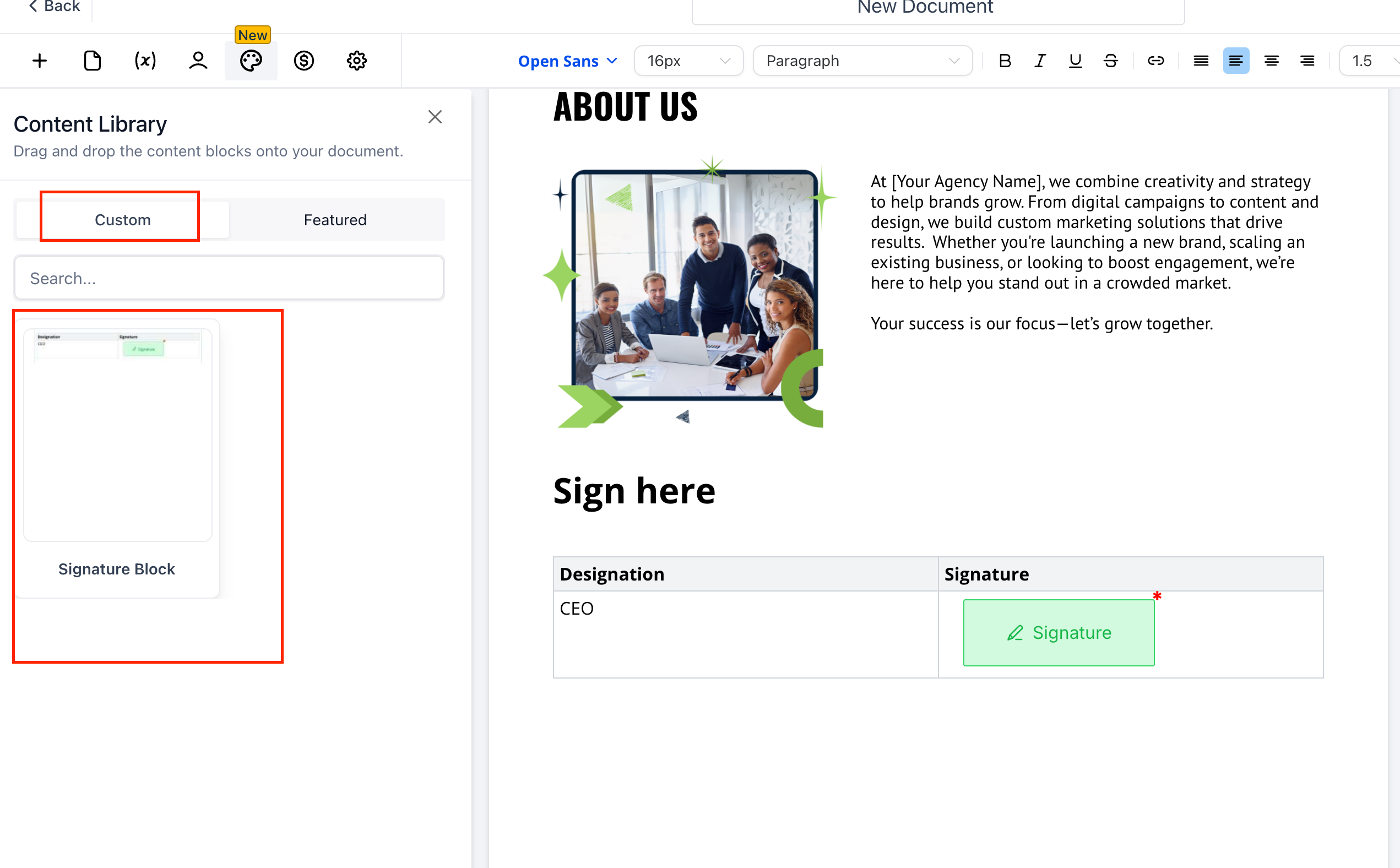
- Reuse it: open the Content Library panel (left sidebar → Custom) and drag the saved block/page anywhere in the document.
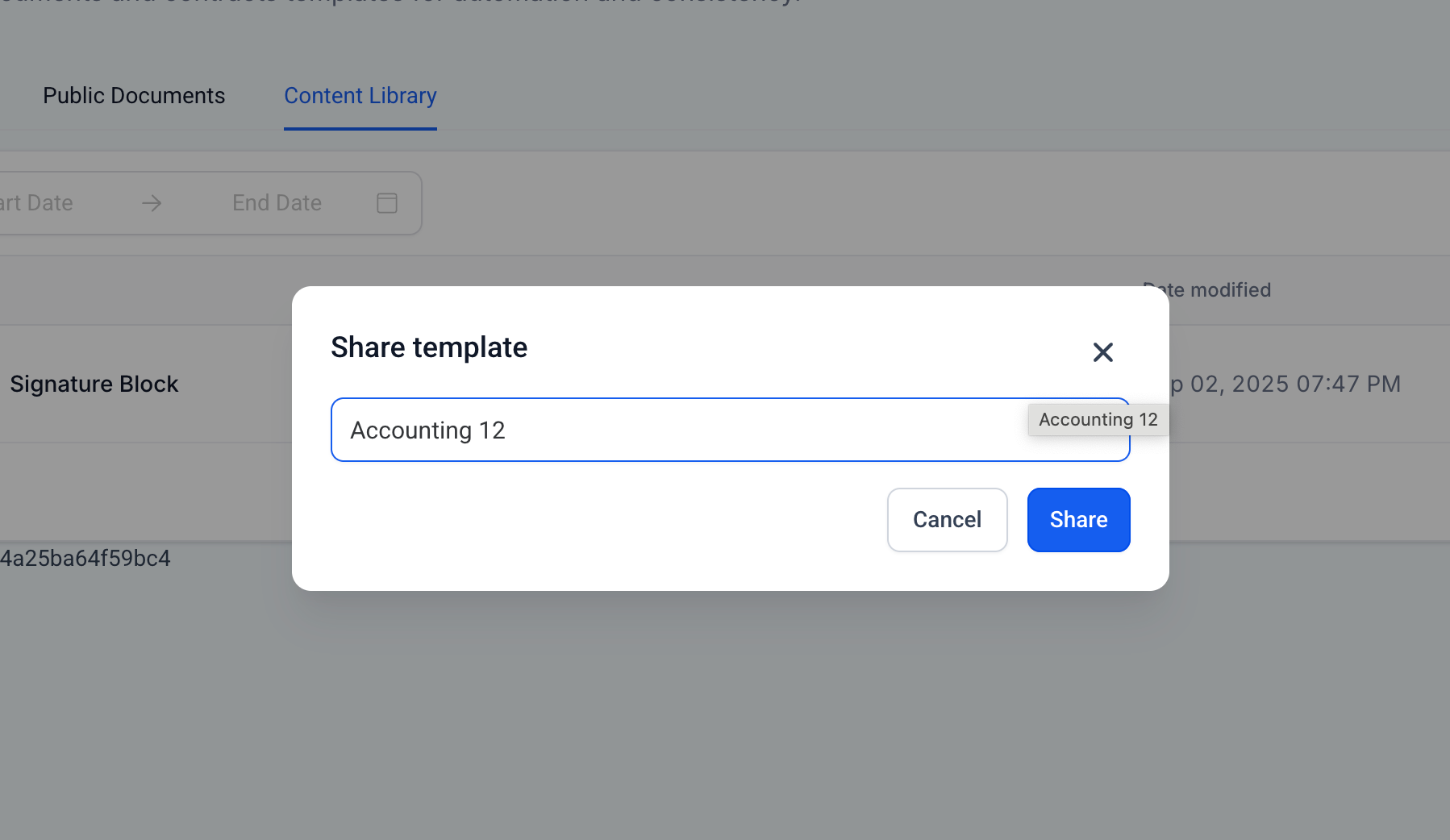
- Share across locations: Go to Documents & Contracts → Templates → Content Library, click the ⋯ next to an item → Share, then select the desired location.
Why did we build it?
- Speed: Assemble proposals and contracts in seconds—no more rebuilding the same sections.
- Consistency: Maintain uniform branding, terms, and layouts across teams and clients.
- Scale: Distribute best-practice components to every location with a single share.
