

Documents and Contracts: Improved Language support for International users
Clixio
Roadmap
Feedback
Changelog
new
improved
Documents & Contracts
What’s New?
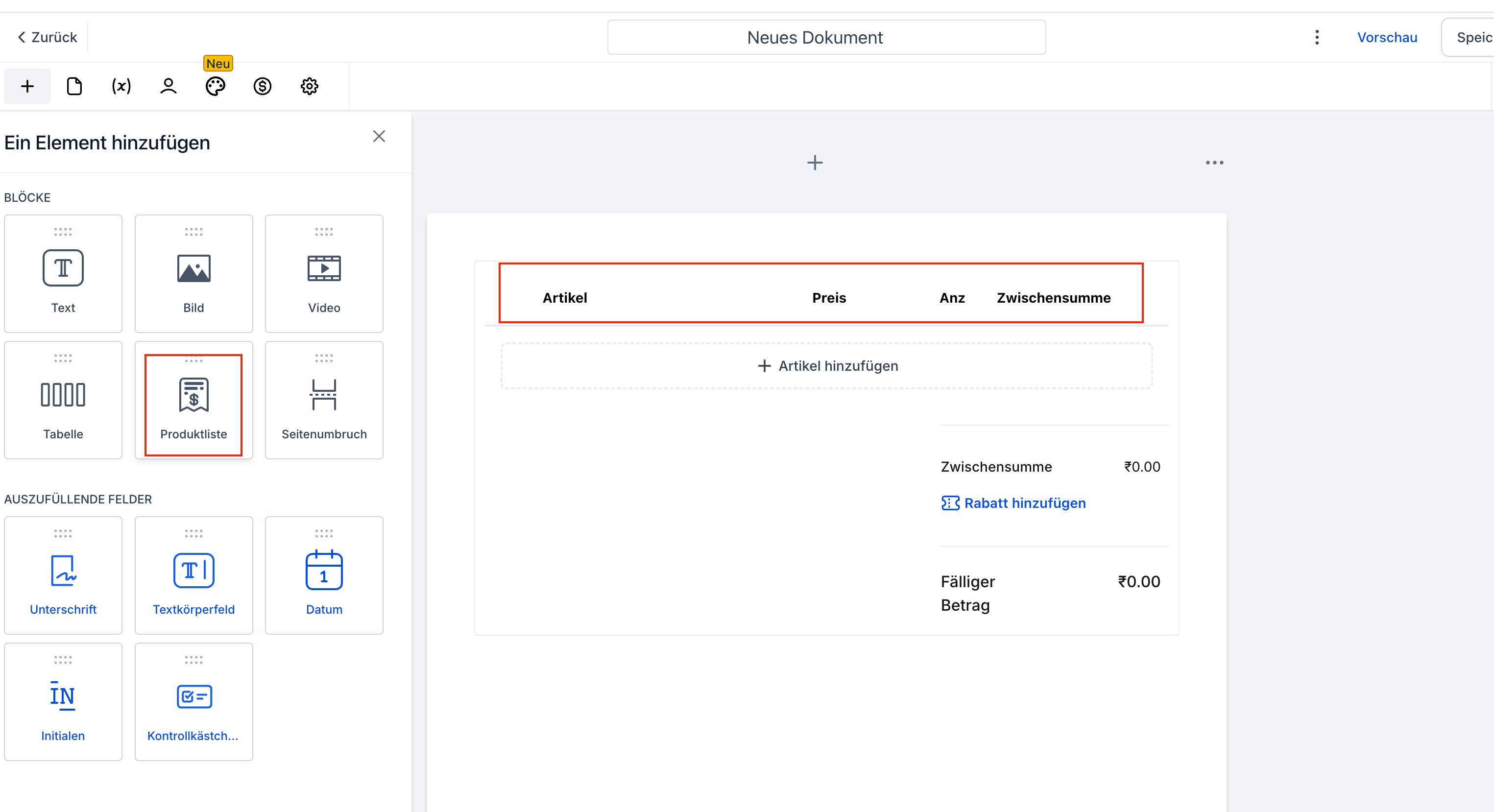
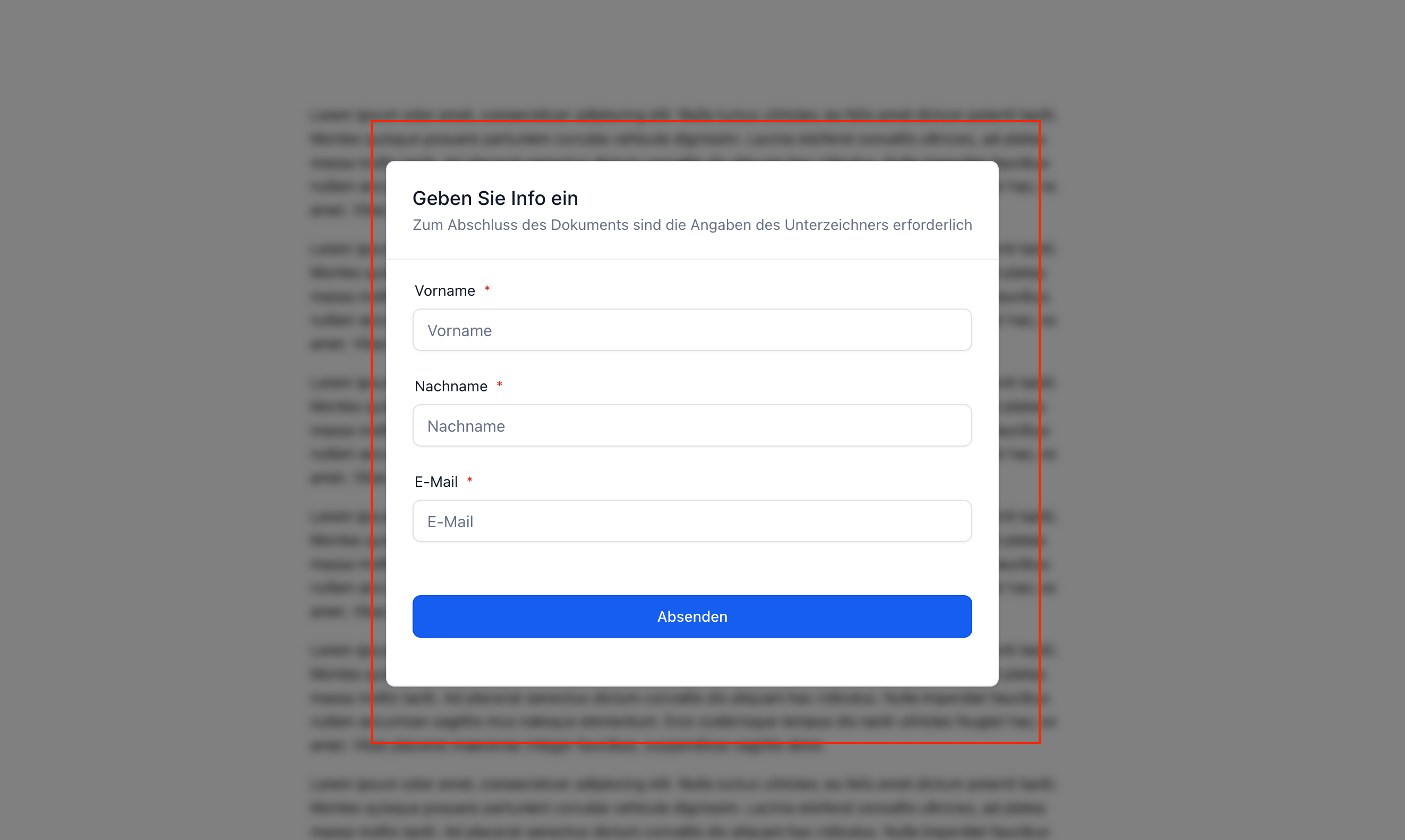
- Documents (including product list headers) and public template input forms now appear in the language set in Platform Language.
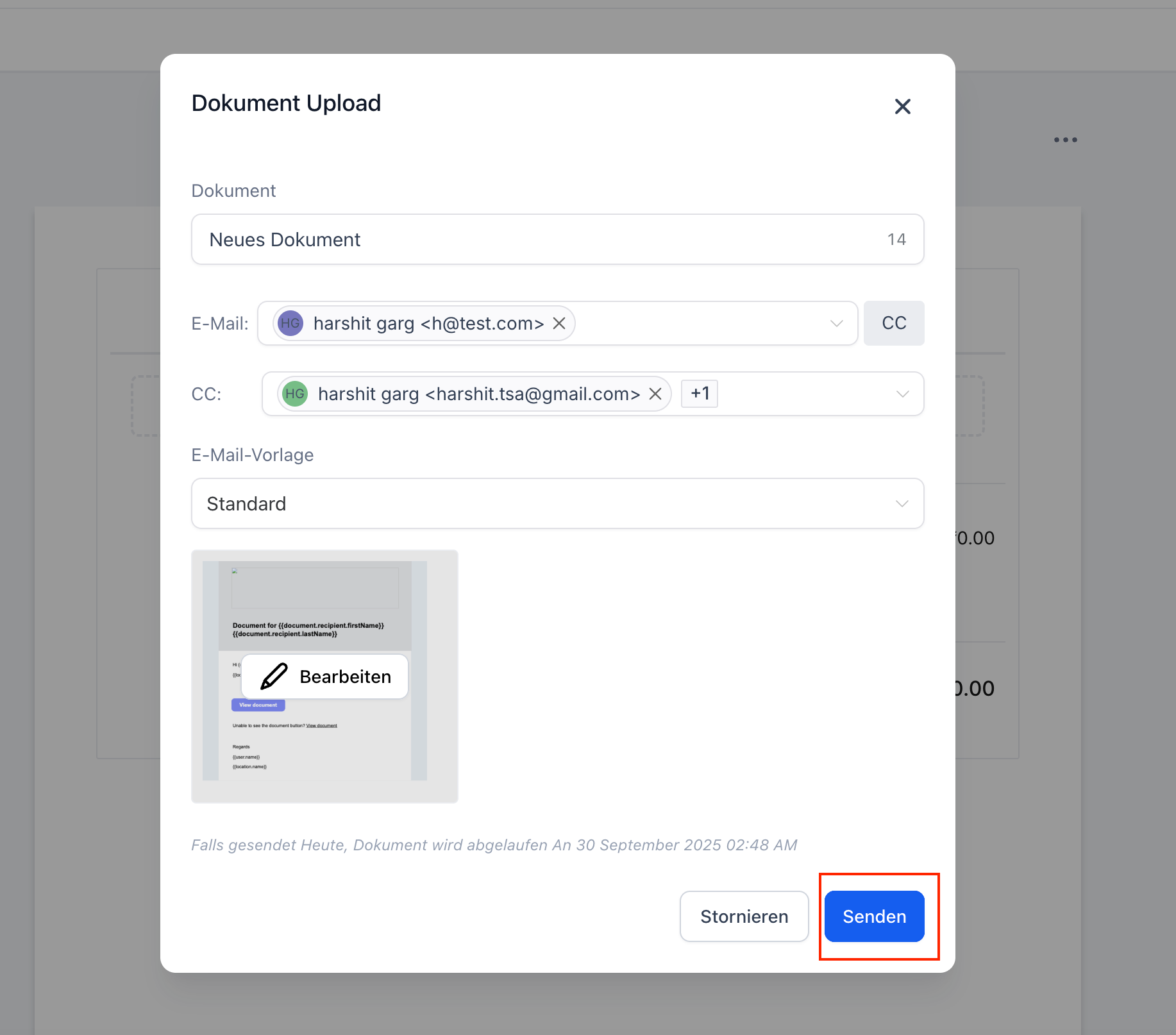
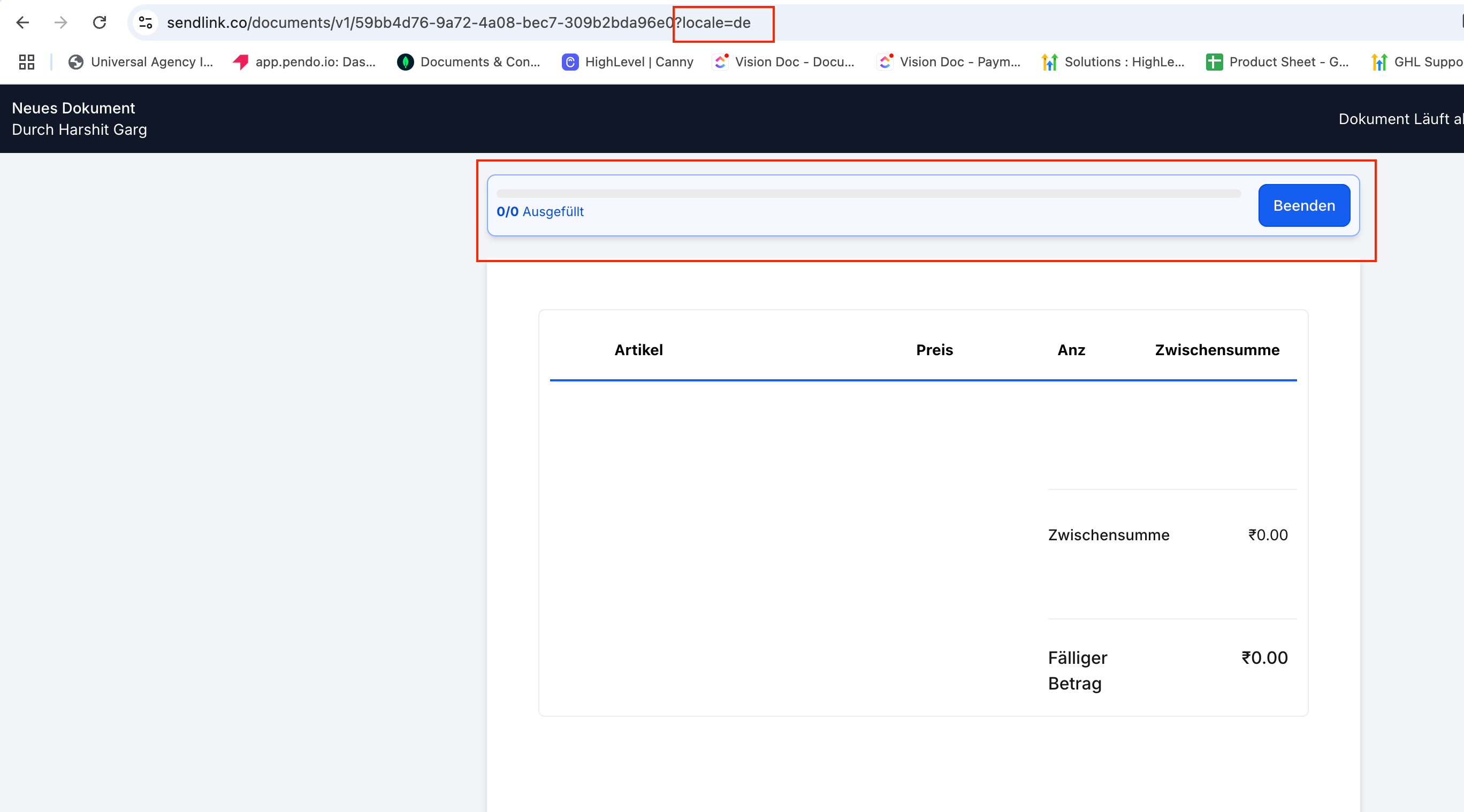
- Email links carry the correct locale so recipients see the document in that language.
How to Use?
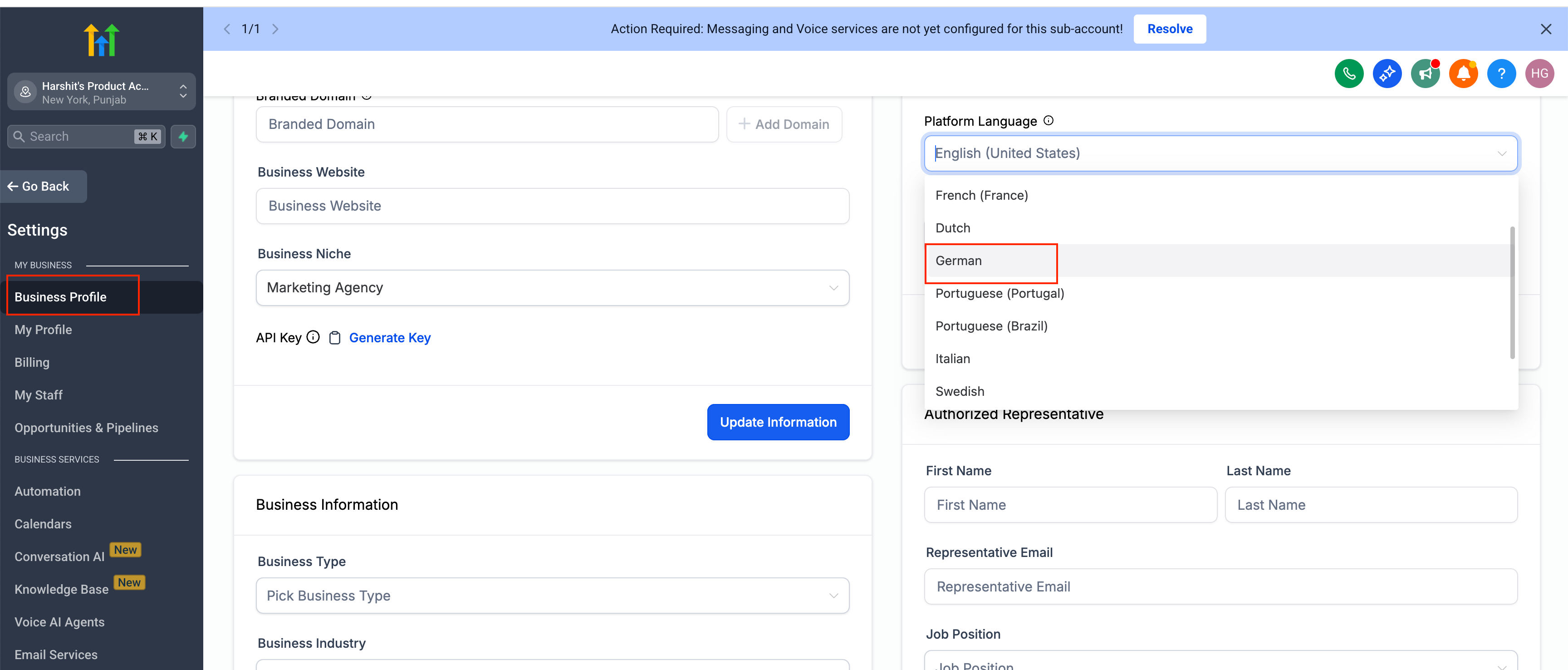
- Set your language under Settings > Business Profile > Platform Language.
- Create a document and add a Product List — headers auto-translate.
- Send the document — the emailed link preserves the locale, and the opened document reflects it.
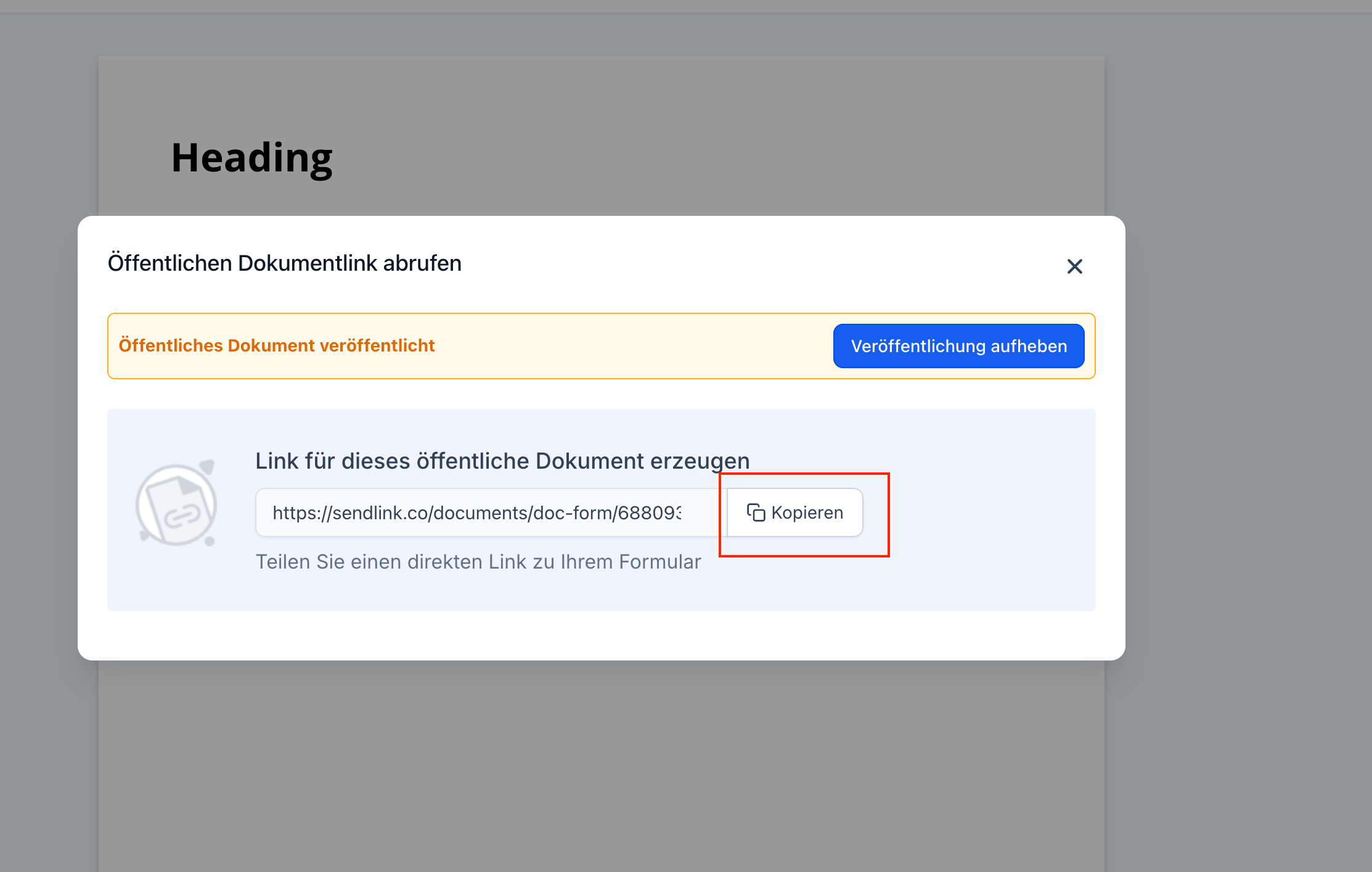
- Publish templates as public documents — the input form (name, email, etc.) displays in the configured language.
Why We Built It?
- To ensure documents and public templates function natively for international users by respecting the platform language setting.
