
Customise contacts labels in Email Builder
We are excited to announce that customising contact labels is now possible.
Key Features:
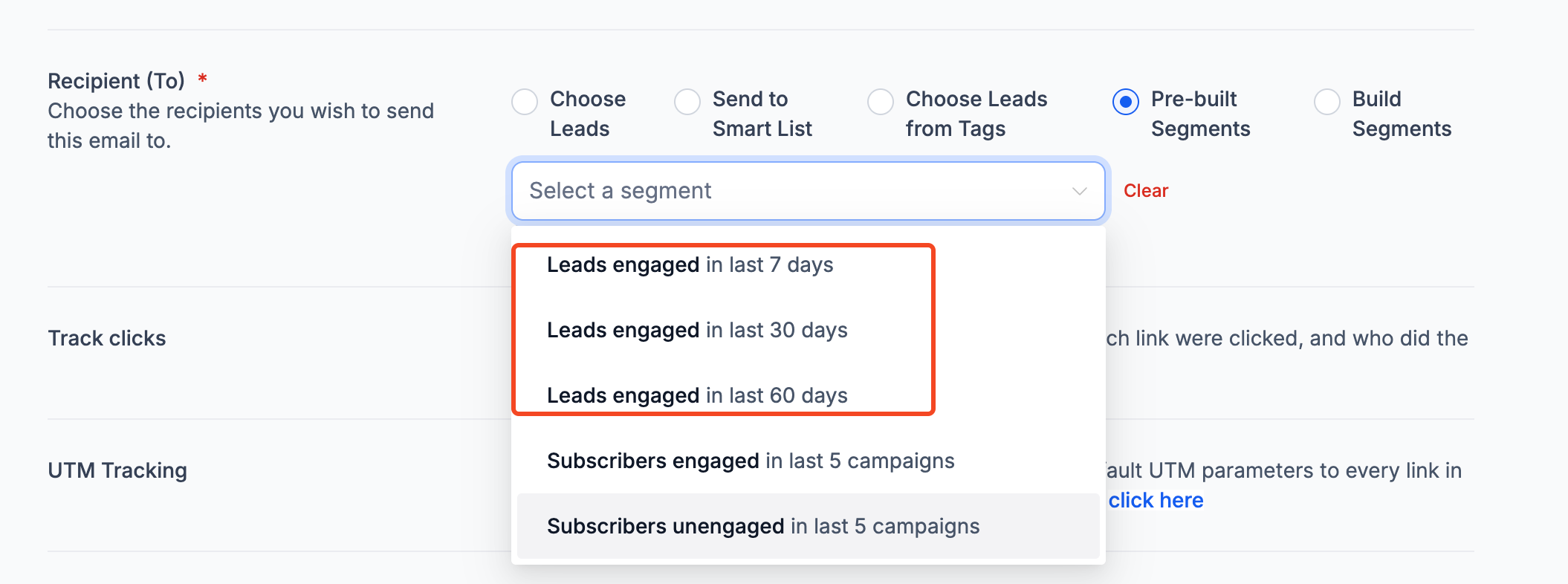
- Users can now rename standard objects (Contacts) to any name of their choice.
- Supports single or paired labels.
- Custom names display exactly as entered, without any auto-translation.
How to Customise Your Labels:
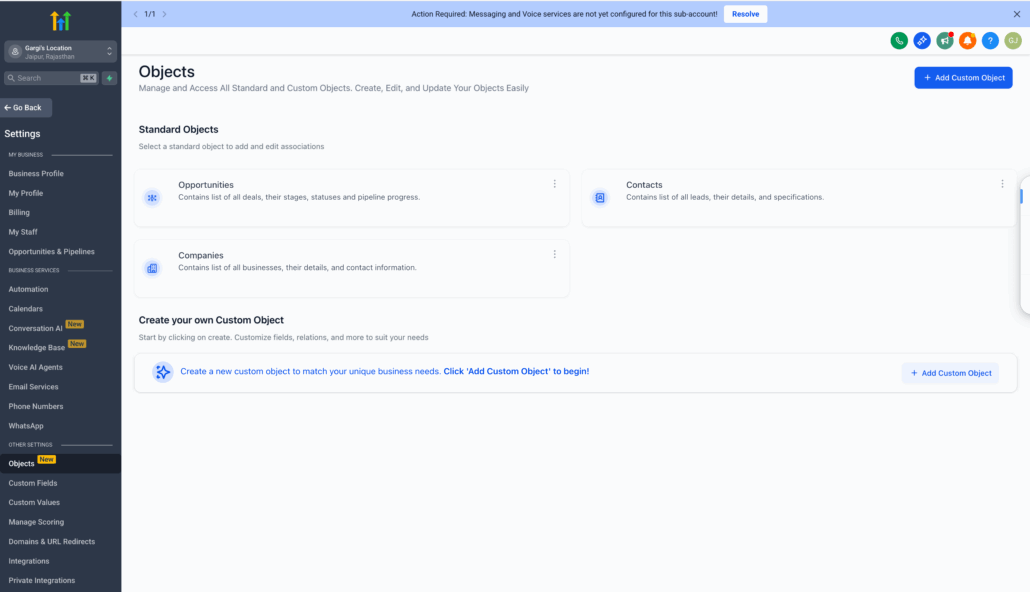
- Navigate to Settings at the location level (bottom side panel).
- Click on Objects.
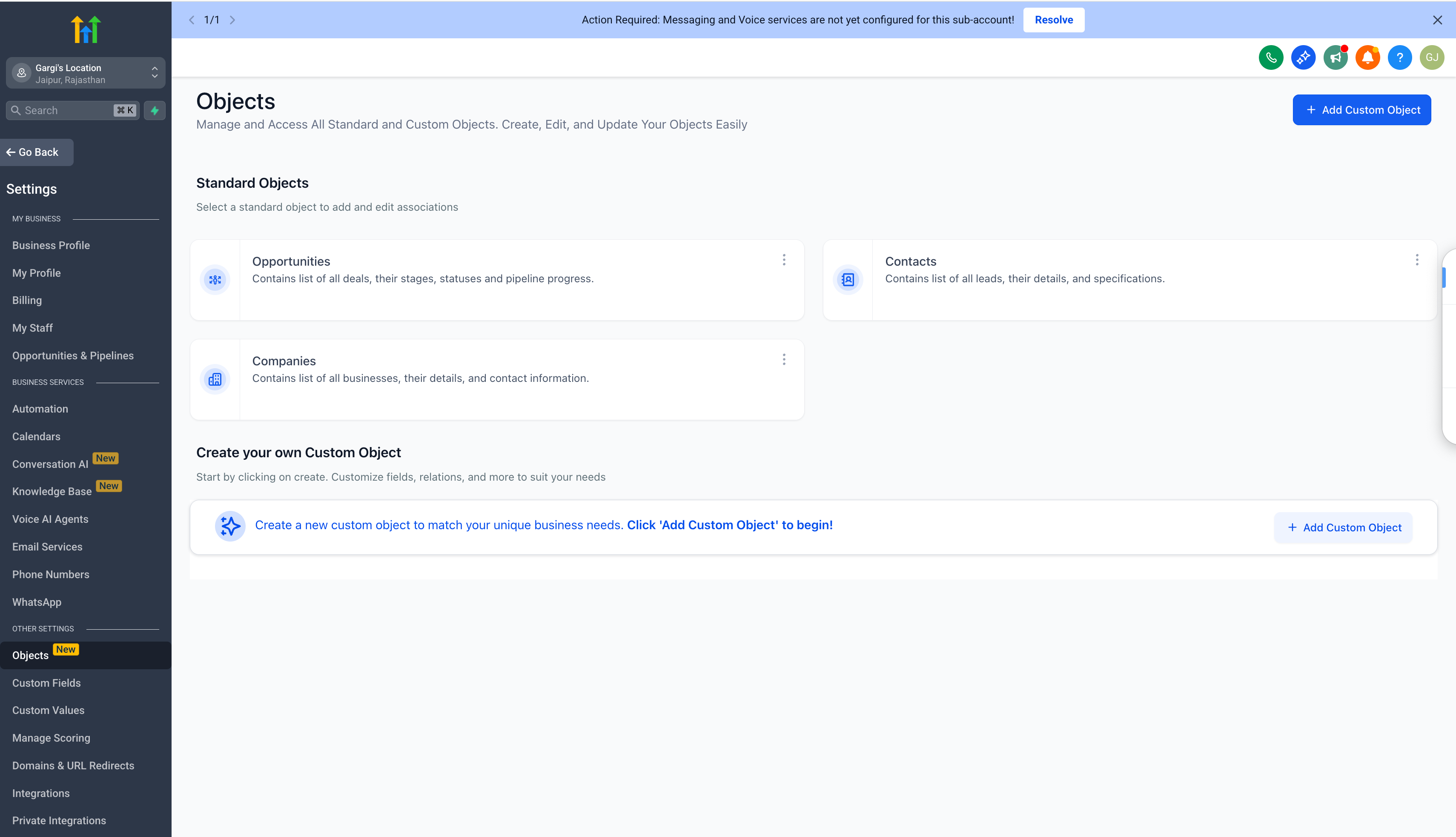
- Open the Contacts section.
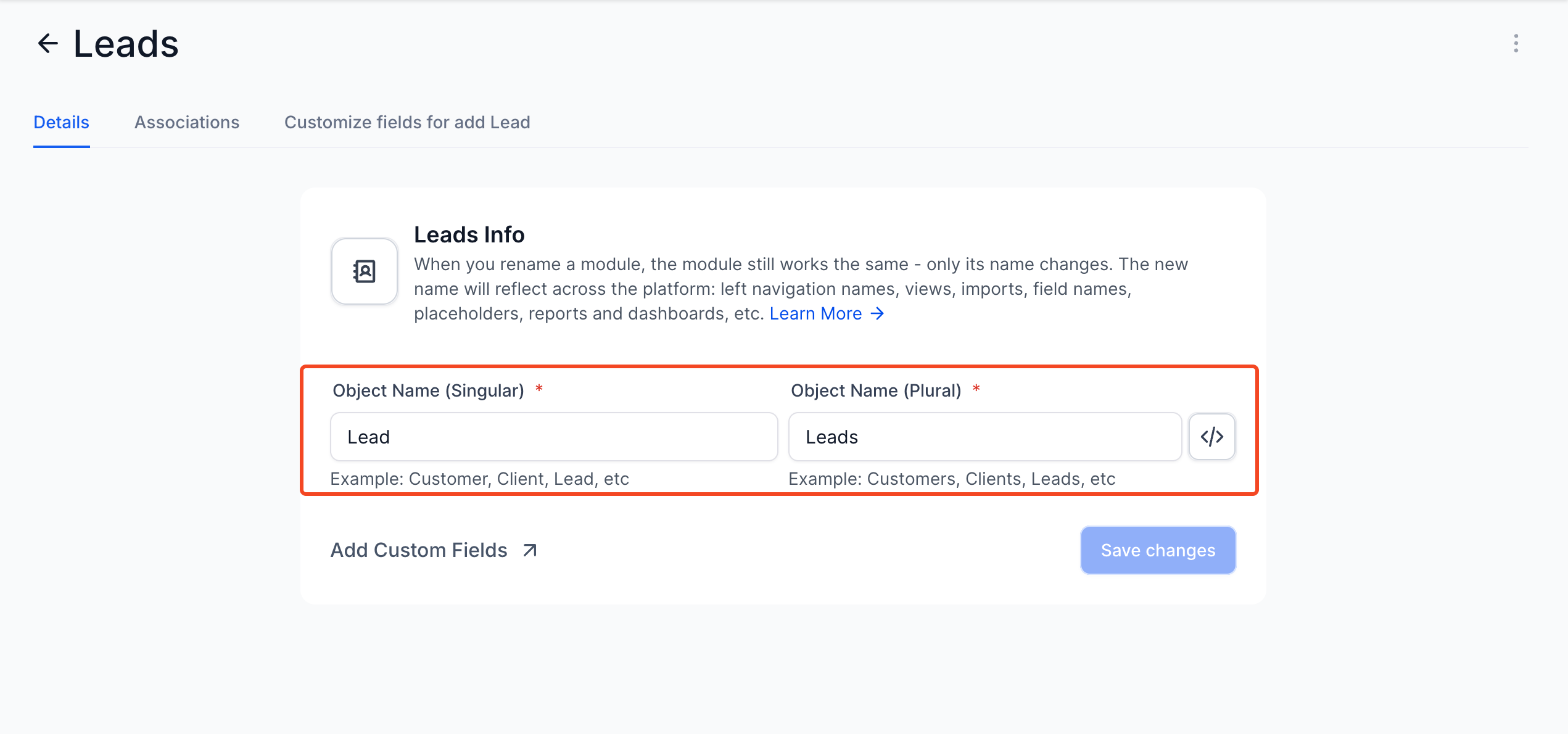
- Add your custom object name (both singular and plural) and then click ‘Save changes’.
Benefits of Customisation:
- Unlocks new use cases by making the CRM highly customisable.
- Users can tailor the platform to align with their business needs, offering an entirely new perspective on modules (e.g., Client, Lead, Member, etc.).
- Encourages higher adoption by aligning the platform with real business requirements.
