Custom Product Details Pages for Ecommerce Stores
You can now create Custom Product Details Pages (PDPs) that serve as dedicated landing pages for individual products. This feature enhances product storytelling, personalises layouts, and improves your marketing strategy—going beyond the conventional product detail page.
- Open the
Site/Store Builder
.
- Click
Add New Page
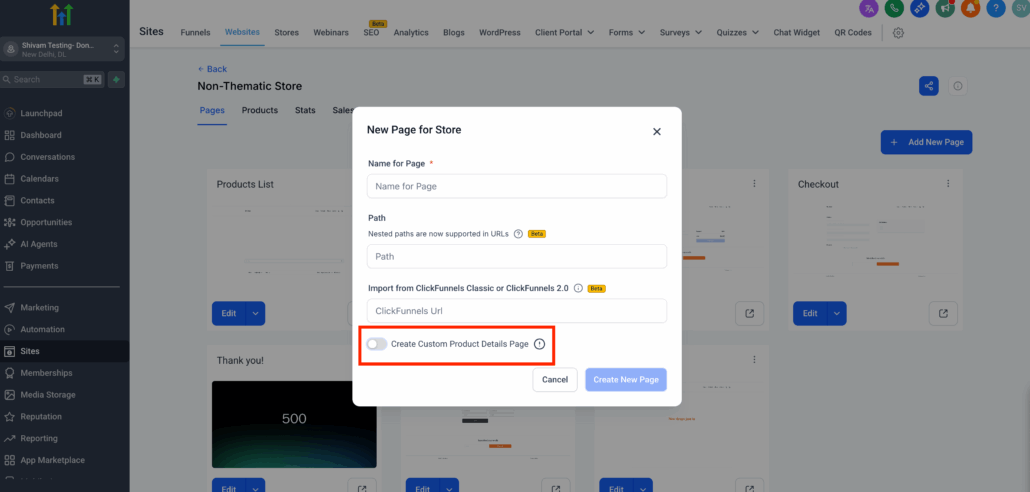
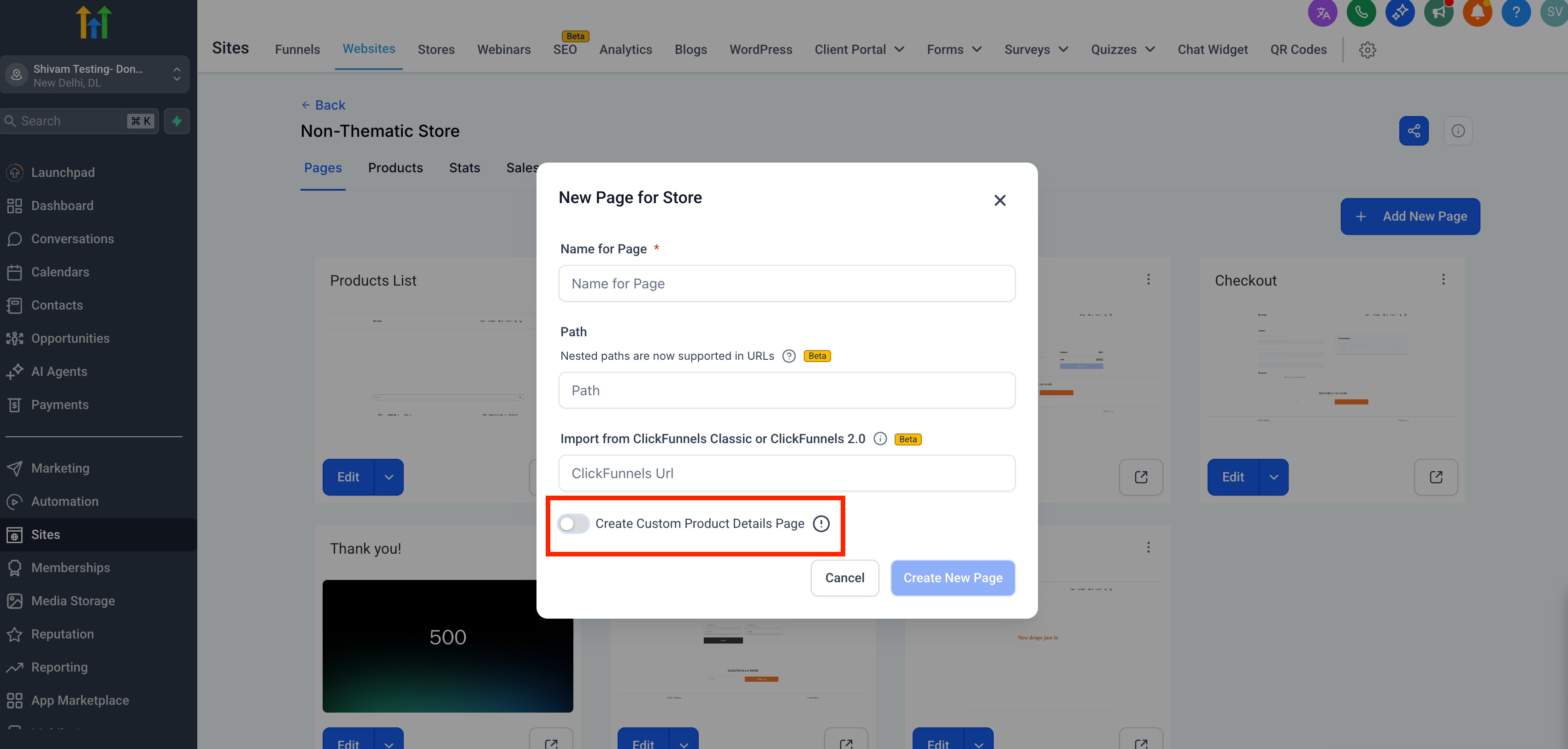
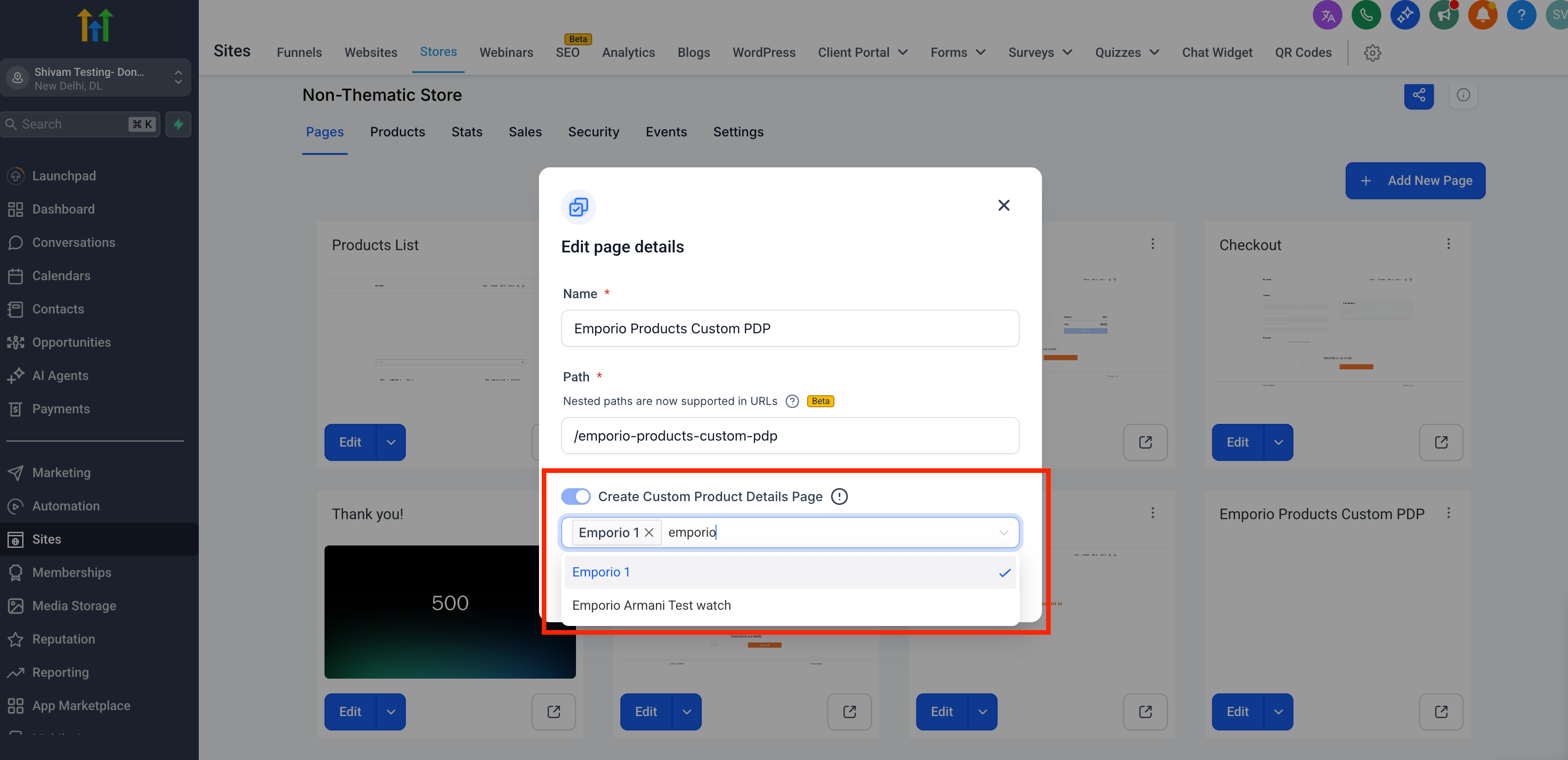
→ enable the Custom Product Detail Page toggle.
- Assign products to this page using the modal (search is available).
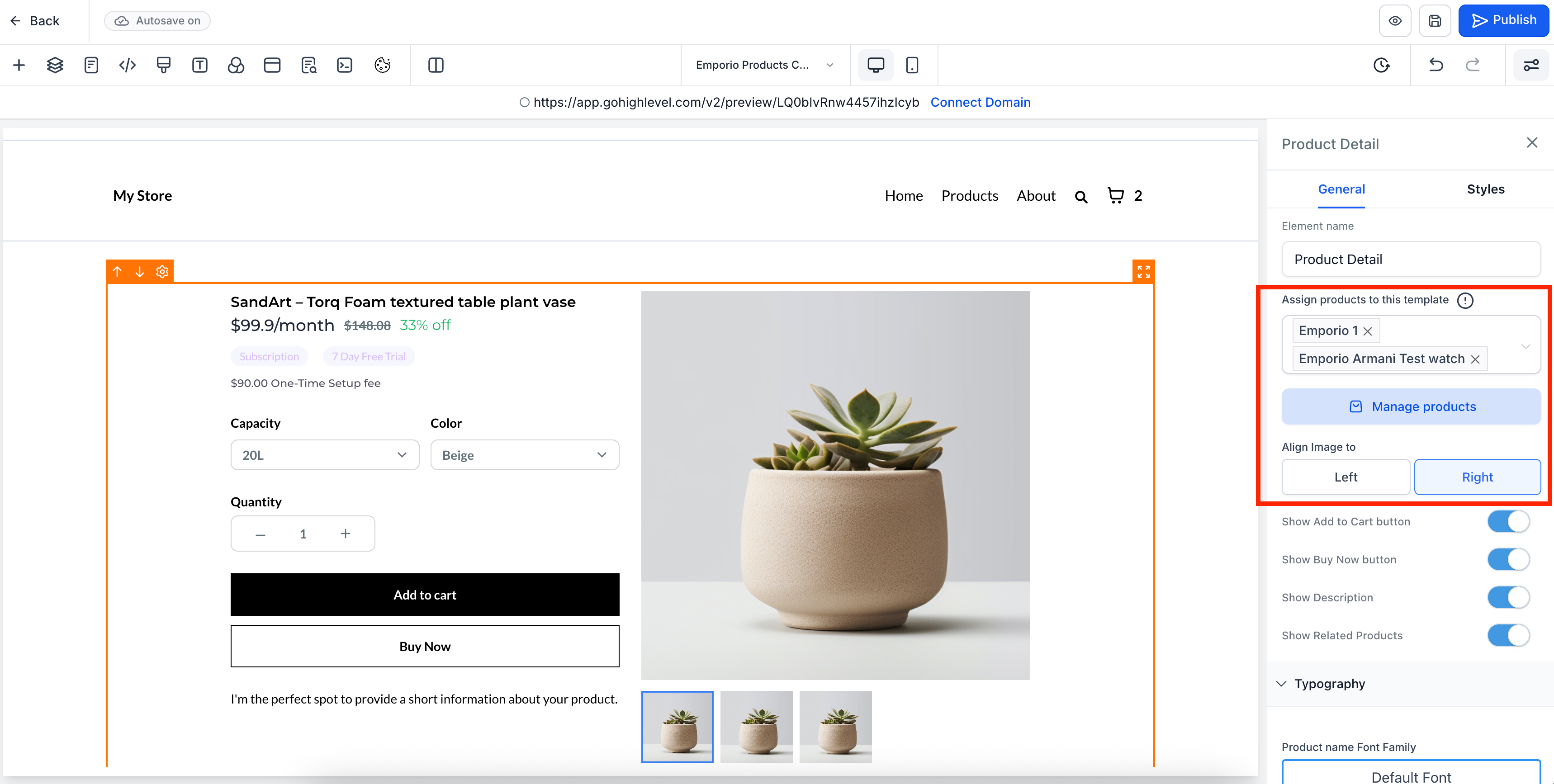
- Design the Custom Product Details Page. Products can be re-assigned through Settings by selecting the element.
- Save and publish to activate the custom PDP.
-
Single Custom PDP Association:
Each product can only be linked to one custom PDP at a time. Assigning it to a new PDP will remove it from the previous one.
-
Navigation from PLP or Featured Sections:
Navigation from product lists or featured sections will always direct users to the correct PDP (custom or default).
-
Link-Based Access Behaviour:
Customers accessing a product via any link will be directed to the custom PDP if one is configured.
-
Fallback to Default PDP:
Deleting a custom PDP will revert all assigned products back to the default PDP.
Add Custom PDP by enabling the toggle:
Assign custom PDP template to Products:
Customise the page via the builder:
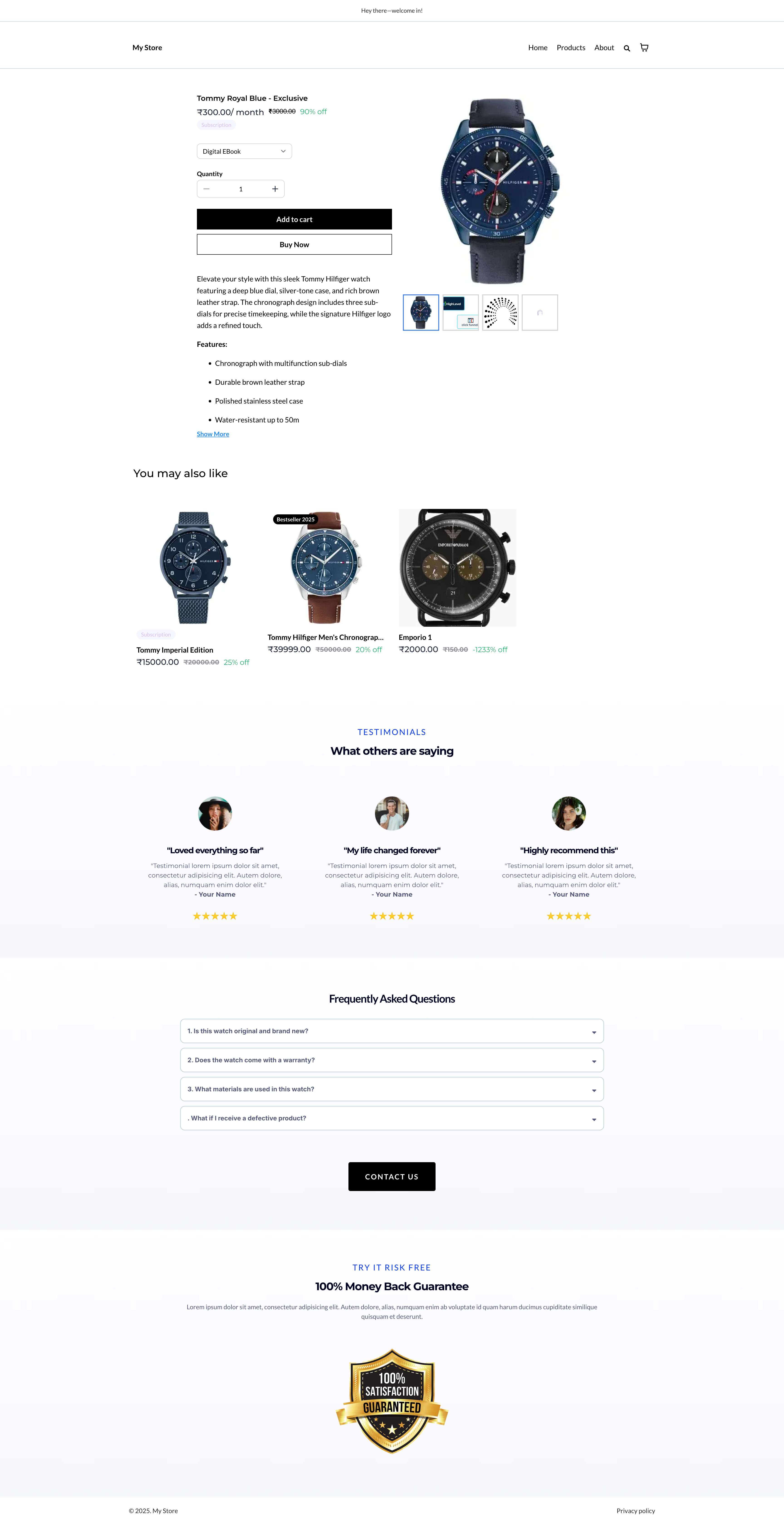
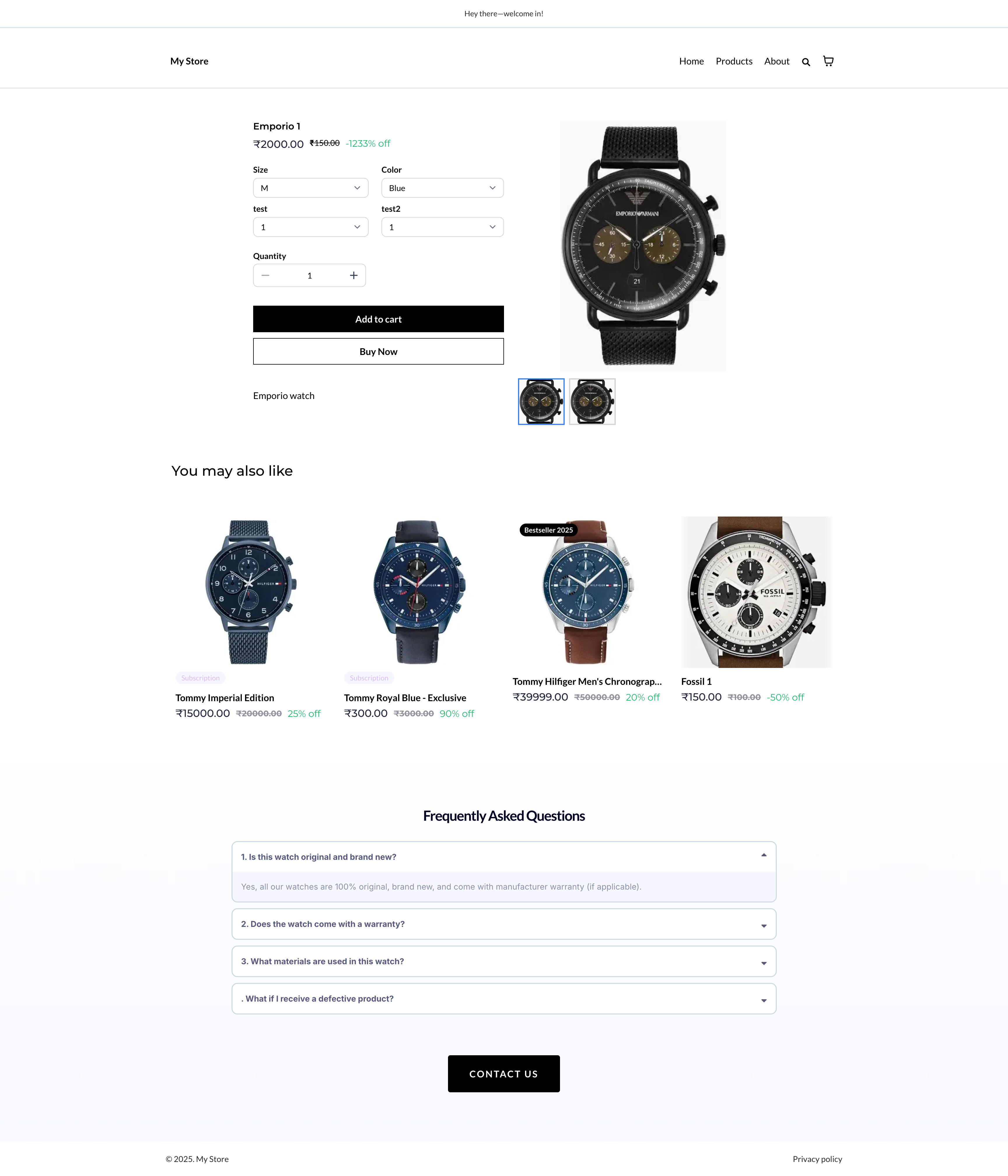
Example custom PDPs within the same store: