
CSV Blog Importer in Blogs
We’re excited to announce that the CSV Blog Importer is now available in Blogs.
This update allows you to import blog posts directly from CSV files, making it quicker to migrate and publish content.
📌 What’s New
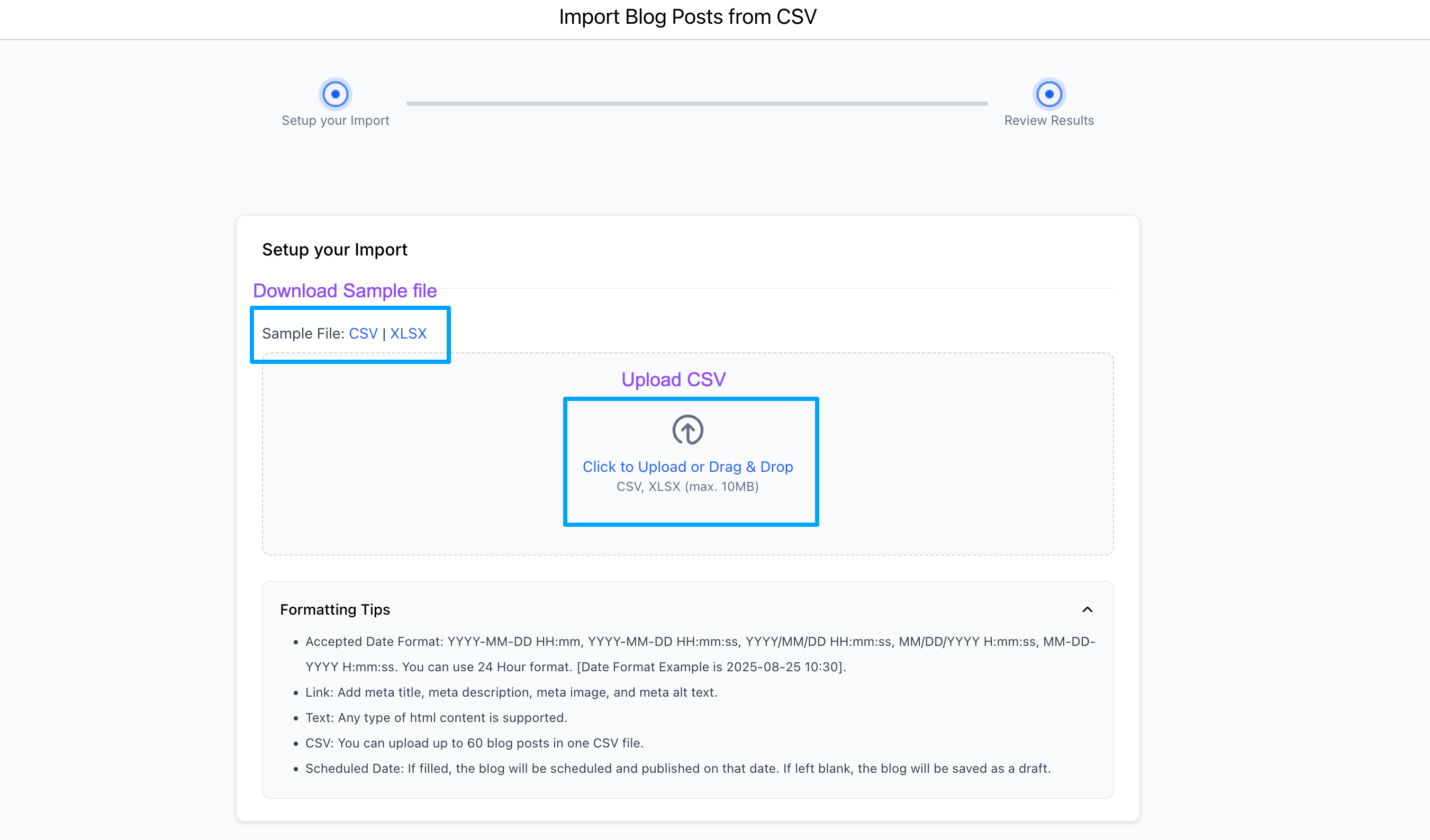
- CSV Import Path: Upload CSV/Excel files with a simple drag-and-drop.
- Sample File Access: Download a ready-made sample file to avoid errors.
- Smart Validation: Automatically detects required fields with inline error handling.
- Bulk Import Workflow: A three-stage process – Processing → Review → Completed.
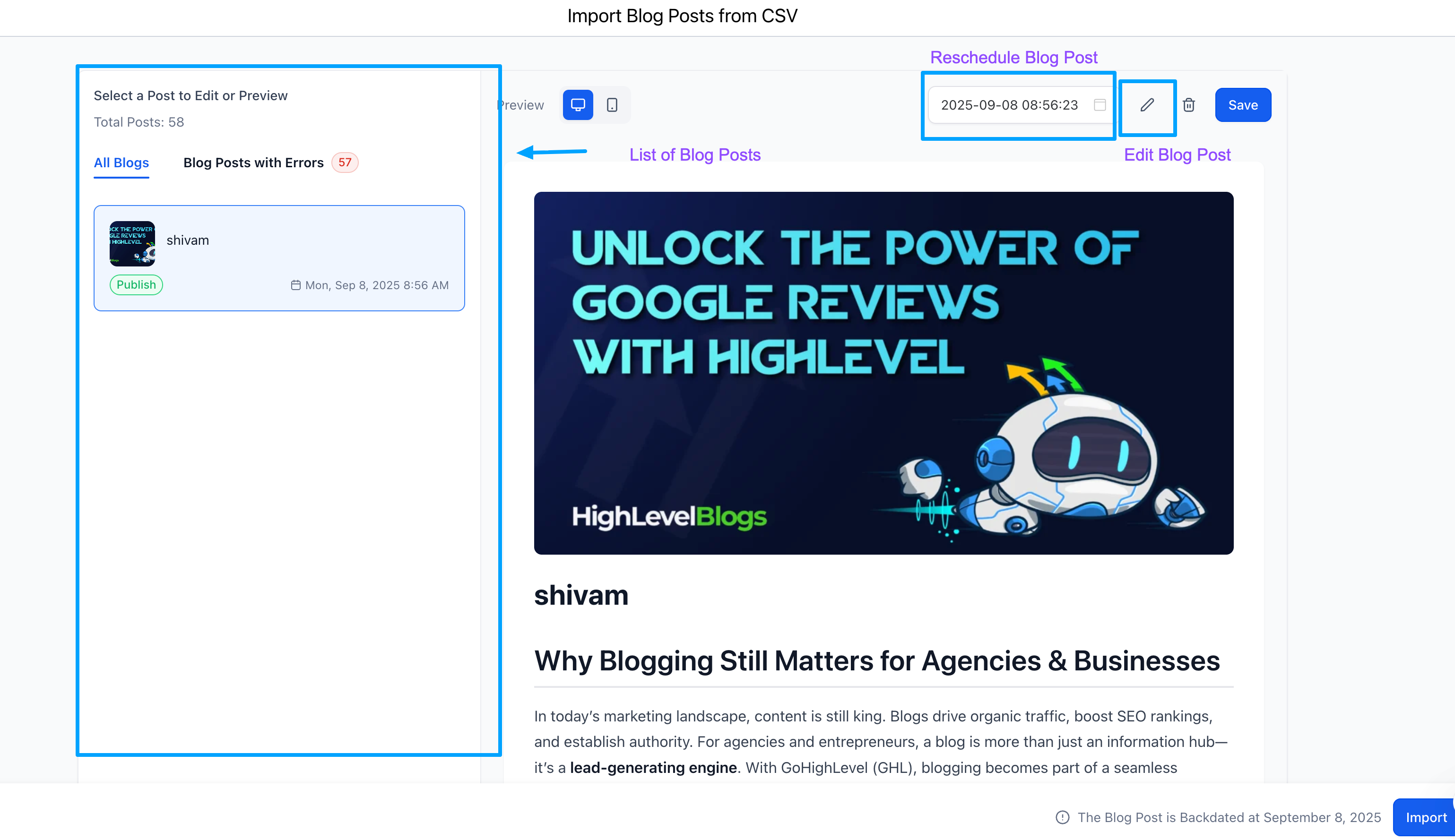
- Flexible Scheduling: Past dates = Published, future dates = Scheduled, blank dates = Draft.
- Bulk Uploads: Import up to 60 posts at once.
📌 How It Works
Step 1:
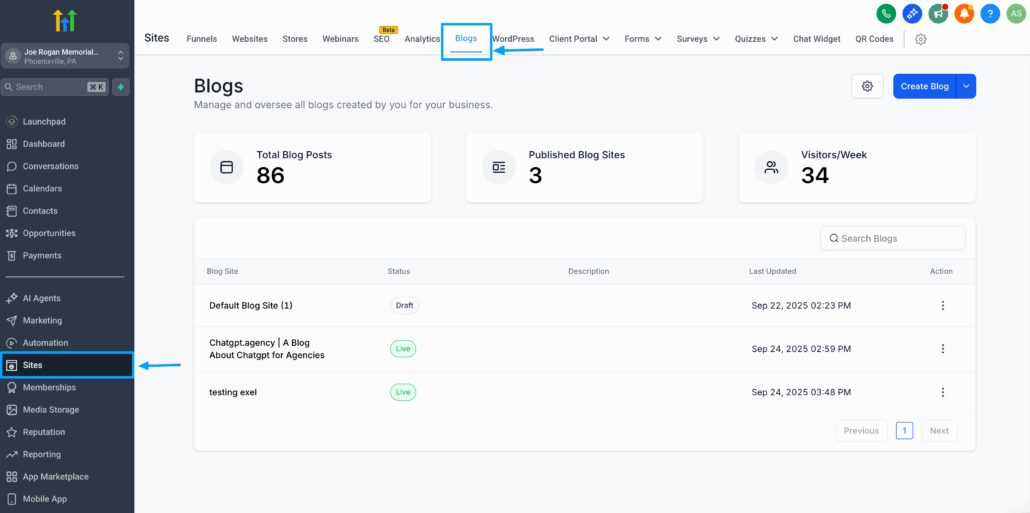
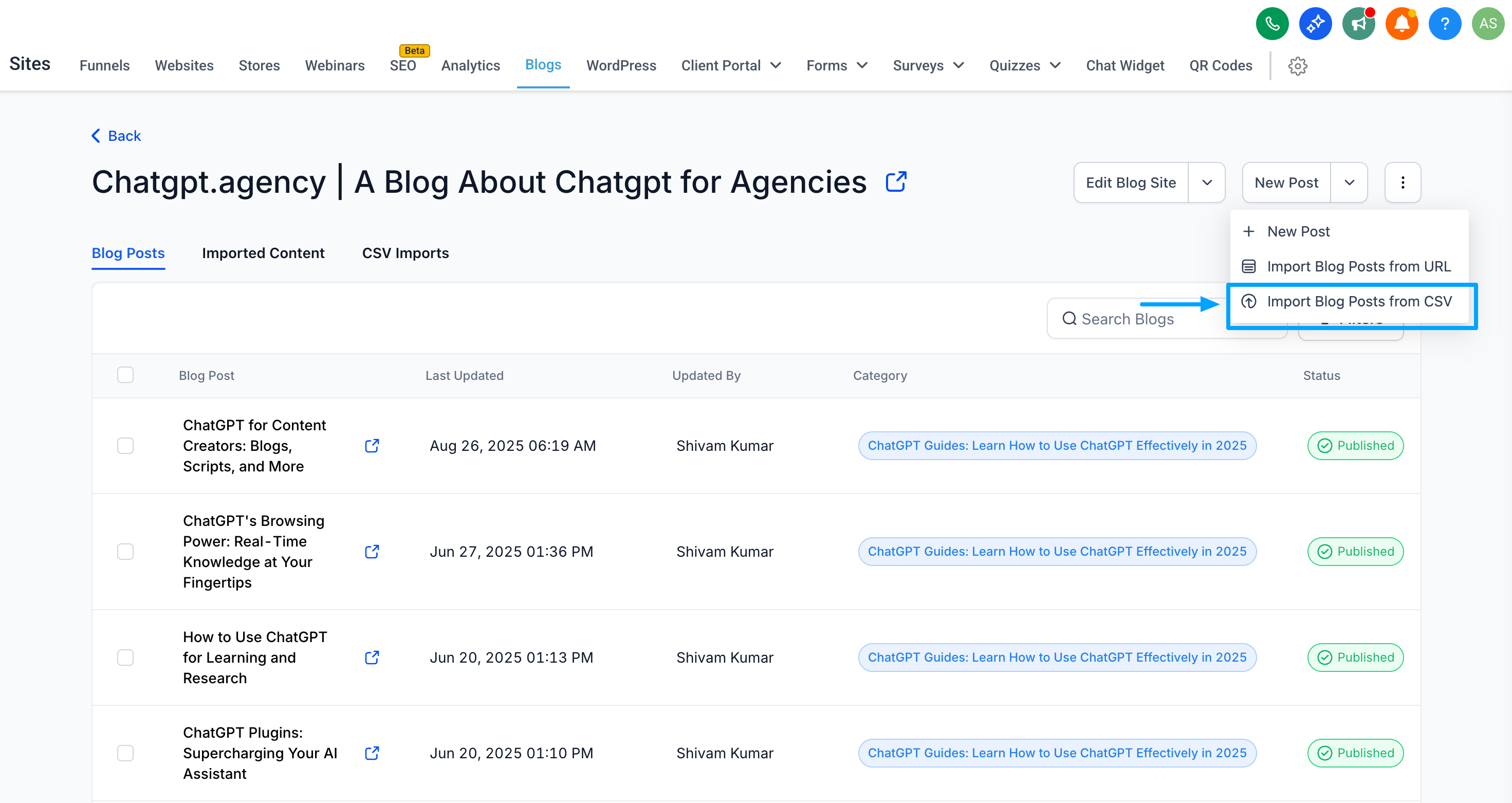
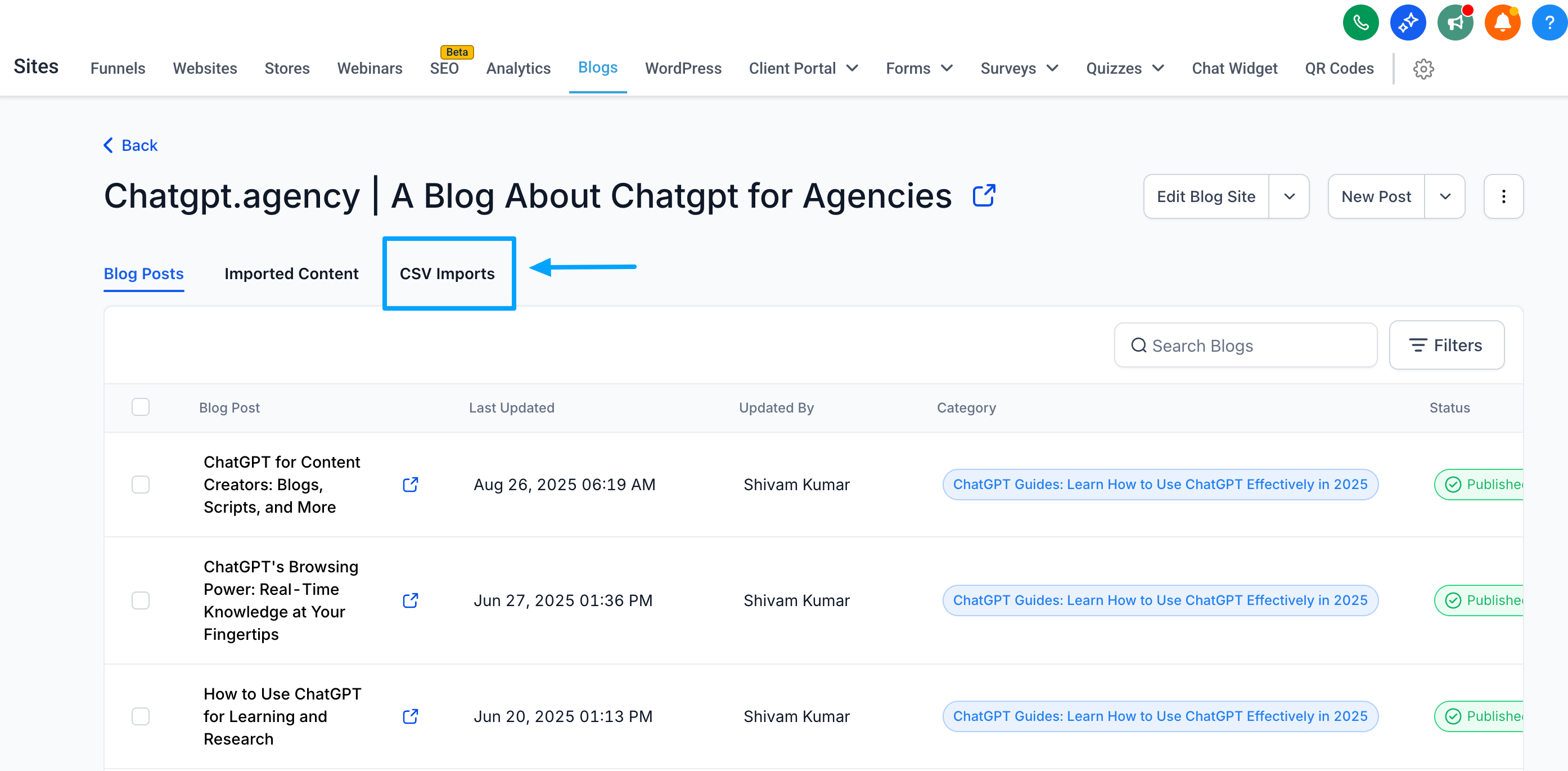
Go to Sites, then Blogs → Import via CSV.
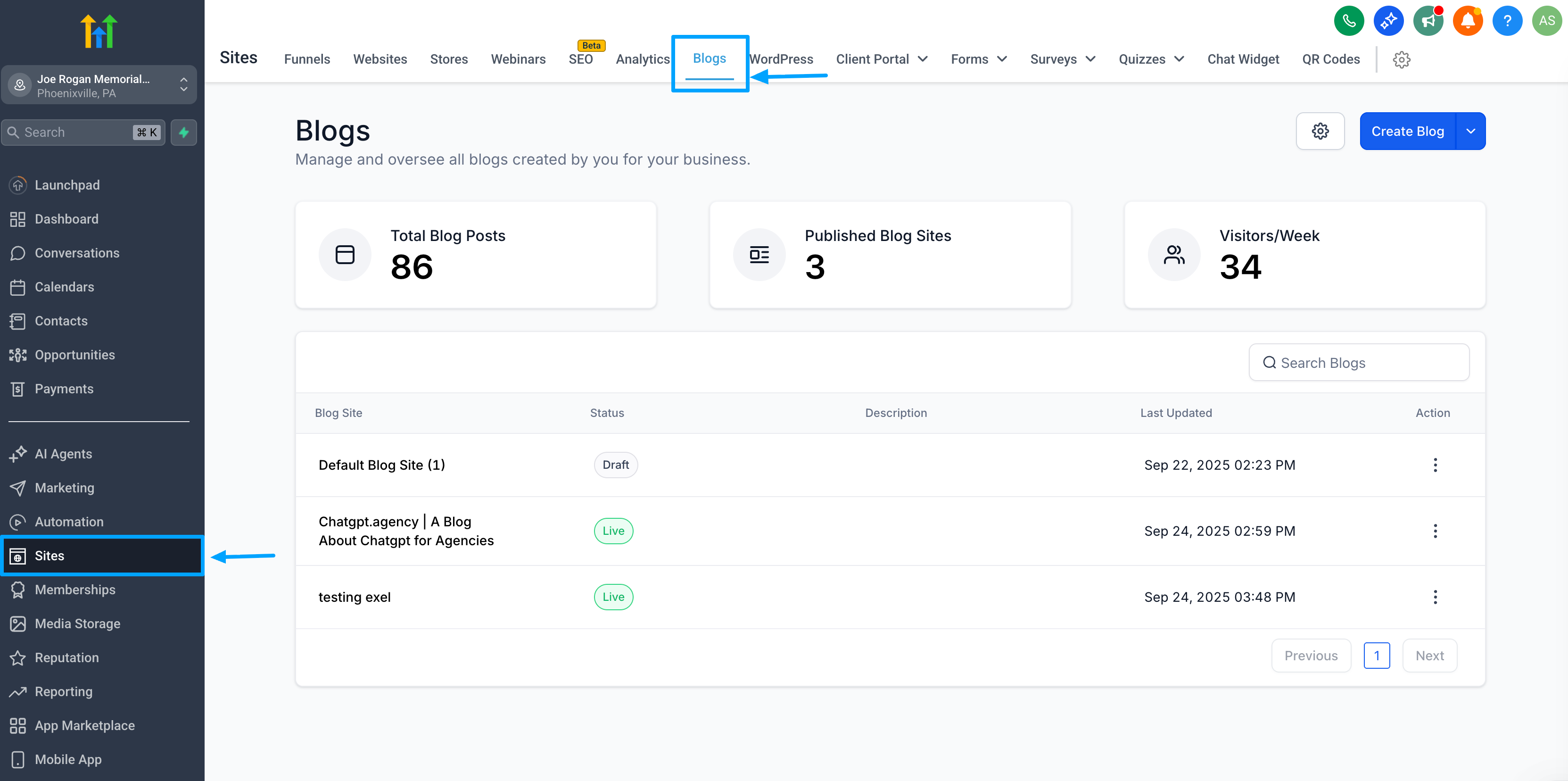
Click on the Blog Site, navigate to New Post, and select “Import Blog Posts from CSV.”
Step 2:
Download the sample CSV template and prepare your file.
Step 3:
Upload the file (drag-and-drop supported).
Step 4:
Review posts in Bulk Composer with inline previews.
Step 5:
Fix any errors if needed (authors/categories will be created automatically).


Step 6:
Confirm and import – posts will be saved as Published, Scheduled, or Draft.

📌 Why It Matters
- Migration Made Easy: Seamlessly move content from Blogger, Wix, or spreadsheets.
- Time Saver: Import multiple posts at once instead of manually copying and pasting.
- Onboarding Success: Agencies can onboard faster with fewer errors.
