
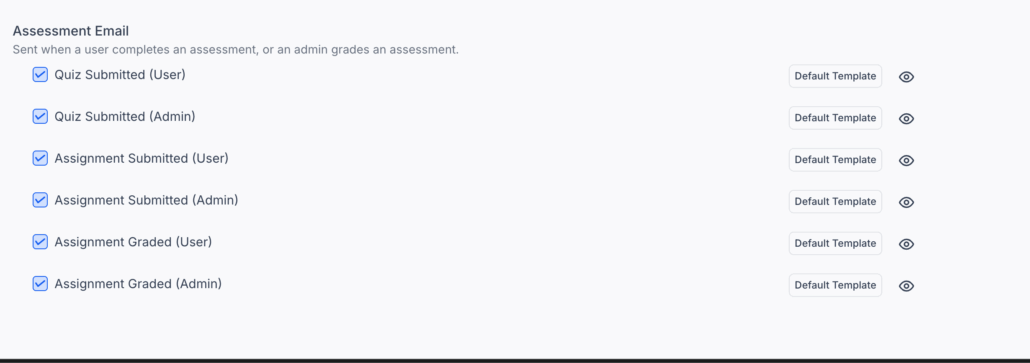
Course Assessment & Comment Emails
This release introduces six new Course Assessment Email notifications and a Course Comments Email for instructors, significantly improving communication between learners and instructors. These automated updates ensure timely visibility into quiz submissions, assignment progress, grading, and course interactions, boosting engagement and streamlining workflows.
New Automated Notifications
We’ve added six new automated email notifications to keep both learners and instructors informed throughout the learning journey.
Quiz Submitted (User): Sent to learners when they submit a quiz.
Quiz Submitted (Admin): Sent to instructors whenever a learner submits a quiz.
Assignment Submitted (User): Confirms successful assignment submission to the learner.
Assignment Submitted (Admin): Notifies instructors when a new assignment is submitted.
Assignment Graded (User): Informs learners once their assignment has been graded.
Assignment Graded (Admin): Sent to instructors after grading is completed.
Course Comments (Admin): Instructors are notified when learners post comments on courses.
All email types come with a default, customisable template, accessible via the 👁️ icon under
Settings → Email Settings → Courses.
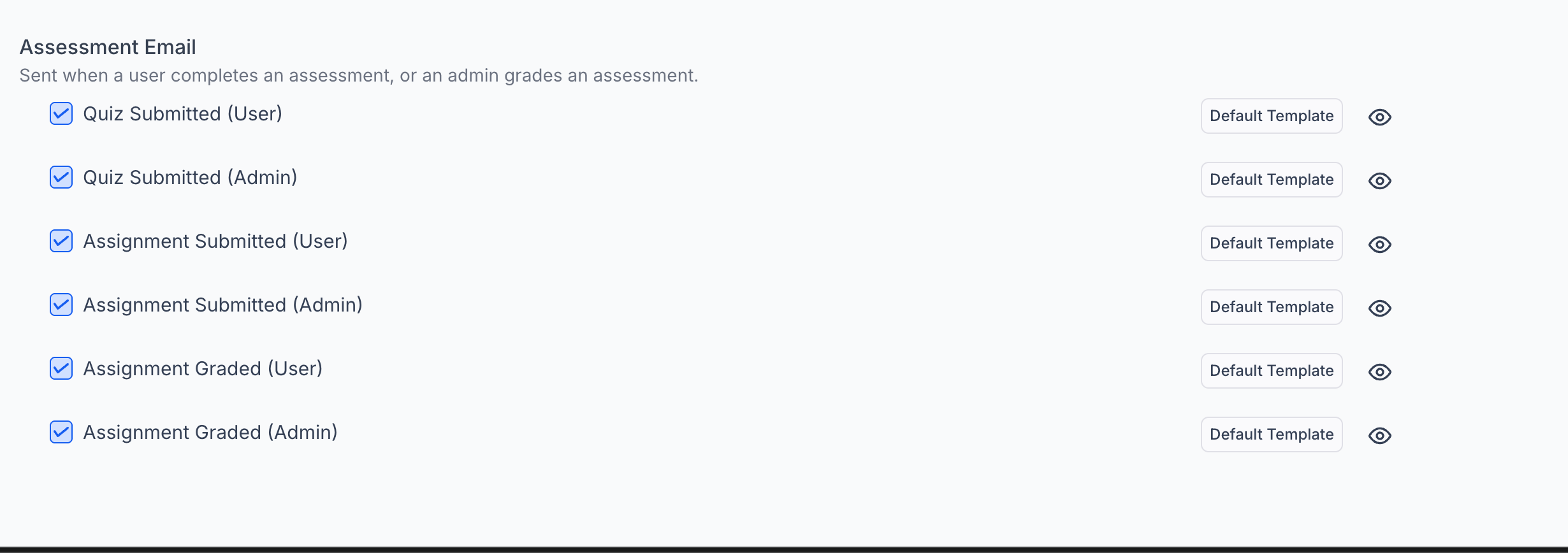

All seven notifications are disabled by default and can be easily enabled from Email Settings.
Agencies and creators can fully customise the email templates to match their branding and messaging.
Templates automatically populate key assessment details such as course name, assessment title, submission status, and grading information using new custom values.
Receive real-time updates on quiz and assignment activity.
Stay more engaged and informed throughout the course.
👩🏫 For Instructors & Admins
Gain clearer visibility into submissions, comments, and grading workflows.
Reduce back-and-forth communication and manual follow-ups.
Improve learner–instructor collaboration with automated notifications.
Enjoy a more efficient, hands-off communication experience.