✨ Conversational editing of content with Ask AI
Say Hello to a Smarter Approach
With
Ask AI
, you can now refine any text using natural language instructions.
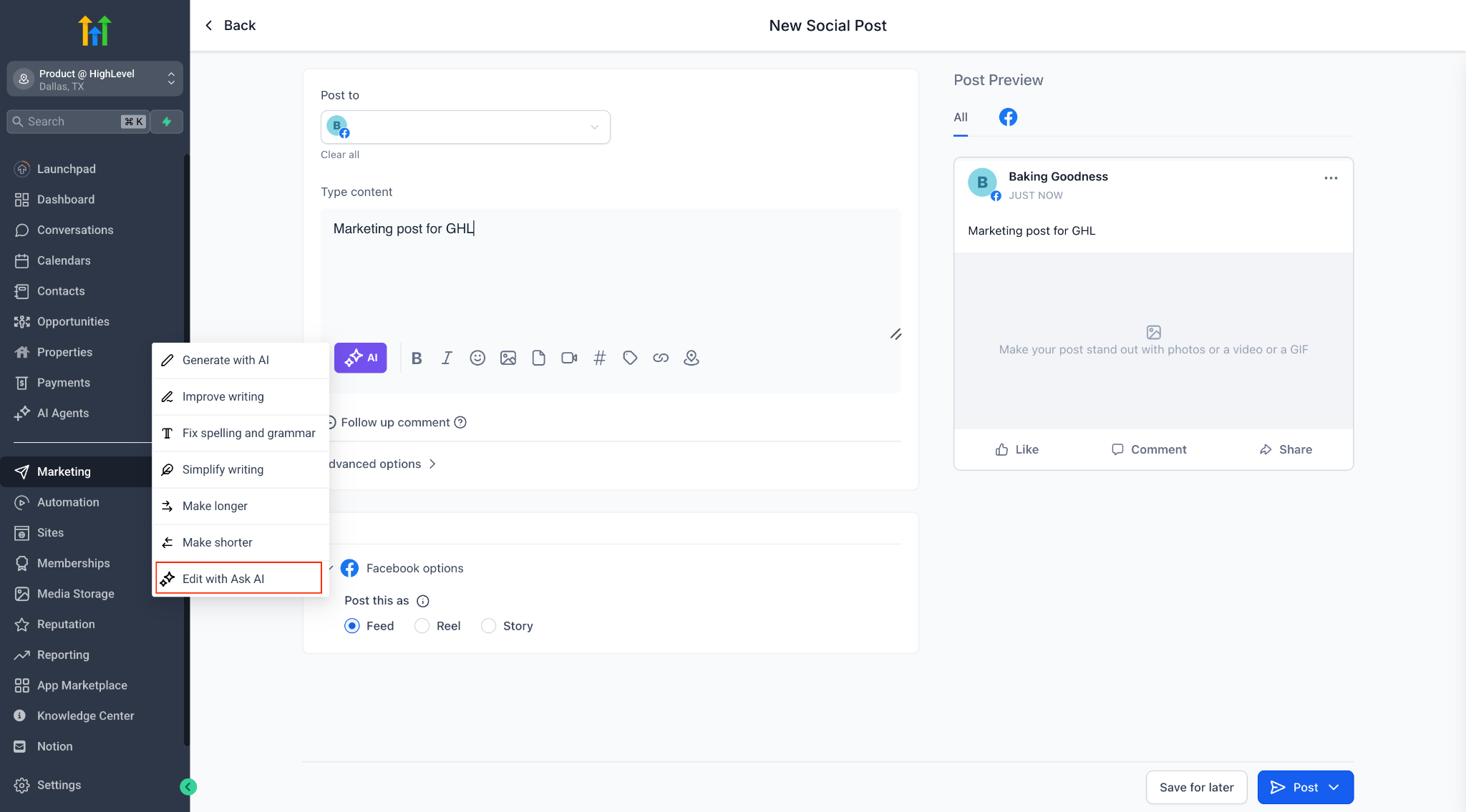
Introducing a New Quick Action: “Edit with Ask AI”
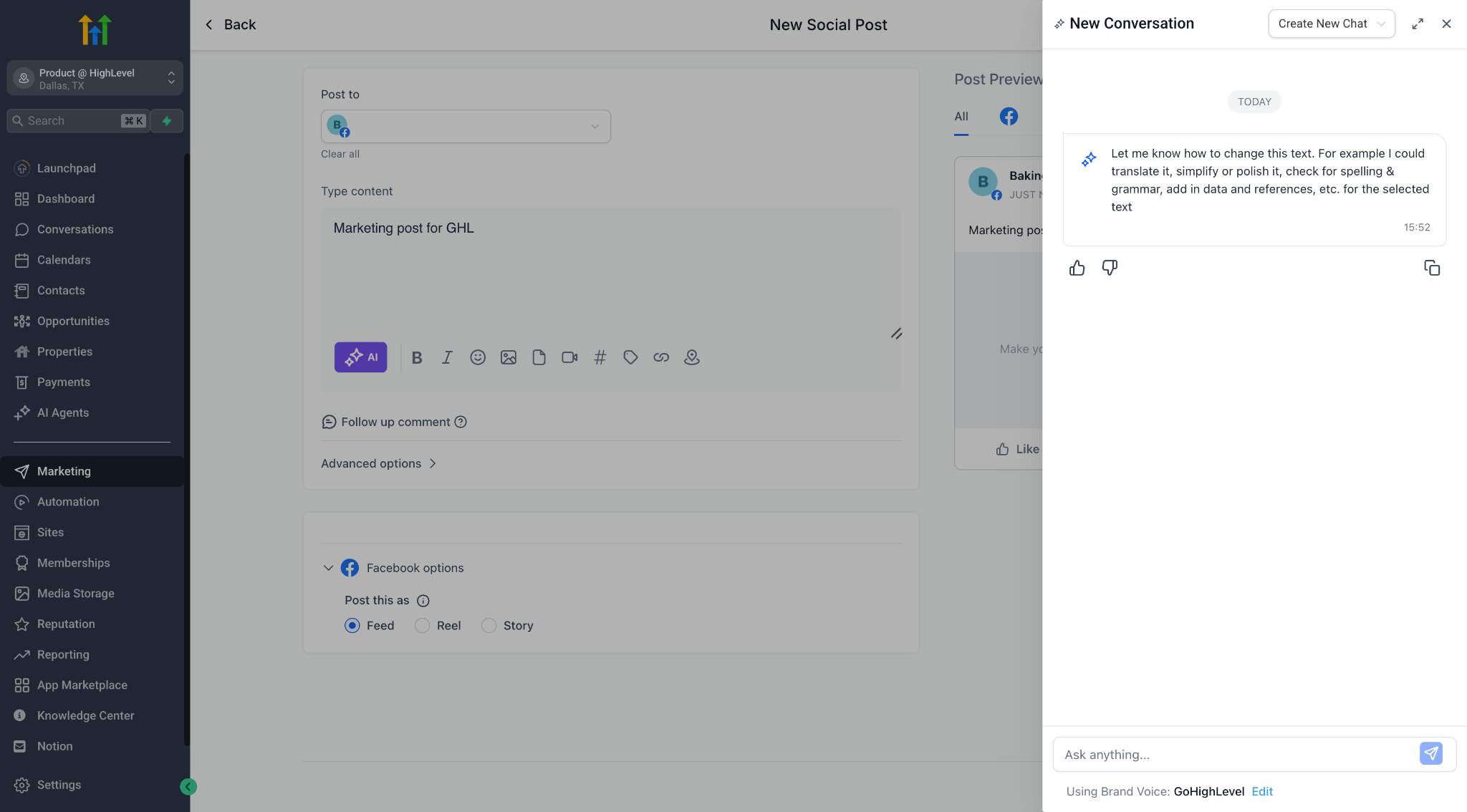
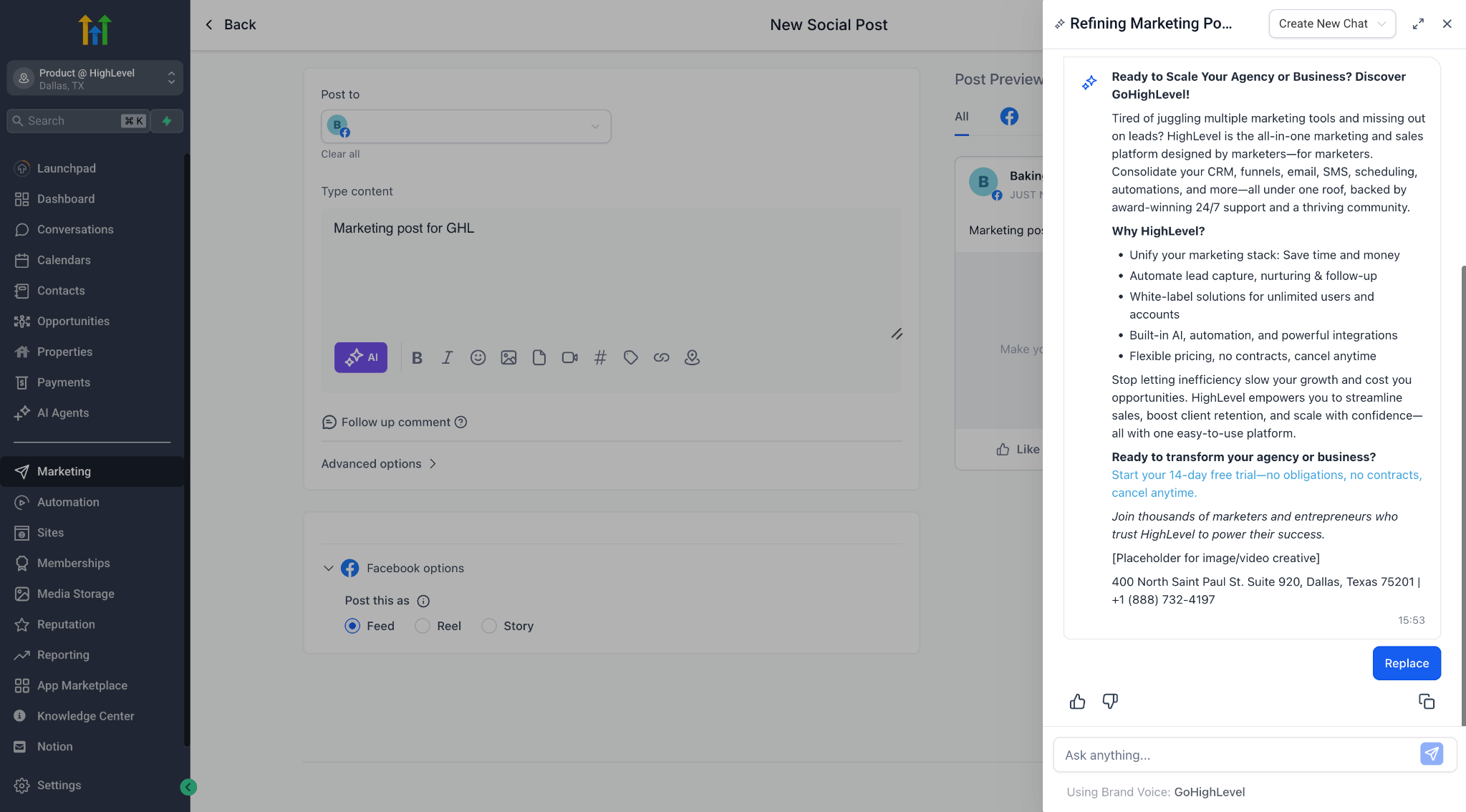
- Edit content in a freeform, chat-style flow
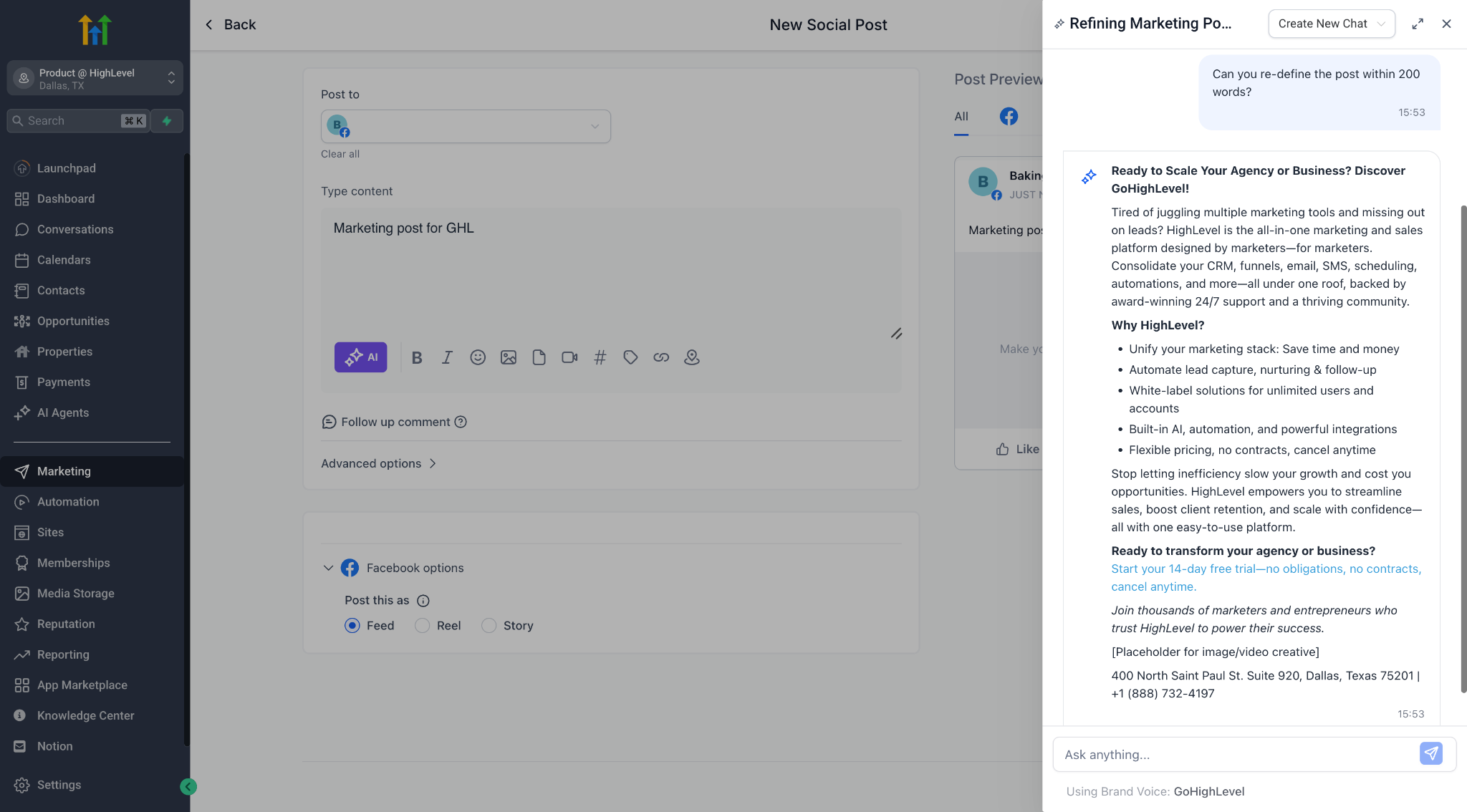
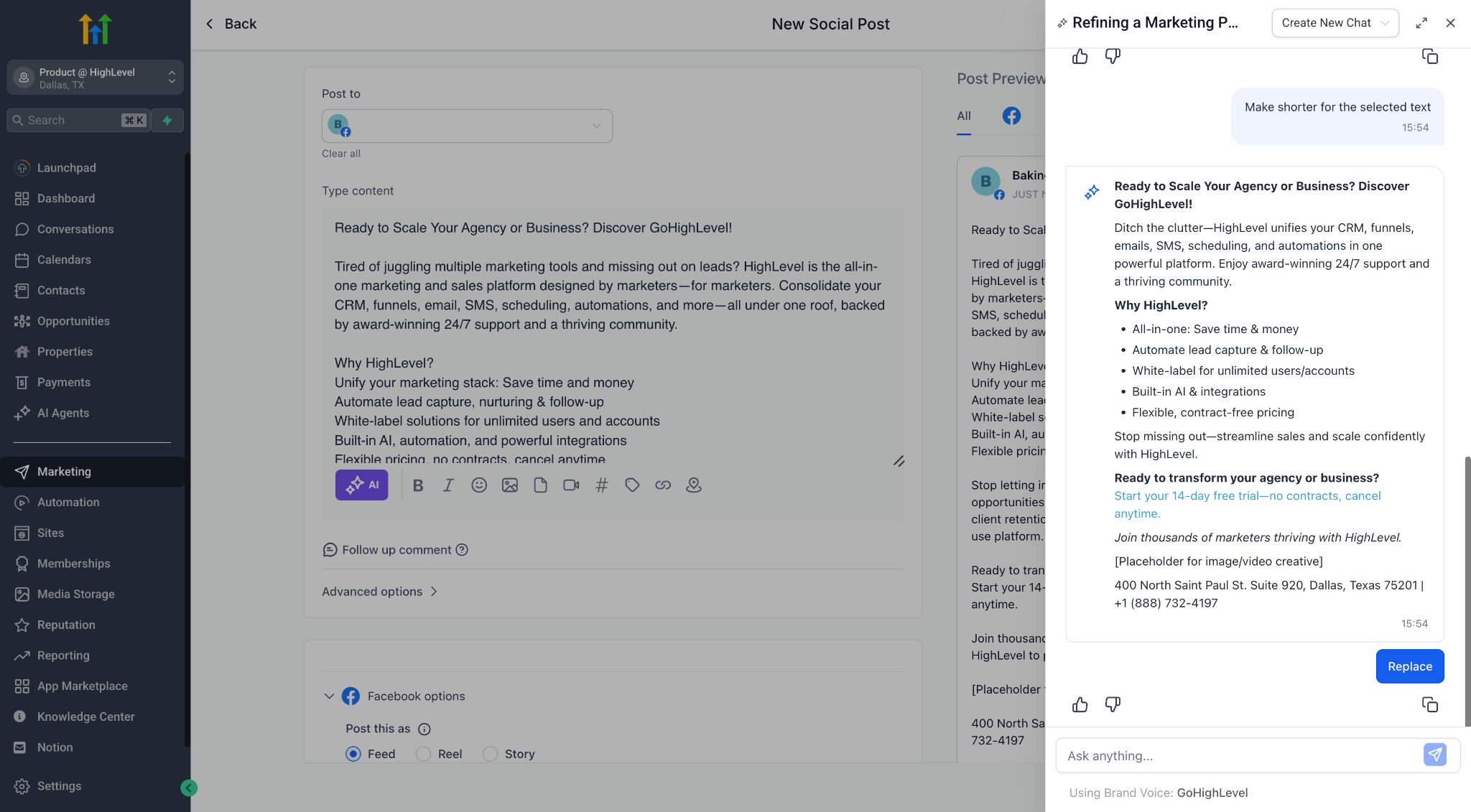
- Ask AI to rewrite, simplify, polish, shorten, expand, and more
- Preview each edit, iterate with follow-ups, and only apply changes when you’re satisfied
- Maintain your original brand voice and context throughout the session
💡 Where You’ll See It
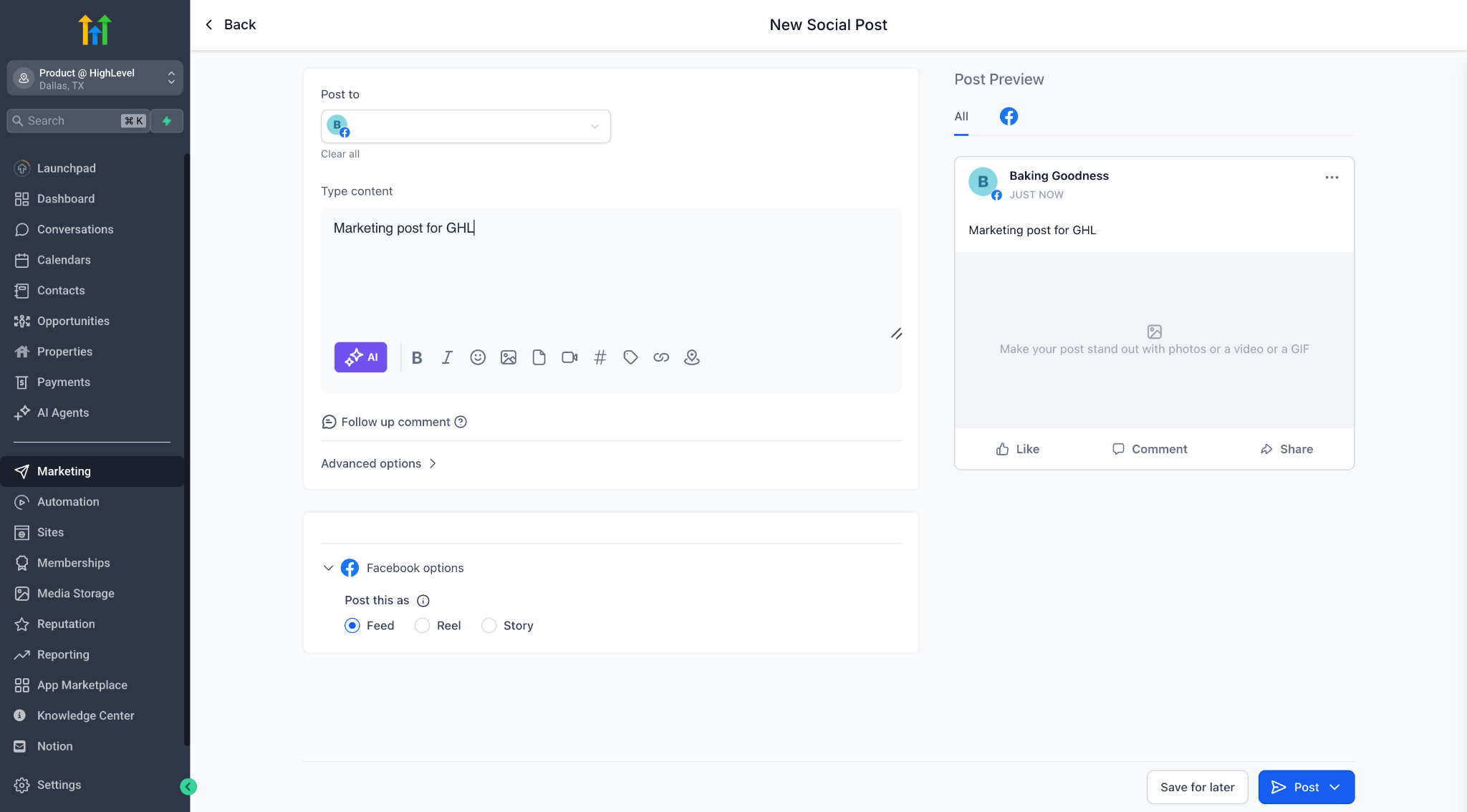
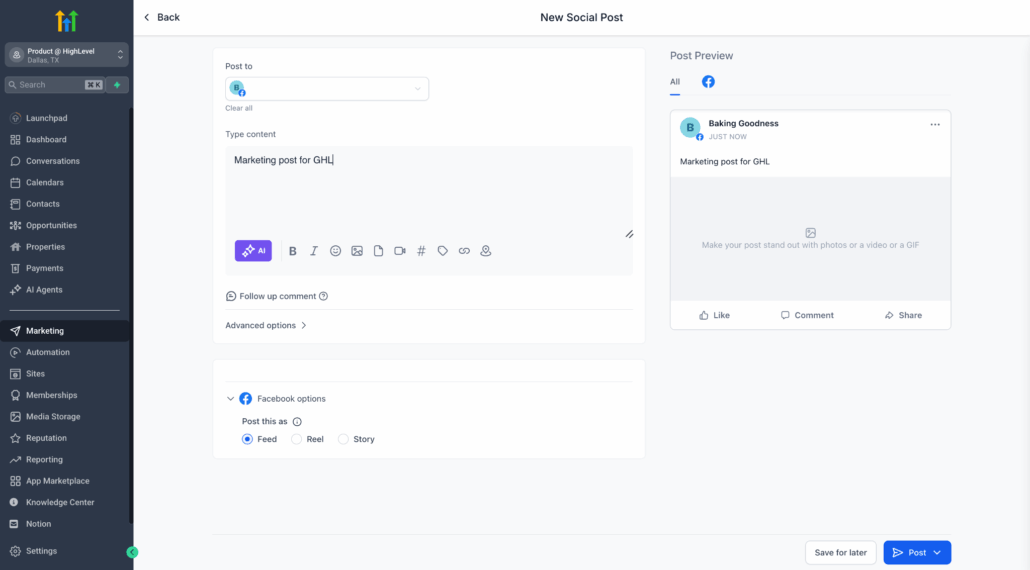
In all Content AI-enabled product areas (such as Social Planner), if you have AI Employee enabled, you’ll now find “Edit with Ask AI” under the AI ✨ button.
- Highlight any AI-generated content block
- Click “Edit with Ask AI” or select any quick action from the dropdown
- Start chatting with AI about how you’d like to make changes
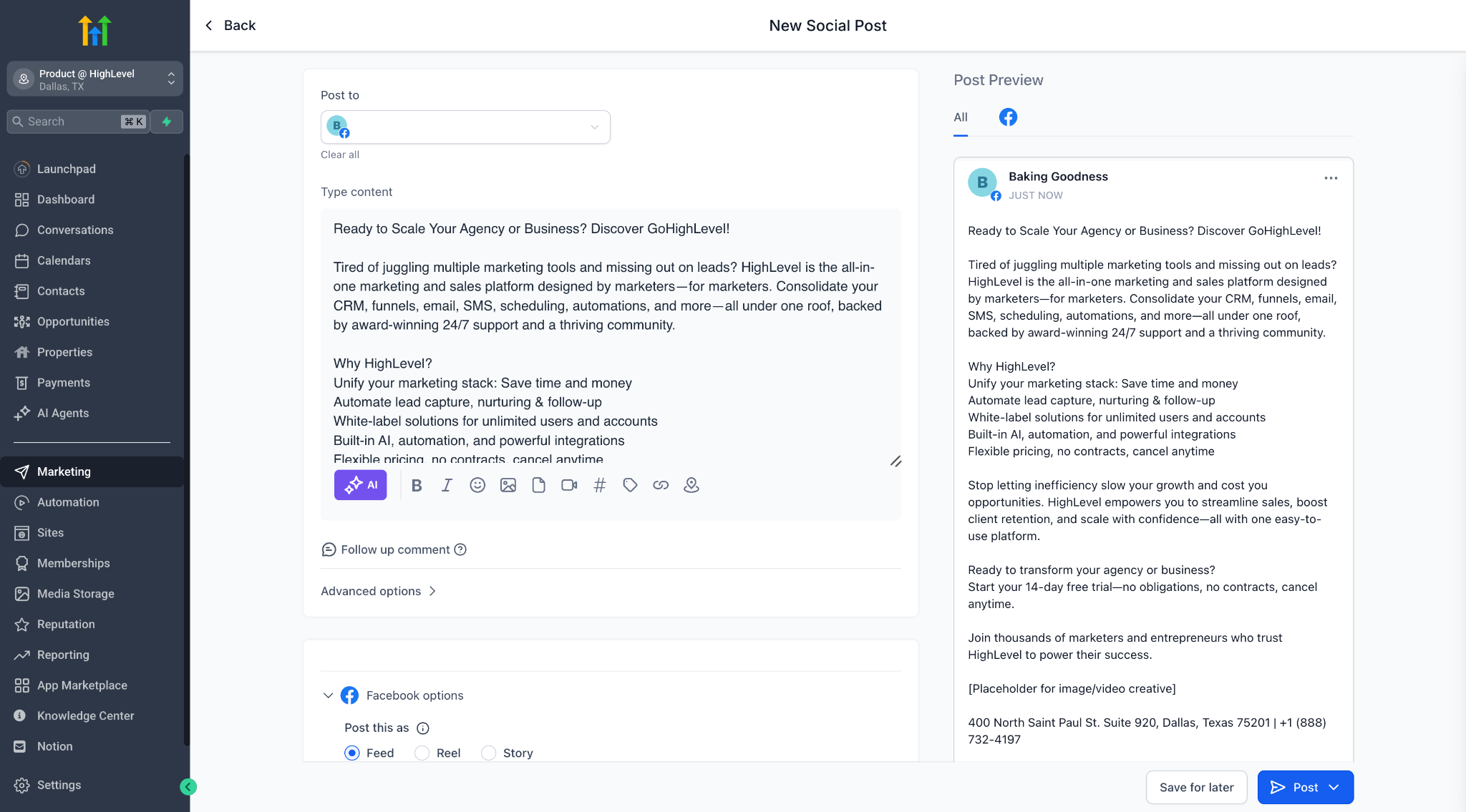
- Use Replace to update the original, or simply Copy if you wish to paste it elsewhere
- Your session remains intact, even if you close the editor or navigate away!
🧠 Smart Session Memory
Every editing session is saved with full context, allowing you to return and pick up right where you left off. Ask AI remembers which post you’re editing and continues the conversation.
- No extra credits consumed — edits using Ask AI are not billed
- Now live in Social Planner, with more features coming soon to Blogs, Emails, and more
Give it a try and share your feedback!